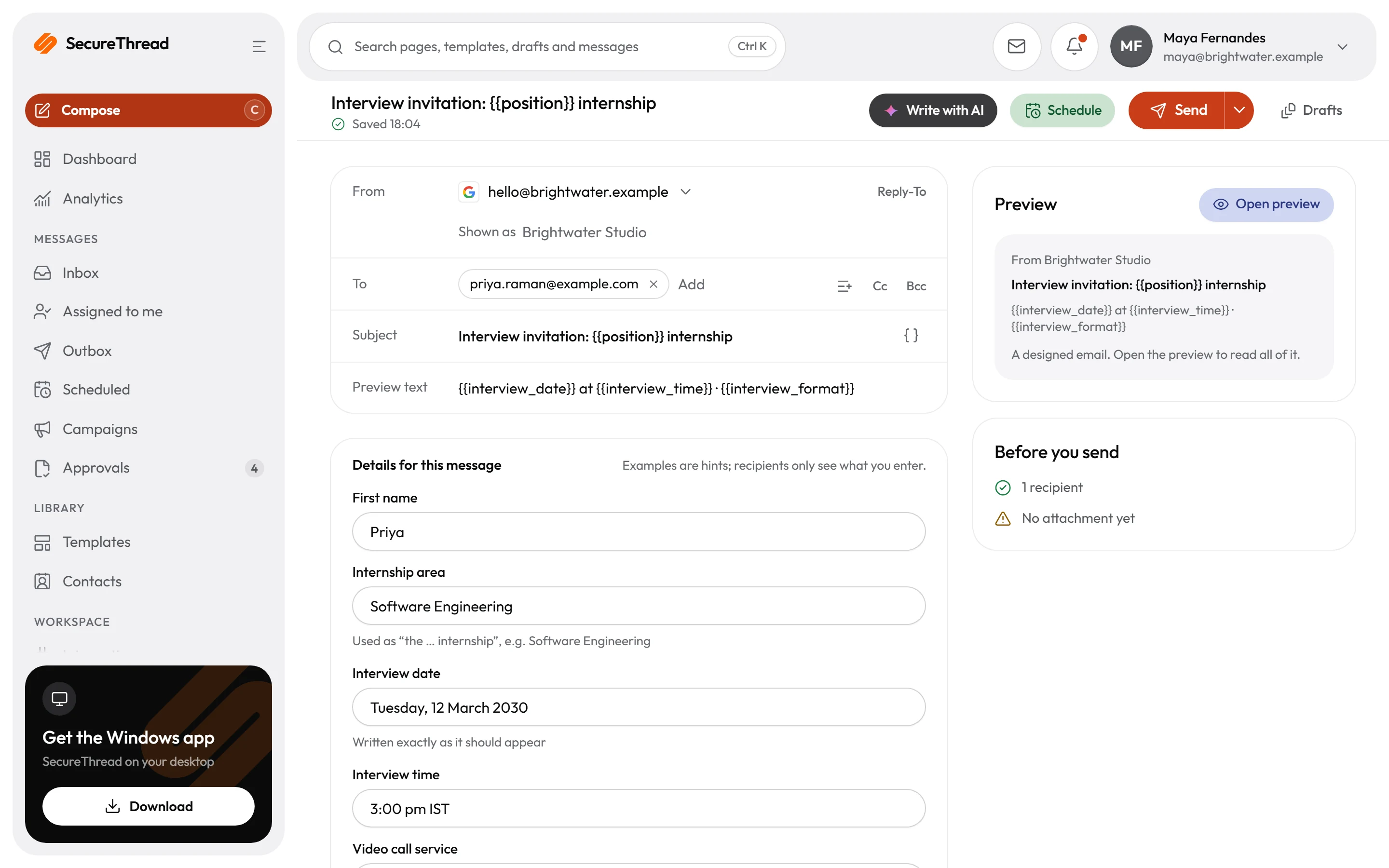
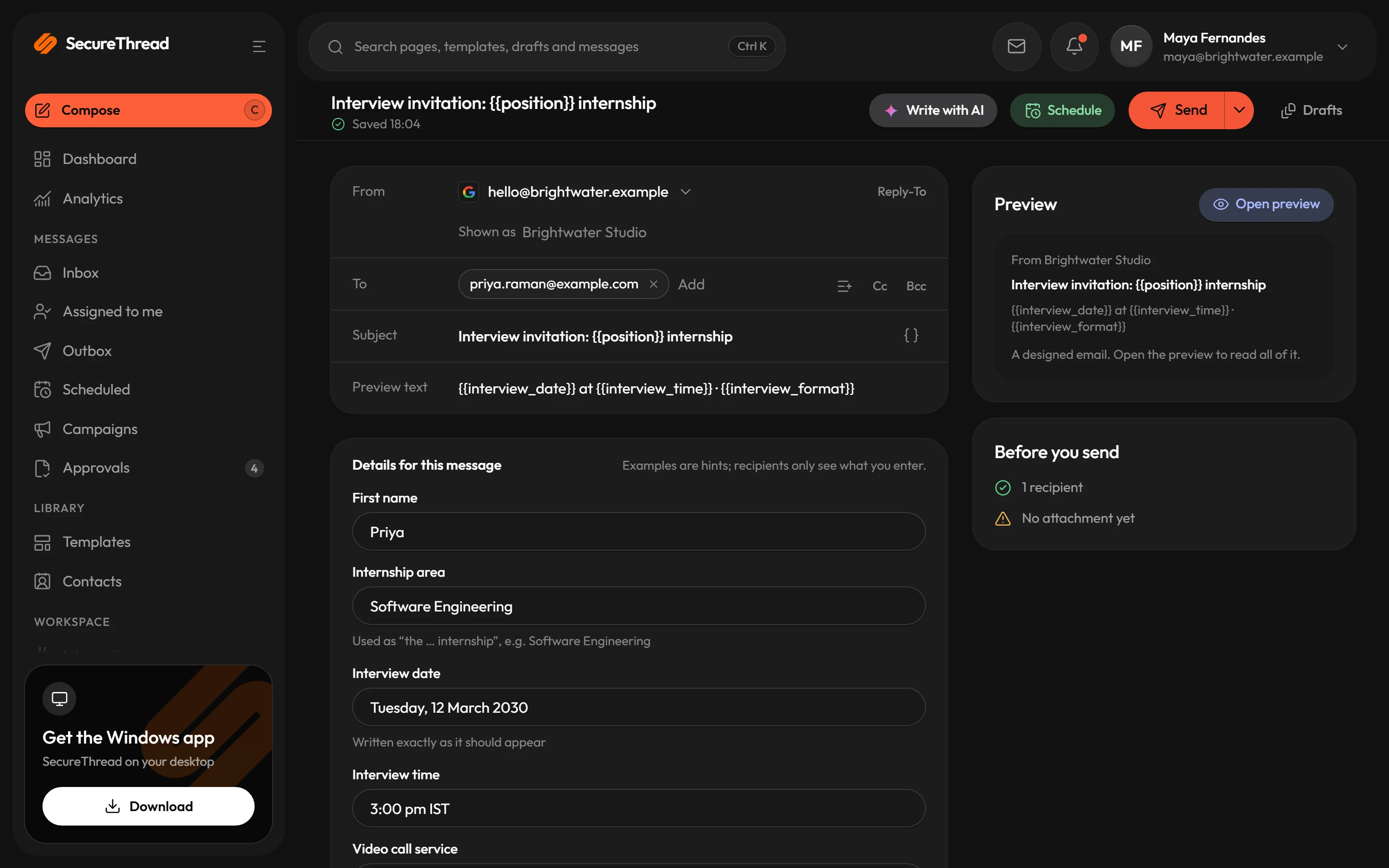
Composer
Drafting assistant
A chat beside your email that writes new drafts and changes the one you have, as suggestions you apply or ignore.
- New draft: describe the email and it writes it with a subject and preview line. Starter ideas: Meeting invitation, Follow-up, Thank you, Announcement, Request, Apology.
- Tone for a new draft: Natural, Friendly, Formal, Concise, Confident or Apologetic.
- With no layout chosen it writes into your organization’s standard card design, or into a template’s layout if you picked one.
- Details it was not given become [placeholders] and come back to you as questions.
- Edit: type any change in your own words, and keep chatting; it remembers up to 20 earlier turns.
- Suggestion and Current side by side, previewed in a sandboxed frame; Apply to draft puts it in.
- On a phone, a new empty email offers “Let SecureThread AI draft this email”.
- Where it is
- Composer › Write with AI, in a sheet titled SecureThread AI. Controls: New chat, Stop.
- Who can use it
- People whose role includes AI drafting, once an administrator has switched AI drafting on and chosen a model.
- Sent to the model provider
- Your instruction, the current subject, the email’s text (for designed emails, only its numbered text blocks) and the earlier turns of the chat, never the rest of the email around them. Secrets and, while redaction is on, contact details are replaced first.
- What SecureThread keeps
- A usage record (sizes, tokens, outcome). The conversation only if Keep conversations is on.
- Limits
- 30 asks per person every 5 minutes; an instruction of up to 4,000 characters; an email of up to 100 KB.
- Who stays in control
- Nothing reaches the draft until you apply it, and nothing is sent. Emails written with its help are marked as AI-assisted.