Finance & billing
Billing email on a timetable, with a second check
Send invoices, payment reminders and statements from a connected mailbox, add an approval step where a second person should check first, and keep an append-only audit log.
The problem
Where email gets in the way
Payment reminders go out late, or not at all, because someone has to remember to send them.
A recurring schedule sends on a daily, weekly or monthly timetable in the time zone you choose. Each run creates one ordinary message. A run more than 24 hours late is recorded as skipped rather than sent late without notice.
A payment or purchase message can go out before someone with authority has checked the wording and the recipients.
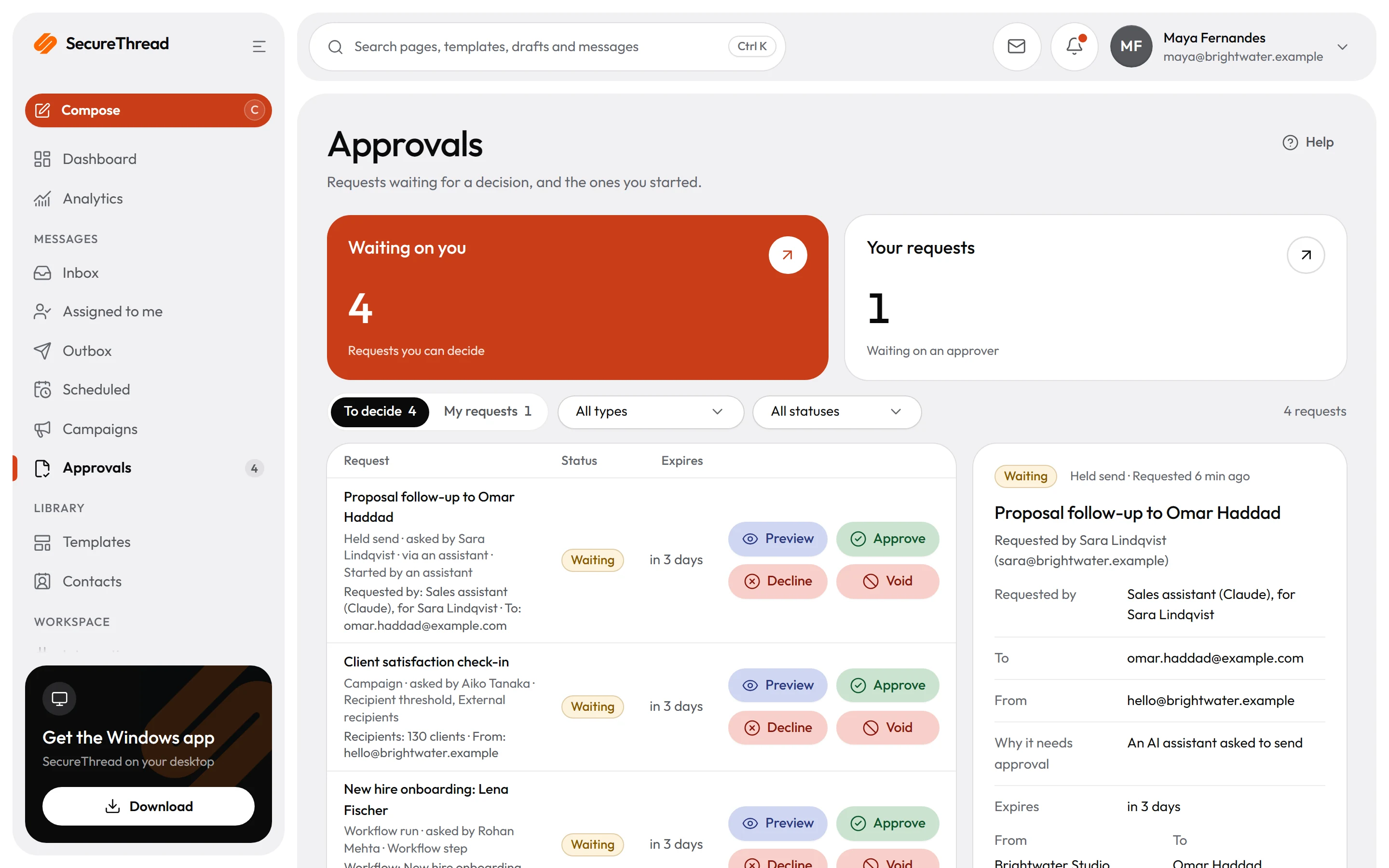
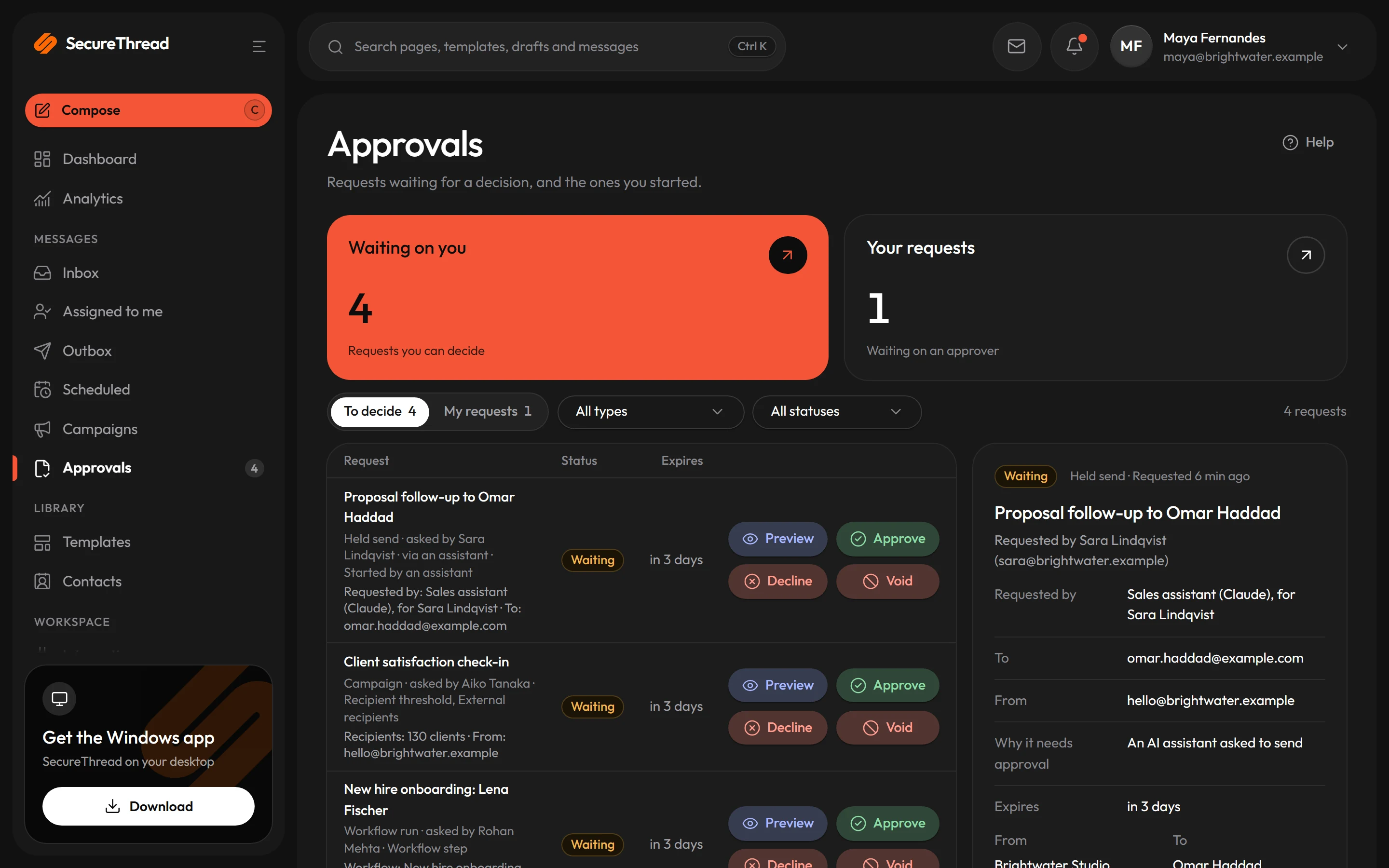
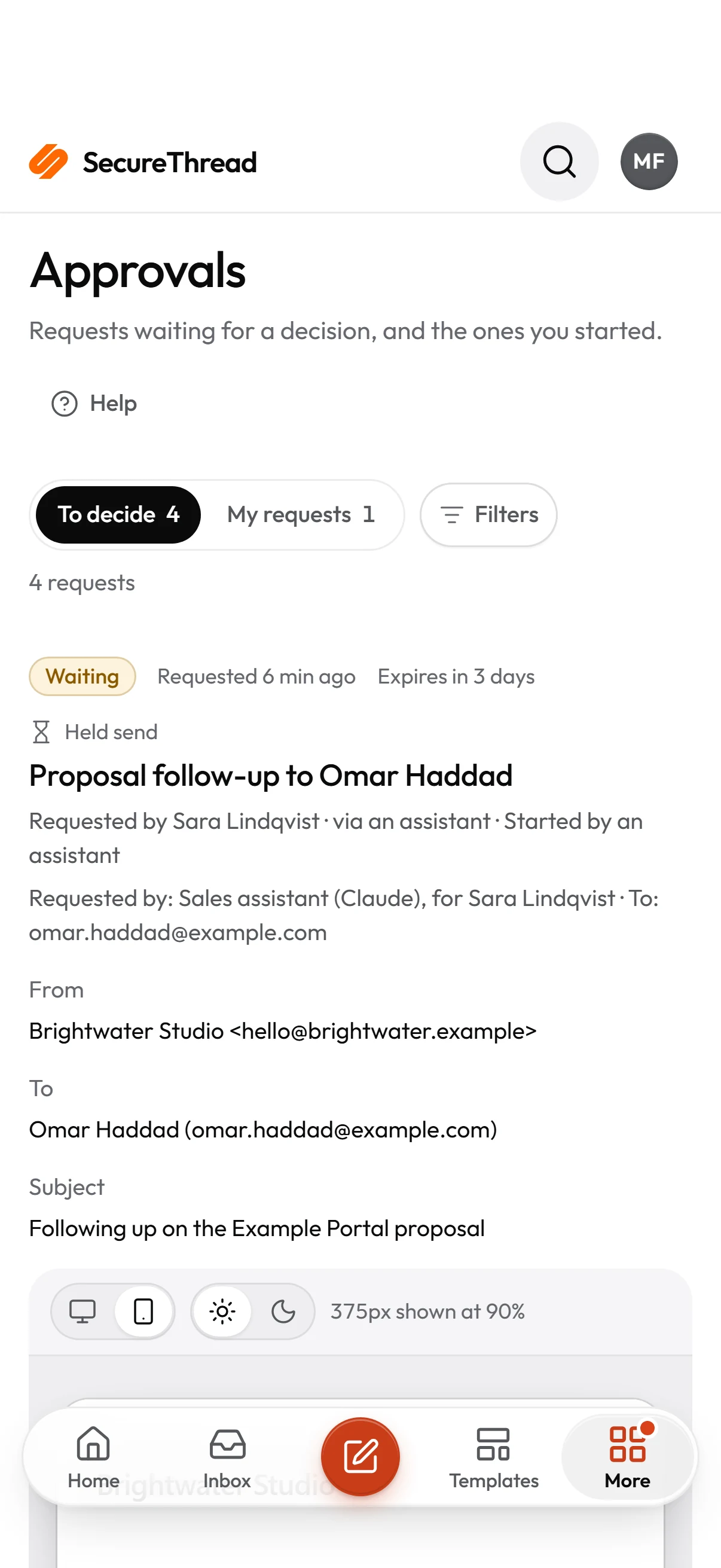
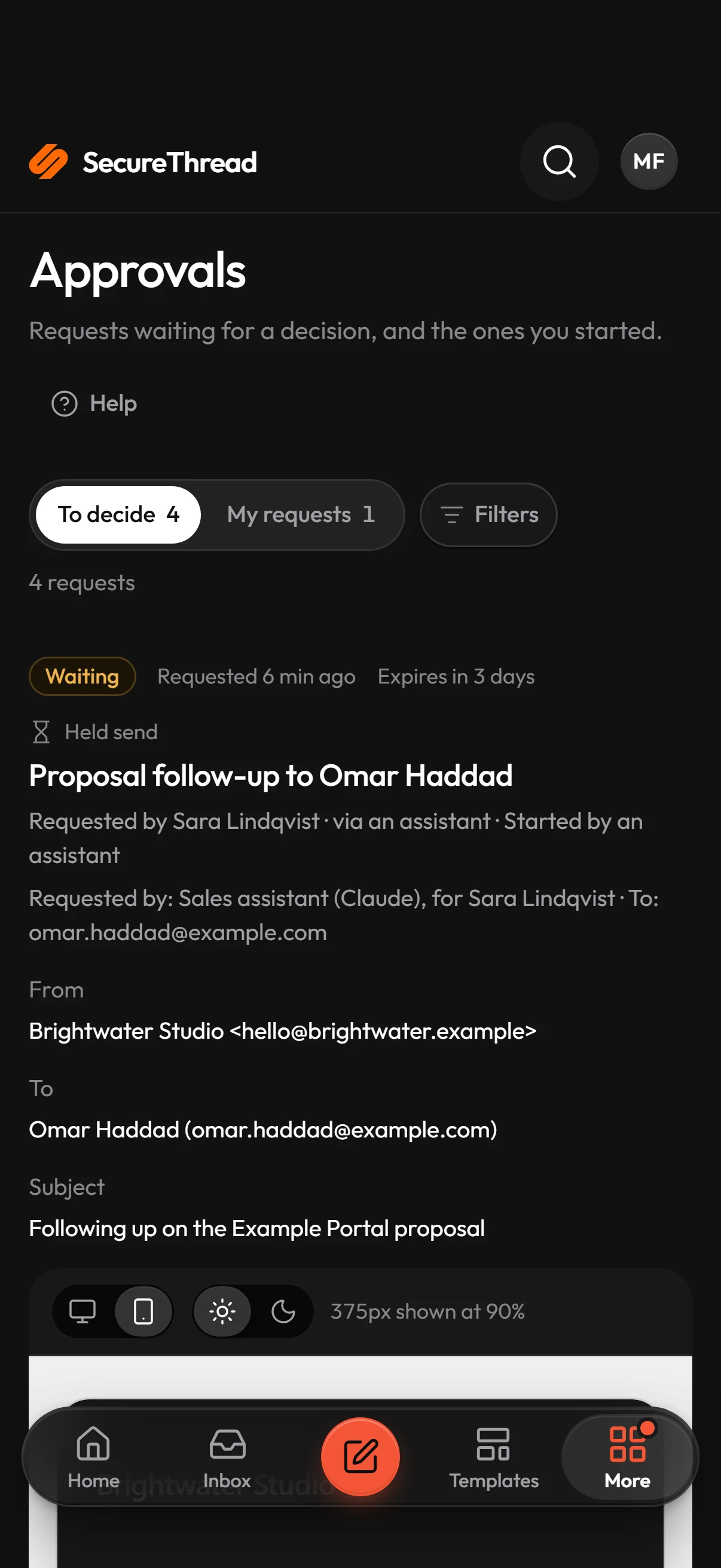
A workflow can include an approval step that holds the run until a person decides. Schedules and campaigns above the recipient threshold, or sent to external recipients when that rule is on, wait for an approver before they run.
Personal data or a secret can end up in an outgoing message by mistake.
Outbound guardrails check each outgoing message for personal data and secrets before it is sent, and can require approval before a flagged message goes out.
Templates
Start from these
Real starter templates from the library, ready to fill in and send.
Browse all templatesInvoice issued
Sends a new invoice with the amount and due date; terms stay on the invoice itself.
Payment reminder
A courteous reminder before an invoice falls due.
Overdue payment notice
A clear, polite notice that an invoice is past due, with an open door to talk.
Payment failed
Tells a billing contact calmly that a payment did not go through, and asks for no card details.
Purchase requisition approval request
Asks a budget holder to approve a purchase requisition: what is being bought, from whom, the amount and the date to decide by.
Request for quotation
Asks a supplier to quote for a defined purchase: what’s needed, by when, where it goes and how to send the quote.
Monthly investor update
A monthly letter to investors: the headline, three key figures, highlights, what was hard, what comes next and where they could help.
Quarterly investor report
Sends the quarterly report to investors: three headline figures, the highlights, next quarter’s priorities and the full report.
How it works
A day with SecureThread
- 1
Start from a starter
Pick a starter such as Invoice issued or Payment reminder under Compose › Start from a template. Fill in the variables, such as the invoice number and due date, and send a test to yourself first.
- 2
Check the preview
See the message at desktop and phone widths in a sandboxed preview. User-authored HTML is sanitized on the server.
- 3
Add the approval
Put an approval step in a workflow, or let a schedule or campaign wait for an approver when it reaches many recipients or external ones. The run waits until the approver decides.
- 4
Schedule the run and keep the record
Set a one-time time or a recurring timetable in the right time zone. Each run creates one message, and the audit log records every change to the schedule.
FAQ
Questions, answered
Can a recurring reminder go out without a person checking it?
Only if it does not meet an approval gate. A schedule waits for an approver when it goes to more recipients than the approval threshold, or to external recipients while that rule is on. A schedule an AI assistant creates always waits for a person. Each run is checked again when it fires, and the content policy applies as it does in the composer.
Will SecureThread confirm that a customer got a reminder?
Not on its own. SecureThread shows when a provider has accepted a message. Accepted by provider is the best outcome it can know, and it does not prove that the customer has the email. Gmail, Microsoft 365 and plain SMTP providers report nothing after that, and SecureThread says so. Some HTTP sending providers, including Amazon SES, SendGrid, Mailgun, Postmark and Resend, report later events through verified webhooks.
Do starter templates wait for a reviewer before we can use them?
No. Every starter is published and available straight away. Sensitive starters, such as legal and regulatory notices, carry a “Sensitive: check before sending” badge that advises a careful check. The badge is advice and does not hold the message. Templates that colleagues write and share still go through the review queue.
Is the audit log editable?
No. The audit log is append-only, so entries are added as things happen and are not edited in the product. Every schedule state change is written to it, and each schedule run keeps a link to the message it created.
Does it work with our live mailboxes?
Yes. SecureThread sends through live Google Workspace and Microsoft 365 mailboxes and through SMTP servers, and every one is tested end to end. When you connect a new mailbox, a test message to your own inbox shows your signature and branding exactly as recipients will see them.
Send your first approved email today
Connect a mailbox, pick a template and send with the checks and approvals your organization needs. No new email address, no new habits.