Campaigns & scheduling
Campaigns you can check before they go
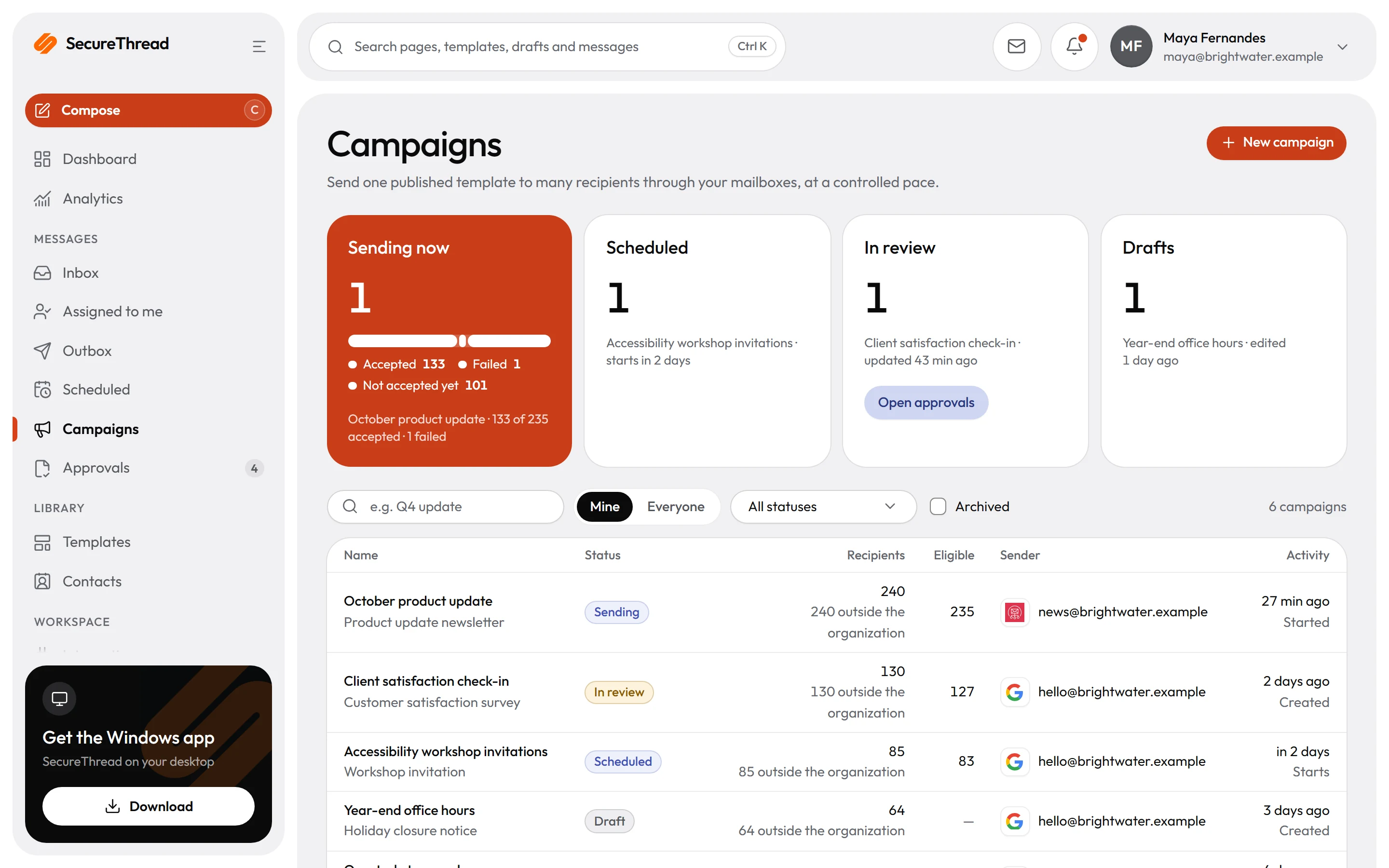
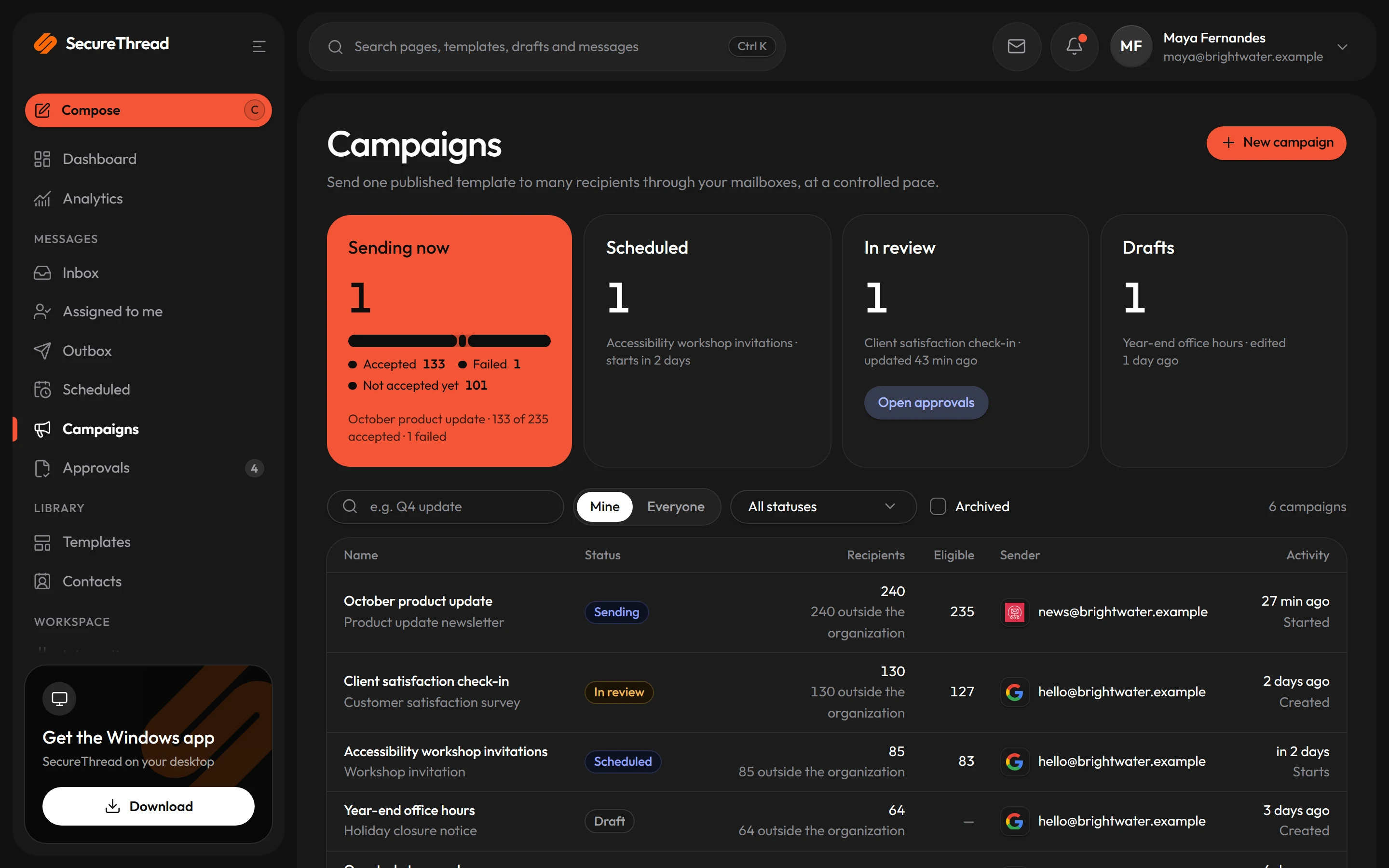
Import a recipient list, preview each personal message, confirm the exact count and release the campaign at a set pace. Or schedule one send, or a repeating timetable, in any time zone.
Import and personalize
Import recipients from a CSV file with an email column. Name and template variable columns fill in each person’s message, so every recipient gets their own version.
Every recipient checked first
Preparing a campaign sorts each recipient as eligible or skipped. Suppressed addresses, duplicates, outside recipients without permission and missing template values are reported before anything is sent.
Confirm the exact count
Launch needs you to confirm the number of eligible recipients. If that number does not match the prepared count, the launch is refused.
Approval thresholds
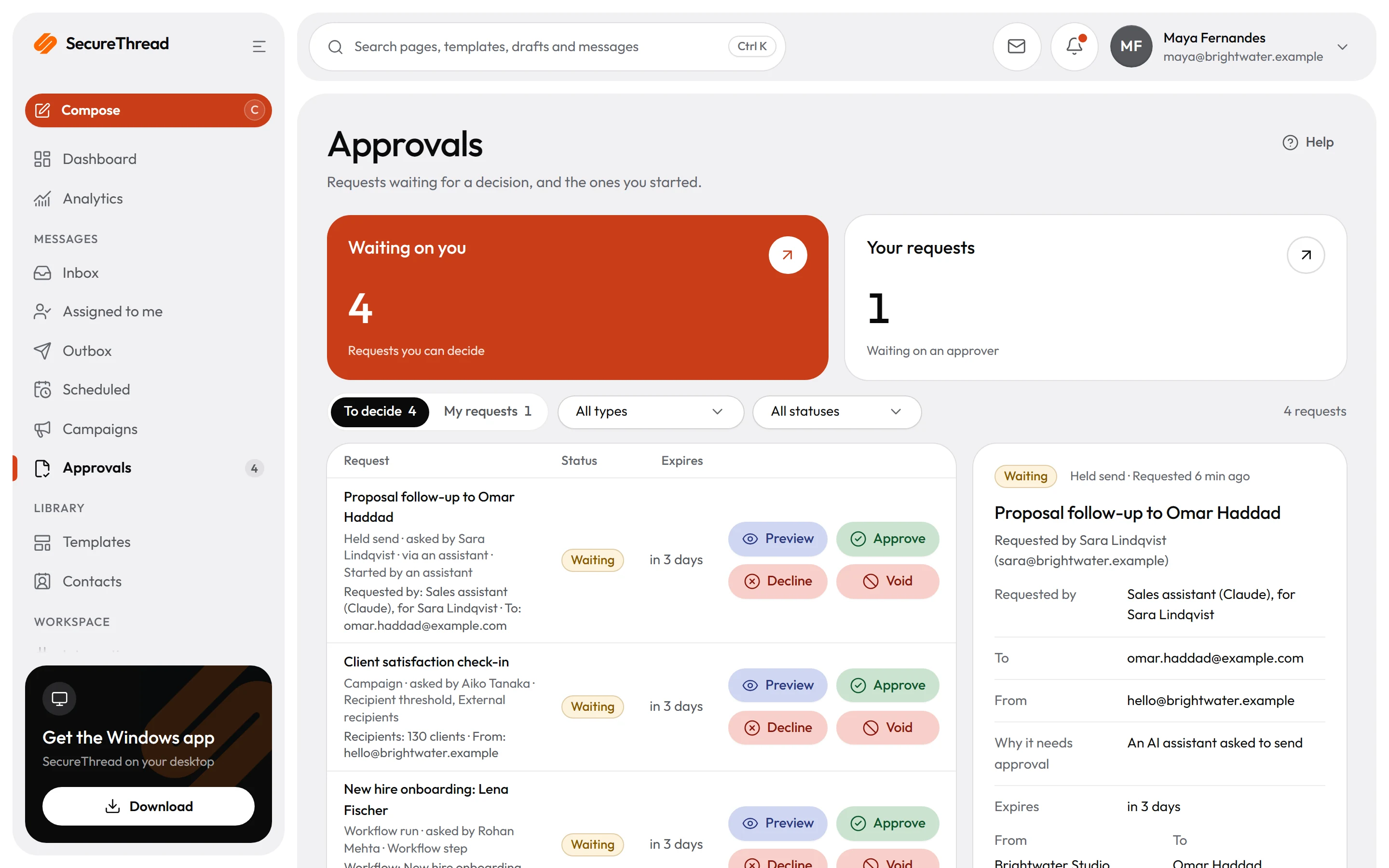
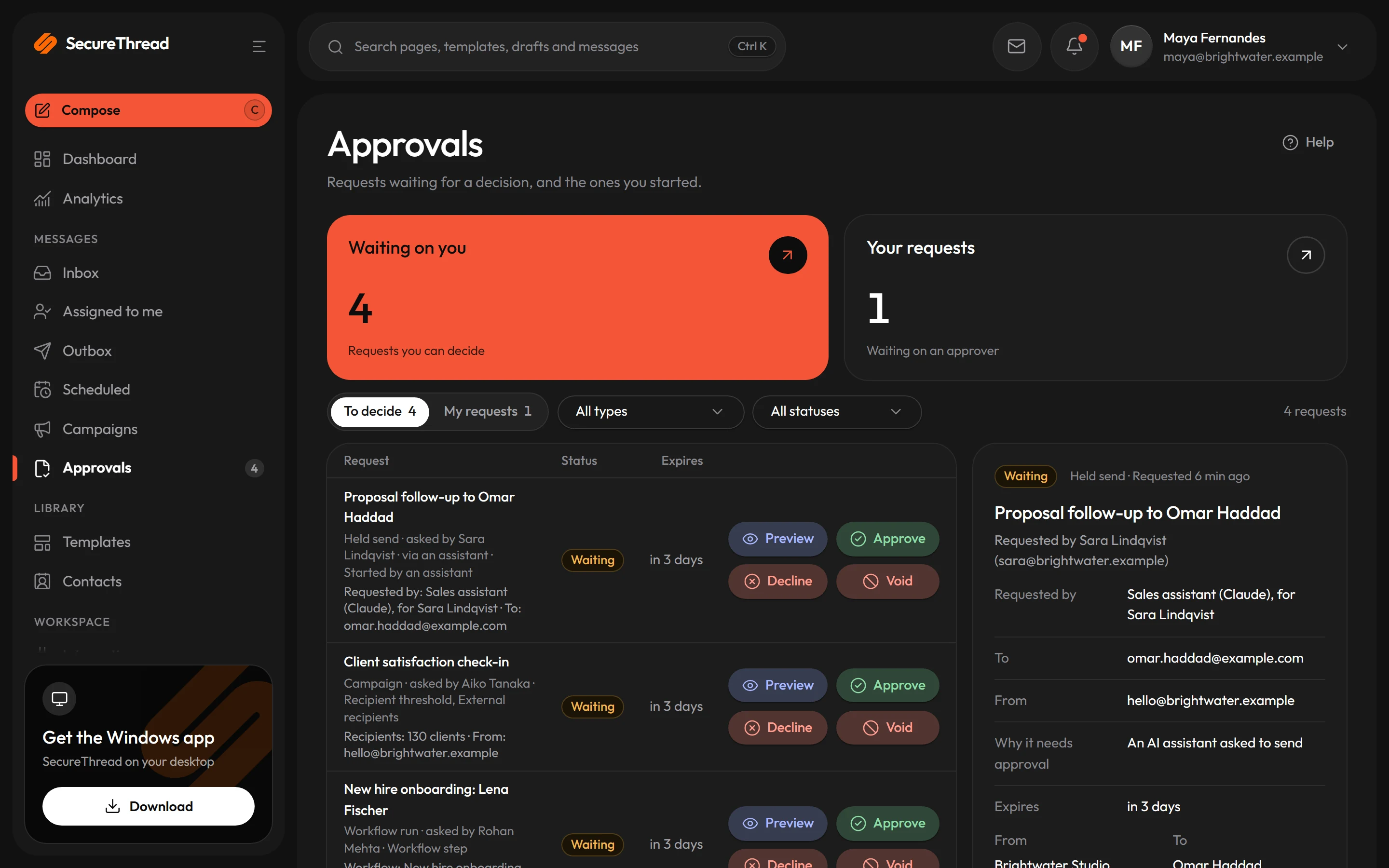
Large audiences and outside recipients can require a person with approval rights to approve the campaign first. Nobody can approve their own campaign, and the approved version is the one that goes out.
Paced release
Recipients are released in rate-limited batches, at the per-minute rate set on the campaign. A failed check pauses the campaign with a plain reason, and no limit is bypassed.
Per-recipient results
Results count recipients and messages by status, with each recipient’s latest provider-reported state. Export them as CSV for a spreadsheet.
Campaigns
One personal message for every recipient
Each campaign sends one message per recipient, built from the published version of its template. Any change to the campaign goes back through preparation, so the audience is checked against what is about to be sent.
- The campaign pins the template version that was published when it was prepared
- Each message fills its subject and variables from campaign defaults and that recipient’s own row
- A repeated release of the same recipient replays the first message rather than sending twice
- Bulk emails to people outside your organization include one-click unsubscribe, and suppressed addresses are skipped
Approvals and pacing
Large or external sends wait for a person
A campaign waits for approval when its audience is above your organization’s threshold, or when it includes outside recipients and your organization requires approval for them. Release then runs at the campaign’s rate, and a failed check pauses it.
- Any edit cancels a pending approval request, so people approve the exact version that will be sent
- A rejected or expired approval returns the campaign to draft
- A person who can approve sends their own campaigns straight to ready, and the audit record shows which gates were waived
- Ownership changes pause the campaign until the new owner reviews it and resumes it
- Campaign history lists each recorded action with the person who took it, without IP addresses or browser details
Scheduling
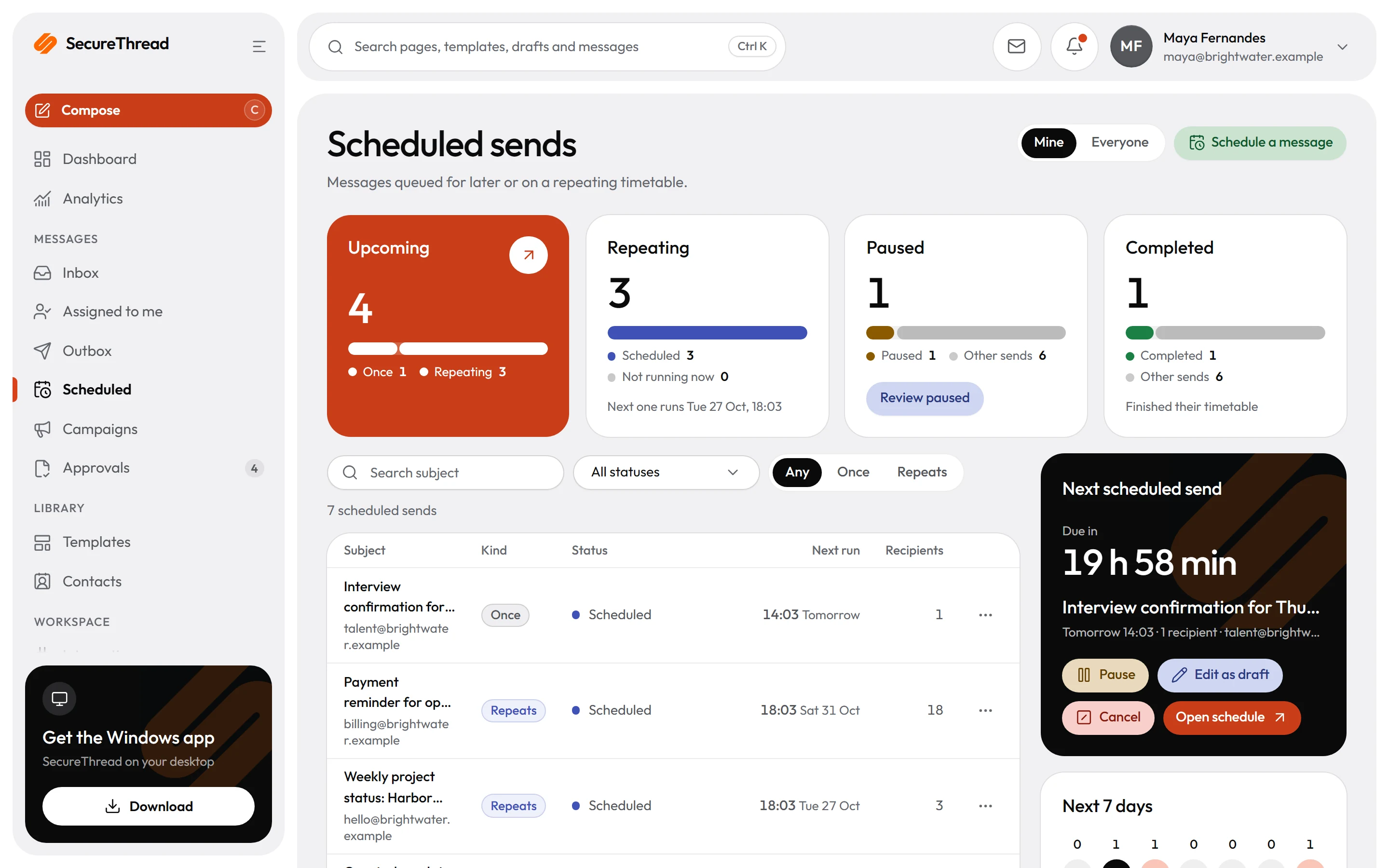
Send later, or on a repeating timetable
Schedule one send for a future time, or a timetable that repeats daily, every few weeks on chosen weekdays, or monthly on a chosen day. Each time is kept in the schedule’s own time zone, so a 09:00 send stays at 09:00 across daylight saving changes.
- Preview the next occurrences of a timetable before you save it
- Each occurrence creates one ordinary message through the composer’s submission path
- An edit made from an out-of-date copy is refused, so newer changes are never overwritten
- Each run keeps the message it created, so the run history links straight to the outbox
- Schedules that go to a large or external audience wait for approval, under the same rules as campaigns
What’s included
Every feature, with its status
What is built today, what is in beta, and what is on the roadmap.
All features- Available
Campaigns
Import recipients, preview each personalized message, confirm explicitly and release at a measured pace.
- Available
Vetted bulk campaigns
Large campaigns are reviewed by SecureThread before their first send.
- Available
Scheduled and recurring sends
Send later in any time zone, or on a repeating timetable that stays correct across daylight saving.
- Available
One-click unsubscribe
Standard one-click unsubscribe headers on campaign mail, honored across the workspace.
- Available
Contacts and groups
Contacts and shared or personal groups to pick recipients from.
Specifications
The details
- Campaign states
- Draft, ready, pending approval, scheduled, sending, paused, completed or cancelled
- Recipient import
- CSV up to 2 MB, with an email column and one column per template variable
- Release pacing
- Per-minute rate set on each campaign, with catch-up capped at five minutes
- Time zones
- Any time zone, with local times kept across daylight saving changes
- Late scheduled runs
- Recorded as skipped when more than 24 hours late, never sent late without notice
- Exports
- CSV of results or the recipient list, with formula-like cells made safe for spreadsheets
FAQ
Questions, answered
How is the audience checked before a campaign goes out?
Preparing a campaign sorts every recipient into eligible or skipped. The owner confirms the exact eligible count at launch. Audiences above your organization’s approval threshold, and external audiences where your organization requires approval, wait for a person to approve them. Bulk campaigns also need a staff vetting step before they can be sent.
What happens if I edit a campaign after it is ready?
It returns to draft, its version number goes up, and pending approval requests are cancelled. Recipients stay on the list, and the next prepare checks everyone again.
What do the results tell me about each message?
Results report accepted by provider, which is the best outcome SecureThread can know. Amazon SES, SendGrid, Mailgun, Postmark and Resend can send later states back through webhooks. Gmail, Microsoft 365 and plain SMTP providers report nothing, and the results say so.
Can recipients unsubscribe from campaign emails?
Bulk emails to people outside your organization include one-click unsubscribe. Suppressed addresses are skipped when a campaign is prepared.
What happens if a scheduled send is late?
A run more than 24 hours past its time is recorded as skipped, and it is never sent late without notice. A failed run can be retried on its own from the schedule’s run history.
Send your first approved email today
Connect a mailbox, pick a template and send with the checks and approvals your organization needs. No new email address, no new habits.