Sales
Sales email from each seller’s own mailbox
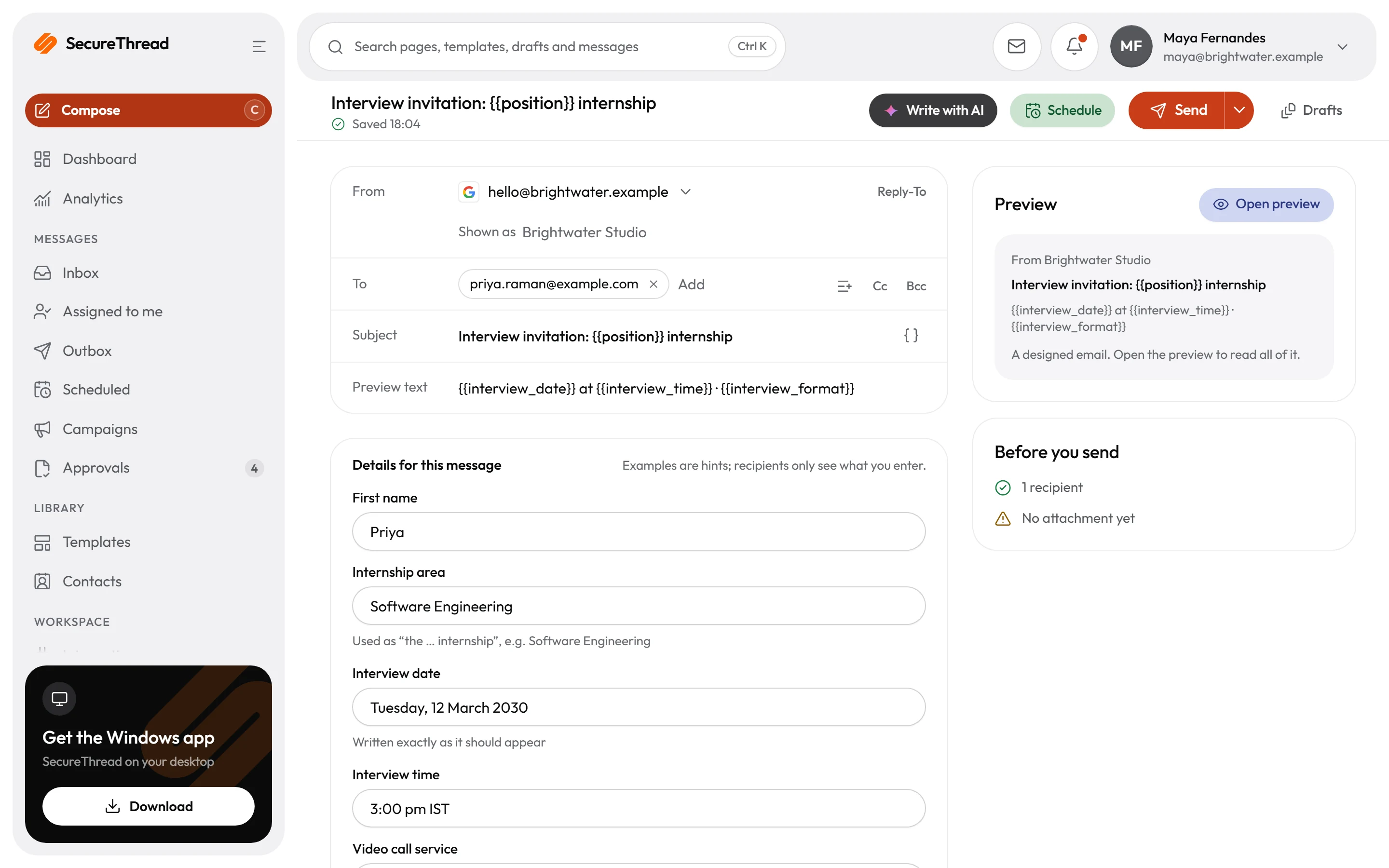
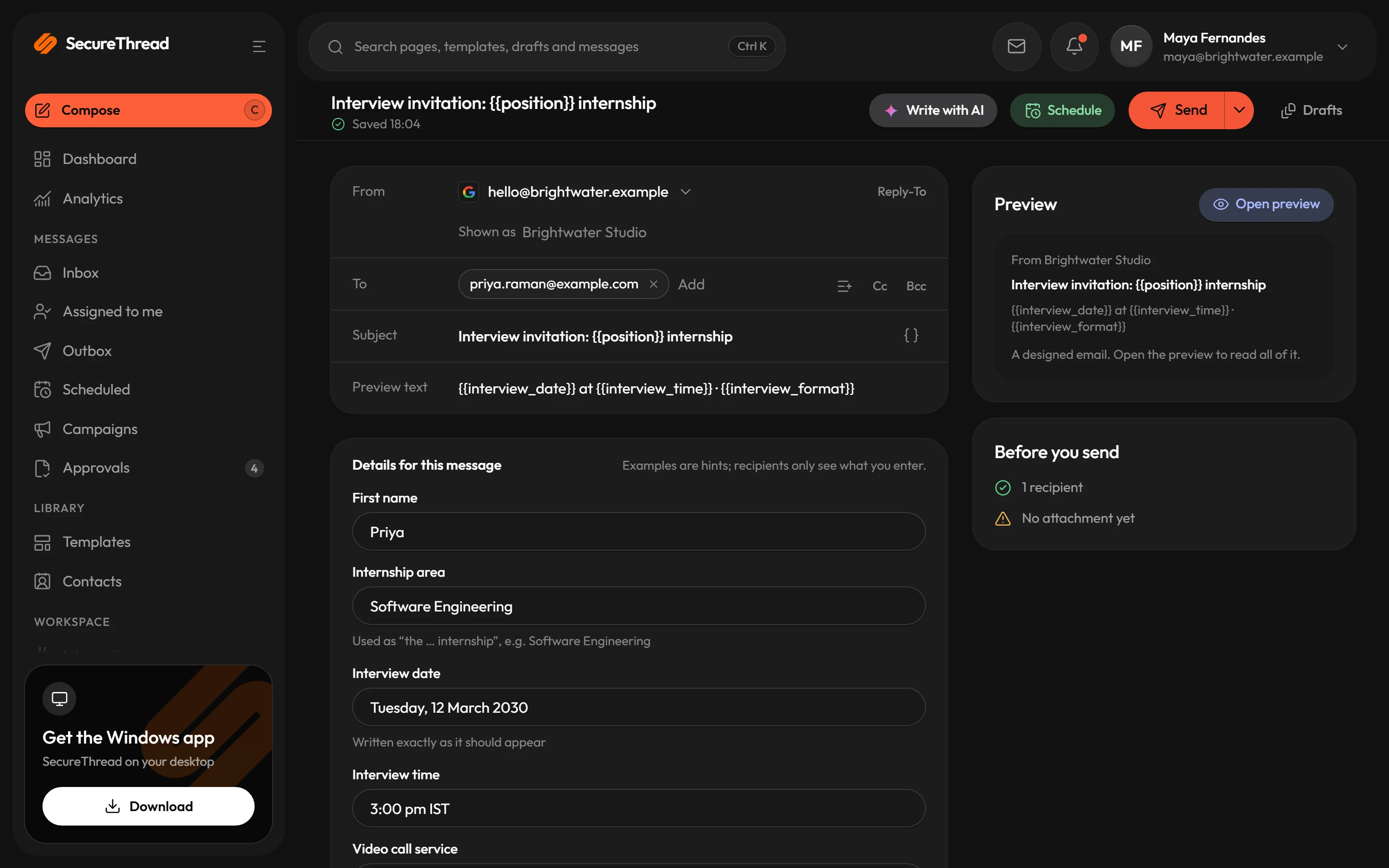
Sellers send from the mailboxes they connected, or from a shared mailbox an administrator has granted them, and replies come back to the same inbox. AI drafts wait for a person to apply them, and follow-ups can be scheduled for a chosen local time.
The problem
Where email gets in the way
Outreach is spread across personal inboxes, with no record of what was sent.
Each seller sends from a mailbox they connected, or one an administrator shared with them. Every send appears in the outbox with its status. Accepted by the provider means the provider took the message, nothing more.
Follow-ups depend on someone remembering to send them.
Schedule a follow-up for a chosen local time, or set a repeating timetable. Each due time creates one ordinary message, and a run more than 24 hours late is recorded as skipped rather than sent late without notice.
AI drafting can put unchecked wording into a customer email.
SecureThread AI suggests a draft, a rewrite or a subject line, and a person decides what to apply. Applying a suggestion is a separate step from sending, and Undo puts back what was there.
Templates
Start from these
Real starter templates from the library, ready to fill in and send.
Browse all templatesSales introduction
A short first note to someone new: why you’re writing, one relevant piece of your work and one easy question.
Follow-up after no reply
One brief, courteous follow-up to an introduction that hasn’t had a reply, with an easy way to say “not now”.
Discovery call request
Asks for a conversation to understand a prospect’s situation before proposing anything, with the three things you’d like to learn.
Demo invitation
Invites one person to a product walkthrough at a suggested time, with the joining link and an easy way to choose another.
Proposal sent
Sends a proposal with its reference, validity and contents, and offers a walkthrough; the terms stay in the document.
Deal closed: welcome and kick-off
From the person who won the work, once the agreement is signed: thanks the new client and confirms the kick-off, who leads the work day to day and what to prepare.
Warm introduction (asking first)
Offers to introduce someone to a contact and asks before sharing anything, so both people opt in to the introduction.
Partnership proposal
Proposes a partnership in a short letter: the idea in one line, what each side gains and a small first step.
How it works
A day with SecureThread
- 1
Connect the mailbox you send from
Sign in with Google or Microsoft, or connect an SMTP mailbox that your administrator has approved. Your name and title in the signature come from your profile, and you can change them for a single message.
- 2
Start from a starter or a plain note
Pick a starter under Compose › Start from a template, or write in the plain text box. Names, dates and links are variables, and company details come from organization settings.
- 3
Draft with AI, then apply what you choose
Ask SecureThread AI for a first draft, a shorter version or a different tone. A suggestion changes the draft only when you apply it, and sending stays a separate step.
- 4
Send now or schedule the follow-up
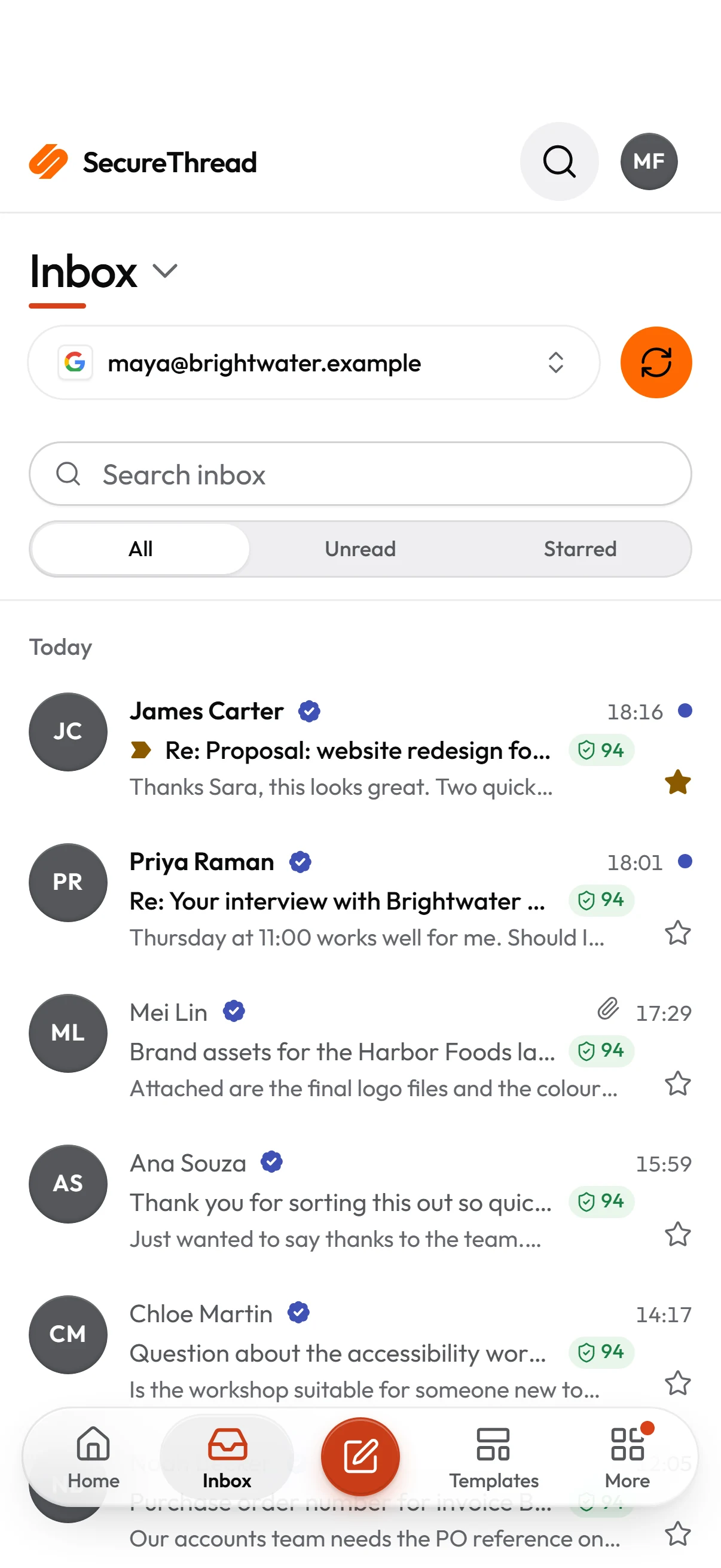
Send straight away, or schedule a one-time send or a repeating timetable in the time zone you choose. Replies go to the mailbox you sent from. Where that mailbox is connected for reading, its inbox shows them, with reply and forward.
Built on
The features behind it
FAQ
Questions, answered
Can each salesperson send from their own address?
Yes. Each person connects their own mailbox, and every send goes out through that mailbox’s provider under ArcByte’s access policies, quotas and audit log.
Can several people share one sales mailbox?
Yes. An administrator shares a mailbox and chooses what each person may do with it: see its mail, organize it, reply and forward, or send new email. People who have no access to the mailbox do not see it at all.
Does SecureThread AI ever send an email by itself?
No. It only suggests content, and a person applies a suggestion to the draft. Sending is a separate action. AI drafting stays off until an administrator turns it on and acknowledges that content is processed by the AI provider.
Can a follow-up go out at the right local time?
Yes. Schedules use wall-clock times in the time zone you choose, so a 09:00 daily follow-up stays at 09:00 across daylight saving changes. A run more than 24 hours late is skipped and recorded, not sent late without notice.
Does it work with our live mailboxes?
Yes. Sellers connect their live Google Workspace, Microsoft 365 or SMTP mailboxes and send from them straight away; every connection type is tested end to end. A test message to your own inbox from a newly connected mailbox shows your signature exactly as prospects will see it.
Send your first approved email today
Connect a mailbox, pick a template and send with the checks and approvals your organization needs. No new email address, no new habits.