HR & hiring
Offers, interviews and new-hire mail, from your own mailbox
Start from hiring templates, schedule interview invitations and reminders in the right time zone, and route offers through approval. Each message goes out from a connected mailbox or an approved sending domain.
The problem
Where email gets in the way
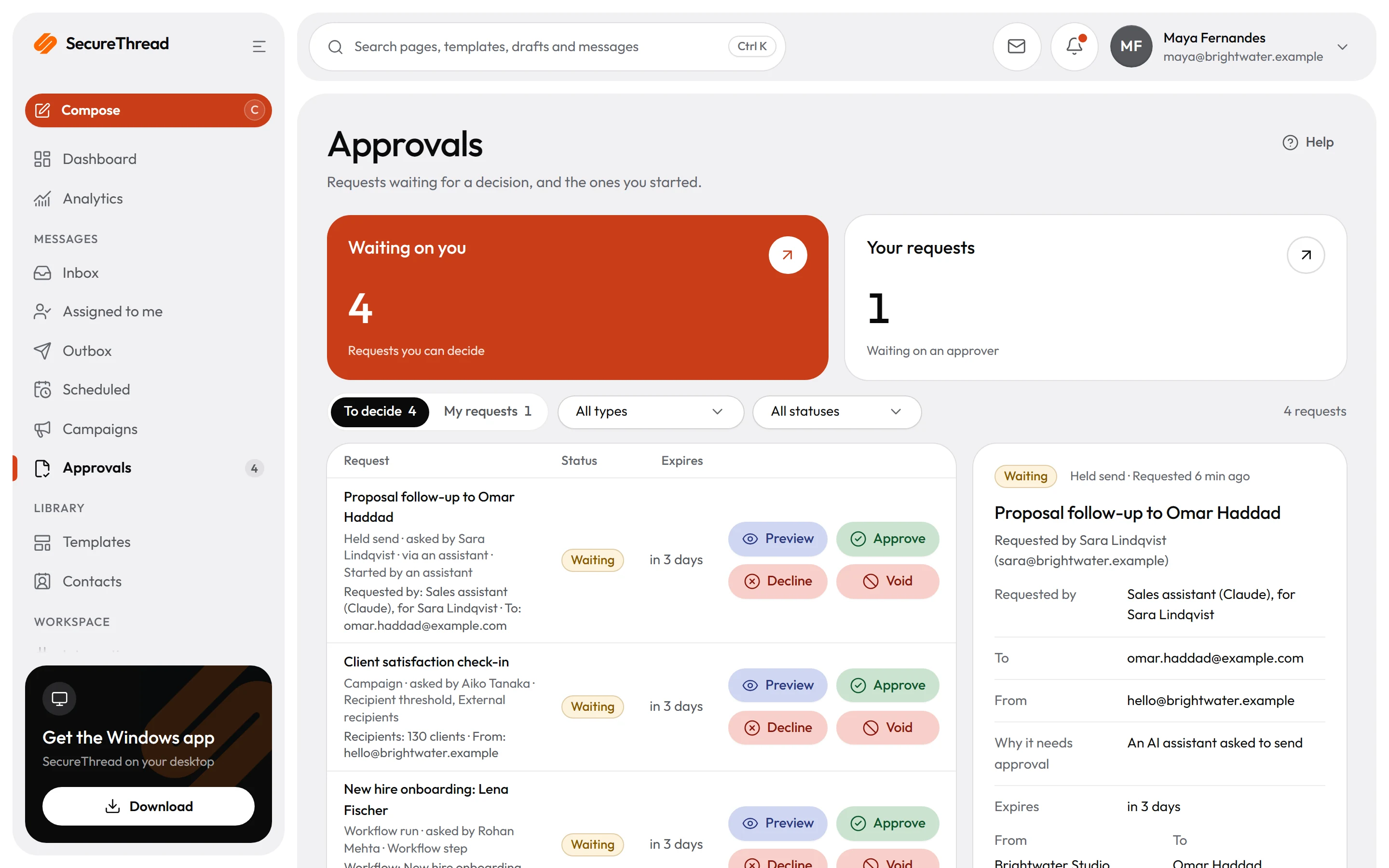
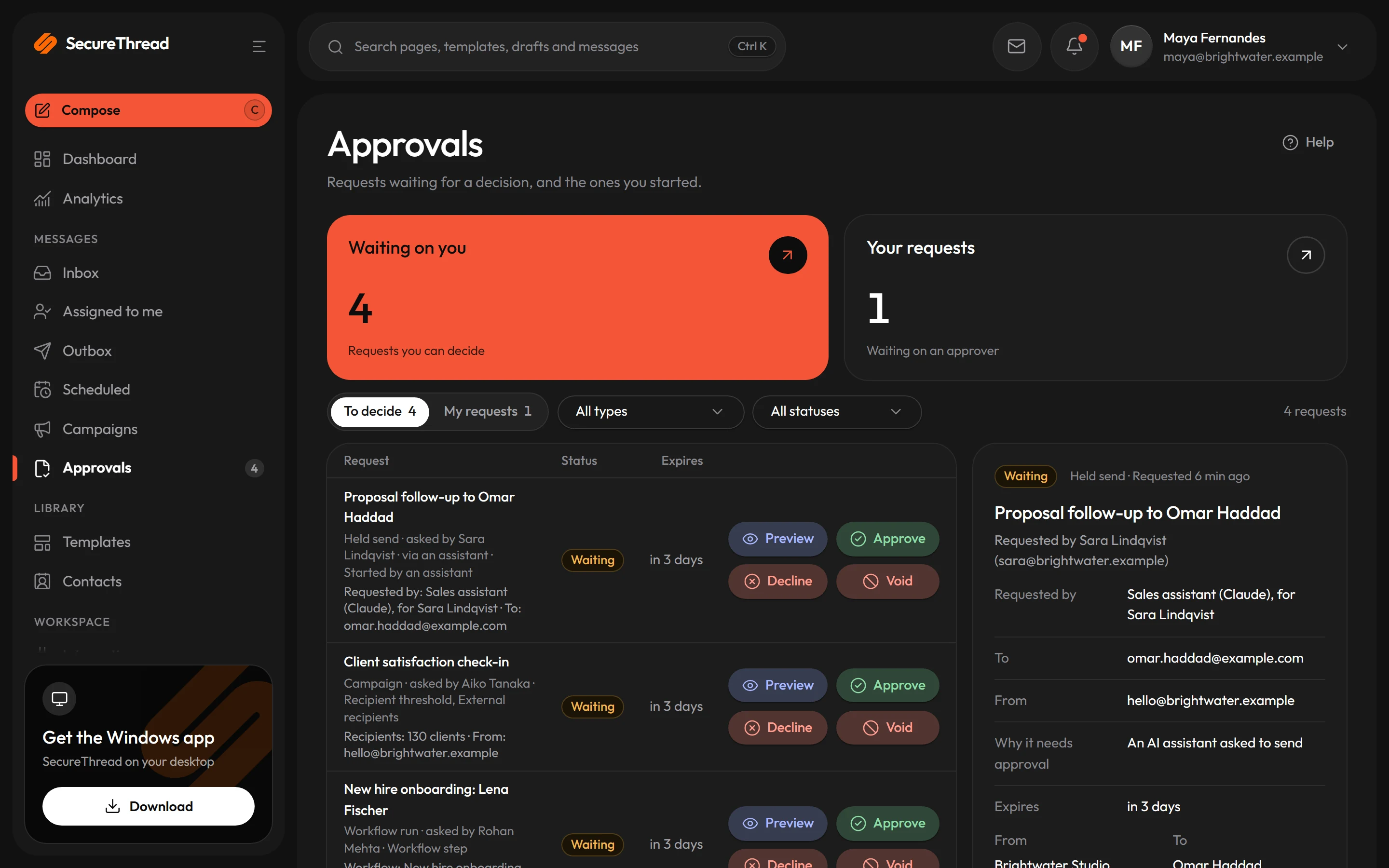
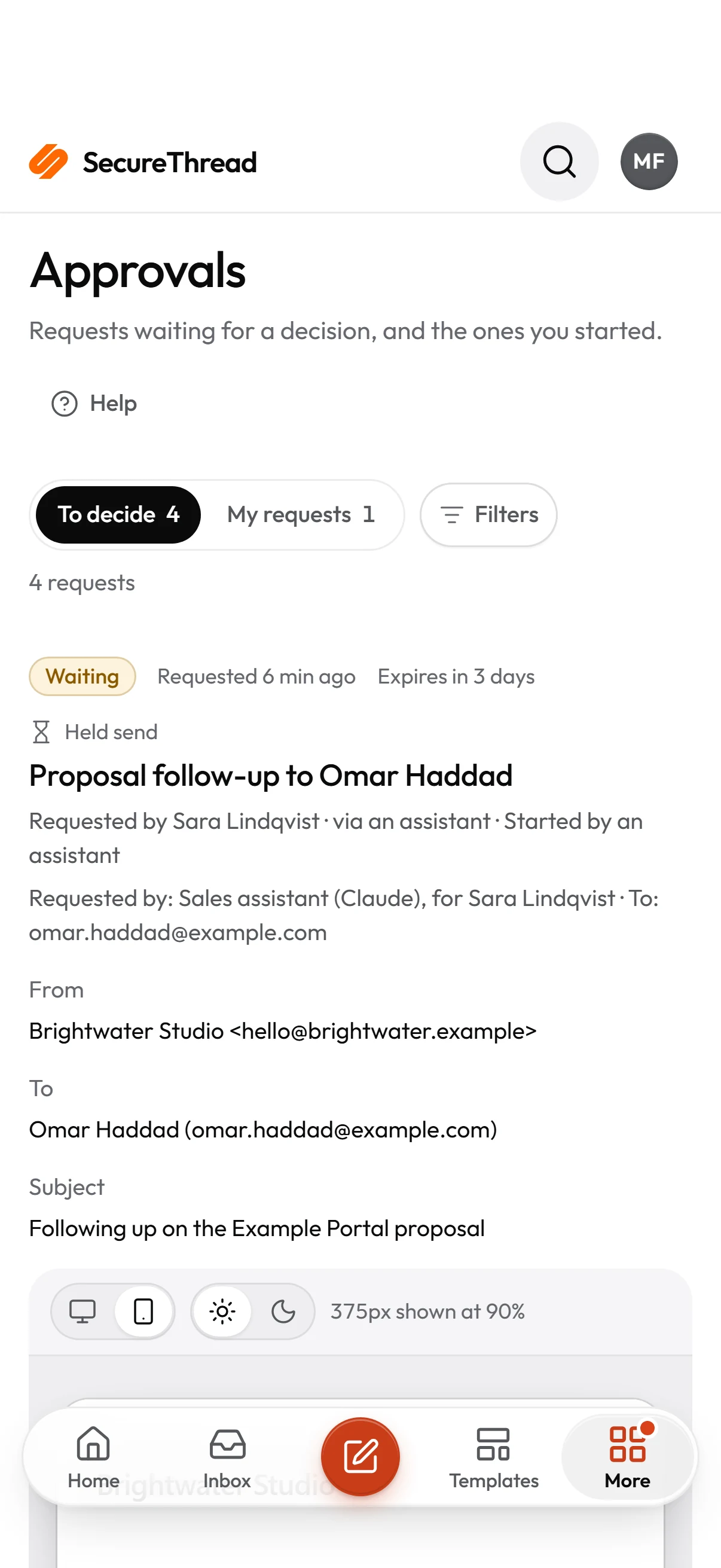
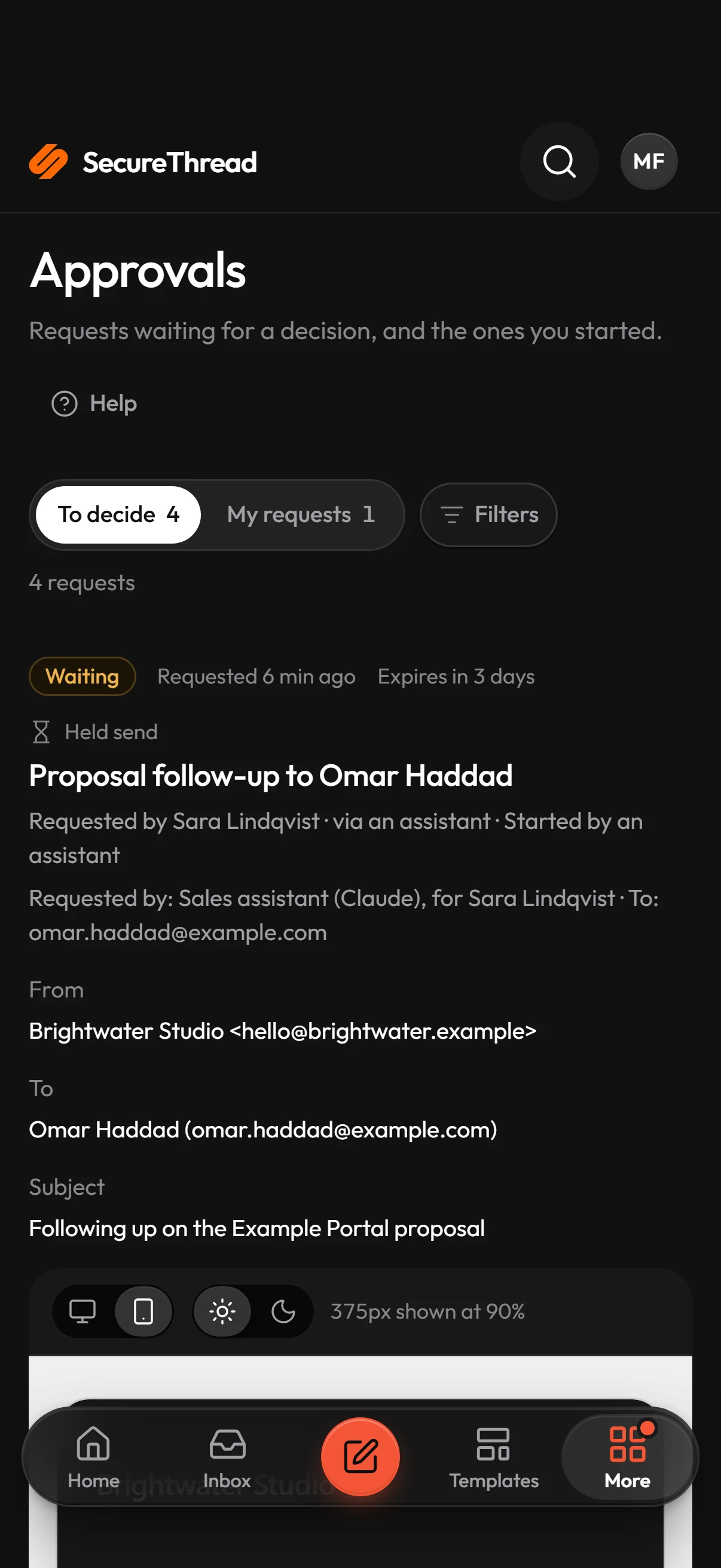
An offer goes out before anyone else has checked its terms.
An offer can wait at an approval step in a workflow. The approver sees the details as they were when the request was made, and a change to the offer cancels the pending request. Nobody approves their own work unless the organization allows it.
Every recruiter writes the same invitation or decline from scratch, and the facts get retyped.
Start from a hiring starter template. Names, dates, amounts and links are variables, company details come from organization settings, and nobody edits a starter in place. Duplicate one to make your own version.
Interviews run across time zones, and reminders go out late or not at all.
Schedule an invitation or reminder for the time zone you need, and preview the next occurrences before you save. A send more than a day late is recorded as skipped, never sent late without notice.
Templates
Start from these
Real starter templates from the library, ready to fill in and send.
Browse all templatesCandidate outreach
A short, personal first note from a recruiter or hiring manager to someone who hasn’t applied.
Application unsuccessful
A kind, plain decline after an application review, before any interviews.
Technical assessment invitation
Invites a candidate to the technical assessment with the format, time needed and deadline.
Interview invitation
Invites a candidate to a video interview with the date, time, call service and link.
Interview reminder
A brief reminder before an interview, with the time and a button to join the call.
Job offer
Offers a full-time role with its key details, and links to the formal offer letter, which carries the full terms.
Offer expiry reminder
An unhurried reminder that an offer is open until a date, with an easy way to ask questions first.
First-day welcome
Tells a new joiner where to go, when to arrive, who will meet them and what to bring on their first day.
How it works
A day with SecureThread
- 1
Connect the mailbox you send from
Sign in with Google or Microsoft, or connect an SMTP mailbox. Every message goes out from a connected mailbox or an approved sending domain.
- 2
Start from a hiring template
Choose a hiring starter, fill in the names, dates and links, and check the desktop and phone previews before anything is scheduled or sent.
- 3
Schedule interview mail
Set a one-time or recurring send for the local time you need. Each due time produces one ordinary message, and the schedule keeps a record of every run.
- 4
Route offers through approval
Add an approval step to the workflow before the offer is sent. The approver sees the details as they were when the request was made, and a change to the offer cancels the request.
Built on
The features behind it
FAQ
Questions, answered
Can recruiters send from their own mailbox?
Yes. A recruiter connects their own Google Workspace, Microsoft 365 or SMTP mailbox, or an administrator shares a mailbox with them. Every message goes out from a connected mailbox or an approved sending domain.
Can an offer wait for approval before it is sent?
Yes. A workflow can hold an offer at an approval step before the send. Administrators set how many approvals each request needs, up to three, under Administration › Sending policy. The person who asked for an approval cannot approve it, unless the organization allows self-approval.
What does Accepted by provider mean?
It means the mailbox provider accepted the message and took responsibility for it. It is the best outcome SecureThread can know, and it does not confirm that the candidate got the email. Google Workspace, Microsoft 365 and plain SMTP providers report nothing further, and SecureThread says so.
What happens to a reminder that is more than a day late?
It is recorded as skipped. A scheduled send whose time passed more than 24 hours ago is never sent late without notice, and the skip stays in the schedule’s run history.
Do the hiring starters ask for passwords or bank details?
No. No starter template asks for passwords or bank details. Starters on sensitive subjects carry a “Sensitive: check before sending” badge, and others a “Review advised” badge. No starter waits for a reviewer, so check the wording before you send.
Send your first approved email today
Connect a mailbox, pick a template and send with the checks and approvals your organization needs. No new email address, no new habits.