Security & trust
How SecureThread protects mailboxes and the data in them
Mailbox credentials are encrypted, administrators need a second sign-in step by default, and email HTML is cleaned on the server before it is previewed or sent. This page also says what is not in place yet.
Credentials encrypted at rest
Mailbox passwords, provider tokens, two-step secrets and API keys are encrypted with AES-256-GCM. The encryption key lives in the server environment, not in the database.
Passwords and two-step verification
Passwords are stored as Argon2id hashes. Two-step verification uses an authenticator app and is required for administrators by default. Five wrong attempts lock an account for 15 minutes.
Sessions and cross-site protection
Session tokens are random, and only their hashes are stored. Sessions end after 12 hours of inactivity and at most 14 days after sign-in. Every change is checked against a token tied to the session.
Email HTML cleaned on the server
Scripts, forms, frames and remote fonts are removed before email is stored, previewed or sent. Previews run in sandboxed frames that run no scripts.
Limited outbound connections
SMTP connections go only to servers an administrator has approved, and only to hosts that resolve to public addresses. Certificate checks are never turned off.
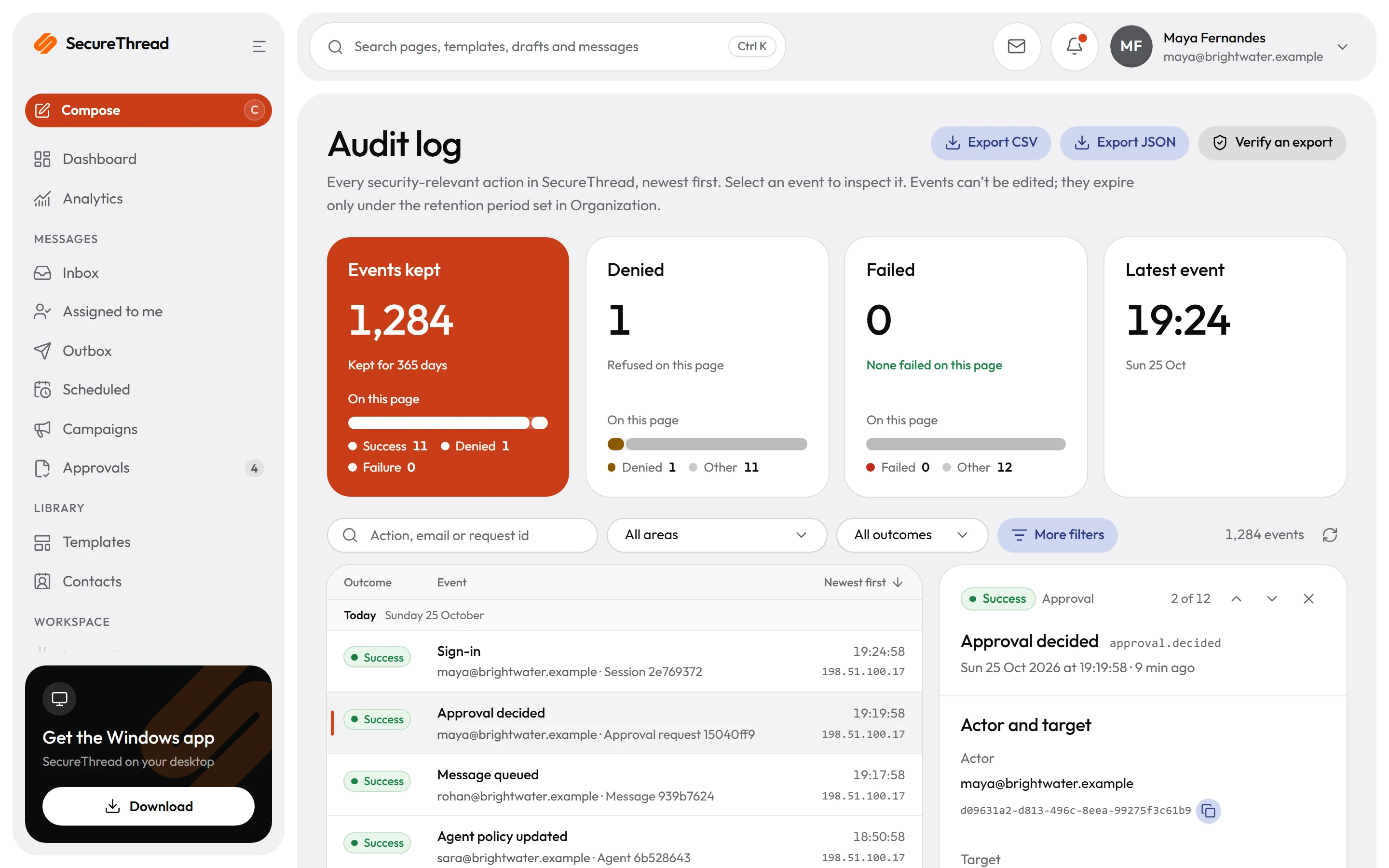
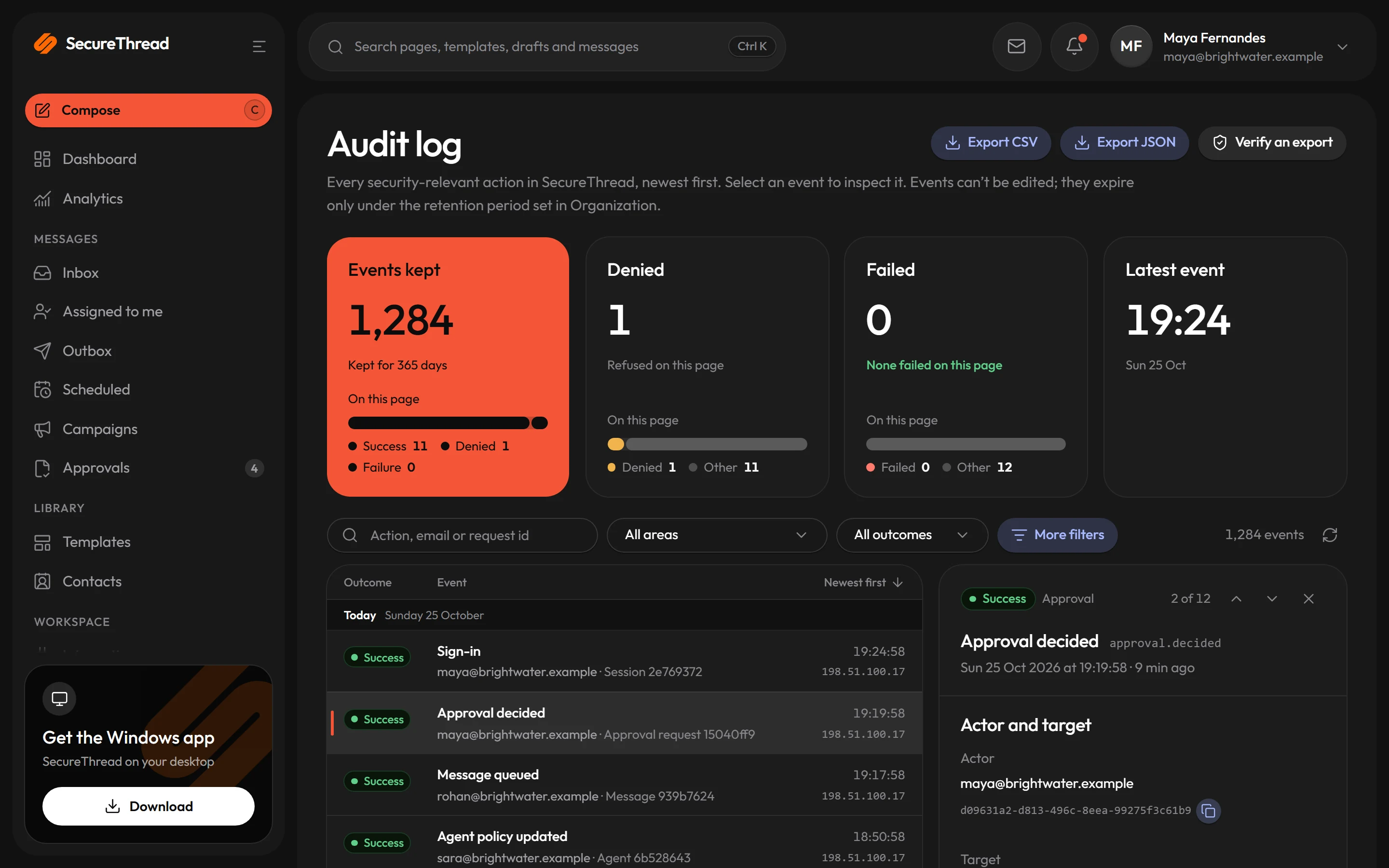
An append-only audit log
Security-relevant actions are recorded with the IP address and browser user agent. The log is append-only at the database level and is kept for 365 days by default.
Access control
Every action checks a named permission
Permissions are declared for each action and checked on every request. Administrators can hand out only the permissions they hold.
- Access is refused unless a role grants the permission
- Data a person may not see is reported as not found
- Administrators can act only on accounts whose permissions they all hold
- The last active administrator cannot be deactivated or demoted
- Administrative actions need a session that has passed two-step verification, which is on by default
Email content
Untrusted HTML is cleaned and bounded
Imported and written HTML is treated as untrusted. The server never fetches remote resources that an email refers to, and each rendering step has size and nesting limits before it runs.
- Scripts, frames, forms and unknown elements are removed
- Remote images must use https, and background images and CSS url() references are removed
- Rendering runs in worker threads with a time limit and a memory limit
- The viewer’s browser loads https images in a preview, so a tracking image can learn that a preview was viewed and from which IP address
Mailbox connections
Connections ask for the access they need
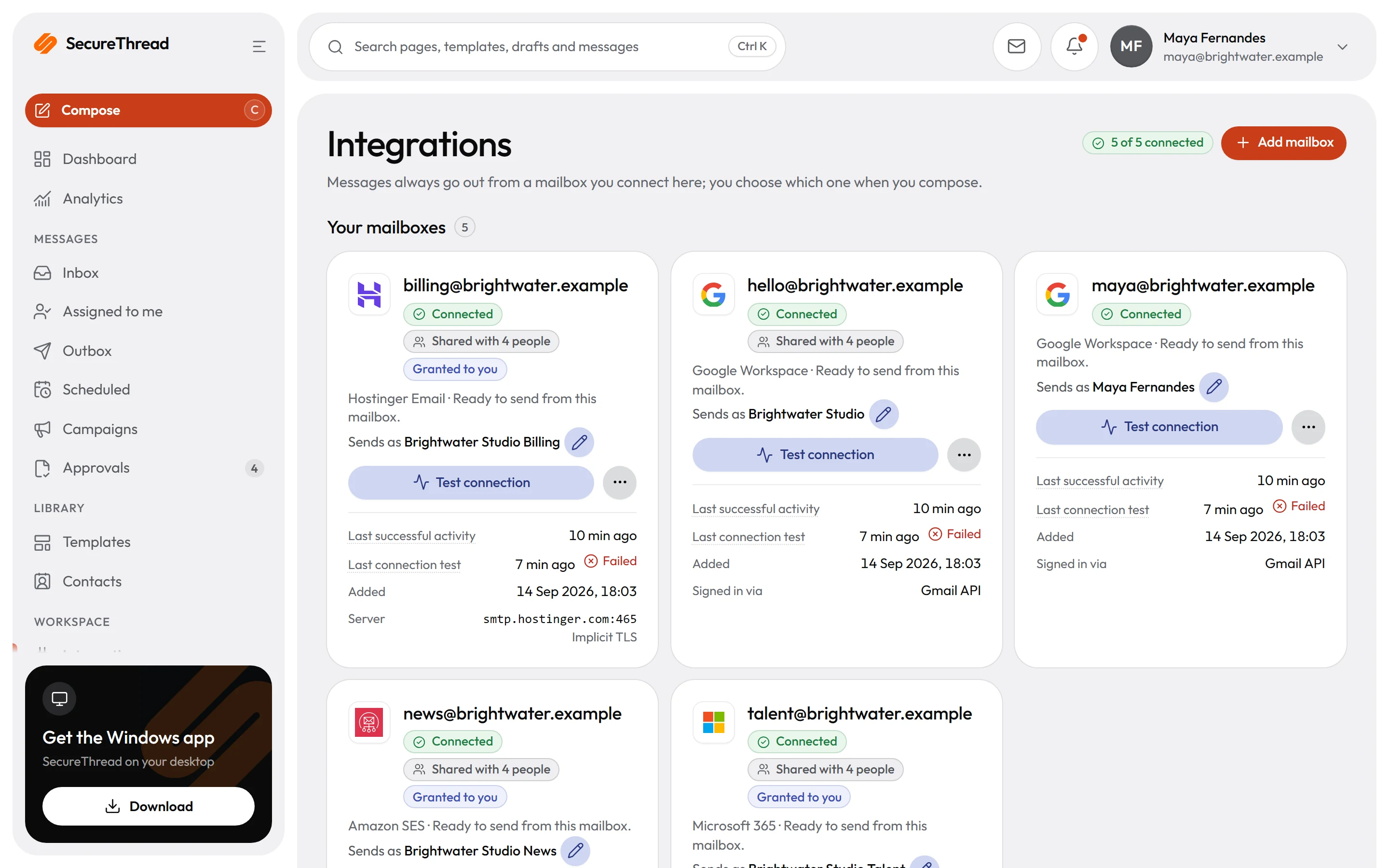
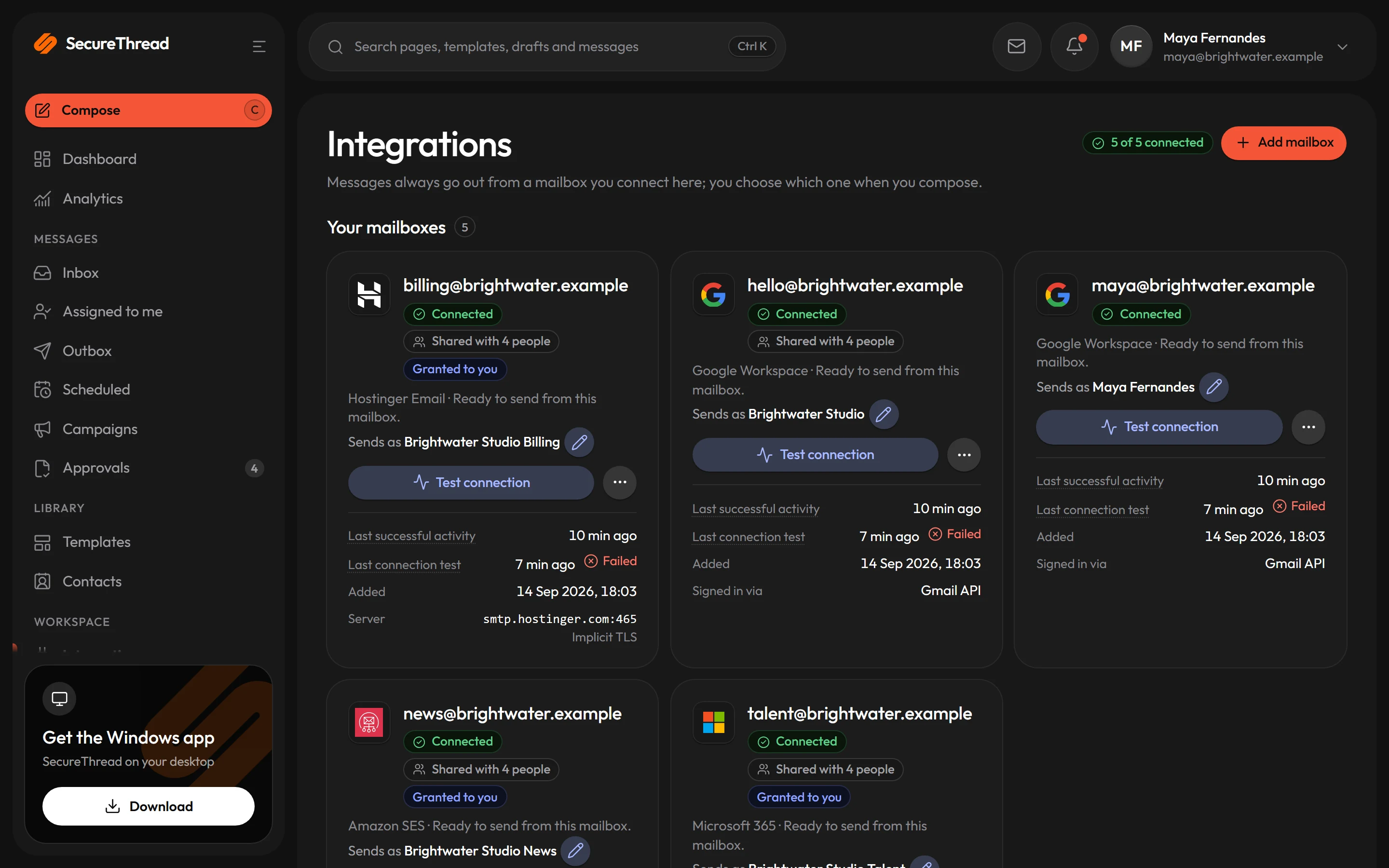
Google and Microsoft connections use the authorization code flow with PKCE. A stored credential is decrypted in memory only for the request that needs it.
- Each authorization request carries a one-time value that expires after 10 minutes and is bound to the signed-in user and the provider
- Google access is limited to sending and the inbox, and never allows permanent deletion or settings changes
- An SMTP mailbox must log in with its own address, so one mailbox’s password cannot send as another address
What’s included
Every feature, with its status
What is built today, what is in beta, and what is on the roadmap.
All features- Available
Encrypted provider credentials
Tokens and SMTP passwords stored only as AES-256-GCM ciphertext, under a key kept outside the database.
- Available
Two-step sign-in
Password plus an authenticator code, with recovery codes; administrators can be required to use it.
- Available
Passkeys
Finish signing in with a passkey on your device instead of a code.
- Available
Google and Microsoft work-account sign-in
Sign in with a Google Workspace or Microsoft 365 account where an administrator turns it on.
- Available
SCIM provisioning
People created, updated and deactivated from Okta, Microsoft Entra ID or another identity provider.
- Coming soon
SAML and OIDC single sign-on
Sign in through any SAML or OpenID Connect identity provider.
- Available
Sanitized HTML and sandboxed preview
All email HTML is sanitized on the server; previews run in a sandboxed frame with no scripts.
- Available
Network policy for SMTP
SMTP servers must be on the approved list and resolve to public addresses; certificates are always verified.
- Available
Abuse prevention and sandbox
New workspaces start in a sandbox, abuse reports have a public form, and test recipients confirm first.
- Coming soon
SOC 2 Type I
An independent SOC 2 Type I report.
- Coming soon
External penetration test
An independent penetration test of the service, with a summary for customers.
Specifications
The details
- Credential encryption
- AES-256-GCM, key kept outside the database
- Passwords
- Argon2id hashes, 12 to 128 characters
- Two-step verification
- Authenticator app, required for administrators by default
- Sessions
- Ends after 12 hours of inactivity, and at most 14 days after sign-in
- Accounts
- By invitation only, on email domains the workspace allows
- Audit log
- Append-only, kept 365 days by default
- Certifications
- None held: no SOC 2 or ISO certification
FAQ
Questions, answered
Where are our mailbox passwords and tokens kept?
They are encrypted with AES-256-GCM and stored only in encrypted form. The key is held in the server environment, not in the database, and OAuth client secrets cannot be viewed once saved. Message content, attachments and other stored personal data are not encrypted by the application itself.
Can administrators view our employees’ mail?
Only people whose role includes the administrative permission to view every mailbox can do it. That access is view-only, and every list, view and download is recorded in the audit log.
Has SecureThread been certified or tested by an outside firm?
No. SecureThread holds no SOC 2 or ISO certification, and it has not yet had an external penetration test.
Does the AI feature send our email to a provider?
AI features are off by default. An administrator turns them on, chooses the provider and acknowledges external processing before AI drafting can send content to that provider. Contact details are redacted before content is sent, by default.
What does SecureThread not protect against?
Anyone with root access to the server, or control of the hosting platform, can reach the encryption key and every stored credential. A full administrator can grant themselves anything, though their actions are audited. Authorized users can still send the wrong message to the wrong people, since there is no content inspection or data loss prevention. Attachments are checked for type and size but not scanned for malware. SecureThread also cannot confirm that a message reached its recipient: a provider accepting a message means only that it took responsibility for it.
Send your first approved email today
Connect a mailbox, pick a template and send with the checks and approvals your organization needs. No new email address, no new habits.