Marketing & events
Campaigns and event mail, checked before anything goes out
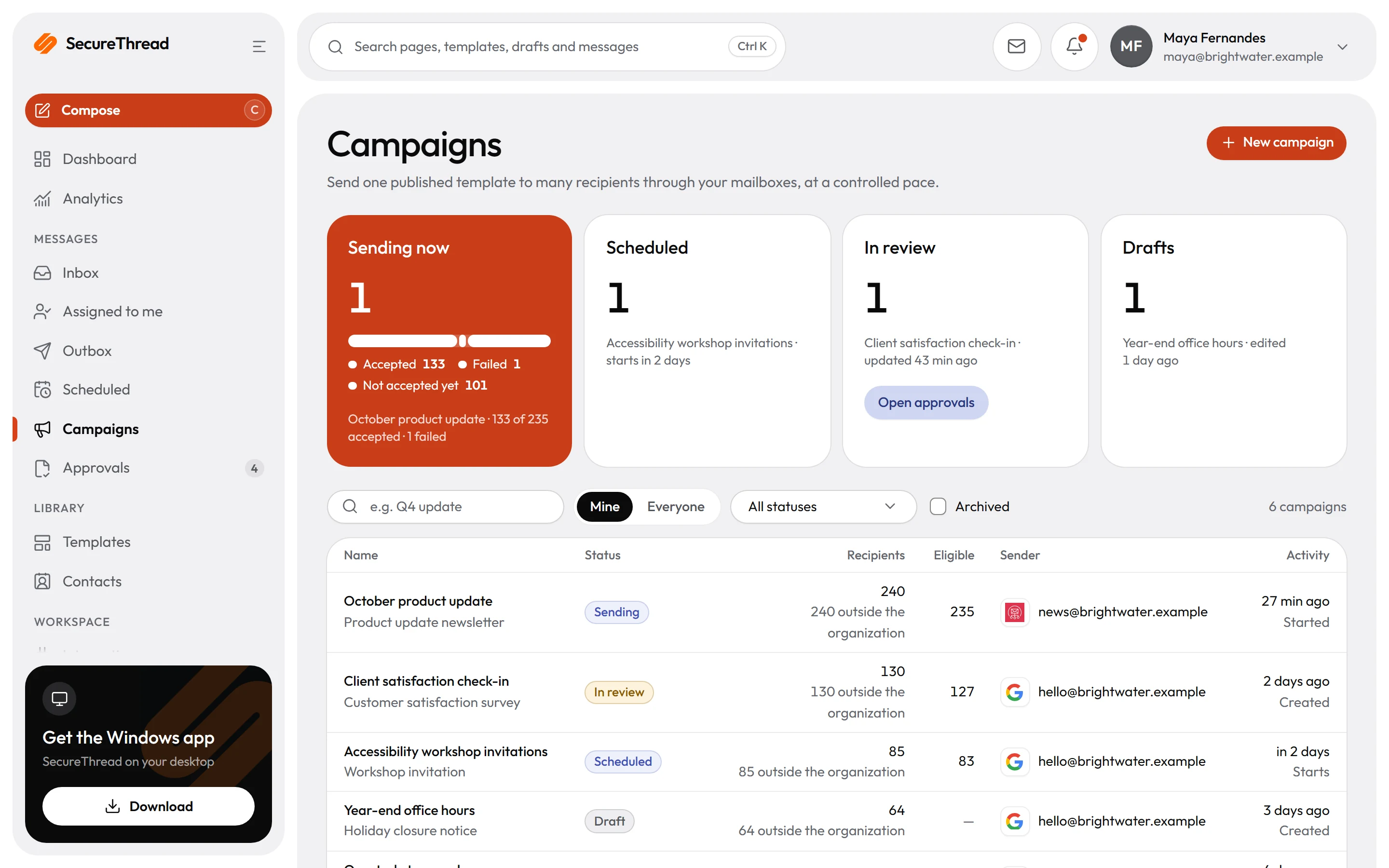
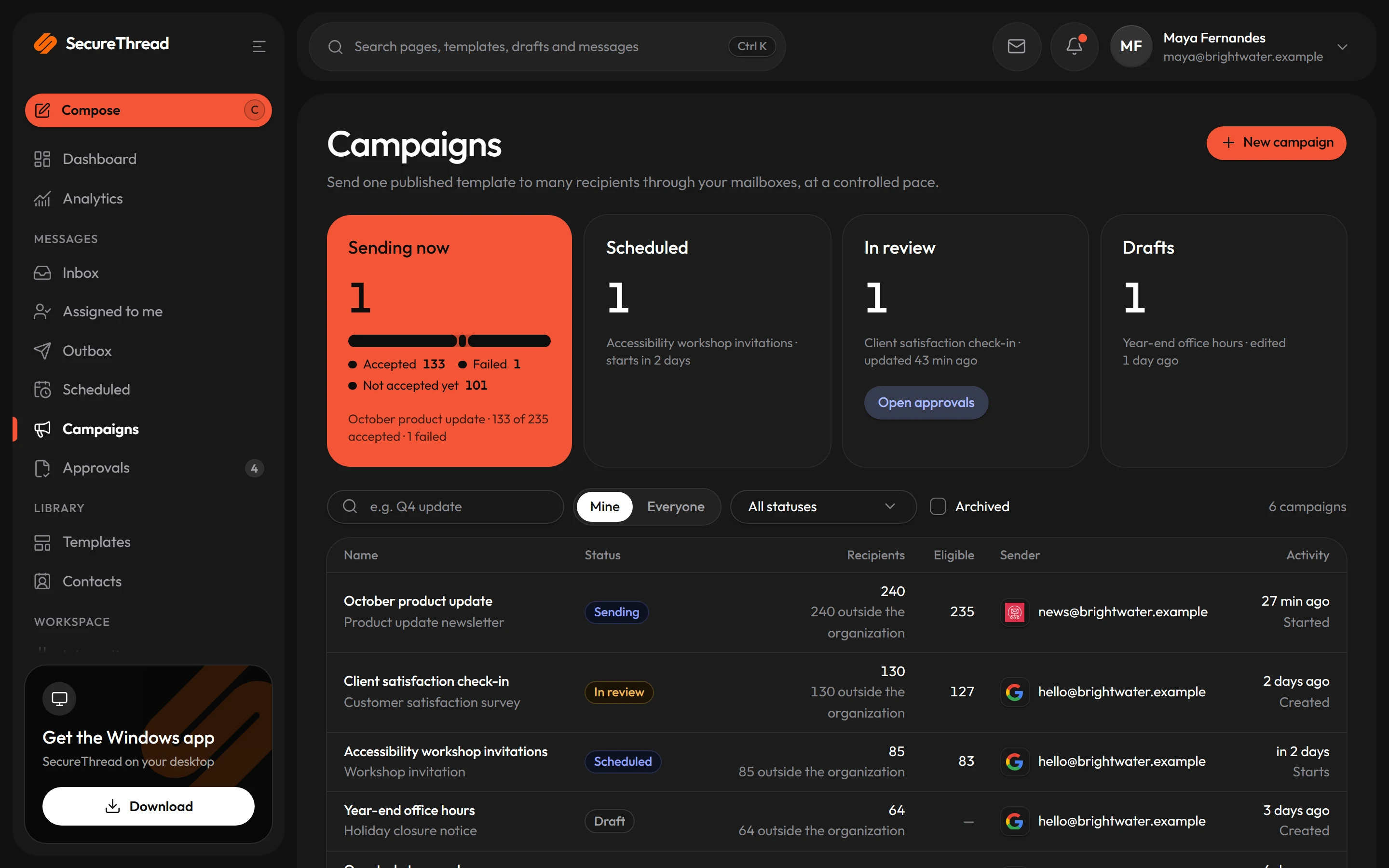
Launch a campaign, invite guests or update sponsors from a starter template. Check the audience before release, follow your approval rules, pace the send and respect every unsubscribe.
The problem
Where email gets in the way
A large send goes out before anyone has checked the list.
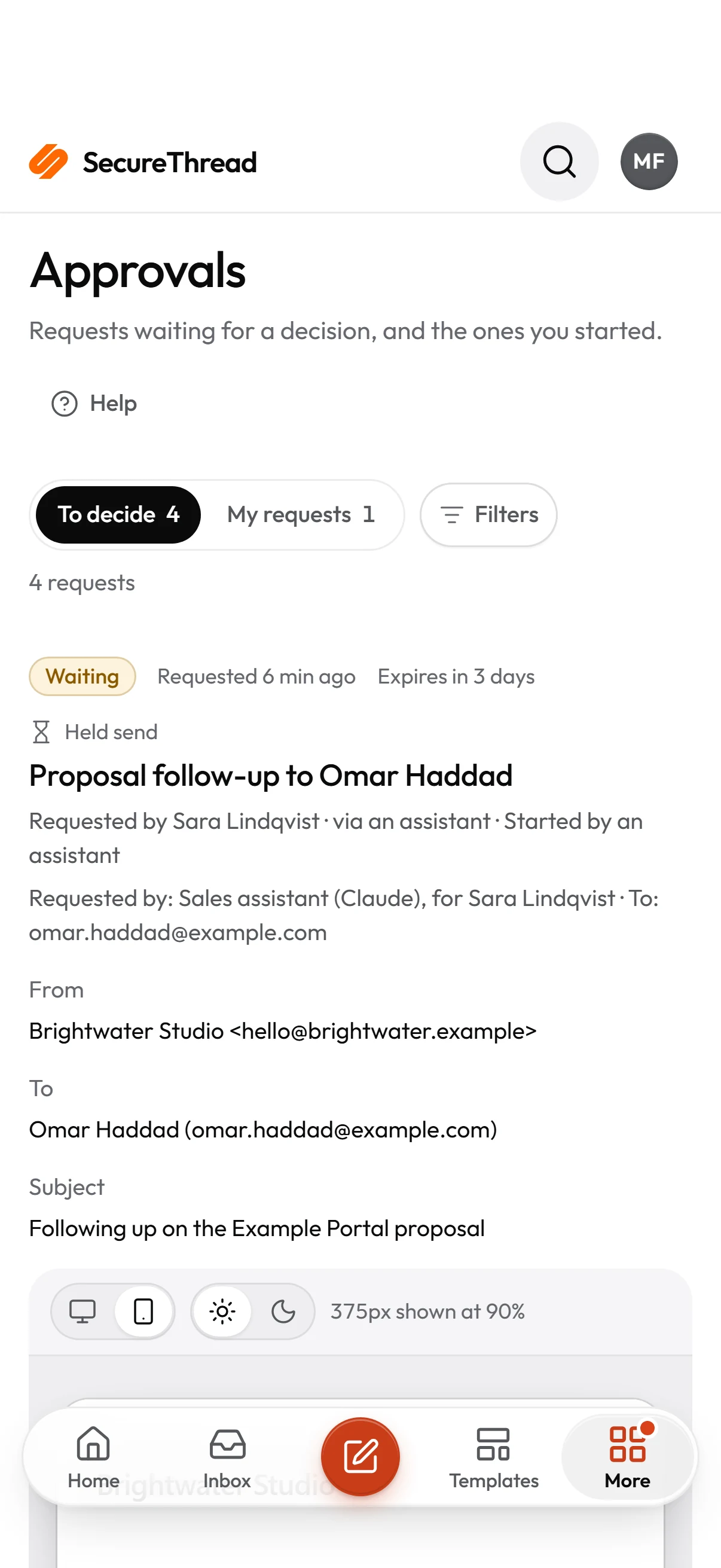
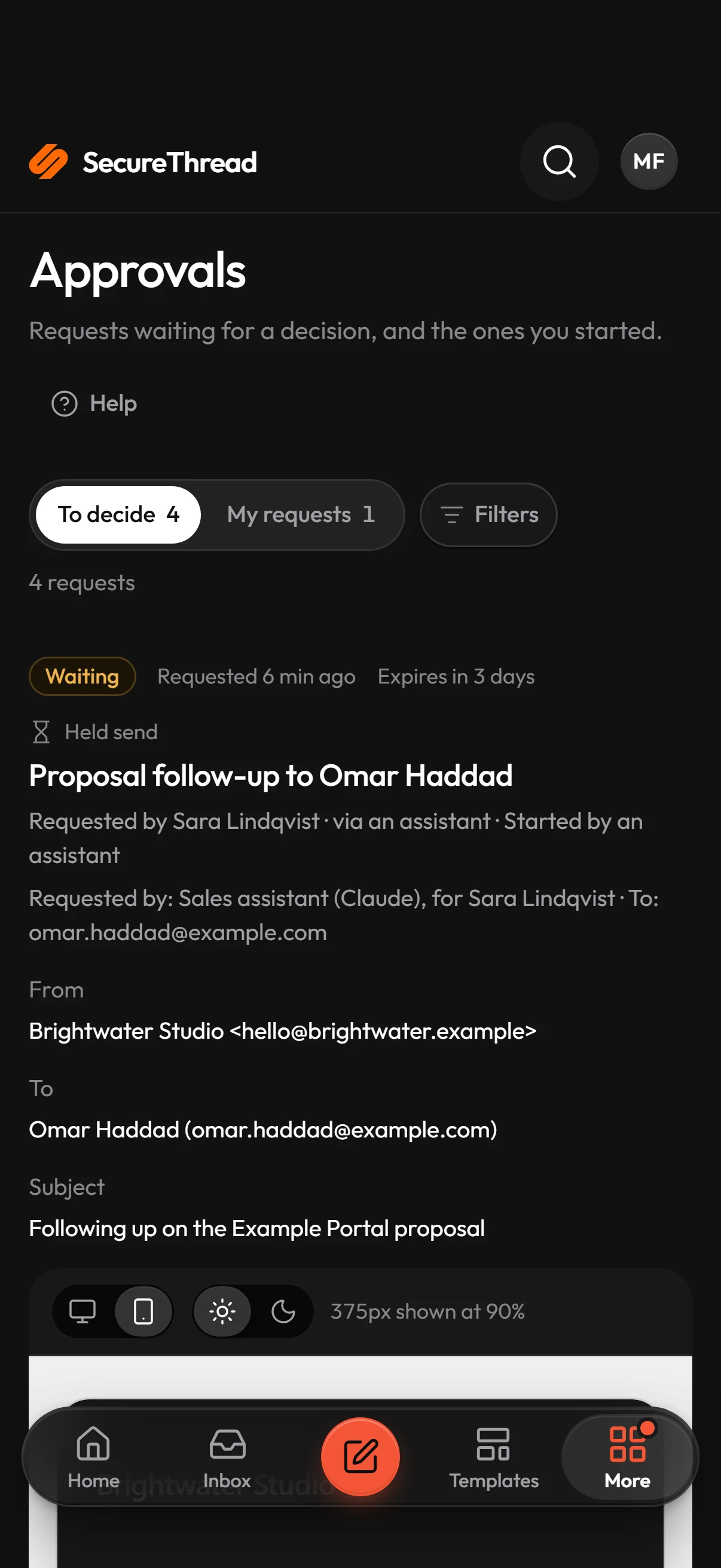
Prepare sorts every recipient as eligible, suppressed, duplicate, external without permission or missing a template variable, and shows the counts before launch. Launch needs explicit confirmation of the eligible count. Above your organization’s recipient threshold, or for external recipients when that rule is on, someone other than the sender must approve the exact prepared version first.
Someone who asked to stop hearing from you gets another campaign.
Suppressed addresses drop out of the eligible count at prepare. Campaign mail to people outside your organization carries a one-click unsubscribe link in its header. Choosing it adds the address to the suppression list with no expiry and stops tracking for that address. The page behind the link explains in plain language what is being stopped.
Reports that look more exact than the data allows.
Open and click tracking is off until an administrator turns it on under Administration › Tracking. When it is on, every figure is labelled an estimate. Mail apps can load images without a person looking at the message, and security scanners can follow links. A message to several recipients is counted as one whole, never per person. Results also show, for each provider, whether it reports states at all.
Templates
Start from these
Real starter templates from the library, ready to fill in and send.
Browse all templatesProduct launch announcement
Introduces a new product to people who asked to hear from you: what it is, three things it does and when it is available.
Double opt-in subscription confirmation
Asks someone who signed up to confirm their subscription with one button: what they signed up for, where and when, and that nothing happens if they ignore it.
Unsubscribe confirmation
A one-off confirmation that someone has left a mailing list: which list, from when, what they’ll still receive about their account, and how to rejoin if it was a mistake.
Campaign performance report
Reports a campaign’s results to colleagues and leadership: the goal, the figures against it, what worked, what didn’t, the lessons and the decision needed, with the dashboard linked.
Event reminder
Reminds a registered guest of an upcoming event: the essentials at a glance and how to get there.
Event registration closing reminder
One reminder to people on your event list who haven’t registered that registration closes on a set date, with the essentials and a link to register. Send it as a campaign.
Sponsor deliverables checklist
Sets out everything a sponsor’s package includes and what you need from them, each with its date, so both sides can track it.
Sponsor post-event report
Reports back to a sponsor after the event: two headline figures, the highlights for them, the photos and the full report.
How it works
A day with SecureThread
- 1
Build the audience and the message
Start from a marketing, events or sponsorship starter, or duplicate one to make it your own. Add recipients from contacts, groups, a CSV file or typed addresses. Duplicates are reported rather than added twice, and invalid rows are listed with their line numbers.
- 2
Prepare and check the counts
Prepare pins the published template version, resolves the sending mailbox and shows the counts and any issues. Any later edit returns the campaign to draft and cancels pending approval requests, so the check always matches what will go out.
- 3
Get approval where the rules ask
A campaign waits for approval when its audience passes your threshold or includes external recipients under your rules. The approval applies to the exact prepared version, so a later edit means preparing and approving again. A rejected or expired request returns the campaign to draft.
- 4
Launch, pace and review results
Confirm the recipient count, then launch now or at a set time. Messages are released at the campaign’s send rate per minute. If a check fails during release, the campaign pauses with a plain reason, and no limit is bypassed. Results show each recipient’s status and what the provider accepted, kept separate from any states the provider reports.
Built on
The features behind it
FAQ
Questions, answered
Does a large campaign always need approval?
Not always. Approval is requested when the eligible count is above your organization’s recipient threshold, or when the audience includes people outside your organization’s email domains and your organization requires approval for external recipients. Nobody can approve a campaign they prepared themselves. People with approval rights who prepare their own campaigns go straight to ready, and the audit log records that approval was waived.
What happens when someone unsubscribes?
Their address goes on the suppression list with no expiry, and tracking stops for that address on every future send. Colleagues inside your organization do not get the one-click link, so a mail client cannot suppress one-to-one mail to them. A link that has been altered or is unknown shows a not-found page and reveals nothing about whether the address exists.
Can we trust the open and click figures?
Treat them as estimates. Tracking is off until an administrator turns it on, and individual campaigns and templates can be set quieter than that default. Some mail apps load images automatically, and link clicks can come from security scanners, so a figure is not proof that a person saw the message. Every figure is labelled an estimate.
What does “accepted by the provider” mean?
It means the provider took responsibility for the message. That is the best outcome SecureThread can know. Amazon SES, SendGrid, Mailgun, Postmark and Resend can send event reports back, and SecureThread shows those as provider-reported states. Gmail, Microsoft 365 and plain SMTP providers report nothing, and SecureThread says so.
Can we send from our own domain?
Yes, once the domain is verified. Add it under Administration › Sending domains and publish the records the app shows: an ownership record, one SPF record, a DKIM key and a DMARC policy. A domain is verified when all four checks pass, and mail from a domain that is not verified is refused. If a verified domain starts failing its checks, sending continues for 72 hours after the first failed check, and then mail is refused until the records check out.
Send your first approved email today
Connect a mailbox, pick a template and send with the checks and approvals your organization needs. No new email address, no new habits.