Workflows & webhooks
Repeatable sends under the same rules as a manual send
Build a versioned workflow from a template, recipients, an approval, a wait and a send. Start it by hand, from a signed call or on a timetable, and connect your other tools with signed event webhooks and a public API.
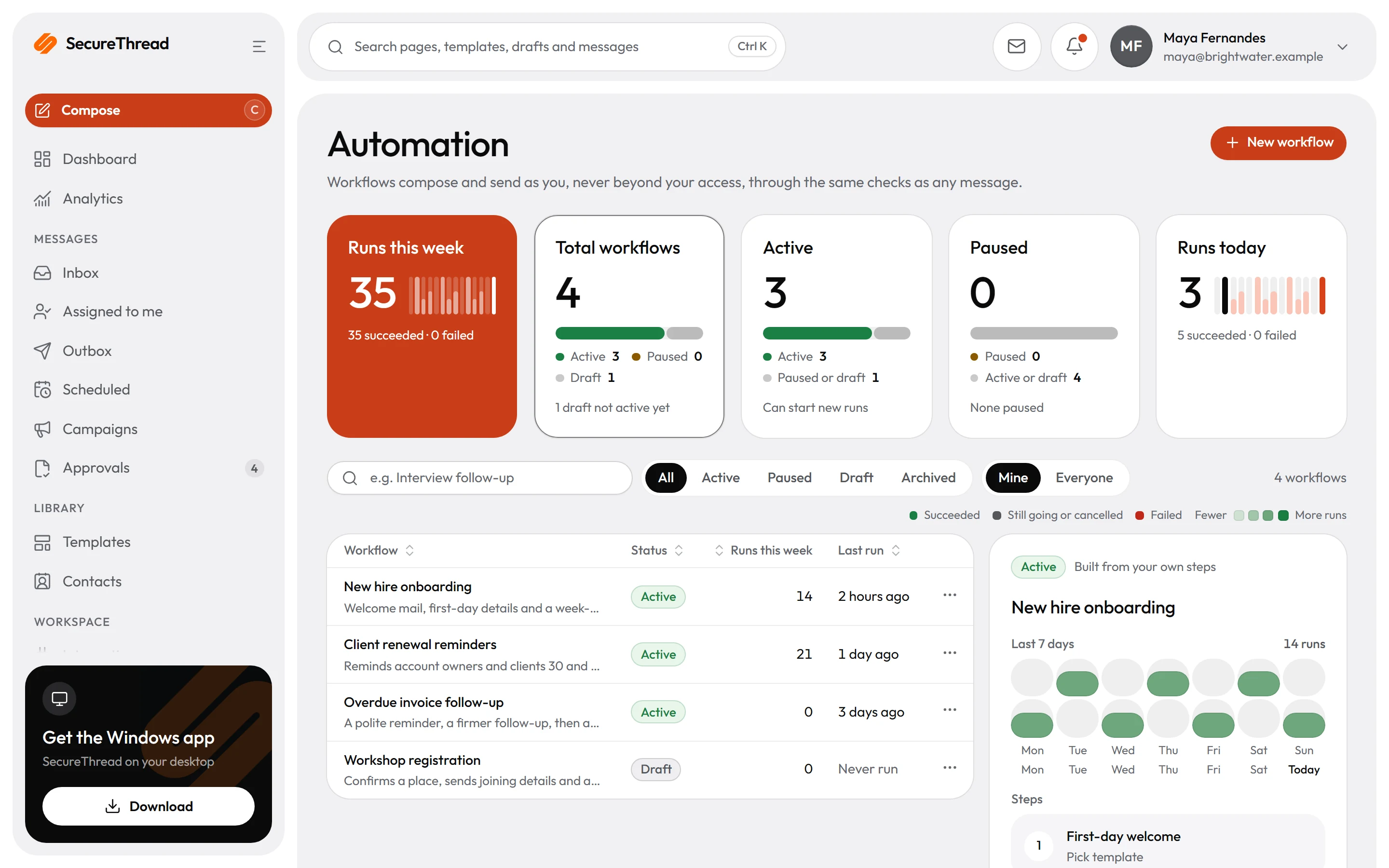
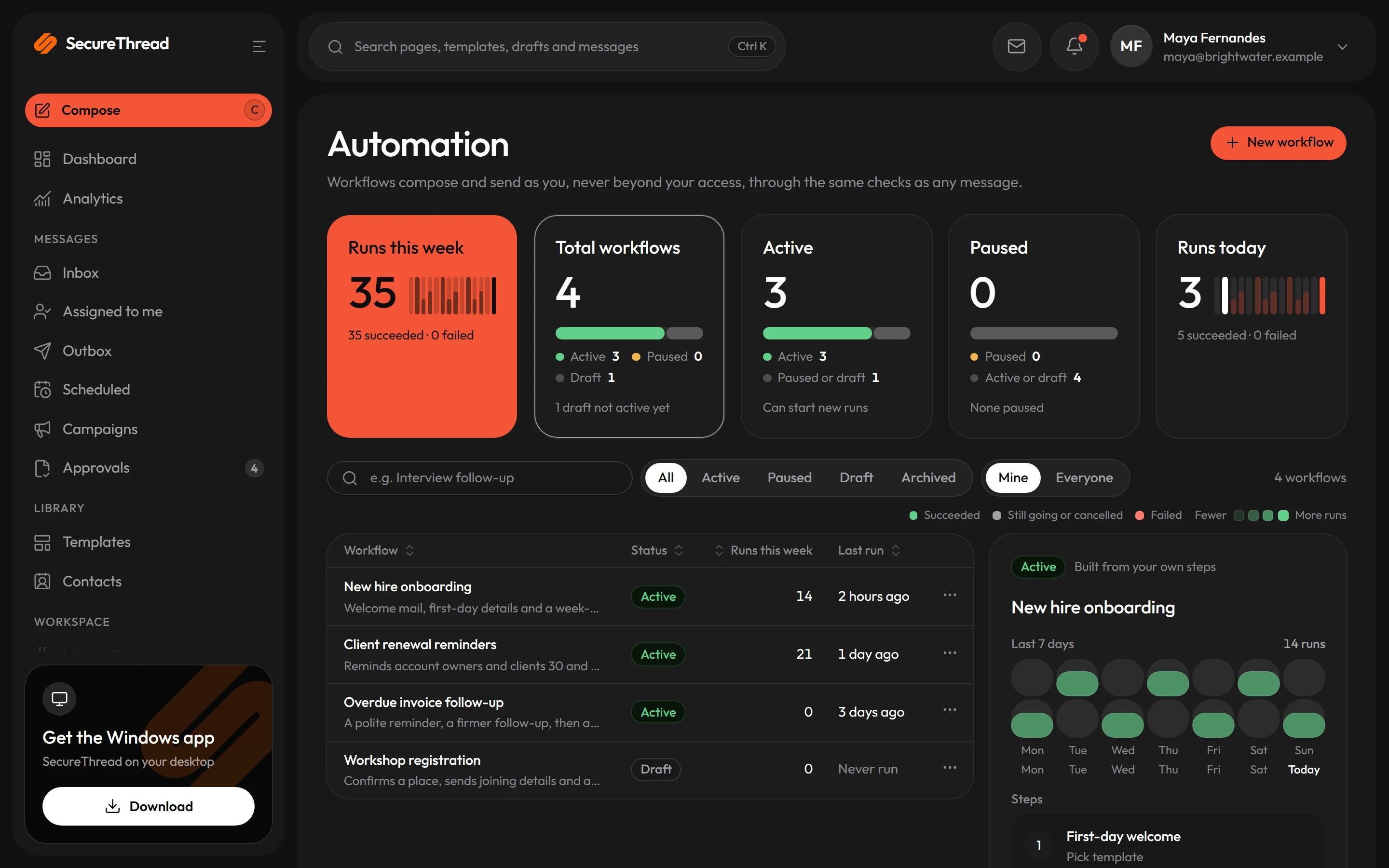
Multi-step workflows
Chain a template, recipients, an approval, a wait, a send and a status check into one automation of up to 25 steps. Every send step takes the same policy, render, quota and audit path as a message you send yourself.
A timeline for every run
Each run lists the outcome of every step. A failed run can be retried from the step that failed, and where it is unclear whether a send already went through, the retry asks you to acknowledge the duplicate risk first.
Versions that stay put
Changing a workflow creates a new version. A run keeps the version it started with, so an edit never changes a run that is already underway.
Start runs from signed calls
Your own system can start a run with a signed call that carries an event id and a timestamp, and a repeated event id starts no second run. Every refused call gets the same answer, so the endpoint cannot be probed.
Signed event webhooks
Tell your other tools when a message is accepted or fails, when an approval is decided, or when a campaign is paused. Each call is signed and carries identifiers only, never message content or addresses.
Scoped API keys
A key lets a tool list published templates and mailboxes, manage contacts, send from a published template and check a message’s status. Each key acts as the person who created it, with only the scopes it was given.
Workflows
Each run keeps the version it started with
Editing a workflow creates a new version, and a run keeps the version it pinned at the start. Each step is recorded before and after it runs, so a run interrupted by a crash resumes at the first step that did not finish, and a send step never submits the same message twice.
- Steps: choose a template, check recipients, compose, approval, wait, send, check status and end
- A check status step watches only SecureThread’s own message state, then branches on accepted, failed or timed out
- A completed run means every step ran. It does not show what happened to the message after the provider accepted it.
- A timetable can start only a workflow whose inputs are all optional, because scheduled runs start with no input values
- Run inputs and step outputs are cleared after the content retention window. The timeline keeps the statuses.
Approvals
Approvals that hold a run until a person decides
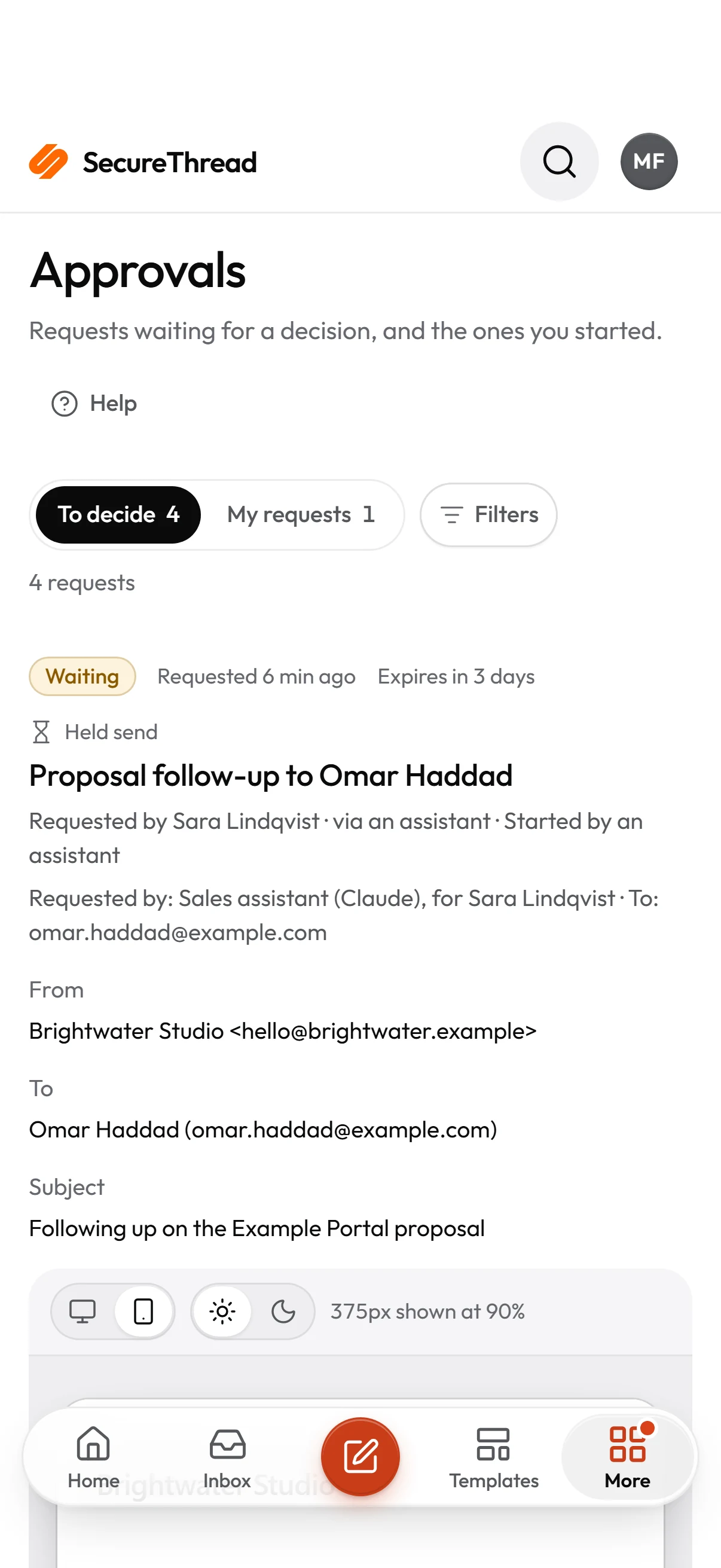
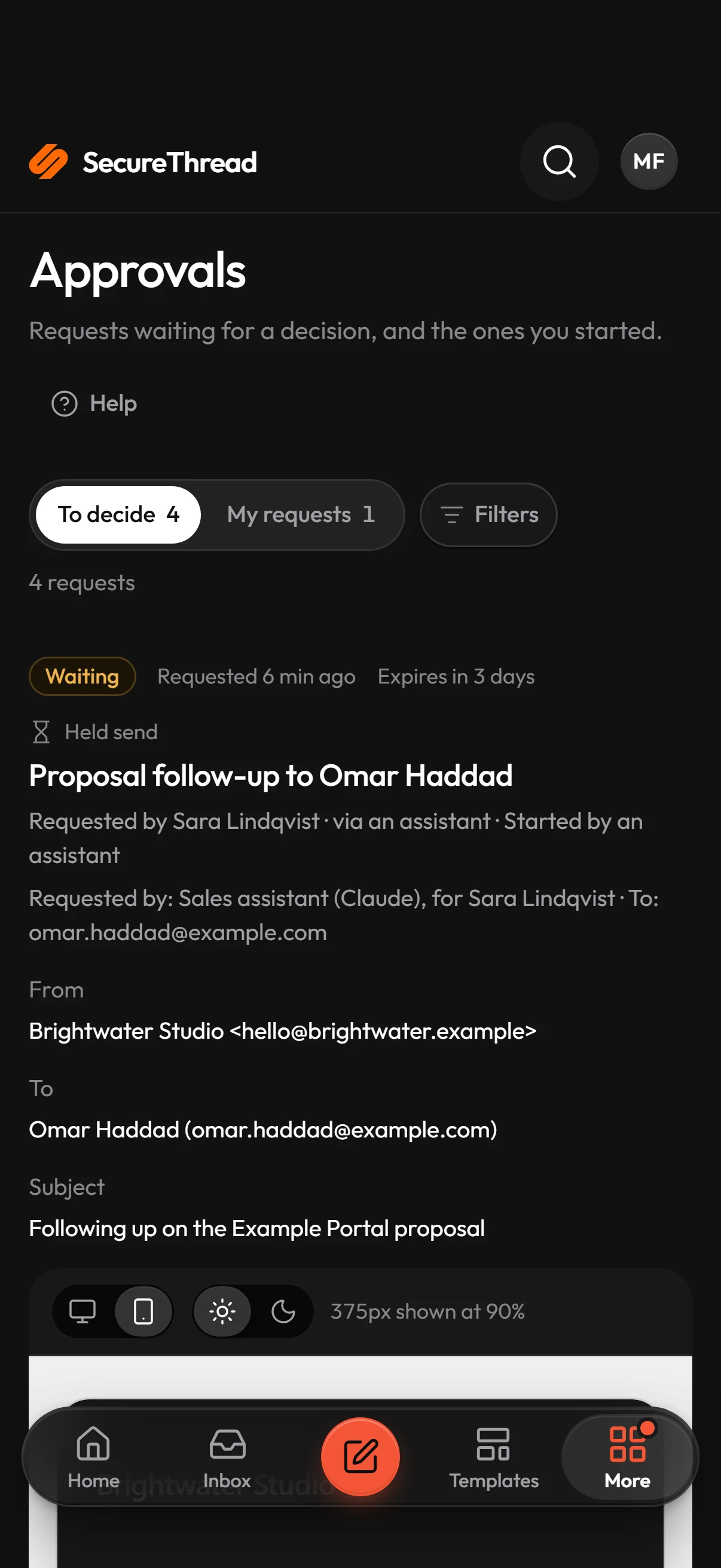
An approval step pauses the run until someone decides. Rejecting the request, or letting it expire, fails the run with a plain reason. Voiding a request that is still waiting cancels the run and any message still queued for it.
- The request appears in the approvals inbox, and the run shows what it is waiting for
- The person who started a run cannot approve it, unless the organization allows self-approval
- A decision made against an outdated version of the request is refused
- A run that an AI assistant starts waits at its first send until the person it acted for confirms
- AI assistants never decide approvals
Webhooks & API
Signed event webhooks out, a scoped API in
Event webhooks tell your tools about messages, approvals, campaigns, scheduled sends and mailbox sign-in problems. The public API lets a tool list templates and mailboxes, manage contacts, send from a template and check a message’s status.
- Up to 10 HTTPS endpoints per workspace. Administrators add them under Administration › Webhooks, on a plan that includes webhooks.
- Each call follows the open Standard Webhooks scheme. Check its signature against the raw request body, and refuse calls more than five minutes from the current time.
- A 2xx answer within 10 seconds counts as success. Other answers are tried again over about two days, eight attempts in all.
- Administrators create API keys under Administration › API keys. A key can be limited to address ranges and can expire after 30, 90 or 365 days, or never.
- Recipes show how to connect Zapier, Make and n8n. They are step-by-step guides, not native connectors.
What’s included
Every feature, with its status
What is built today, what is in beta, and what is on the roadmap.
All features- Available
Workflows
Versioned multi-step workflows: template, recipients, approval, wait, send and status checks, with run history.
- Available
Outbound event webhooks
Signed HTTPS calls to your systems when messages, approvals and campaigns change.
- Available
Public REST API
Templates, contacts, mailboxes, sending and message status on scoped workspace keys.
- Coming soon
SDKs
Published client libraries for the REST API, starting with TypeScript.
- Available
Scoped API keys and IP allowlists
Keys limited to chosen scopes, address ranges and an expiry, revocable at once.
- Available
Zapier, Make, n8n and CRM integrations
Recipes built on the API and webhooks today; native connectors are on the way.
- Available
Usage page and usage API
What your workspace has used against its plan, in the app and over the API.
Specifications
The details
- Workflow size
- Up to 25 steps and 30 input fields
- Triggers
- Start by hand, by a signed call, or on a timetable
- Webhook endpoints
- Up to 10 per workspace, HTTPS on the standard port, public addresses only
- Webhook retries
- Eight attempts over about two days, then marked failed
- Active API keys
- 25 per workspace; expiry of 30, 90 or 365 days, or none
- API limits
- 600 calls per key every five minutes, with sends capped at 60 in that window
- Idempotency keys
- Eight to 128 visible characters, remembered for 24 hours
FAQ
Questions, answered
Are Zapier, Make and n8n connectors we can install?
No. SecureThread has no app for Zapier, Make, n8n or any CRM. The recipes use SecureThread’s signed event webhooks and public API together with each tool’s own steps. Menu names change between versions of each tool, so check each step against the version you use.
Does a completed workflow run mean the message reached the recipient?
No. A completed run means every step ran. A send step means the provider accepted the message. Nothing in SecureThread reports whether a person has the message.
Can a workflow watch our CRM or other systems for changes?
No. A workflow cannot watch external systems. A run starts by hand, on a timetable, or when the system that has the news calls the workflow’s signed webhook.
How do we know a webhook call came from SecureThread?
Every call carries a signature made with the endpoint’s secret, which is shown once when you add the endpoint or replace its secret. Check that signature against the raw request body before you trust the payload. Treat the call’s id as a way to skip repeats, because a call can arrive more than once.
What can an API key do, and when does it stop working?
A key acts as the person who created it, and only within the scopes it was given. It cannot use administrator powers, and it stops working when it is revoked, when it expires, or when its owner’s account is deactivated.
Send your first approved email today
Connect a mailbox, pick a template and send with the checks and approvals your organization needs. No new email address, no new habits.