Inbox & conversations
Answer mail from every connected mailbox
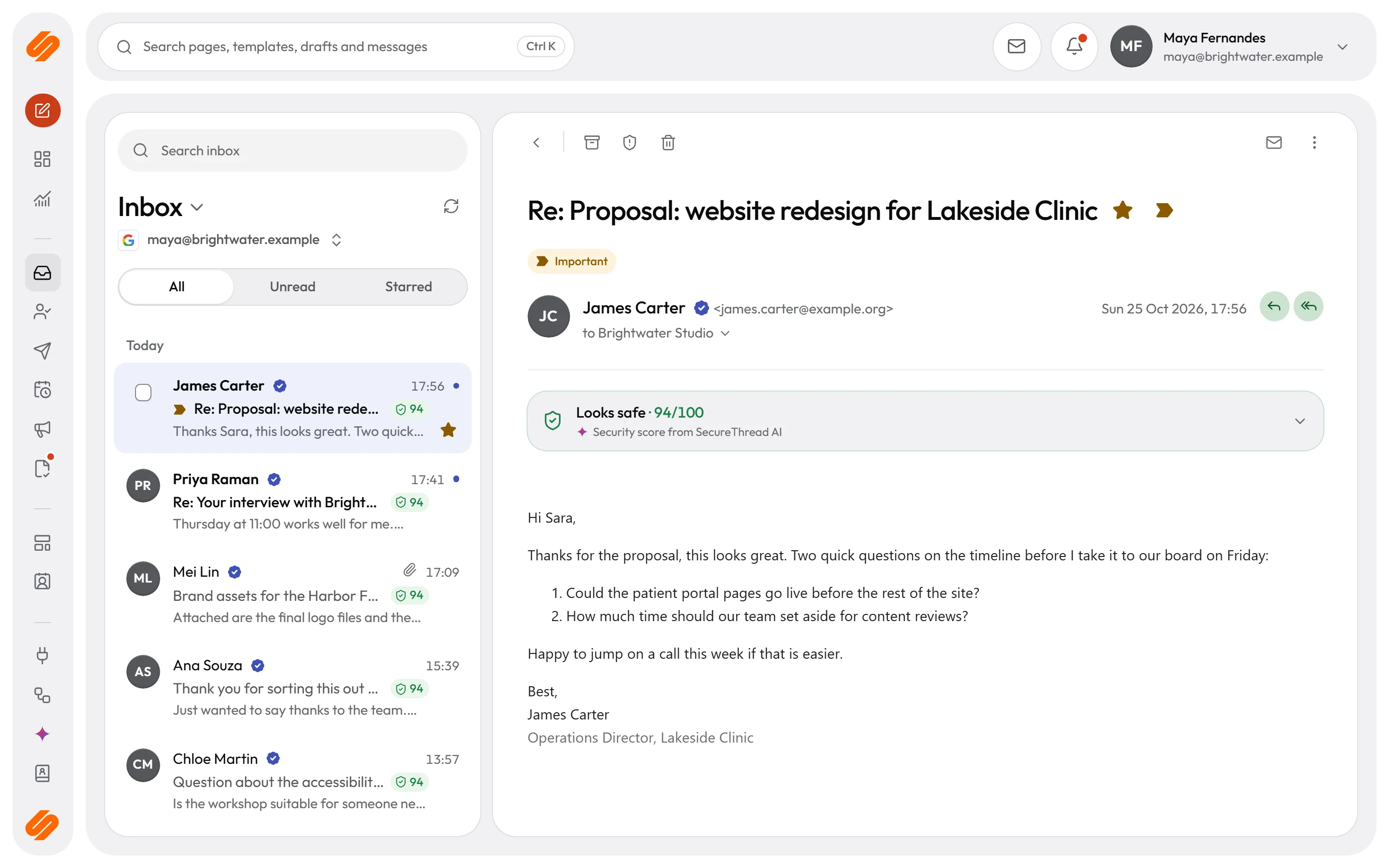
Read, reply and organize mail from Google Workspace, Microsoft 365 and SMTP mailboxes without leaving SecureThread. Share a mailbox, assign a conversation, and keep administrator access read-only and audited.
Mail stays with your provider
Lists, messages and attachments are fetched from Gmail, Microsoft 365 or the IMAP server when someone asks for them. SecureThread does not store the mail itself.
Reply, reply all and forward
Replies quote the original and go out in the ArcByte email design, through the same send path as any other message. Each one appears in the Outbox, where its status shows whether the provider accepted it.
Shared mailboxes, with the access you choose
An administrator shares a mailbox with people who need it and decides, for each person, whether they can see the inbox, organize mail, reply and forward, or send new email.
Assignment and internal notes
Assign a conversation to a colleague and add internal notes for your team. Conversations work across Gmail, Microsoft 365 and IMAP threads.
Administrators look, but never change
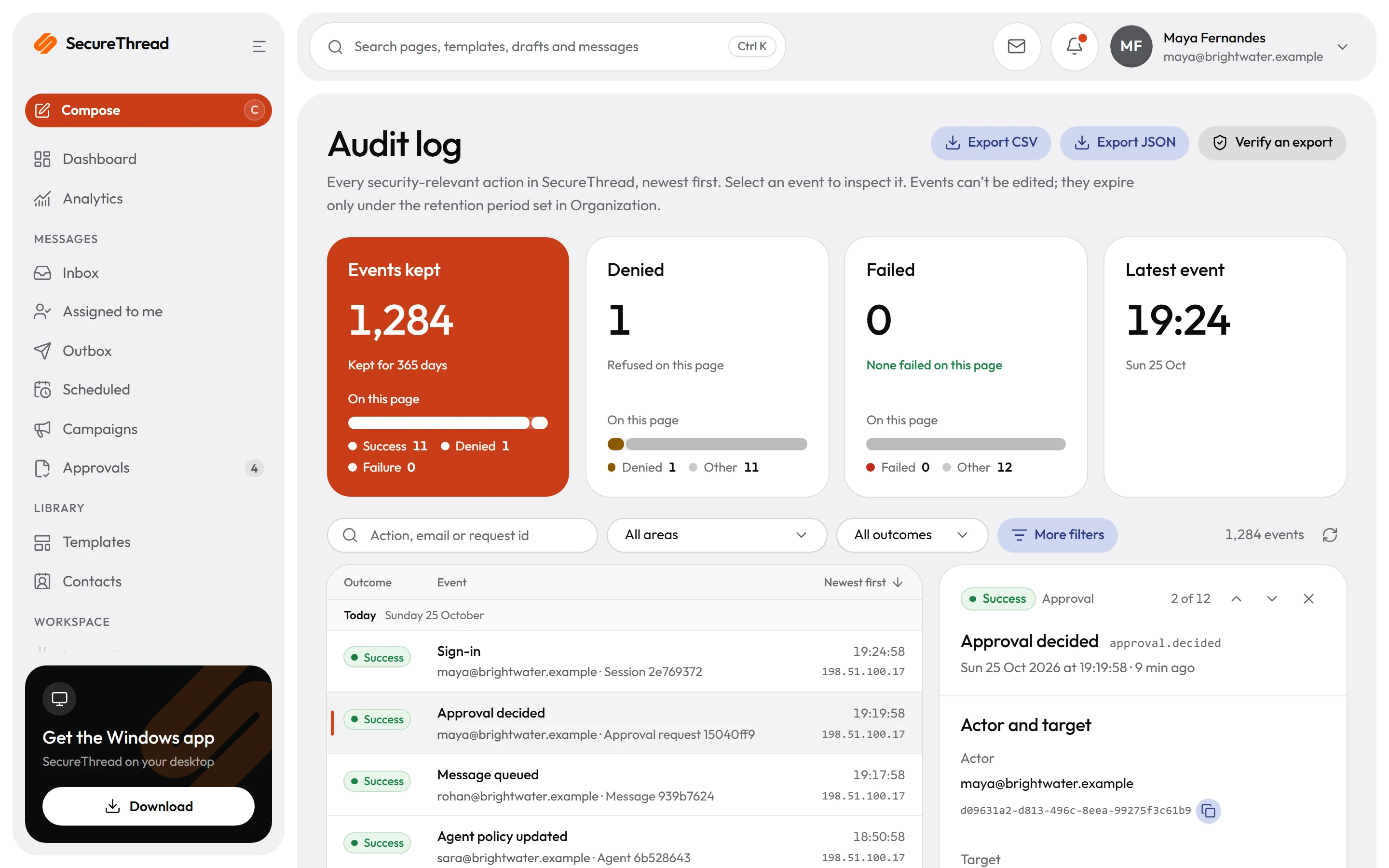
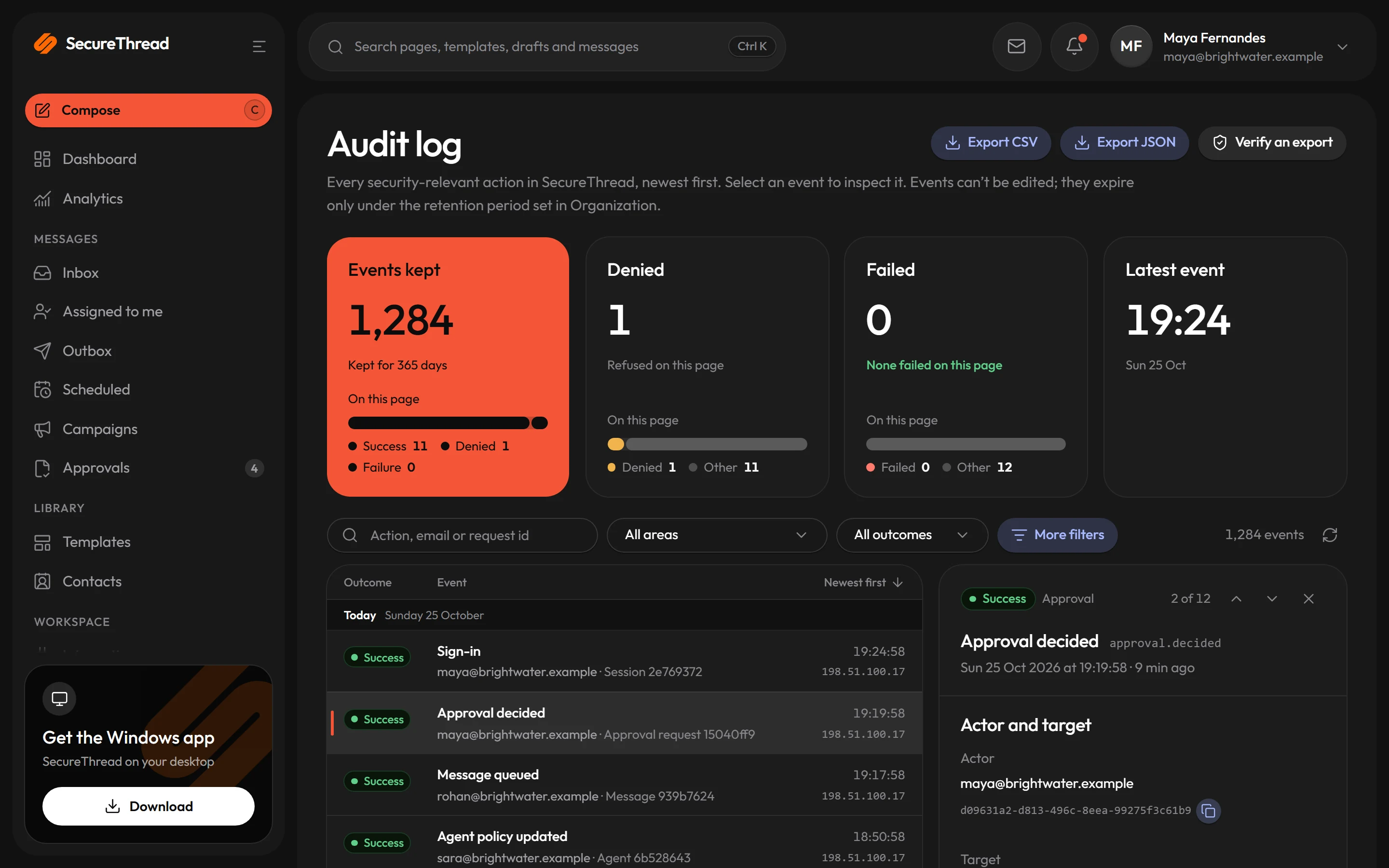
Administrators can view any connected mailbox read-only. They cannot change it or reply from it, and every view is written to the audit log.
New mail alerts
Get a push notification when new mail arrives, on phones and in the installed web app. Mute a busy shared mailbox, or switch off previews so alerts only say that there is a new message.
Reading and replying
The usual mail actions, without leaving SecureThread
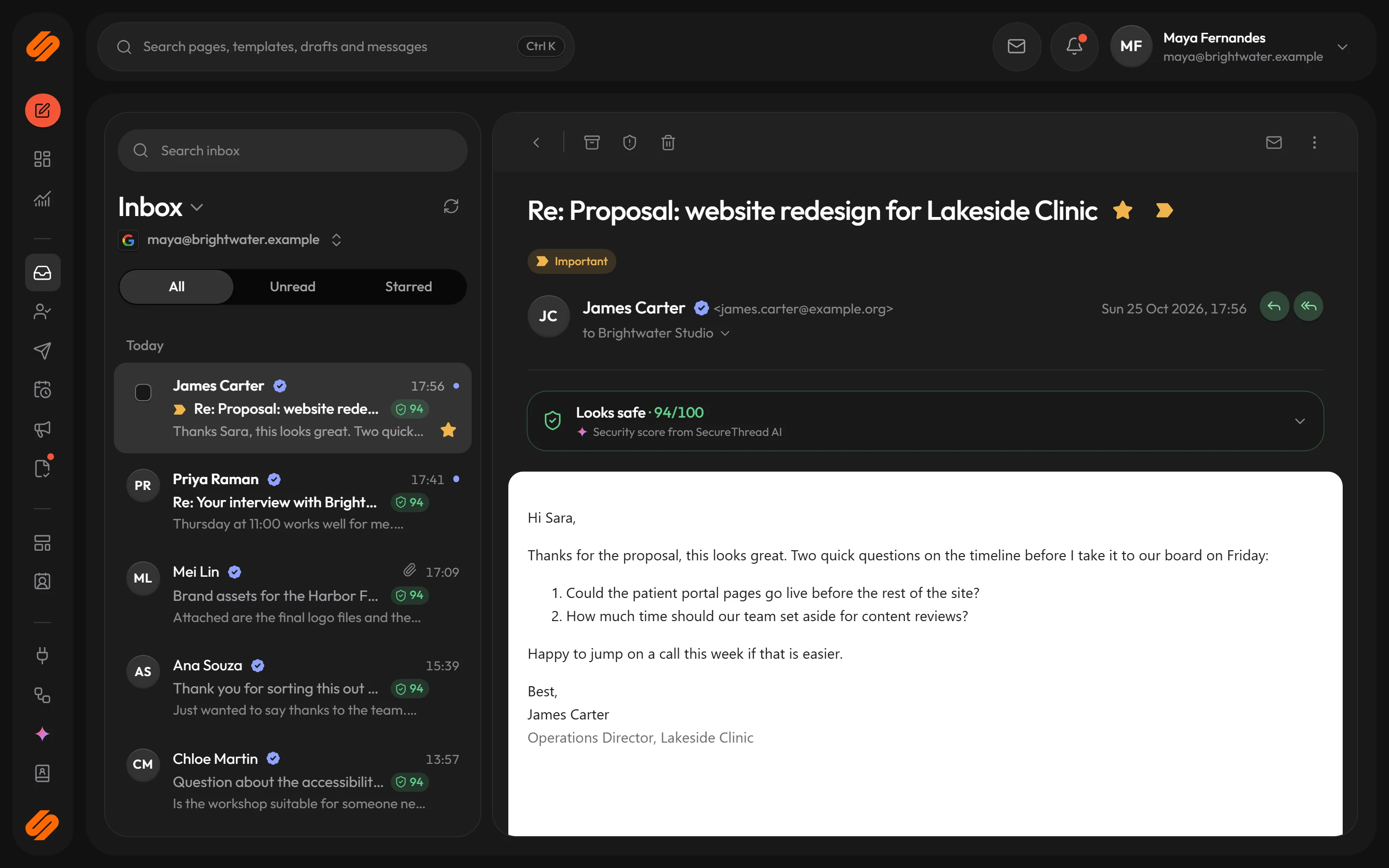
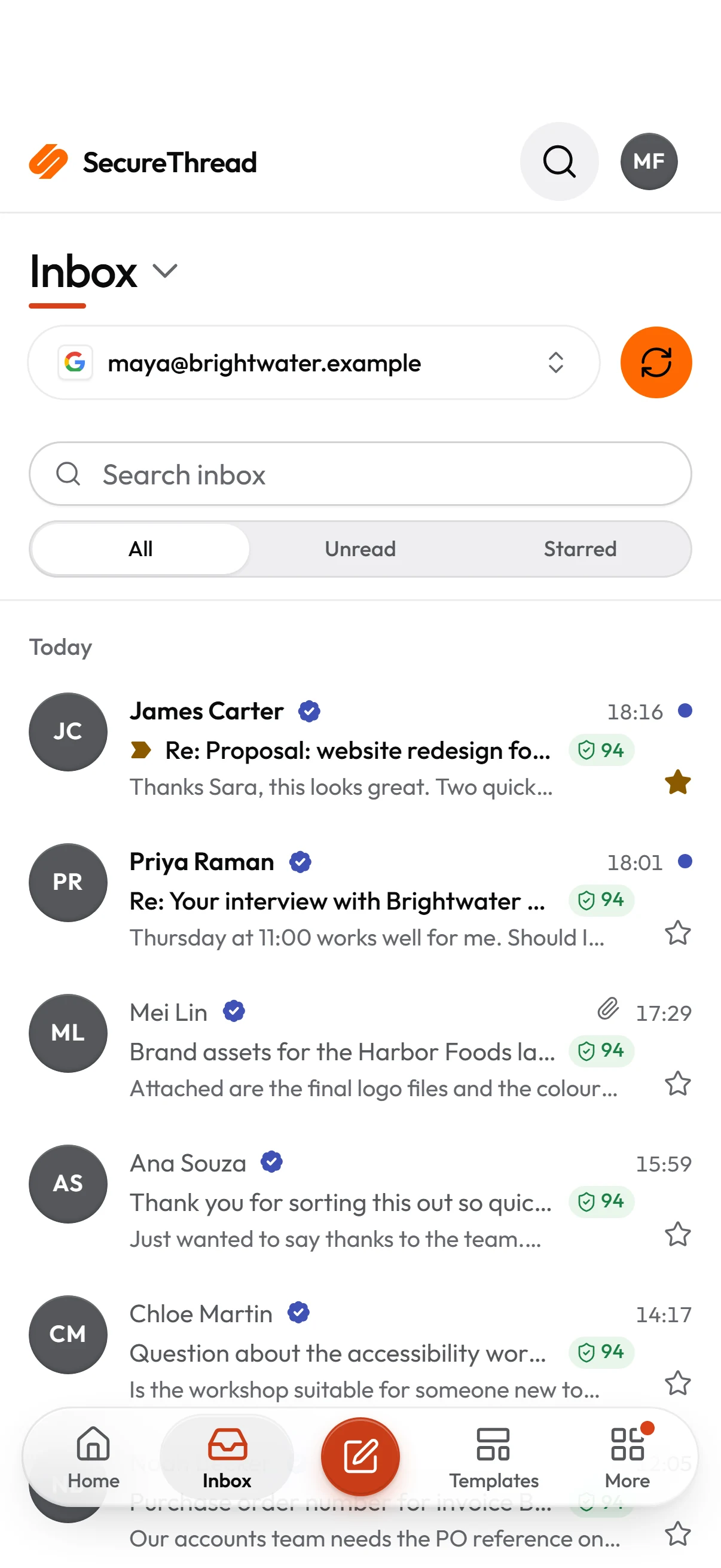
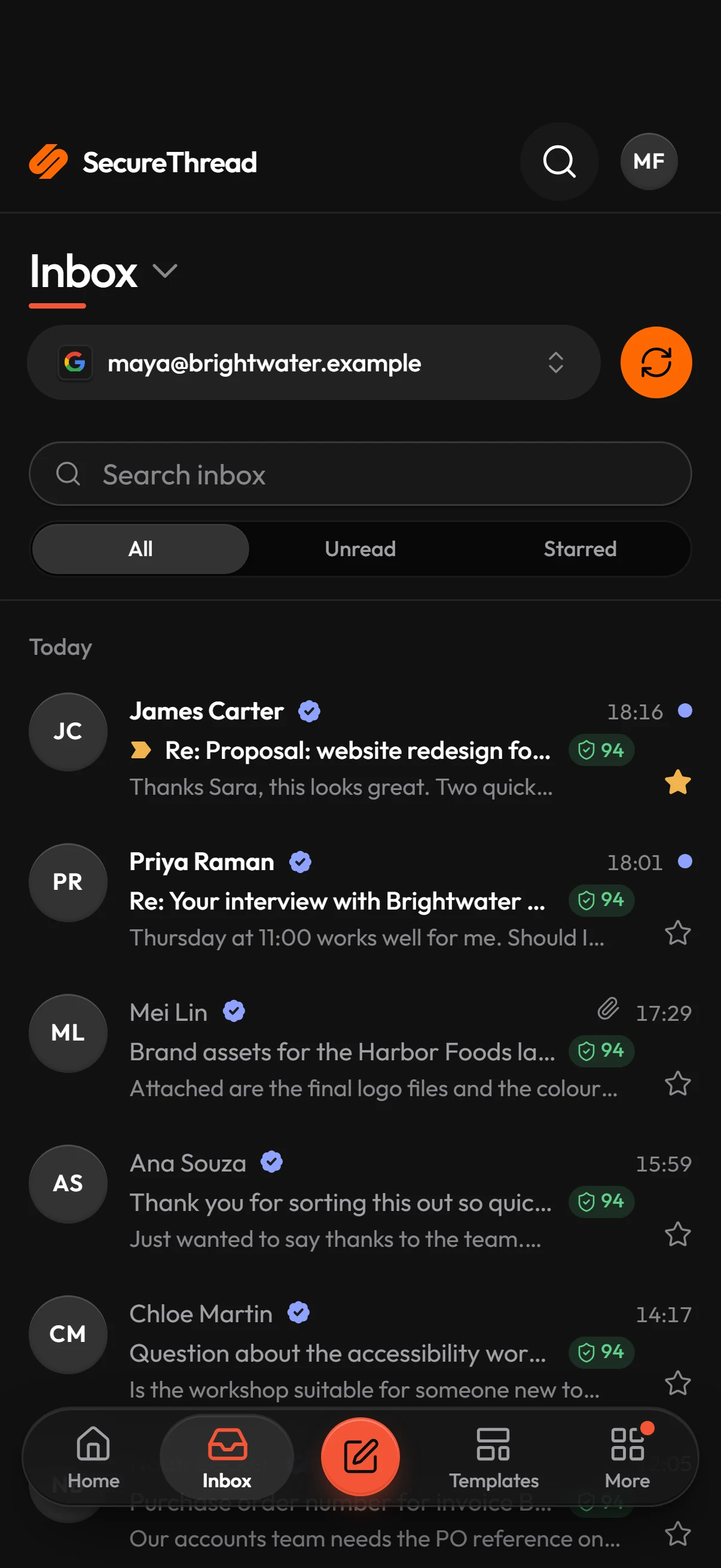
Pick a connected mailbox and its lists load from the provider when you ask for them. A message shows in a reader beside the list, and the lists refresh every minute while the inbox is open.
- Gmail through the Gmail API, Microsoft 365 through Microsoft Graph, and SMTP mailboxes through IMAP
- Reply, reply all, forward, star, mark as read or unread, archive, report spam and move to trash
- Snooze, mute, labels and Important, where the mailbox supports them
- Message HTML is sanitized on the server and shown in a sandboxed frame that runs no scripts
- Attachments download on request, up to 25 MB, and are never shown inside the page
Shared work
Shared mailboxes and assigned conversations
In Admin › Mailboxes › the mailbox › Shared mailbox, an administrator shares a mailbox and chooses what each person can do with it. Conversations work across Gmail, Microsoft 365 and IMAP threads.
- Four permissions for each person: Read inbox, Organize, Reply and forward, and Send new email
- Presets for Full access, Inbox only, Read only and Send only
- Someone without Read inbox does not see the shared mailbox, and is not told about its mail
- Assign a conversation to a colleague
- Add internal notes to a conversation for your team
Administrators
Read-only access that leaves a record
Administrators can view any connected mailbox. They never change a mailbox or reply from it, and every view is written to the audit log before anything is shown.
- Administrator access needs two-step verification
- Every list, message view and attachment download is audited, with the mailbox and its owner
- If the audit entry cannot be written, the request fails and nothing is shown
- Administrator views have no automatic refresh and no AI summaries
- Remote images stay blocked for administrators until they choose Show images
What’s included
Every feature, with its status
What is built today, what is in beta, and what is on the roadmap.
All features- Available
Unified inbox
Read and answer mail from connected Google Workspace, Microsoft 365 and IMAP mailboxes, fetched on demand and never stored.
- Available
Reply, forward and organize
Reply, reply all, forward, star, archive, junk and trash, with remote images held back by policy.
- Available
Shared mailboxes
Share a mailbox with colleagues, choosing who may send, read, organize and reply.
- Available
Conversations, assignment and notes
Assign a conversation to a colleague and leave internal notes beside the thread.
- Available
Unified search
Search across messages, templates, contacts and more from one box or the command palette.
- Available
Inbound prompt-injection screening
Inbox mail that looks like an attempt to instruct an AI is held back from AI summaries and drafts.
- Available
Hosted agent inboxes
Addresses hosted by SecureThread where AI agents can take in mail directly.
Specifications
The details
- Mailboxes
- Google Workspace (Gmail API), Microsoft 365 (Microsoft Graph), SMTP mailboxes over IMAP
- Mail storage
- Fetched on request and not stored; only identifiers, snooze and mute times, and security scores are kept
- Lists
- 25 messages per page, newest first, refreshed every minute while the inbox is open
- Attachments
- Download up to 25 MB; never rendered inside the page
- Message size
- Bodies over 2 MB are cut in the reader, and the reader says so
- Sender checks
- Gmail and Microsoft 365 messages get a sender check; IMAP messages do not
- Administrator access
- Read-only, audited before anything is shown, no automatic refresh
FAQ
Questions, answered
Does SecureThread store our email?
No. Mail is fetched from the provider when someone asks for it and is not stored. SecureThread keeps only identifiers and times for snooze and mute, and security scores with their signal codes for 90 days. Replies you send are stored in the Outbox like any other message.
Can an administrator read our mailboxes?
Administrators with the right permission can view any connected mailbox read-only. They need two-step verification, cannot change the mailbox or reply from it, and every list, message view and attachment download is written to the audit log.
What can a person do with a shared mailbox?
It depends on what the administrator grants. Read inbox lets someone see the mailbox and get new-mail alerts, and Organize, Reply and forward, and Send new email are separate permissions. Presets cover the usual cases: Full access, Inbox only, Read only and Send only.
Do SMTP mailboxes work with the inbox?
Yes. They are read over IMAP with the same address and password used for sending, and the IMAP server comes from the provider catalogue or an administrator’s setting. Some providers need IMAP switched on in the mailbox settings first. IMAP mailboxes show no preview line and cannot snooze or mute.
Send your first approved email today
Connect a mailbox, pick a template and send with the checks and approvals your organization needs. No new email address, no new habits.