Compose & templates
Professional email, written in minutes
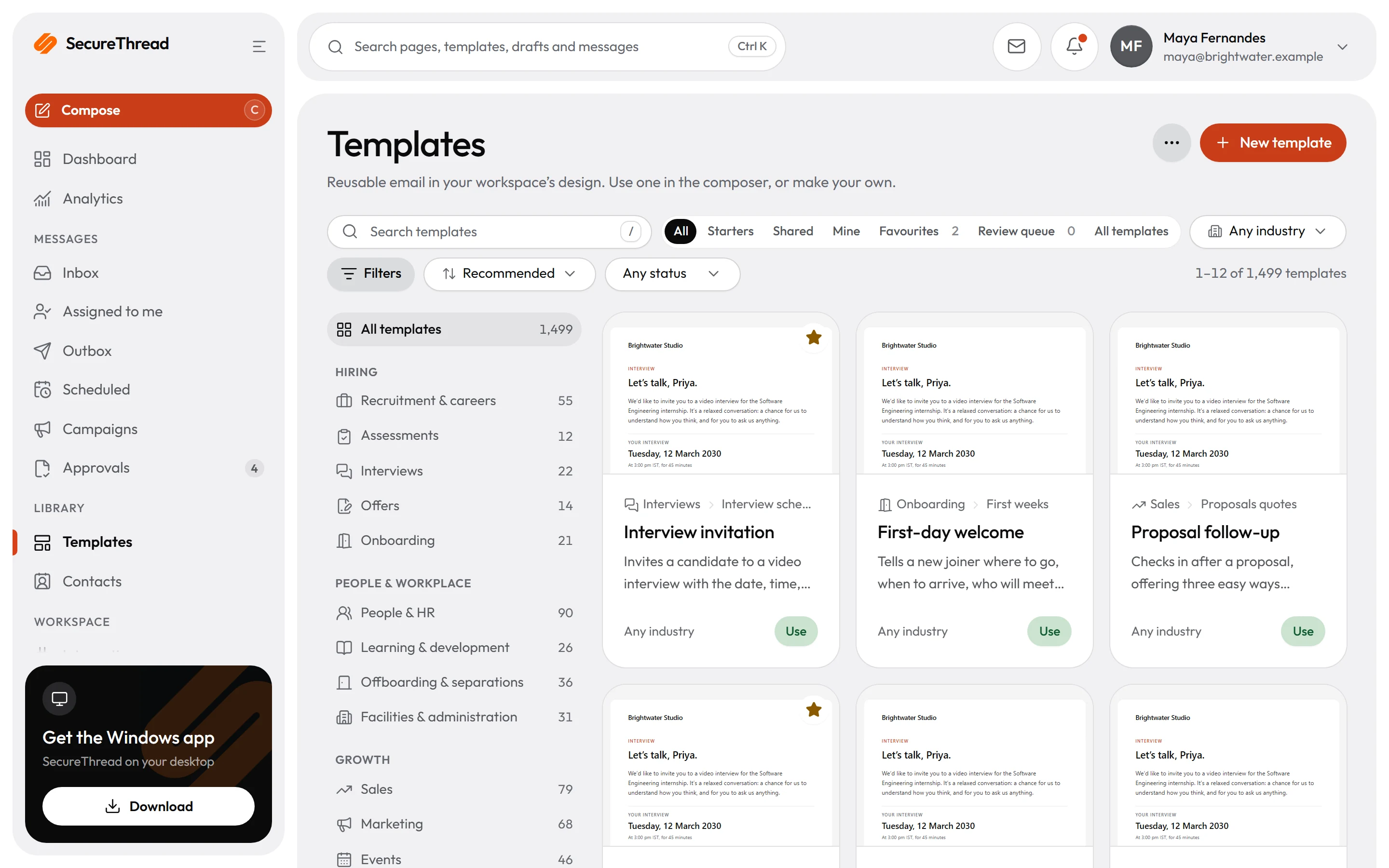
Start from a plain text box or a full designer, pick one of 1,499 starter templates, and preview exactly what recipients will see on desktop and phone before anything is sent.
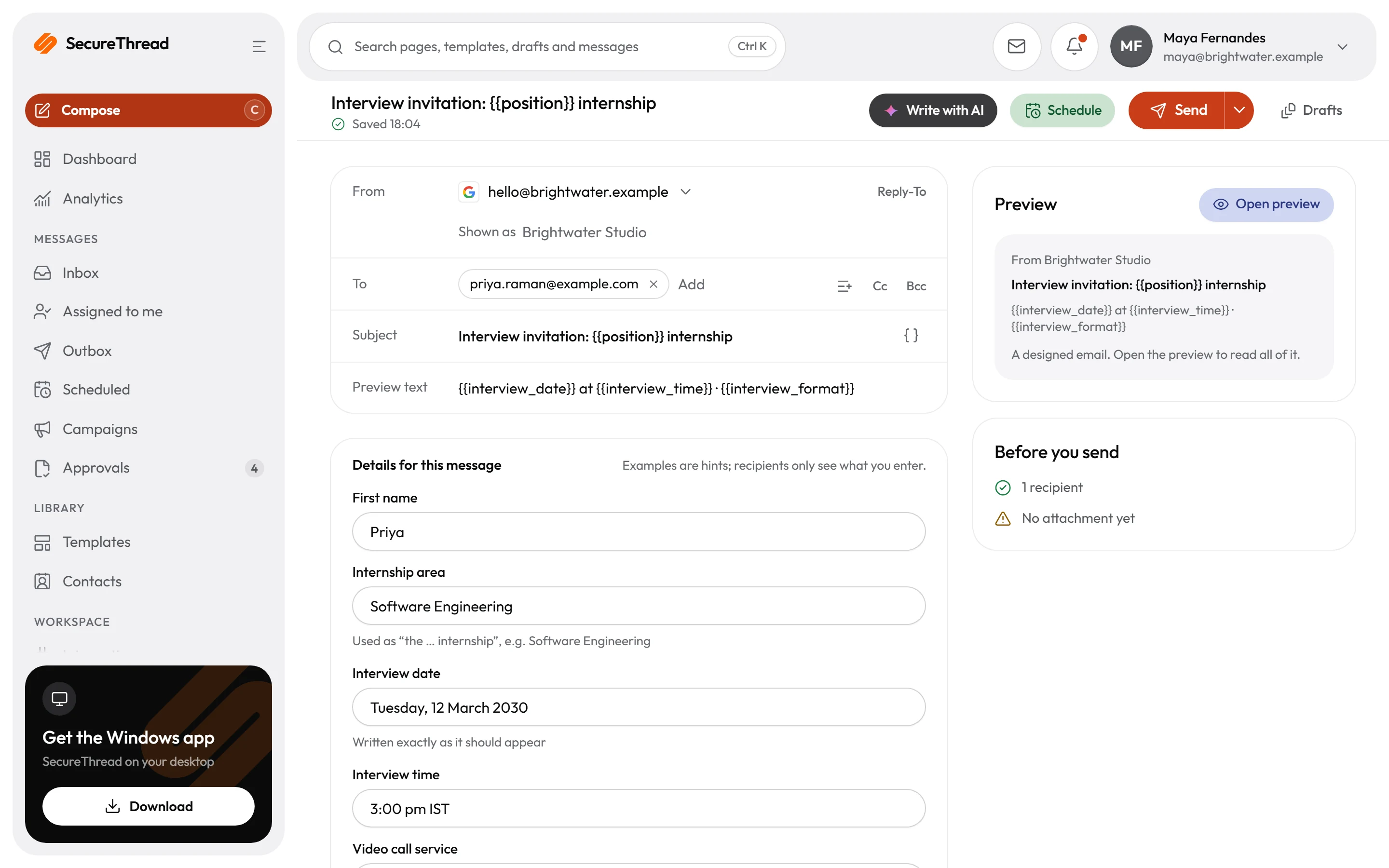
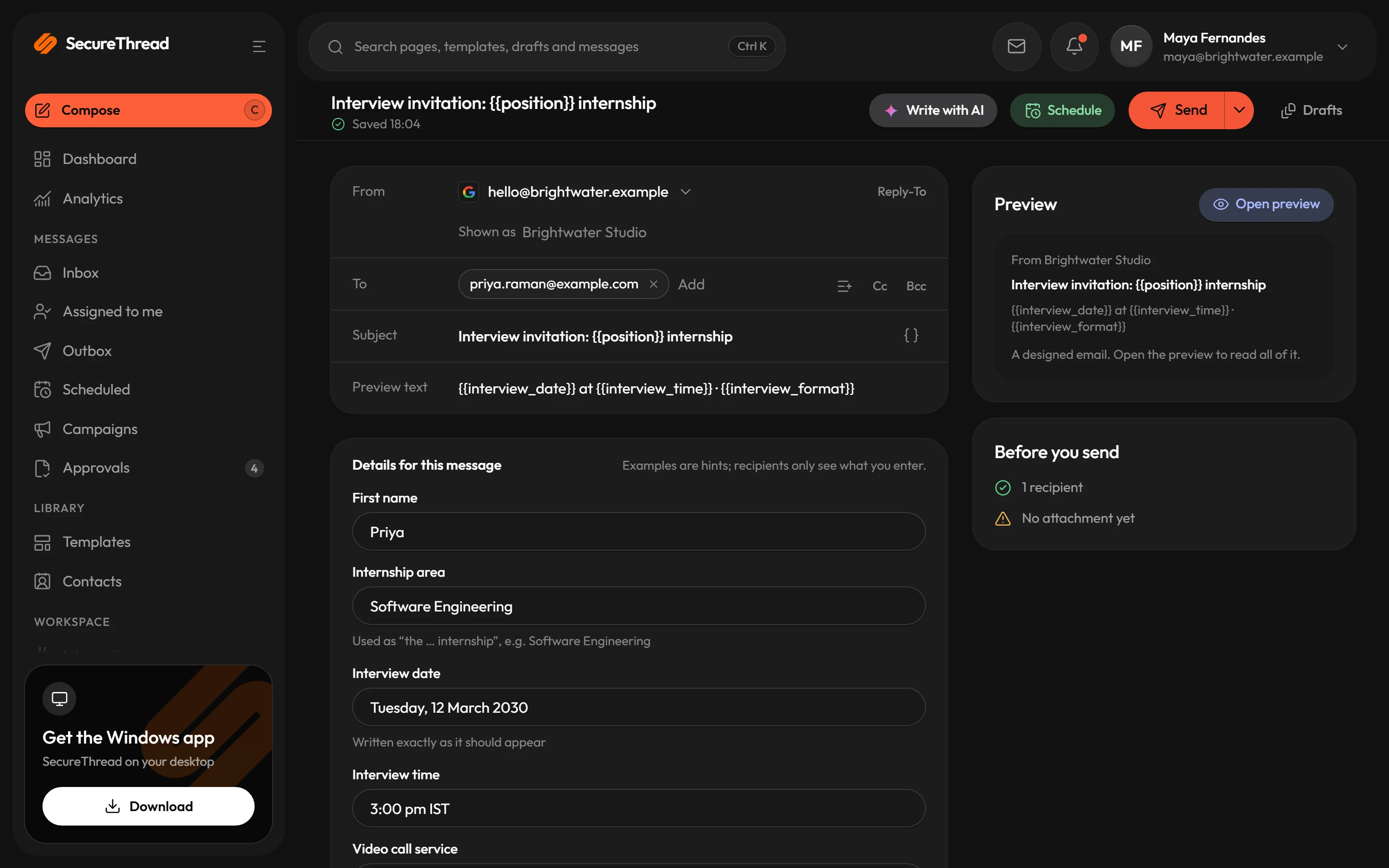
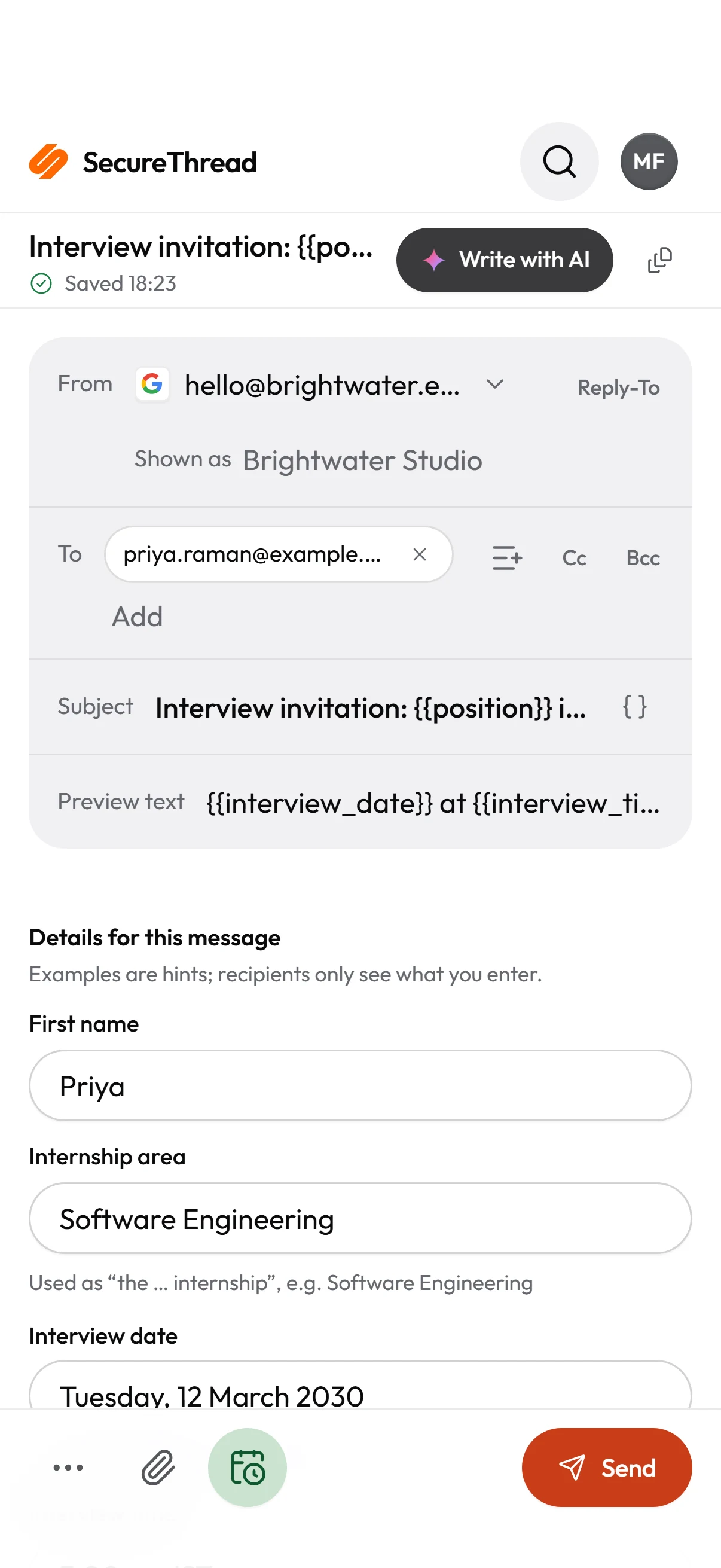
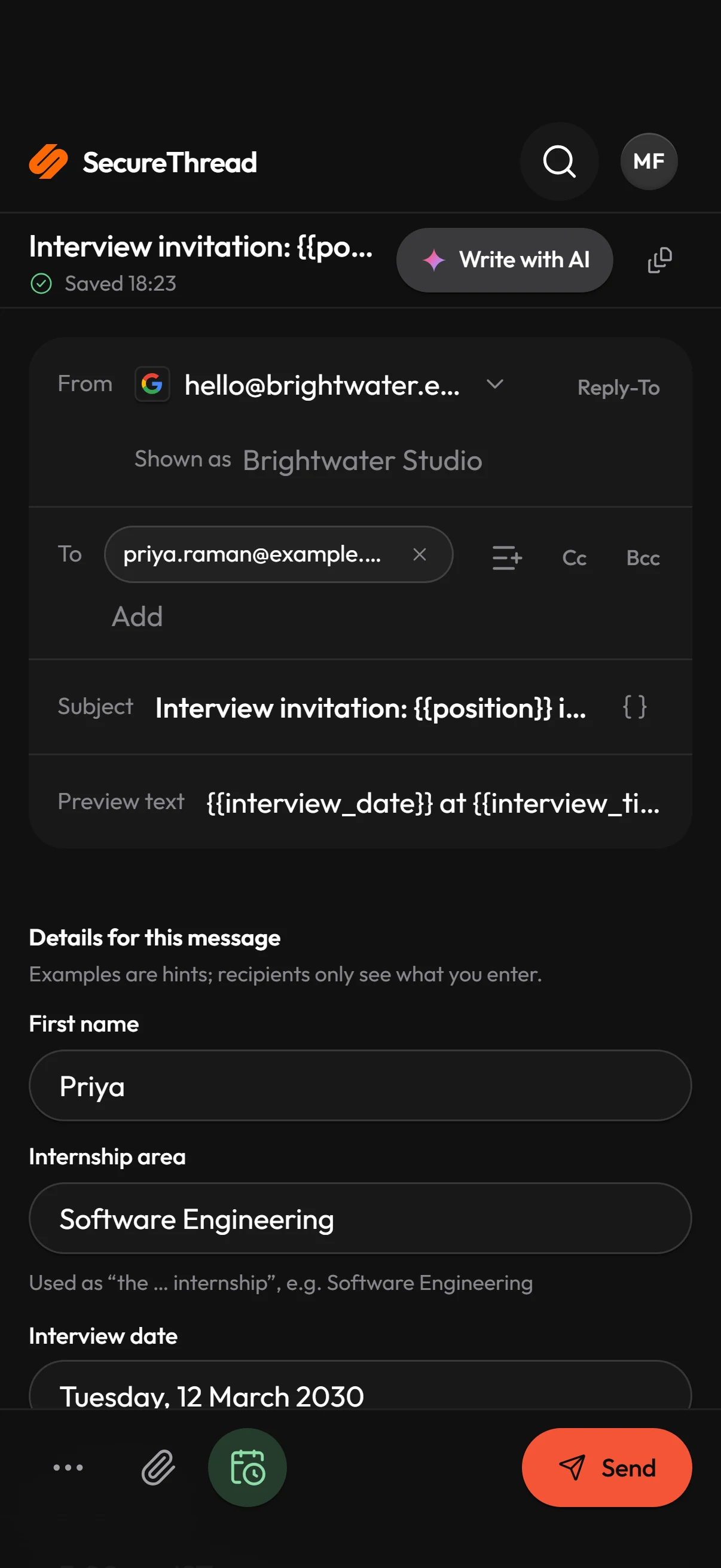
Simple or full design
Compose opens on a plain text box that goes out in your branded note design. Switch to Design for the visual MJML editor, or edit HTML directly.
1,499 starter templates
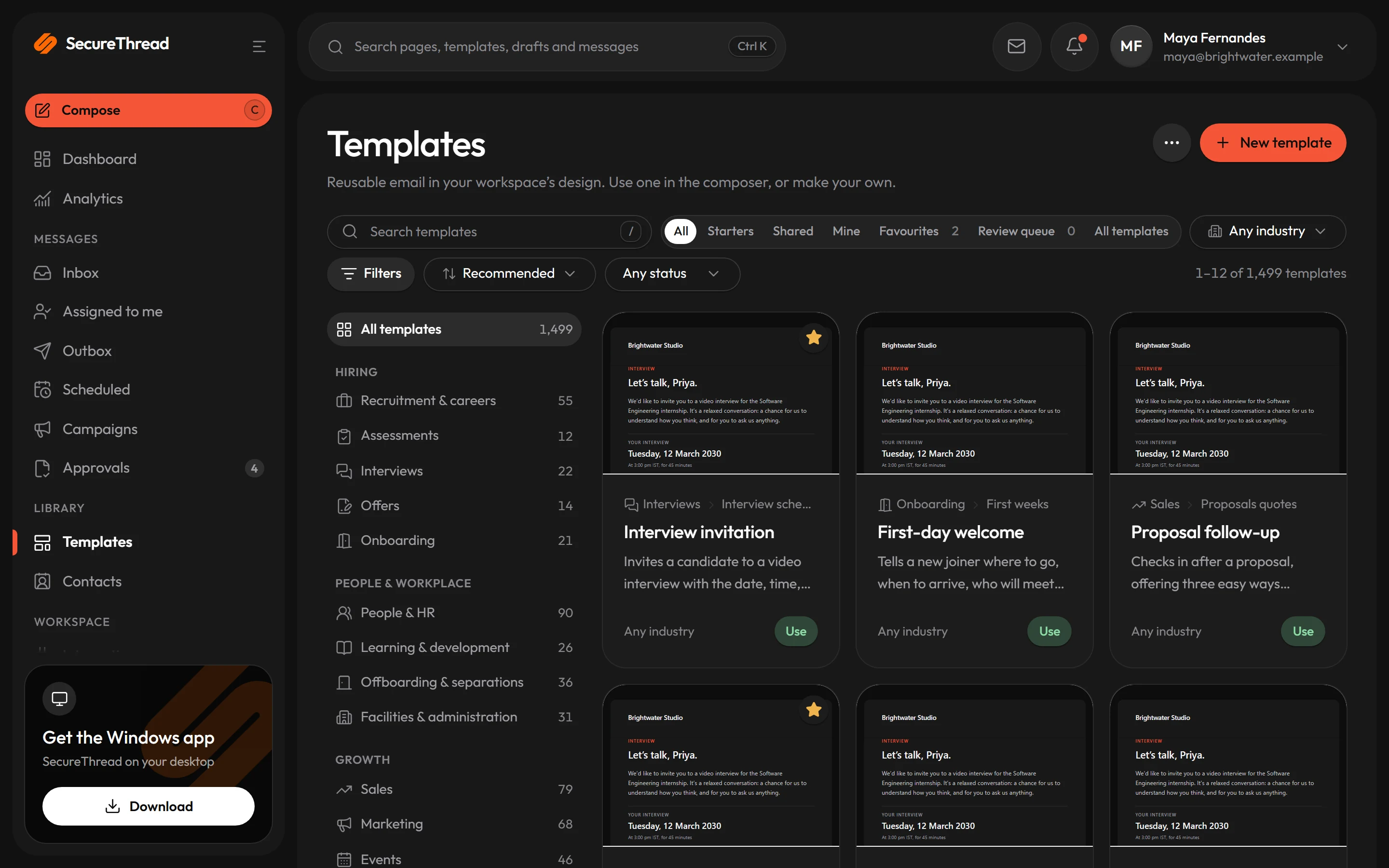
Hiring, sales, billing, events, client work and everyday correspondence, all on one email design system with a full dark mode.
Every fact is a variable
Names, dates, amounts and links are variables with clearly illustrative examples, and company details come from your organization settings.
Sandboxed live preview
See the message at desktop and phone widths as you type. Previews render server-sanitized HTML in a sandboxed frame that runs no scripts.
AI drafting, on your terms
Draft, rewrite, change tone or suggest subject lines. Suggestions are only applied when a person chooses to, and Undo puts back what was there.
Drafts that keep themselves
Drafts save as you write, attachments travel with the message, and a test send to yourself shows the result in your own inbox first.
Template library
A library your whole team can start from
Every starter is written to be sendable as shipped: the renderer checks each one in send mode with its example values and requires zero issues.
- 1,499 templates across 34 categories, from recruitment and onboarding to invoices, events and investor updates
- Four layouts: branded card, announcement, personal note, and a note without letterhead
- At most one primary button per email, alt text on every image and WCAG AA contrast
- Administrators can limit which template categories each person sees
Governance
Shared templates with versions and review
Share your own templates through a review workflow. Every published version is kept, so you can compare two versions and roll back.
- Immutable versions with side-by-side comparison and rollback
- Publish-gate checks run before a template goes live
- Locked brand components keep headers and footers consistent
- Starters are never edited in place: duplicate one to make it your own
SecureThread AI
An assistant that suggests, never sends
The assistant works inside the composer as a conversation. It edits the words of your email in place, so the layout, logo, signature and footer survive every change.
- Draft from a few lines, rewrite, shorten, or change tone to formal, friendly, concise, confident or apologetic
- Details the instruction did not supply are left as placeholders and asked about, never invented
- Off until an administrator turns it on and acknowledges that content goes to the AI provider
- Drafts that used AI are marked on the message record
What’s included
Every feature, with its status
What is built today, what is in beta, and what is on the roadmap.
All features- Available
Simple, visual and HTML editors
A plain text box that goes out in your branded note design, a visual MJML designer, or HTML source.
- Available
Starter template library
1,499 professionally written templates in 34 categories, on one email design system with a full dark mode.
- Available
Your brand on every starter
Starter templates that carry your own logo and accent instead of the default lockup.
- Available
Variables and personalization
Every name, date, amount and link is a variable, filled per recipient; company details come from settings.
- Available
Live desktop and phone preview
See the message at both widths as you write, in a sandboxed frame that runs no scripts.
- Available
Drafts, attachments and test sends
Autosaving drafts, attachments and a test send to yourself before the real one.
- Available
Email client compatibility check
A static check of the markup for known problems in mail clients, reported as no known issues, warn or fail.
- Available
Template governance
Shared templates with review, immutable versions, side-by-side comparison, rollback and publish gates.
- Available
AI drafting
Draft, rewrite, change tone, suggest subject lines and fill details. Suggestions are applied only by a person.
- Available
Bring your own AI key
Use your own Anthropic or OpenAI-compatible key, stored encrypted and bound to your workspace.
- Available
Attachment malware scanning
Attachments scanned by a ClamAV daemon before they are stored or sent, once configured.
Specifications
The details
- Editors
- Simple text, visual MJML designer, HTML source
- Starter templates
- 1,499 in 34 categories
- Dark mode
- Every starter carries its own dark palette
- Preview
- Desktop and phone widths, sandboxed frame, no scripts
- Sanitizing
- All HTML is sanitized on the server before it is stored, previewed or sent
- Remote content
- Only https images; background images, CSS url() and web fonts are removed
FAQ
Questions, answered
Do I have to use a template?
No. Compose opens on a plain text box whose words go out in your branded note design with your signature. Templates and the full designer are there when you want them.
Can we use our own logo and colors?
Yes. Administrators set the logo for light and dark mode and a brand accent under Admin › Organization. Templates take company details and the logo from those settings.
Does the AI ever send an email by itself?
No. AI drafting only suggests content. A person applies a suggestion to the draft, and sending stays a separate action.
Which AI providers can we use?
Administrators configure the provider: Anthropic, or an OpenAI-compatible endpoint with an https address. Nothing is sent to a provider until an administrator has acknowledged that content is processed by it.
Will the email look the same in every inbox?
Every starter renders with zero issues in SecureThread’s own checks and follows email-client-safe rules. How each mail client displays HTML email varies, so use a test send to your own inbox before an important send.
Send your first approved email today
Connect a mailbox, pick a template and send with the checks and approvals your organization needs. No new email address, no new habits.