Mailboxes & providers
Connect the mailboxes your team uses
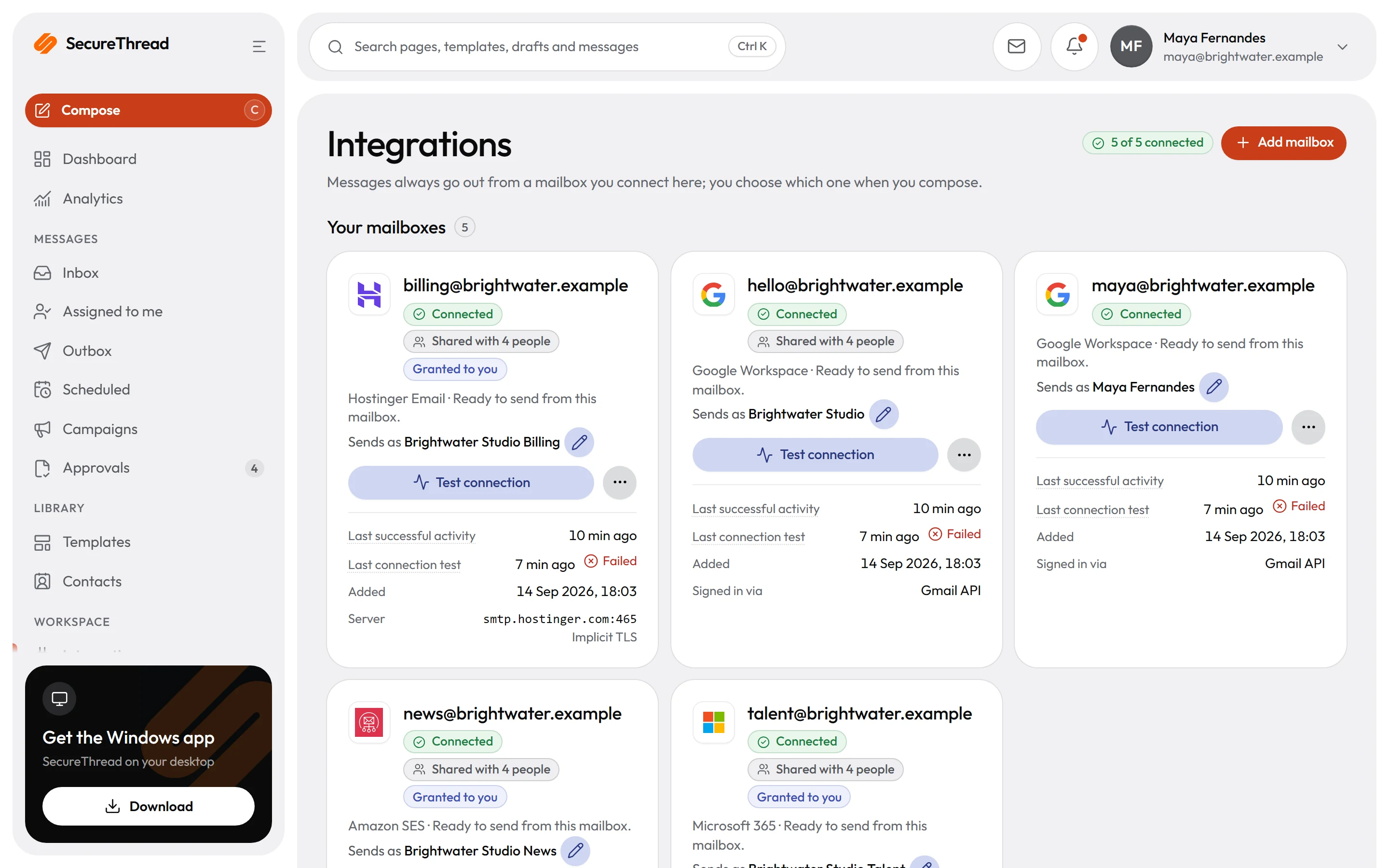
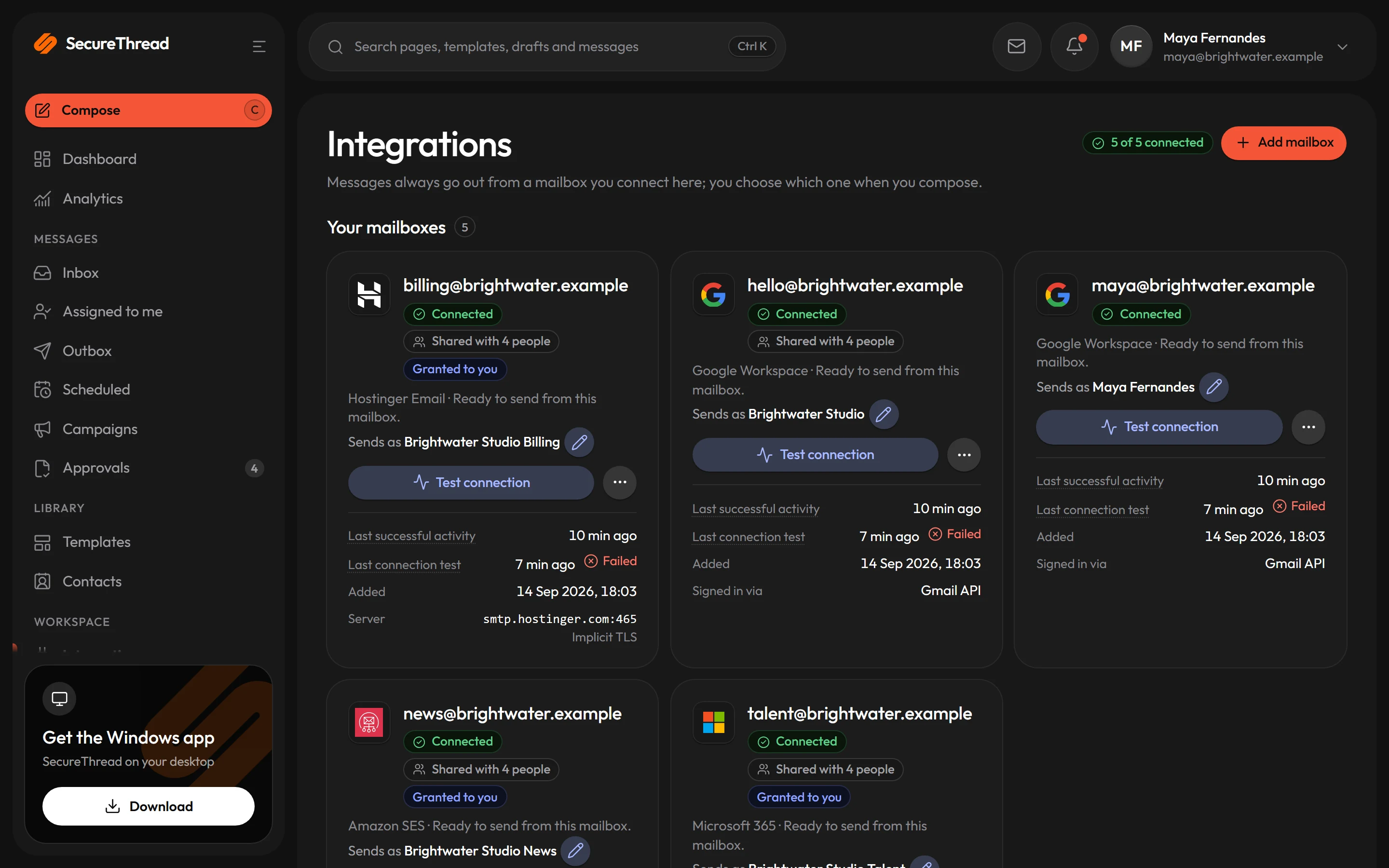
Sign in with Google Workspace or Microsoft 365, or connect a mailbox or sending service from one catalogue of 31 providers. Administrators approve every SMTP server, and sending domains are checked for ownership, SPF, DKIM and DMARC before mail goes out.
Google and Microsoft sign-in
Google Workspace and Microsoft 365 connect with OAuth, so people sign in through their provider’s own screens. Each request asks for a fixed list of permissions, and nothing else.
31 providers, one catalogue
Eighteen business and personal mail hosts and thirteen transactional relays, each with its documented servers, ports and encryption. Every card shows the provider’s official logo and how it signs in.
HTTPS sending APIs
Amazon SES, SendGrid, Mailgun, Postmark and Resend also connect through their own sending APIs. Message ids and event handling work better there than over SMTP, so the API is the better choice where a service offers one.
Only approved servers
SecureThread connects only to SMTP servers an administrator has approved, by exact host name, port and encryption. Each host must resolve to public addresses, and certificates are checked against the host name.
Sharing with named senders
A mailbox can stay personal, or an administrator can share it with the people allowed to send from it. Automatic selection only considers mailboxes the person may use.
Routing rules, no silent switch
Rules choose mailboxes by sender domain, category, template, role, person, recipient domain and message kind. A rule can require, prefer or deny mailboxes. A mailbox picked by hand is never swapped for another; if a rule does not allow it, the send fails and names that rule.
Connecting
Each person connects the mailbox they own
People connect their own mailboxes from Integrations. A mailbox server always signs in as its own address, so one person cannot send under another person’s login.
- Google Workspace and Microsoft 365 sign in through their own consent screens, and stored credentials are encrypted
- Mailbox servers sign in with the password, app password or SMTP token that provider asks for
- A password changed at the provider shows Needs re-authentication until the person updates it
- Accepted by the provider is the most SecureThread can confirm. Gmail, Microsoft 365 and plain SMTP providers report nothing beyond that, and SecureThread says so
Administration
Administrators approve servers and set the limits
Administrators decide which servers SecureThread may use, connect the transactional relays and set each mailbox’s limits. A message over a limit waits instead of failing.
- Approve a catalogue server, or a custom server by exact host name, with up to four port and encryption pairs
- A relay needs at least one approved sender domain before anything can be sent through it
- Removing a server refuses new connections to it, and existing connections fail at their next send
- Set daily and hourly limits below the provider’s own, under Administration › Sending policy
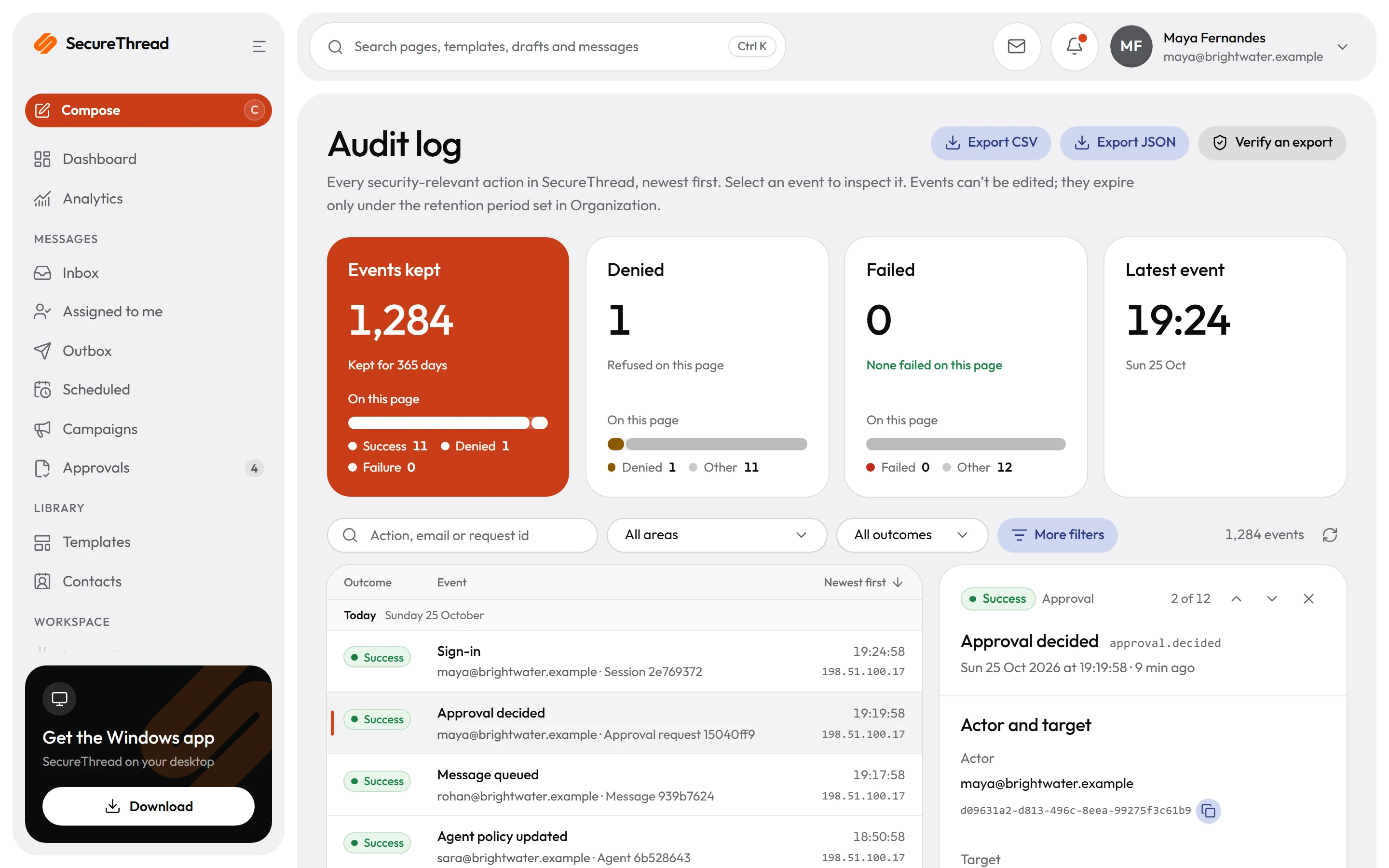
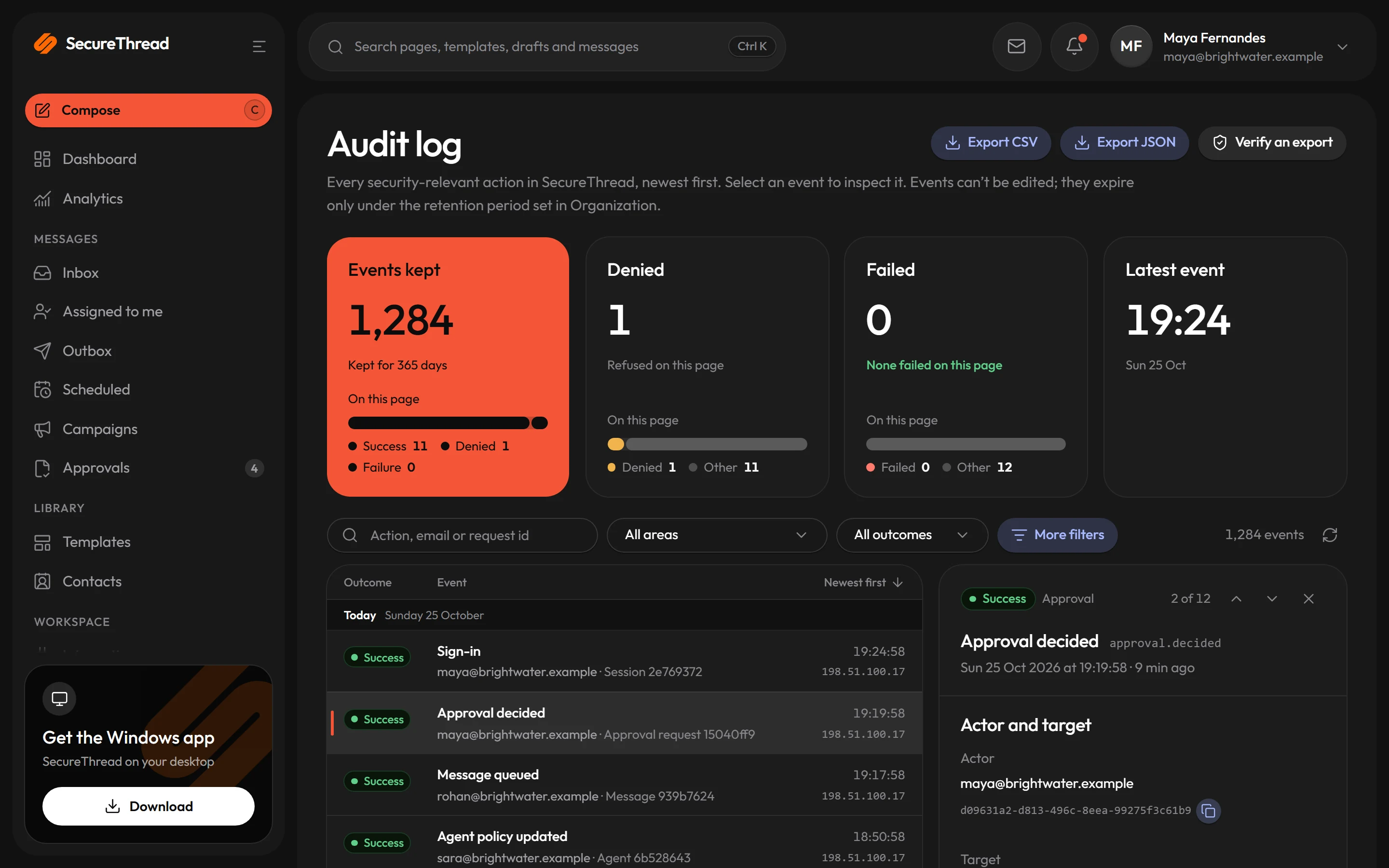
- Changes to provider apps and removed servers are written to the audit log
Sending domains
Check each sending domain before mail goes out
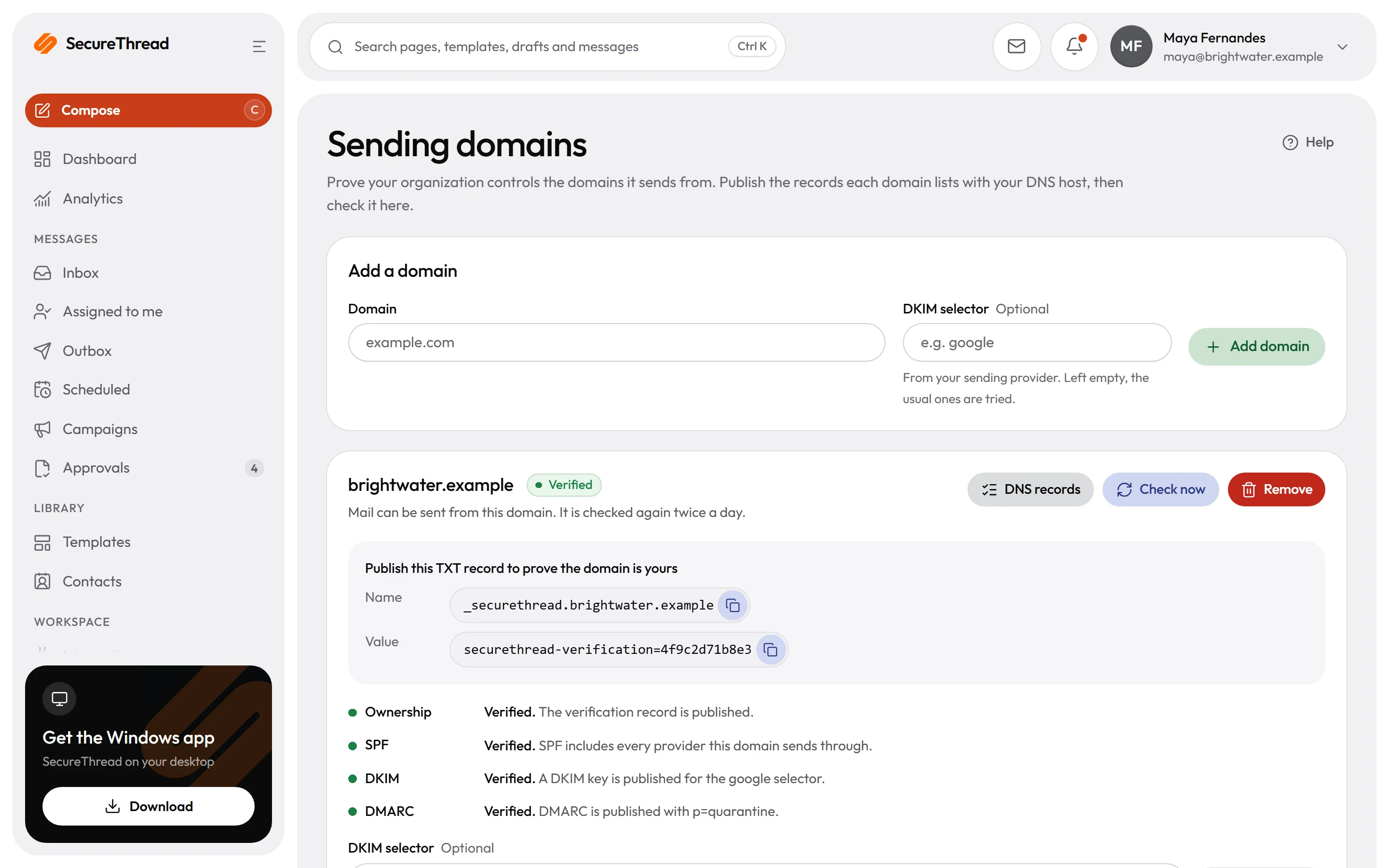
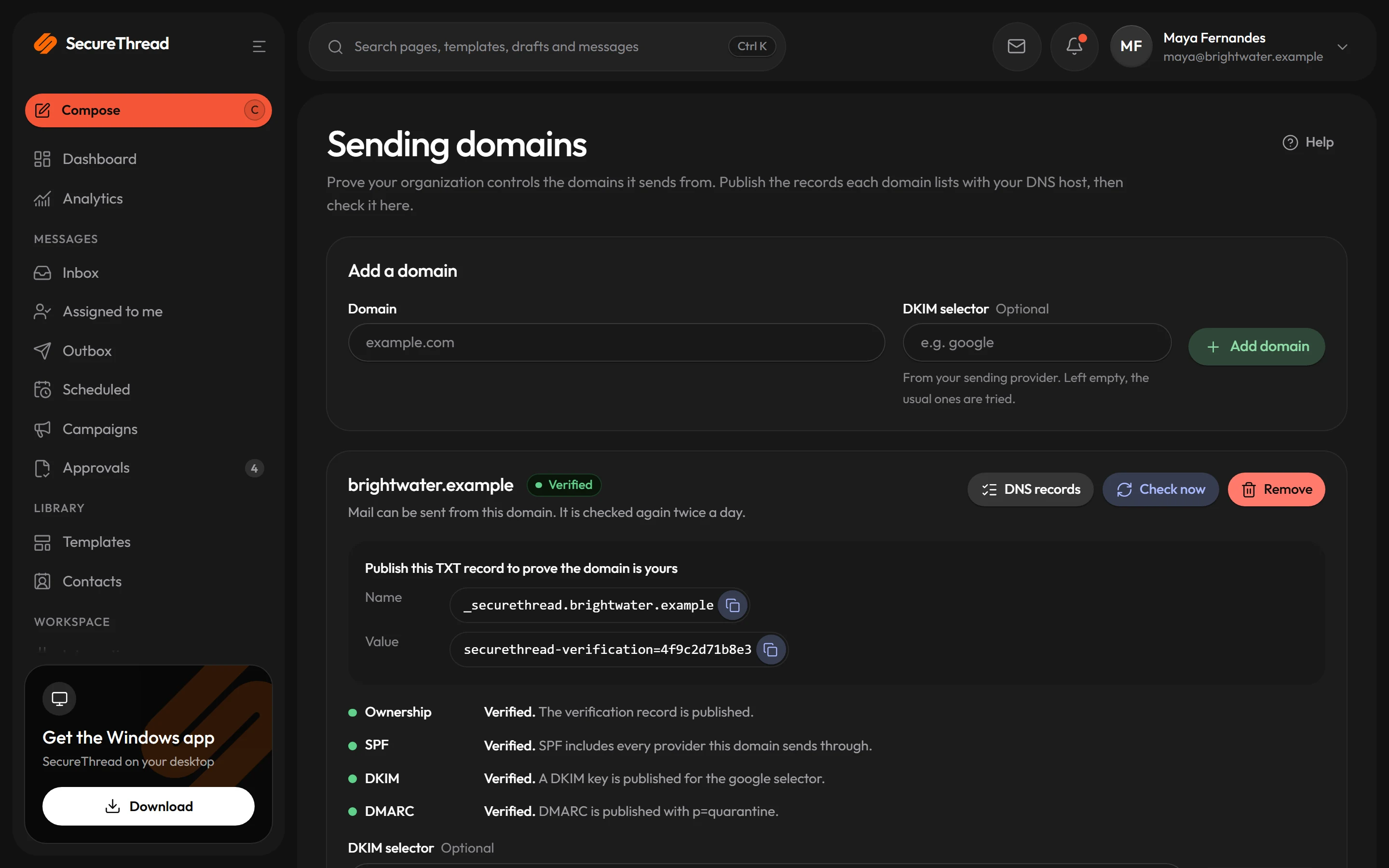
Recipients judge a message by the DNS records of its From domain. SecureThread checks four things for each sending domain: an ownership record, SPF, DKIM and DMARC. A verified domain is checked again every 12 hours.
- Add a domain under Administration › Sending domains, then publish the records the app lists at your DNS host
- Keep one SPF record per domain, listing every service that sends as that domain
- DKIM keys come from your sending provider, under the selector it gives you
- DMARC starts in monitoring mode with a reports address you check, and tightens once reports show that mail passes
- A verified domain that starts failing keeps sending for 72 hours after its first failed check, then mail is refused until the records check out again
What’s included
Every feature, with its status
What is built today, what is in beta, and what is on the roadmap.
All features- Available
Google Workspace and Microsoft 365
Connect mailboxes with OAuth and send through the Gmail API and Microsoft Graph.
- Available
31 SMTP mail and relay providers
Business, personal and transactional SMTP providers from one catalogue, plus servers an administrator approves.
- Available
Sending APIs
Amazon SES, SendGrid, Mailgun, Postmark and Resend over their HTTP APIs, with verified sender domains.
- Available
Reliable sending pipeline
Idempotent submission, a transactional outbox, retries with backoff and crash recovery.
- Available
Routing, failover and circuit breaker
Rules decide which mailbox sends what; unhealthy mailboxes are skipped and failing ones paused.
- Available
Sending domains and DNS verification
SPF, DKIM and DMARC records to publish, checked and watched for changes.
- Available
New-domain warm-up
Sends from a newly added domain are paced while it builds a sending history.
- Available
Google and Microsoft app verification
Verified OAuth apps, so any Google Workspace or Microsoft 365 organization can connect without extra steps.
- Coming soon
Managed sending pool
Send through SecureThread’s own managed infrastructure instead of connecting a provider.
- Coming soon
Dedicated IP addresses
Sending addresses reserved for one workspace’s mail.
- Coming soon
Data residency
Choose the region where your workspace’s data is stored.
Specifications
The details
- Mailbox providers
- 18 business and personal mail hosts
- Transactional relays
- 13, connected by administrators only
- Catalogue servers
- 60 documented servers, each on implicit TLS or enforced STARTTLS
- HTTPS sending APIs
- Amazon SES, SendGrid, Mailgun, Postmark and Resend
- Credential storage
- AES-256-GCM ciphertext, key kept outside the database
- Default pacing
- 5 messages a second per SMTP server host, bursts of 10
- Live account checks
- Not yet run with live provider accounts. Each one is a separate step.
FAQ
Questions, answered
Do Google Workspace and Microsoft 365 need setup first?
Yes. An administrator saves each OAuth app under Administration › Mailboxes › Provider apps before anyone can connect. Until then the card shows Not configured and names what is missing. Verification checks the settings, but only a real sign-in proves the client secret.
Who can connect a mailbox?
Anyone allowed to connect their own mailbox can connect a personal mailbox server, and it signs in as its own address. Transactional relays are connected only by administrators, then shared with the people who may send from them.
What happens when a mailbox is suspended or fails?
Automatic selection skips a suspended mailbox, or one no longer allowed to send, and uses the next usable mailbox in the rule’s order. If none is usable, the send is refused. A mailbox picked by hand is never swapped for another. After five provider-side failures in a row, its next sends are held for 30 seconds to 10 minutes.
Do we need SPF, DKIM and DMARC records?
Yes, for each domain you send from. Recipients judge mail by the DNS records of its From domain. SecureThread does not manage DNS: it lists the records a domain needs and checks them, and you publish them at your DNS host. Mail from a domain is refused until its records check out.
Send your first approved email today
Connect a mailbox, pick a template and send with the checks and approvals your organization needs. No new email address, no new habits.