Approvals
Approvals tied to the exact draft
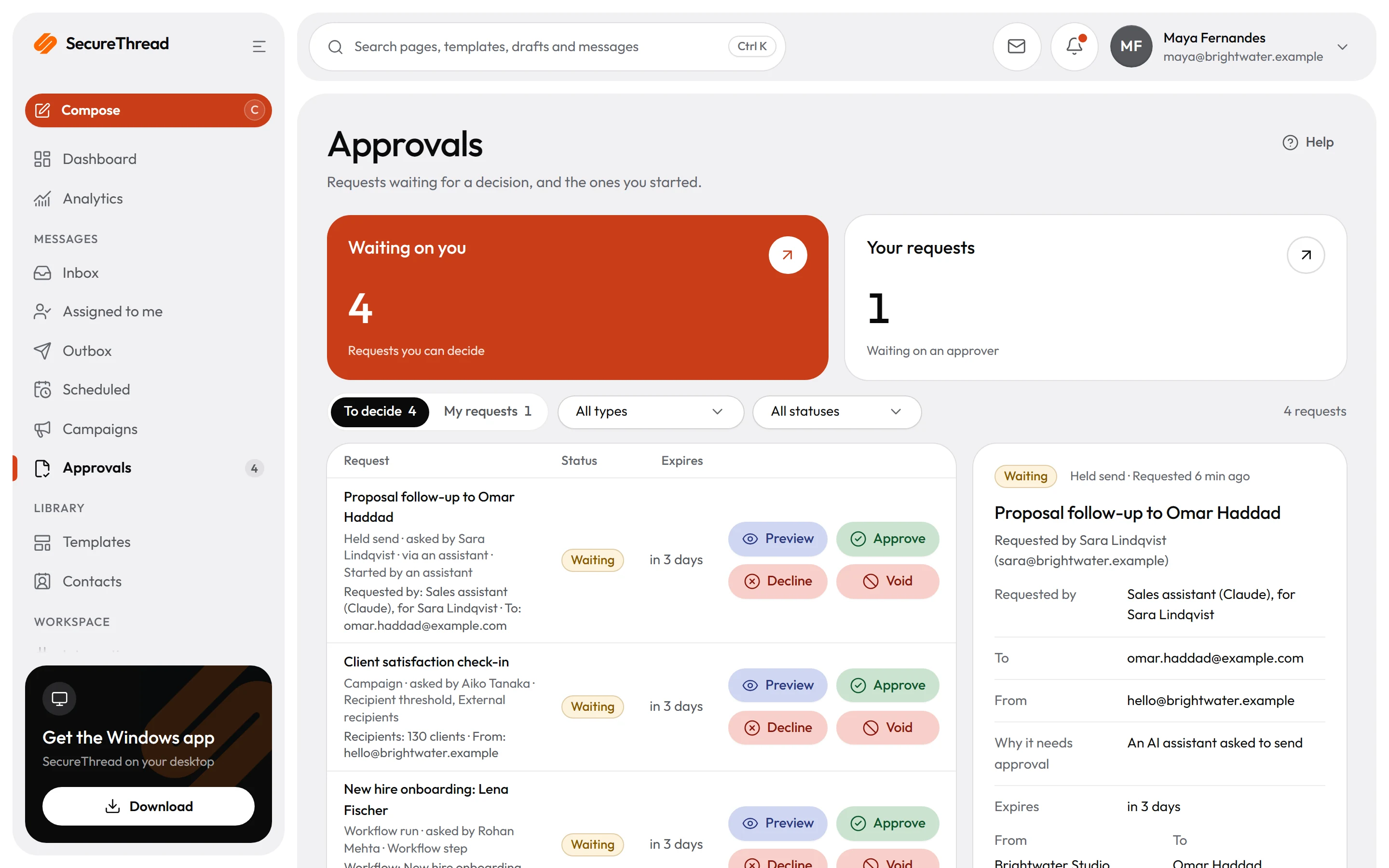
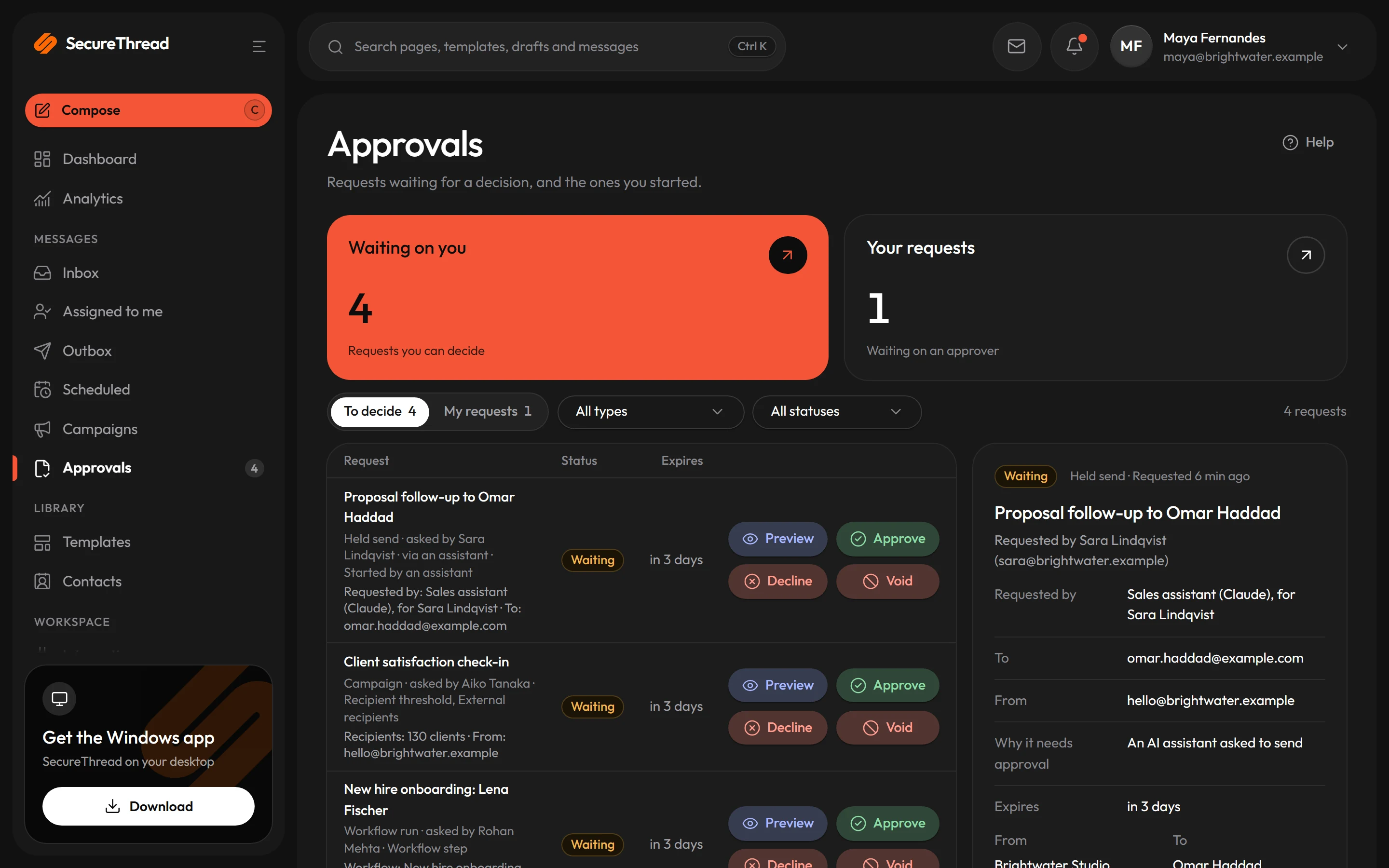
Scheduled sends, campaigns and workflow runs wait in one approvals queue, and an assistant’s send request waits for the person it was asked for. Each approval is tied to one version of its item, so a change cancels the pending request.
Tied to the exact version
Each approval is tied to one version of its item. Approvers see a title and labelled details that are fixed when the request is made. If the item changes, the pending request is cancelled, and a decision on an older version is refused.
One to three approvers
Choose how many approvals each request needs, from one to three, under Administration › Sending policy. The default is one.
No self-approval by default
A person who requested, owns or started the work cannot approve it. An administrator can allow self-approval for the organization, but the switch is off by default.
Risk rules for assistant sends
When an AI assistant asks to send, SecureThread holds the email as a request and lists why it needs approval. Reasons include attachments, recipients outside the organization, contact groups and links that hide where they go.
Announcements in Slack, Teams and email
Waiting approvals can be announced in Slack, Microsoft Teams and by email. Approving from inside Slack or Teams is not available yet, so the decision is made in SecureThread.
Decide on a phone
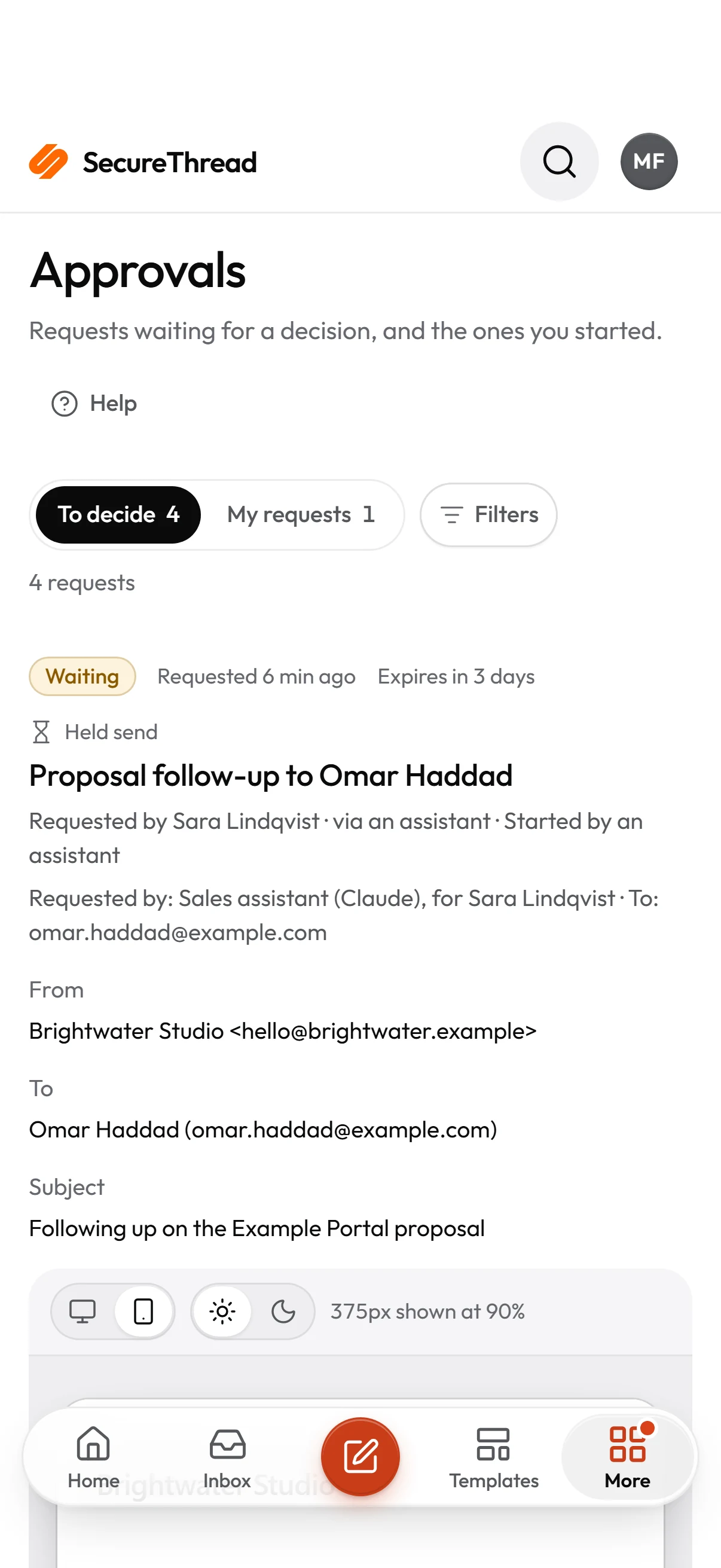
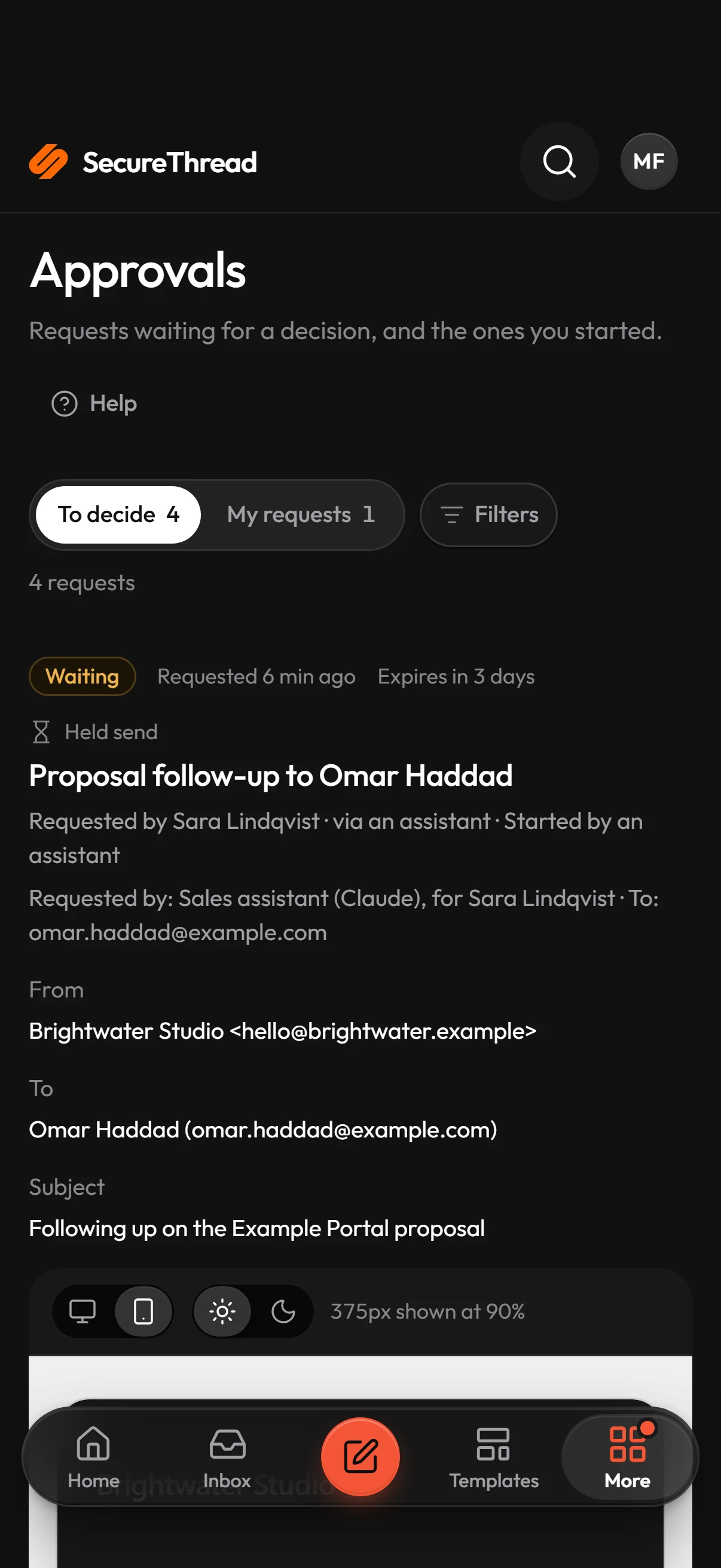
Approvals work in the responsive web app, so a waiting request can be reviewed and decided on a phone. Each request also has an expiry, and an expired approval can never be approved.
Who decides
Permission decides who may approve
Approving is a permission. Administrators hold it by default, and employees get it only when an administrator gives it to a role. Some requests can only be decided by an administrator.
- The approval permission lets a person approve, reject or void a request
- A request an AI assistant started, with no other reason for approval, can be decided by the person whose assistant started it
- Accounts that need an administrator’s approval for everything they send: only an administrator decides, and nobody can approve their own
- Up to three approvals can be required before a request goes ahead, and the default is one
Assistant sends
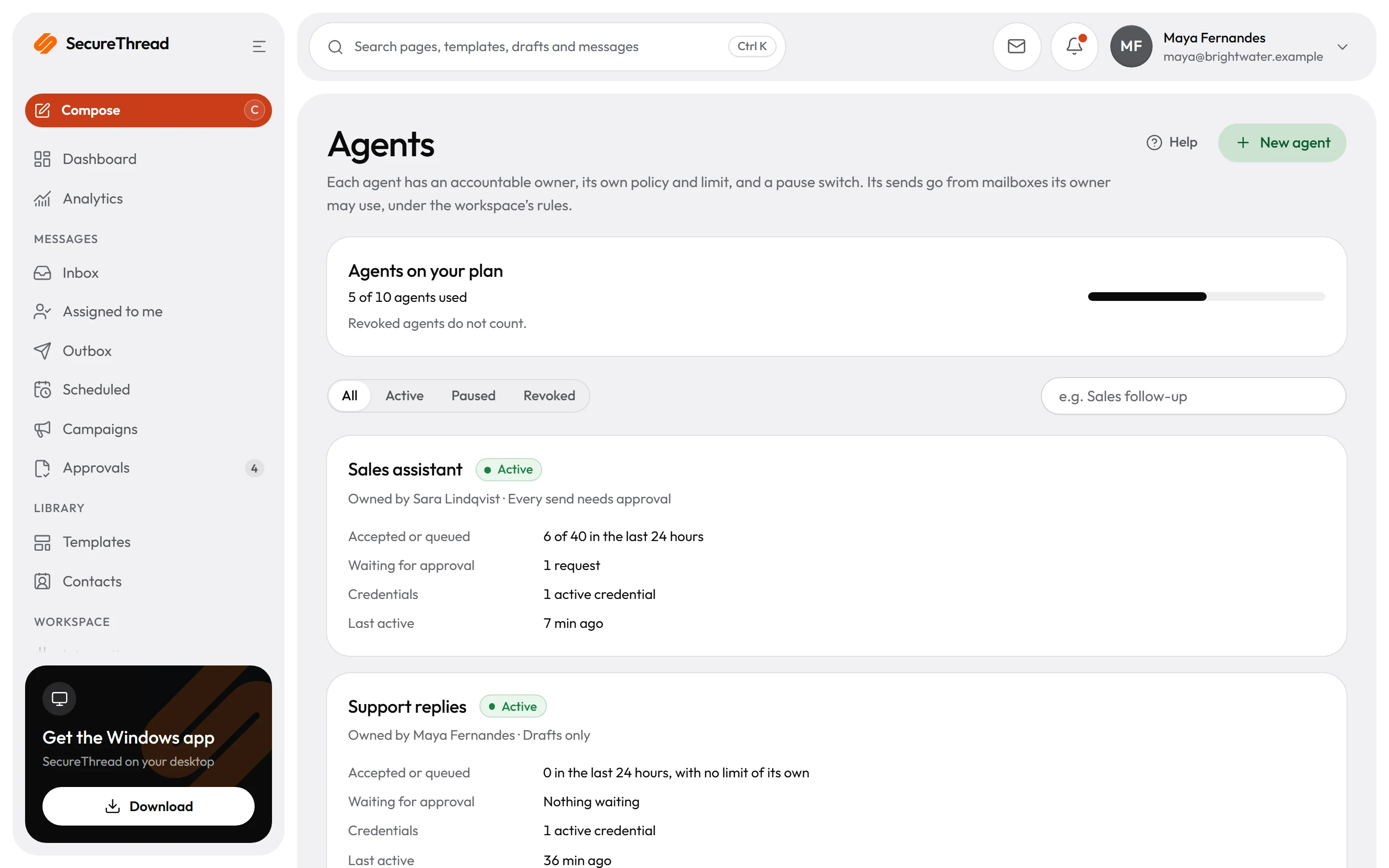
Assistant sends wait for a person
By default, every email an assistant prepares waits for approval. The person whose assistant asked chooses Approve and send or Decline, and declining sends nothing.
- The assistant can withdraw its own request while it is waiting, and the request expires 24 hours after the assistant asked
- Each agent has one of four modes, from drafts only to sends within policy, and a new agent starts with every send needing approval
- Automatic sending is off by default. When it is on, an email goes out without approval only if it comes from the current published version of a reviewed shared template, the assistant writes no subject or body of its own, and it is sent from the person’s own mailbox with no attachments
- Automatic sending also caps recipients per email, from 1 to 50 with a default of 1, and by default it allows only people in the organization
Phones and expiry
Decide before a request expires
A waiting request can be reviewed and decided on a phone. Requests that nobody decides in time expire, and the requester can withdraw theirs. Voiding stops what the request was holding.
- Approval requests expire after 72 hours by default, and the period set under Administration › Sending policy can be up to 720 hours
- The requester can withdraw a waiting approval, and the requester or anyone with the approval permission can void one
- Voiding cancels the scheduled send, campaign, workflow run or queued send that the approval holds, and a voided approval can never be approved
- A message that a mailbox provider has accepted cannot be recalled
What’s included
Every feature, with its status
What is built today, what is in beta, and what is on the roadmap.
All features- Available
Approval bound to the exact draft
An approval covers the message that was reviewed; any change needs approving again. Quorum of one to three.
- Available
Risk-based approval for assistant sends
Rules decide which sends from AI assistants wait for a person and which may go on their own.
- Available
Slack, Teams and email announcements
Approval requests announced where your approvers already are; approving from inside Slack or Teams is next.
- Available
Approvals on phones
Decide from the Android and Windows apps, the mobile web, or an iPhone home-screen app.
- Available
Outbound personal data and secret guardrails
Messages carrying personal data or secrets are caught before they are queued.
- Available
Content policy
Abusive or explicit content is never sent; repeated attempts suspend the account until an administrator acts.
Specifications
The details
- Approval statuses
- Waiting, Approved, Rejected, Withdrawn, Expired or Voided
- Approvers per request
- One by default, up to three, under Administration › Sending policy
- Approval expiry
- 72 hours by default, up to 720 hours
- Self-approval
- Off by default; an administrator can allow it under Administration › Sending policy
- Assistant send requests
- Expire 24 hours after the assistant asks; only the person whose assistant asked can approve
- Automatic sending for assistants
- Off by default, under Administration › AI access
- Where approvals appear
- Messages › Approvals
FAQ
Questions, answered
Can someone approve their own email?
Not by default. A person who requested, owns or started the work cannot approve it. An organization can allow self-approval under Administration › Sending policy, but that switch is off by default.
What happens if the email changes while it waits?
The pending request is cancelled and shows as Withdrawn. A decision made against an older version is refused, so the request has to be made again.
Can an AI assistant send email by itself?
Only if an administrator turns on automatic sending, which is off by default. It then covers only emails from a reviewed shared template that the assistant fills in, sent from the person’s own mailbox with no attachments. Any other assistant send still waits for a person.
Can people approve from Slack or Teams?
Waiting approvals can be announced in Slack, Microsoft Teams and by email. Approving from inside Slack or Teams is not available yet, so the decision is made in SecureThread.
Can a message be recalled after a void?
Voiding cancels the scheduled send, campaign, workflow run or queued send that the approval holds. A message that a mailbox provider has accepted cannot be recalled.
Send your first approved email today
Connect a mailbox, pick a template and send with the checks and approvals your organization needs. No new email address, no new habits.