Analytics & deliverability
Sending figures that show their coverage
Follow sending history by provider, sender, template and category. Provider-reported figures show how much of the selection they cover, and tracking figures are labelled as estimates.
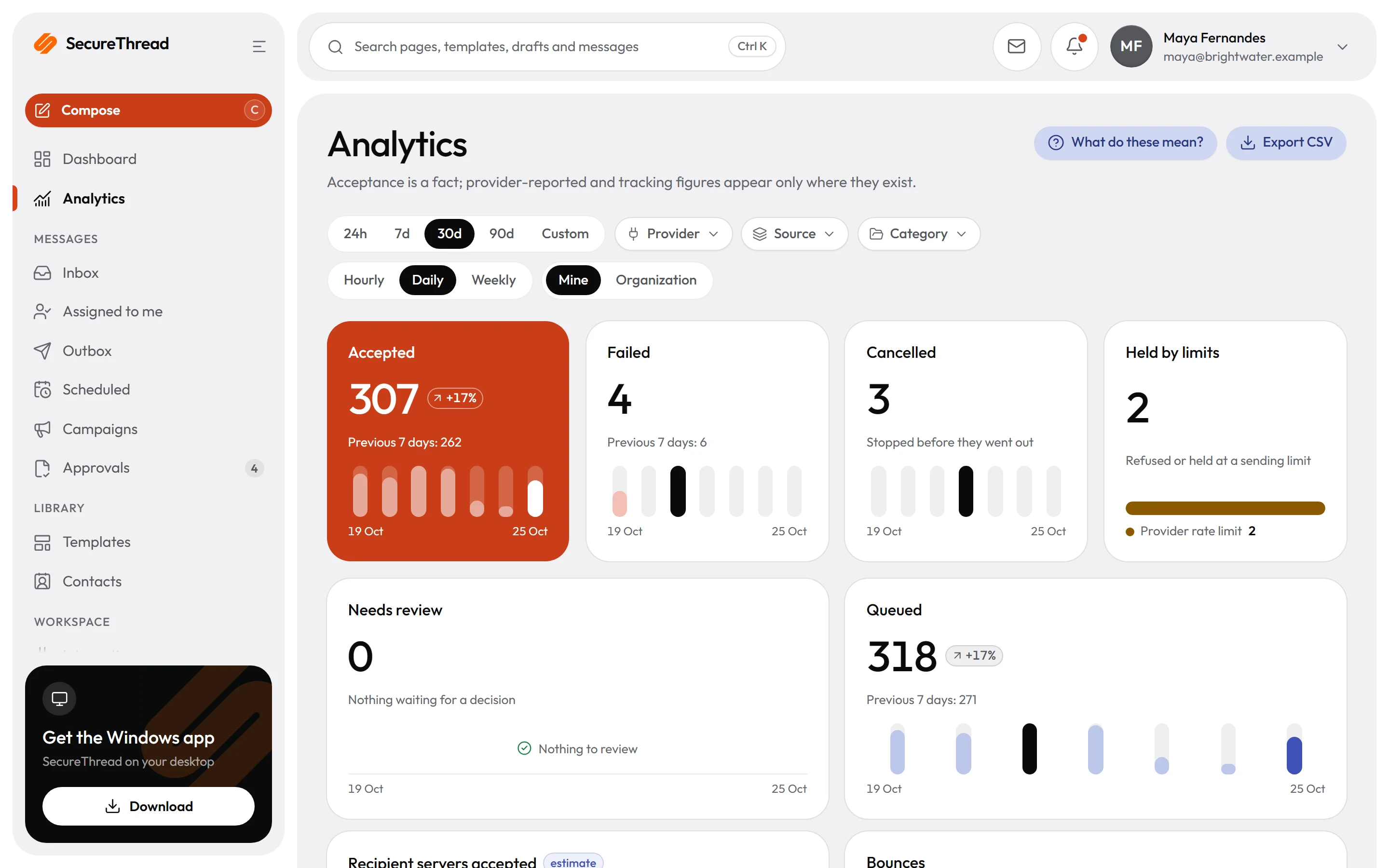
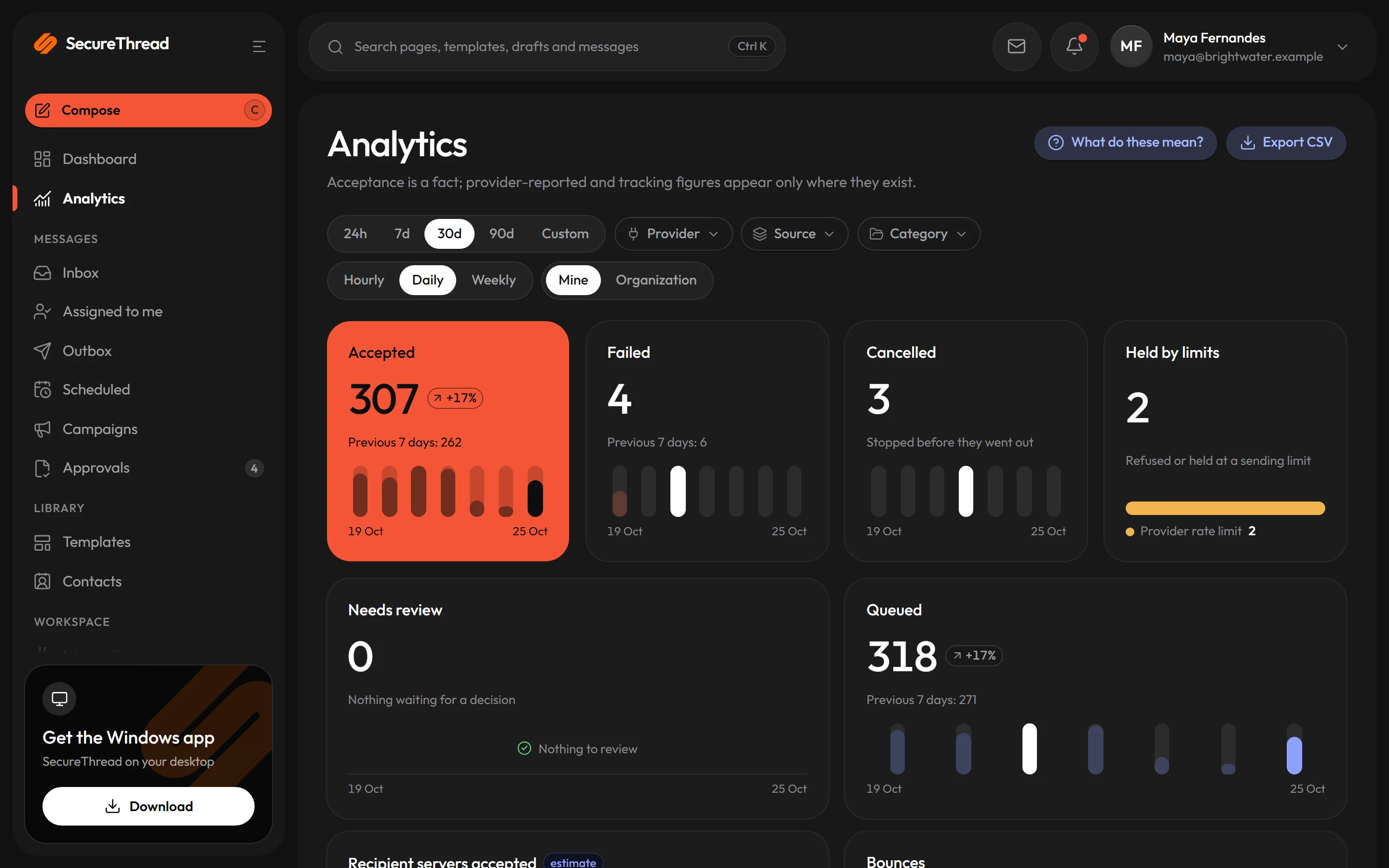
Accepted by provider is the headline
A message counts as accepted by the provider, which means the provider took responsibility for it. No headline figure claims to know what reached an inbox or who looked at it.
Coverage on every provider figure
A provider-reported figure appears only when reporting was connected for at least one message in the selection. Otherwise it shows as not reported, never as a zero.
Delivery events from five providers
Amazon SES, SendGrid, Mailgun, Postmark and Resend send signed callbacks after a message is accepted. SecureThread checks each signature, stores each event once and ties it to the right message.
A suppression list every automated send checks
Hard bounces, complaints, provider suppressions and unsubscribes add an address with its reason and source. Scheduled, campaign, workflow and assistant sends always check the list.
Automatic pause on bounces and complaints
Bounce and complaint signals feed a reputation check, which can pause sending on its own.
Optional tracking, labelled as estimates
Open and click tracking is off by default, and an administrator turns it on. Its figures are estimates, because mail clients and security scanners also load images and follow links.
Provider reports
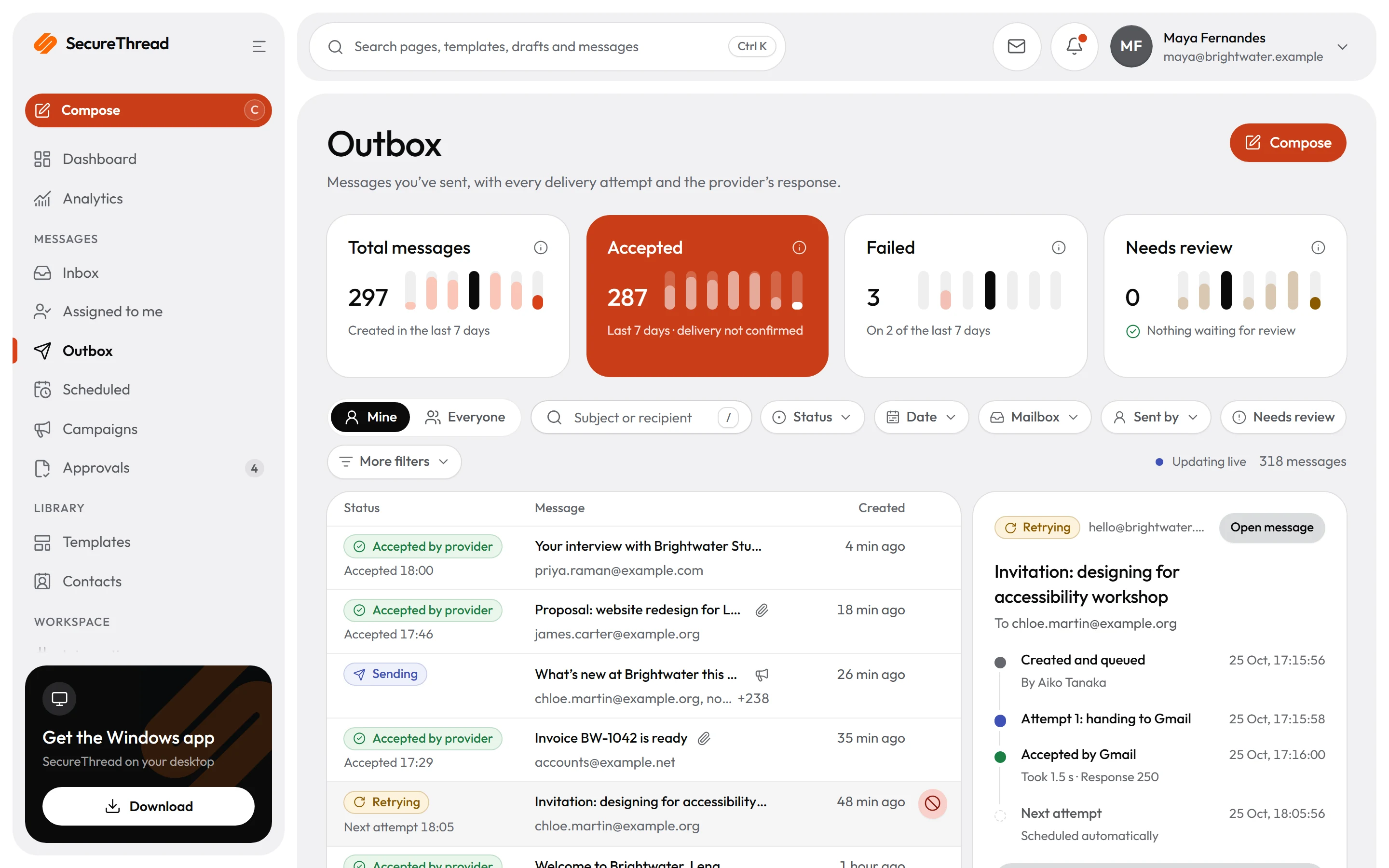
Each message shows what its provider reported
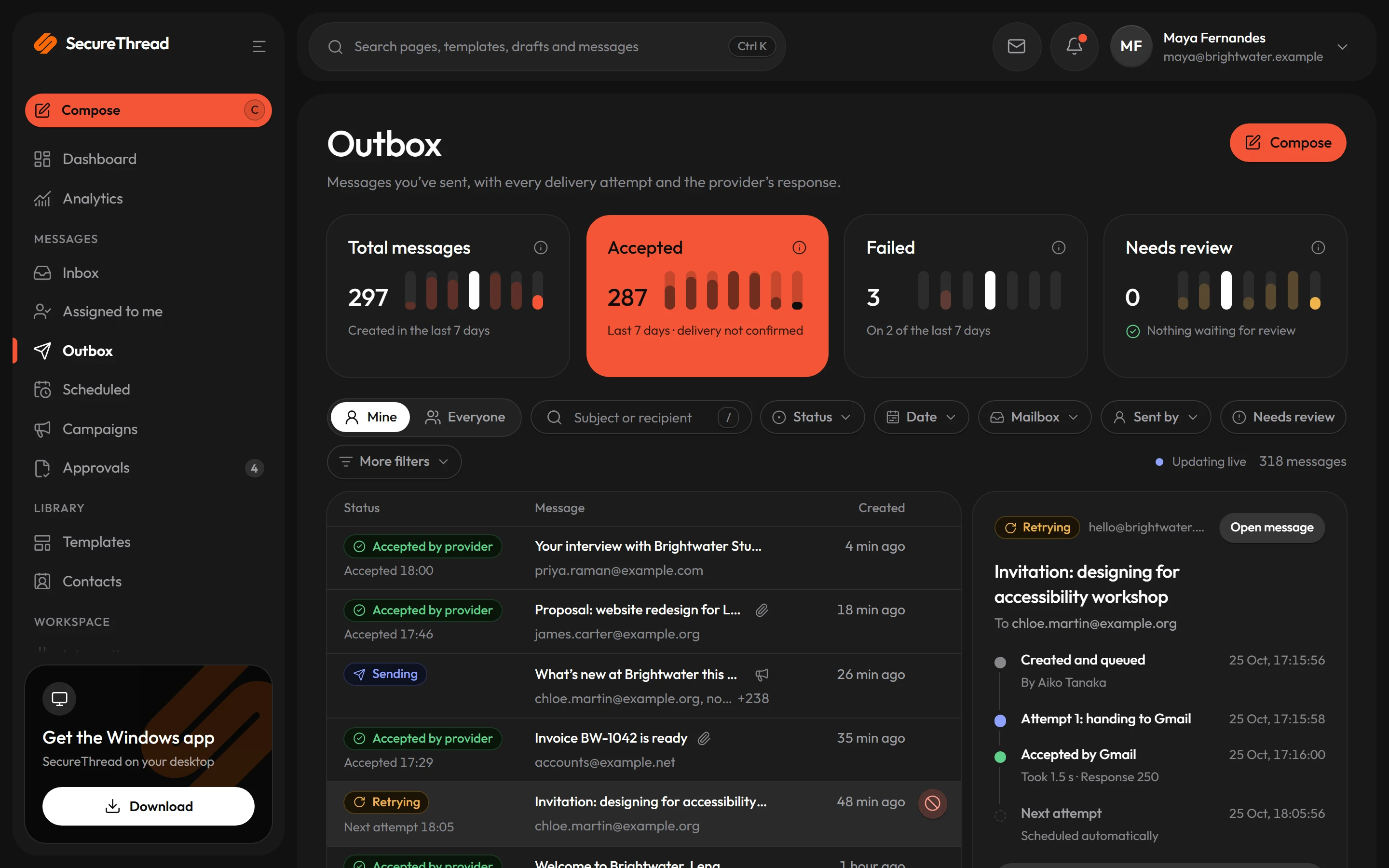
After acceptance, five HTTP sending providers can report what happened next. Each report is verified and normalized, then attached to the message, and each recipient shows one of four plain states.
- Amazon SES, SendGrid, Mailgun, Postmark and Resend report through signed webhooks, one per HTTP sending connection
- Gmail, Microsoft 365 and SMTP report nothing after acceptance, and SecureThread says so instead of inventing events
- Each recipient shows reported, awaiting report, not supported or not configured
- A later event replaces a recipient’s state only when it is at least as strong as the state already recorded
- Unrecognized event types are kept as unknown, stay visible in the event view and never change a recipient’s state
Bounces and complaints
Suppression and automatic pause
Hard bounces, complaints, provider suppressions and unsubscribes add the address to one suppression list. Automated sends check it, and bounce and complaint signals can pause sending on their own through a reputation check.
- Entries record their reason and source, such as the provider webhook or the unsubscribe link
- Employee sends check the list when an administrator turns on checking for all sends
- A refused send names only its own suppressed recipients, never other addresses on the list
- Administrators manage the list under Administration › Mailboxes › Delivery events › Suppressions
- An administrator can add an address with a note, and manual entries expire after a year unless a date is given
New domains
Warm-up for new sending domains
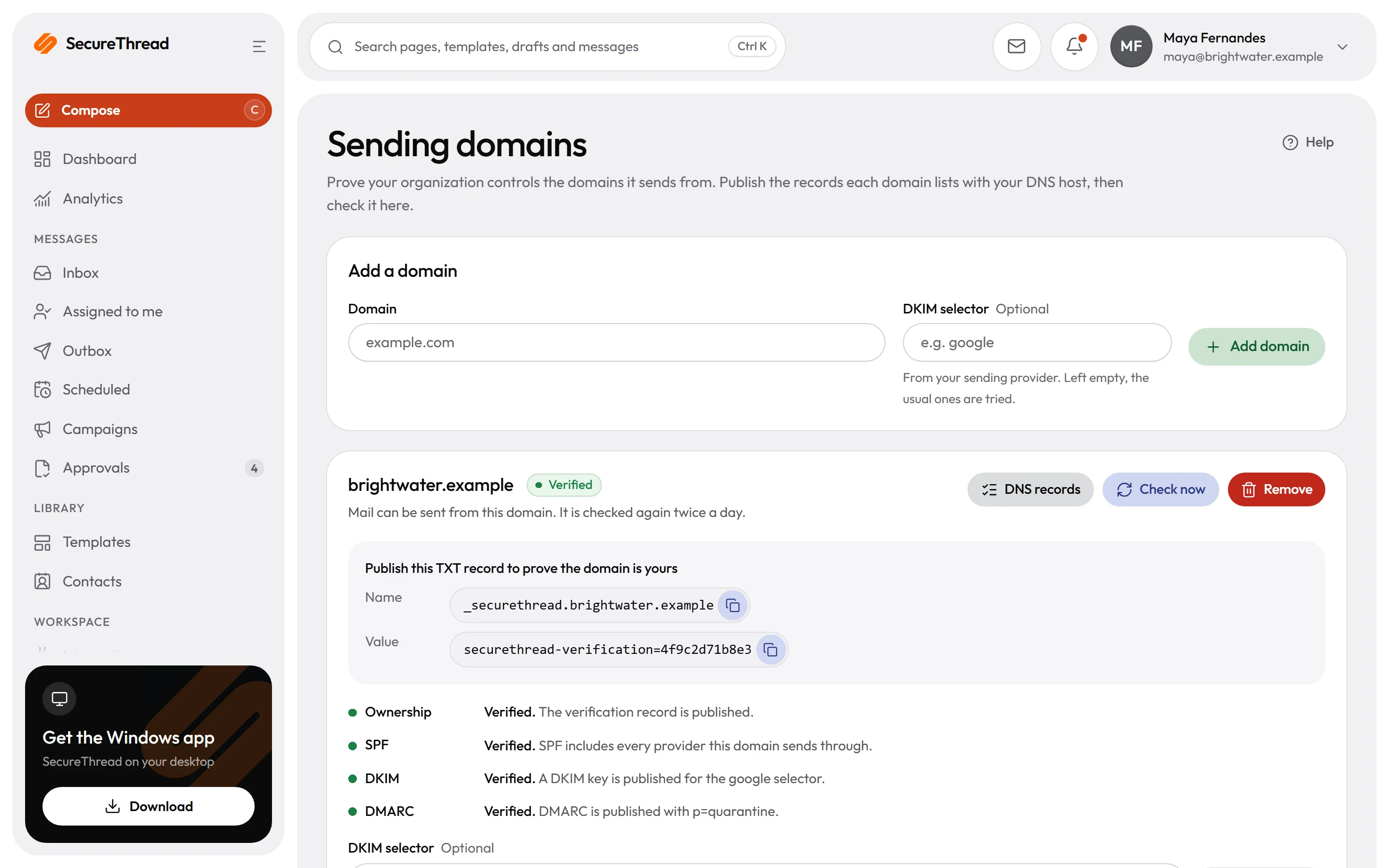
A warm-up gate checks sends from a new domain while it warms up. Each sending domain shows its SPF, DKIM and DMARC records and whether each one verifies.
- Warm-up is managed on its own page in the administration area
- SPF, DKIM and DMARC records are listed with their verification state
- HTTP sending connections are set up with verified sender domains
- Automated tests cover the warm-up gate, which has not yet run on real sending domains
What’s included
Every feature, with its status
What is built today, what is in beta, and what is on the roadmap.
All features- Available
Sending analytics
Queues, acceptance, failures and rate-limit holds by provider, sender, template, category and origin, with CSV export.
- Available
Delivery events
Verified webhooks from SES, SendGrid, Mailgun, Postmark and Resend, deduplicated into one set of states.
- Available
Bounces, complaints, suppression and auto-pause
A suppression list, and sending paused on its own when bounce or complaint rates cross a threshold.
- Available
Optional open and click estimates
Off by default, switched on per organization, template or campaign, and always labelled as estimates.
- Available
Incidents and alerts
Recurring sending problems grouped into incidents with occurrence counts.
- Available
Public status page
Live checks, 90 days of history and incidents for every part of the service, with email updates.
Specifications
The details
- Provider reports
- Amazon SES, SendGrid, Mailgun, Postmark and Resend
- No provider reports
- Gmail, Microsoft 365 and SMTP, after acceptance
- Webhook checks
- Each provider’s own signature scheme, with a 300-second timestamp window for SendGrid, Mailgun and Resend
- Analytics window
- Last 30 days by default, up to 366 days
- CSV export
- Up to 50,000 rows, with spreadsheet formulas neutralized
- Tracking
- Off until an administrator turns it on; figures are estimates, kept 90 days by default
FAQ
Questions, answered
Can SecureThread tell me which emails reached an inbox or were looked at?
No. A message is counted as accepted by the provider, which means the provider took responsibility for it. Provider reports and tracking estimates appear separately, each with its coverage, and no headline figure claims that a person saw a message.
What does “not reported” mean on a figure?
It means no provider report exists for that figure. A provider-reported figure appears only when at least one message in the selection was sent while reporting was connected for its connection. A figure that covers part of the selection shows how much of it is covered, and it never shows as a zero.
Which providers report back, and which do not?
Amazon SES, SendGrid, Mailgun, Postmark and Resend report through signed webhooks. An administrator adds one for each HTTP sending connection under Administration › Mailboxes › Delivery events. Gmail, Microsoft 365 and SMTP report nothing after a message is accepted, so SecureThread shows that instead of inventing events.
Is open and click tracking on?
Not until an administrator turns it on under Administration › Tracking. Tracking figures are estimates, because mail clients, privacy proxies and security scanners can load images and follow links without a person looking at the message. Recipients who opt out are never tracked, and templates or campaigns can only make tracking quieter than the organization setting.
Send your first approved email today
Connect a mailbox, pick a template and send with the checks and approvals your organization needs. No new email address, no new habits.