Skip to content
SecureThread

Apps

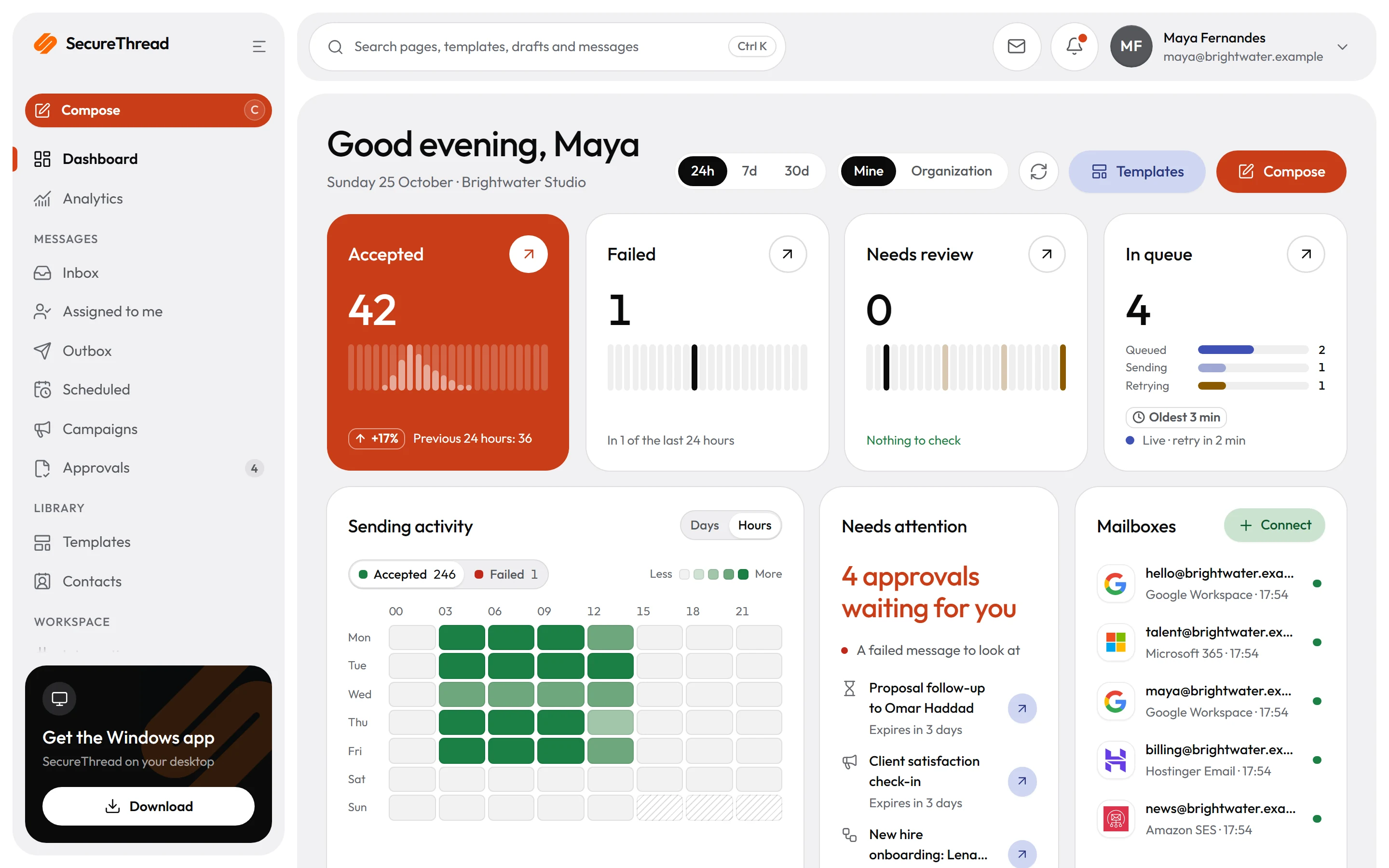
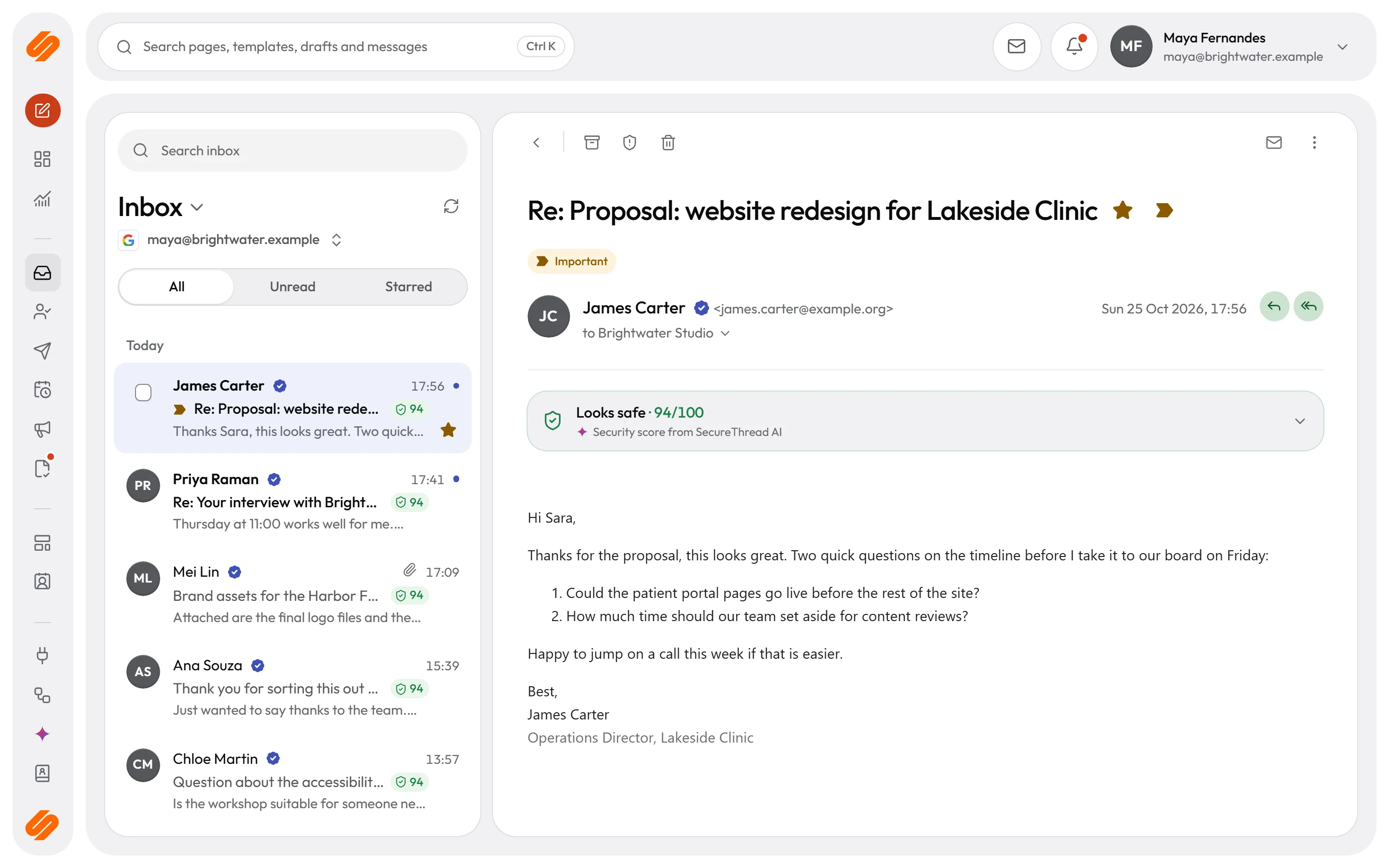
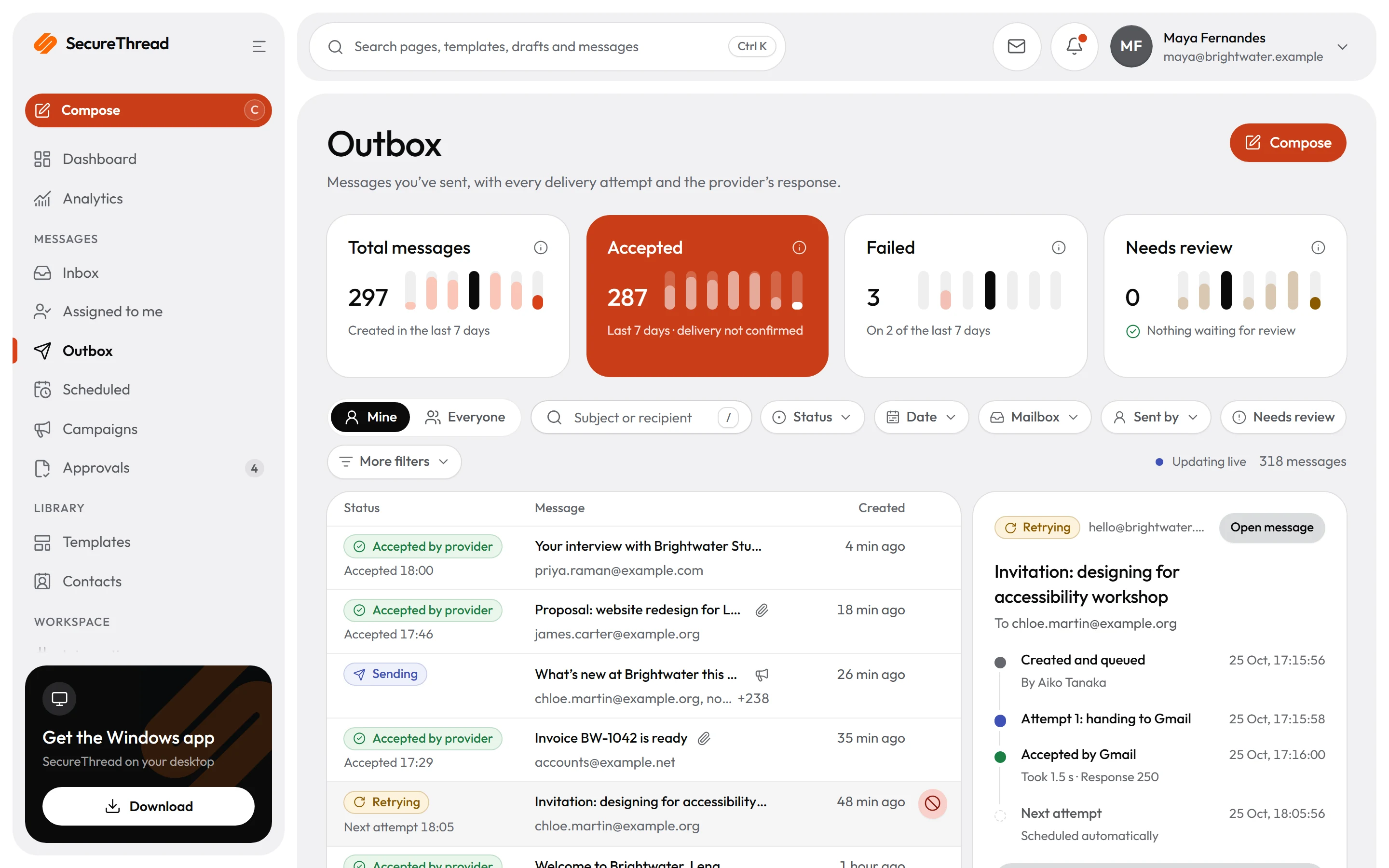
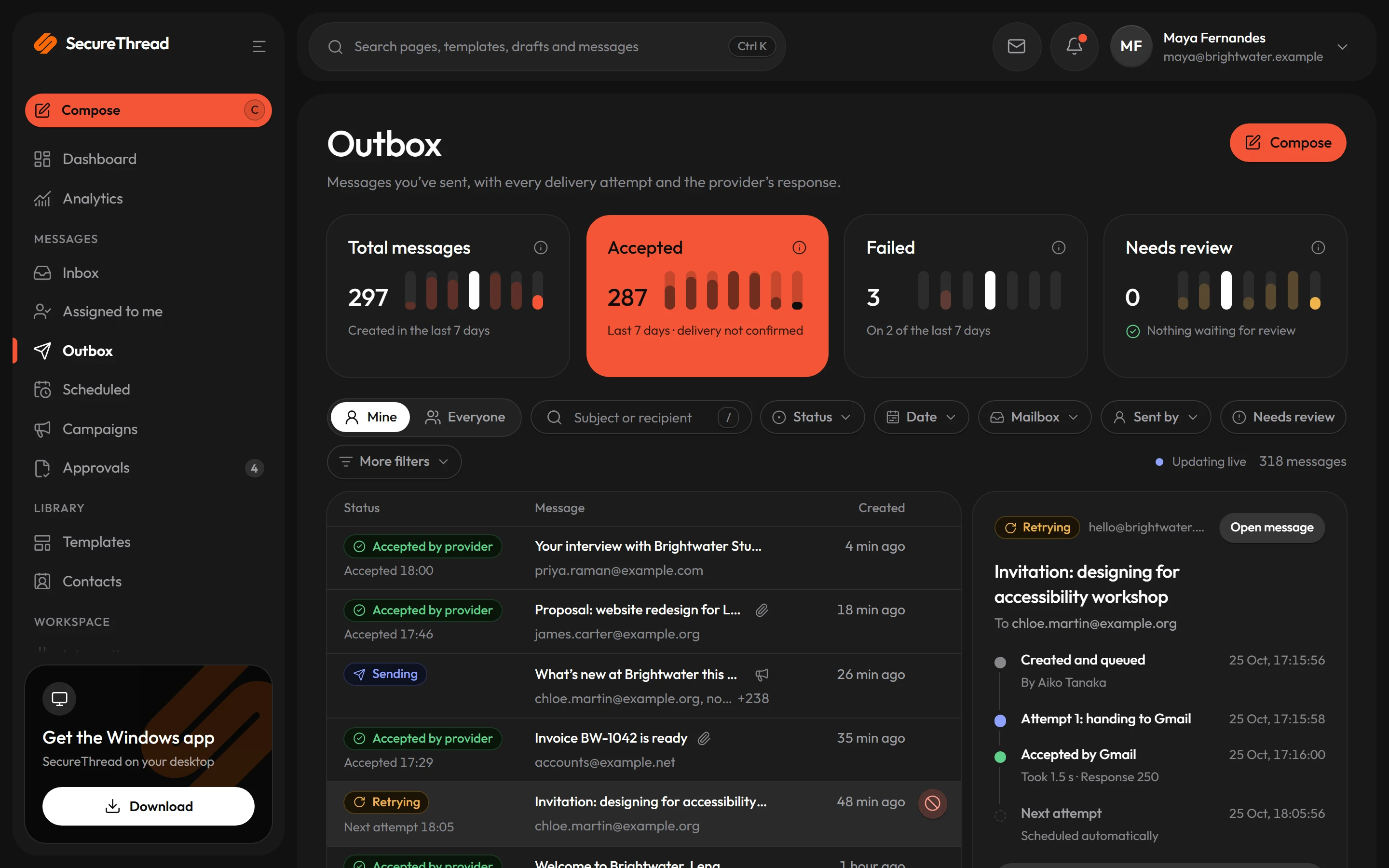
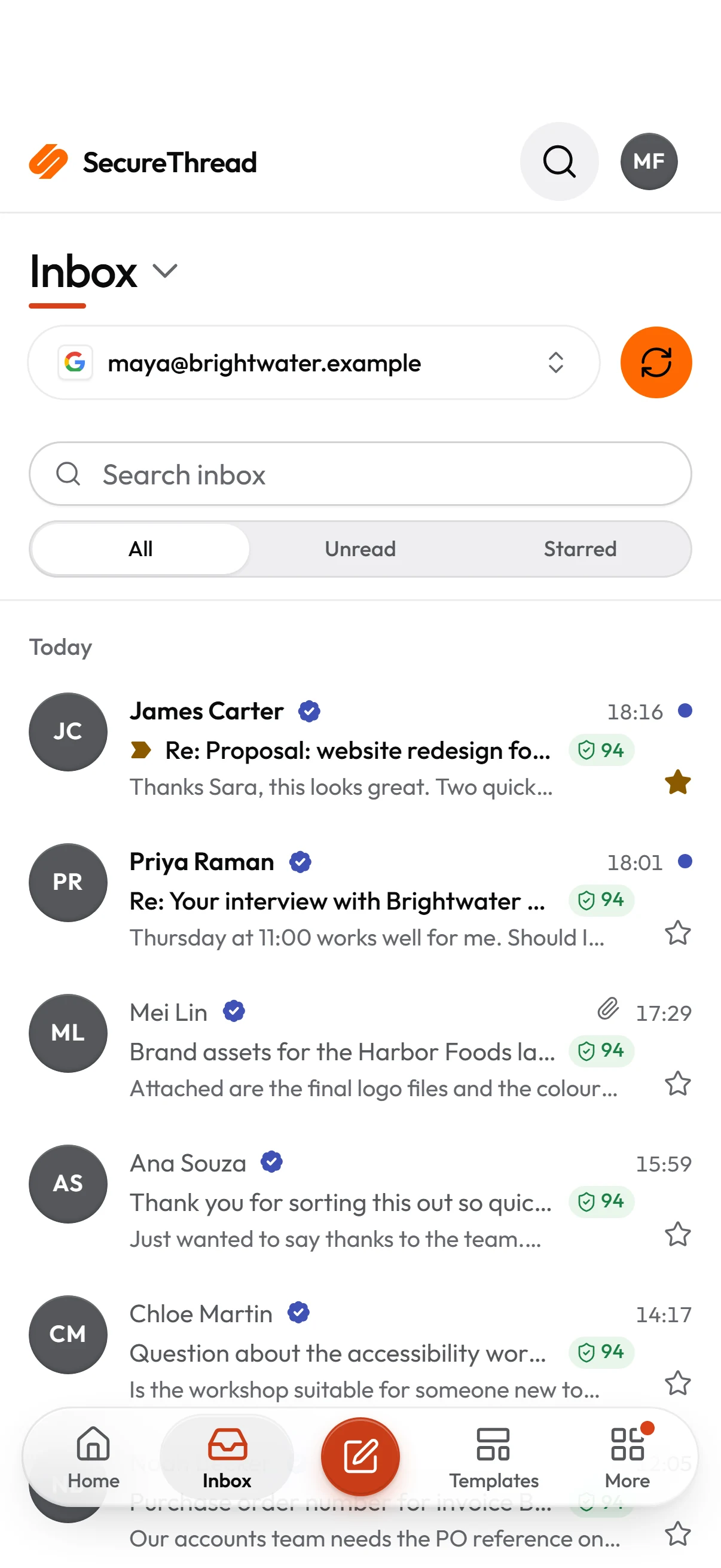
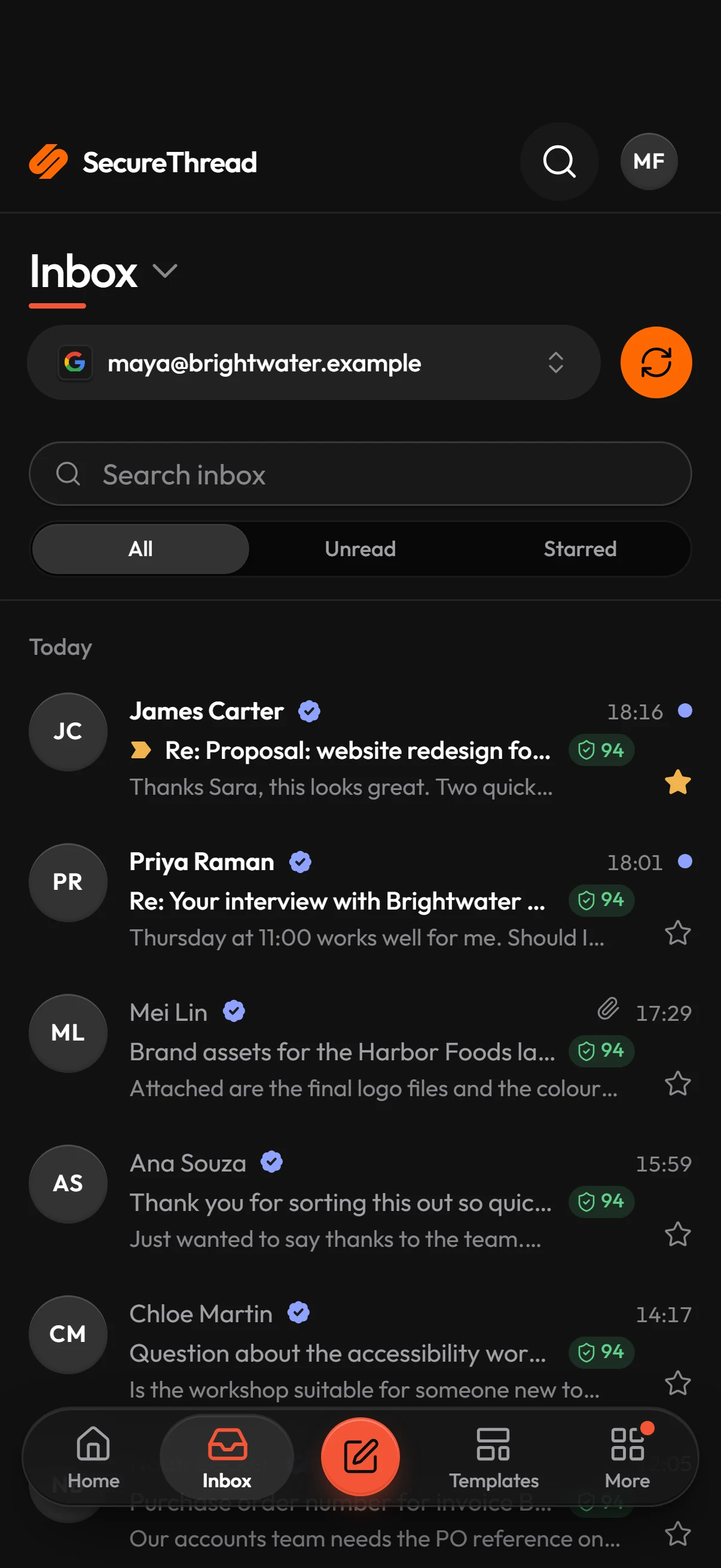
SecureThread, wherever you work

The same account, mailboxes and approvals on the web, on Windows, on Android and on your iPhone. Approve a send between meetings; write at your desk.

Latest: Windows 1.0.1 · Android 4.12.1

Install

Apps for Windows and Android

Downloaded from SecureThread itself. Each one updates from the same feed this page reads, so the version below is the one you get.

Windows

Windows, 64-bit

A desktop app with its own window and taskbar icon. Google sign-in continues in your browser and comes back to the app, and the app keeps itself up to date.

  • Its own window
  • Updates itself
  • Google sign-in in your browser
  • No administrator rights needed
Version
1.0.1
Published
15 October 2026
Size
102.6 MB

What’s new

The first release of SecureThread for Windows. It keeps itself up to date, and Google sign-in continues in your browser and comes back to the app.

Install it

  1. 1Download the installer.
  2. 2Open it. If Windows SmartScreen asks, choose More info, then Run anyway.
  3. 3SecureThread opens in its own window. Sign in as you do on the web.

Android

Downloaded from SecureThread

The full app with its own notifications, opening straight into your workspace. It checks for updates when it starts and offers each new version to install.

  • Its own notifications
  • Opens into your workspace
  • Offers each update
  • Updates checked against ArcByte’s signature
Version
4.12.1
Published
16 October 2026
Size
604 KB

What’s new

The app locks after twenty minutes away instead of one.

Install it

  1. 1Download the app on your phone.
  2. 2Open the file. The first time, Android asks you to allow installs from your browser.
  3. 3Open SecureThread and sign in.
Download for AndroidGoogle Play Coming soon

No download needed

iPhone, iPad, Mac and the web

The web app installs from the browser on everything else, with its own icon and window, and is always the latest version.

iPhone and iPad

  1. 1Open app.securethread.co in Safari.
  2. 2Tap Share, then Add to Home Screen.
  3. 3Open SecureThread from your Home Screen and sign in.

It opens like an app and can show notifications on iOS 16.4 and later. A native iOS app is not available yet.

Mac, ChromeOS and Linux

  1. 1Open app.securethread.co in Chrome or Edge.
  2. 2Choose Install in the address bar.
  3. 3Open SecureThread from your apps and sign in.

The installed app gets its own window and notifications.

Any browser

The full product runs in any current browser. Nothing to install, and always the latest version. On a computer that isn’t yours, sign out when you finish.

Open the web app

Send your first approved email today

Connect a mailbox, pick a template and send with the checks and approvals your organization needs. No new email address, no new habits.

Send from the mailboxes you already useA person approves what needs approvalCredentials encrypted with AES-256-GCMEvery action in an append-only audit logAI assistants governed over MCP1,499 starter templatesHonest status: accepted is never called delivered