AI email governance
Let AI agents write email. Decide what they may send.
SecureThread gives every AI assistant a named identity with an owner, a policy and a pause switch. Assistants connect over MCP with OAuth 2.1, and by default every email they prepare waits for a person to approve it.
The problem
An assistant with a mailbox can send anything to anyone, unless something says no
Connecting an AI assistant straight to a mailbox usually means handing it a token that can send as you, to any address, with any attachment, as often as it likes. A misread instruction, a prompt hidden in an email it was asked to summarize, or a plain mistake then goes out under your name.
AI email governance is the layer between the assistant and the mailbox: which mailboxes and templates an assistant may use, who it may write to, when a person has to approve, how much it may send in a day, and a record of every request it made and why it was allowed or refused.
SecureThread enforces that layer on the server, on every request, so a rule does not depend on the assistant choosing to follow it.
Who it is for
Made for these teams
Teams trying assistants on real mail
People who want Claude, ChatGPT, Cursor or VS Code to prepare replies and follow-ups from their own mailbox, and approve each one before it goes.
Administrators setting the rules
IT and security leads who decide whether assistants may connect at all, what each may do, and which low-risk emails may go out without a person.
Developers building agents
Teams wiring their own agents to email through the MCP server or the REST API, who need scopes, limits and an audit trail rather than a raw mailbox token.
How it works
Four steps, in order
- 1
An administrator turns AI access on
AI assistant access is off by default for every organization, under Administration › AI access. While it is off, no assistant can connect or act.
- 2
A person connects their assistant
The assistant signs in with OAuth 2.1. A consent page shows the app, the address it will act as and the access levels asked for, each of which can be unticked.
- 3
The assistant asks; the server decides
Every request is checked against the person’s permissions, the assistant’s access levels, the agent’s policy and the organization’s rules, at the moment it acts.
- 4
A person approves, and it is on record
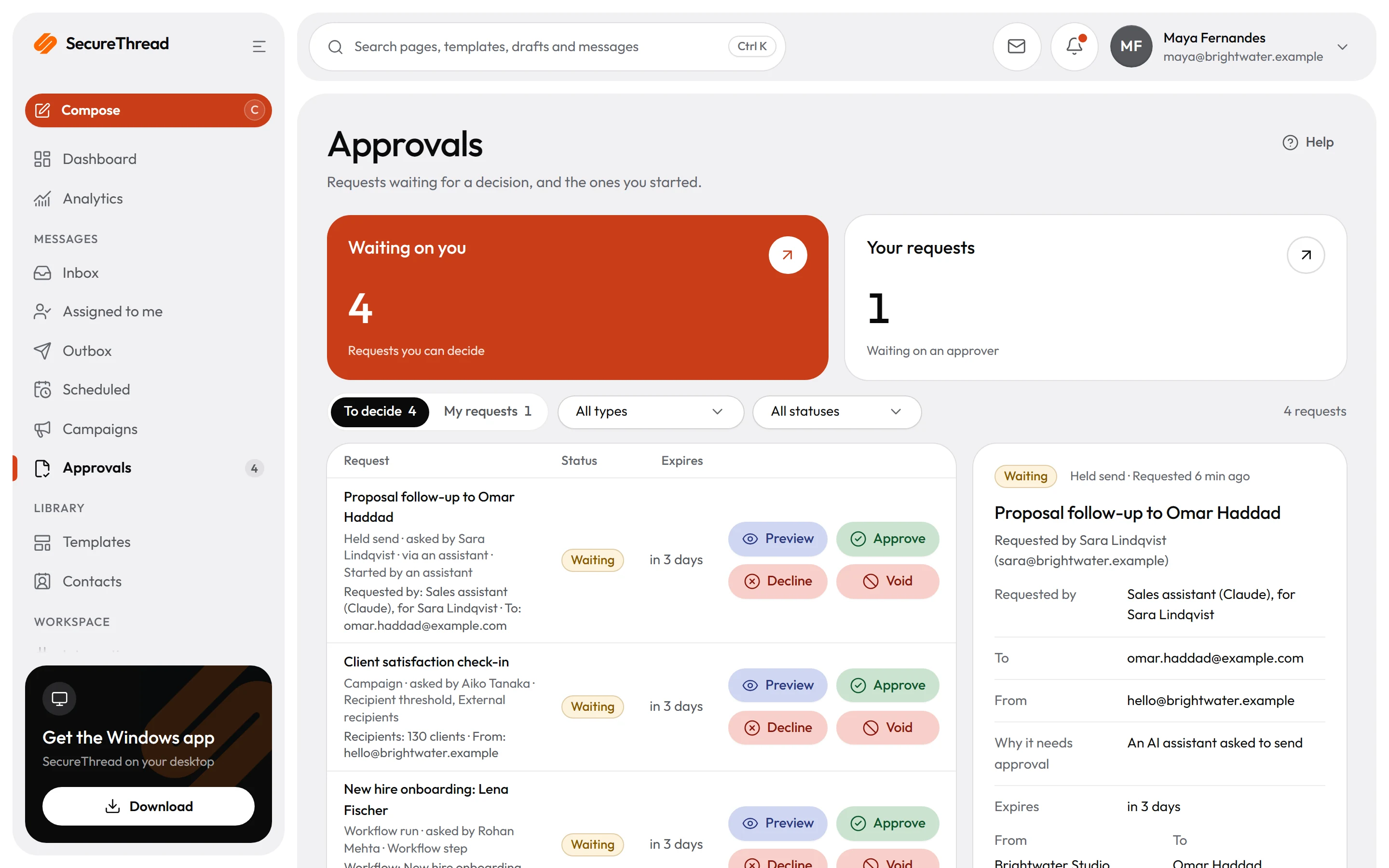
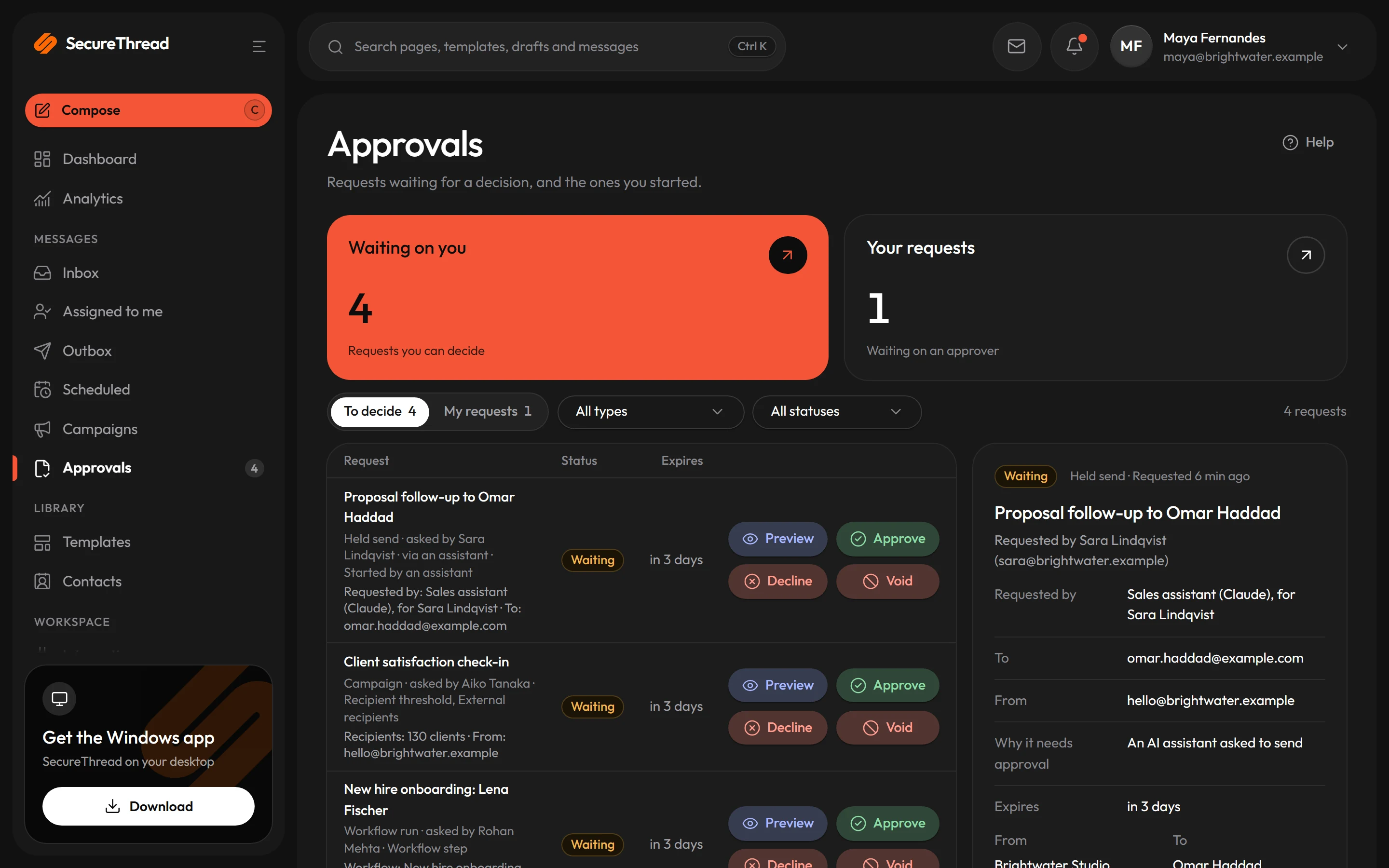
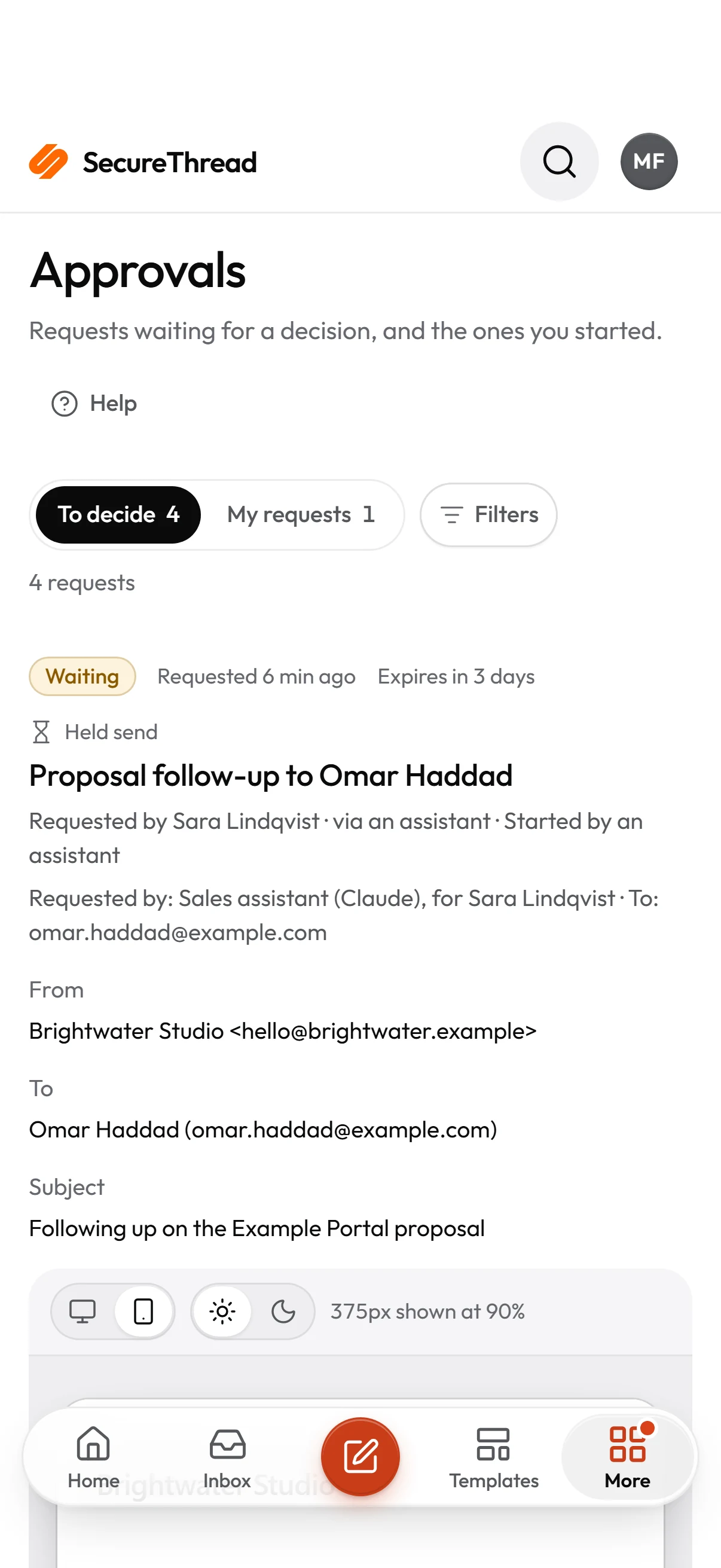
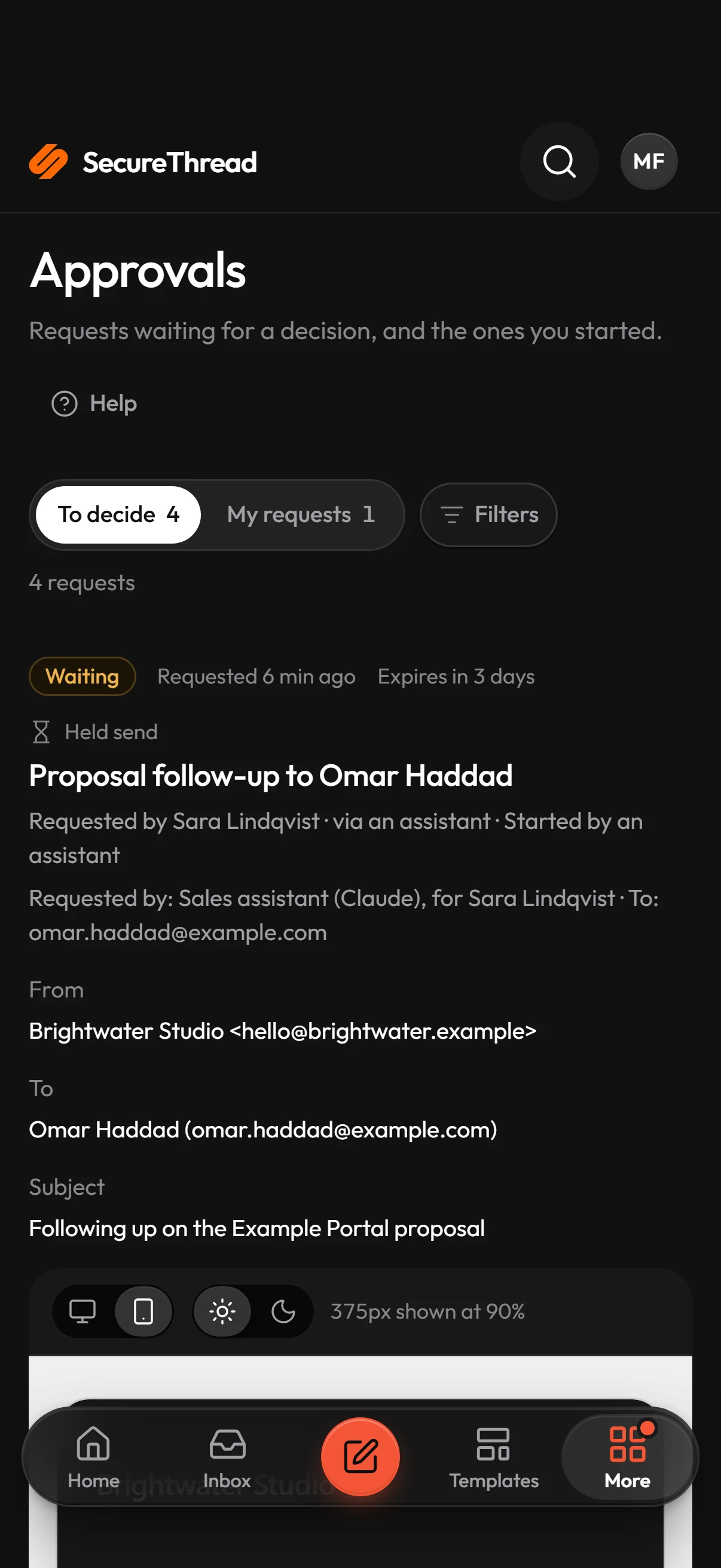
The send request lists why it needs approval. Approve and send releases it; Decline sends nothing. The agent’s activity list records both.
Capabilities
What SecureThread does
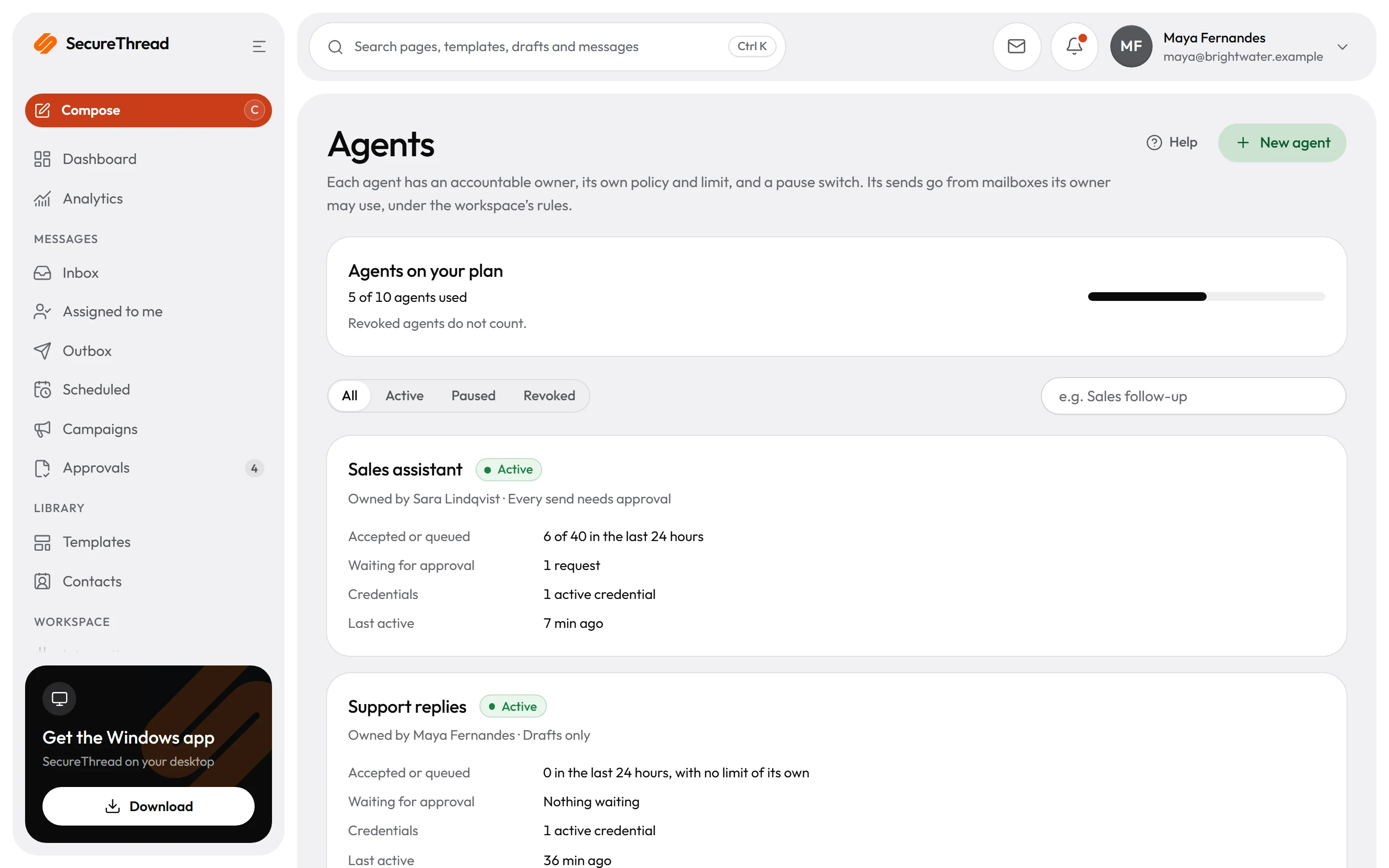
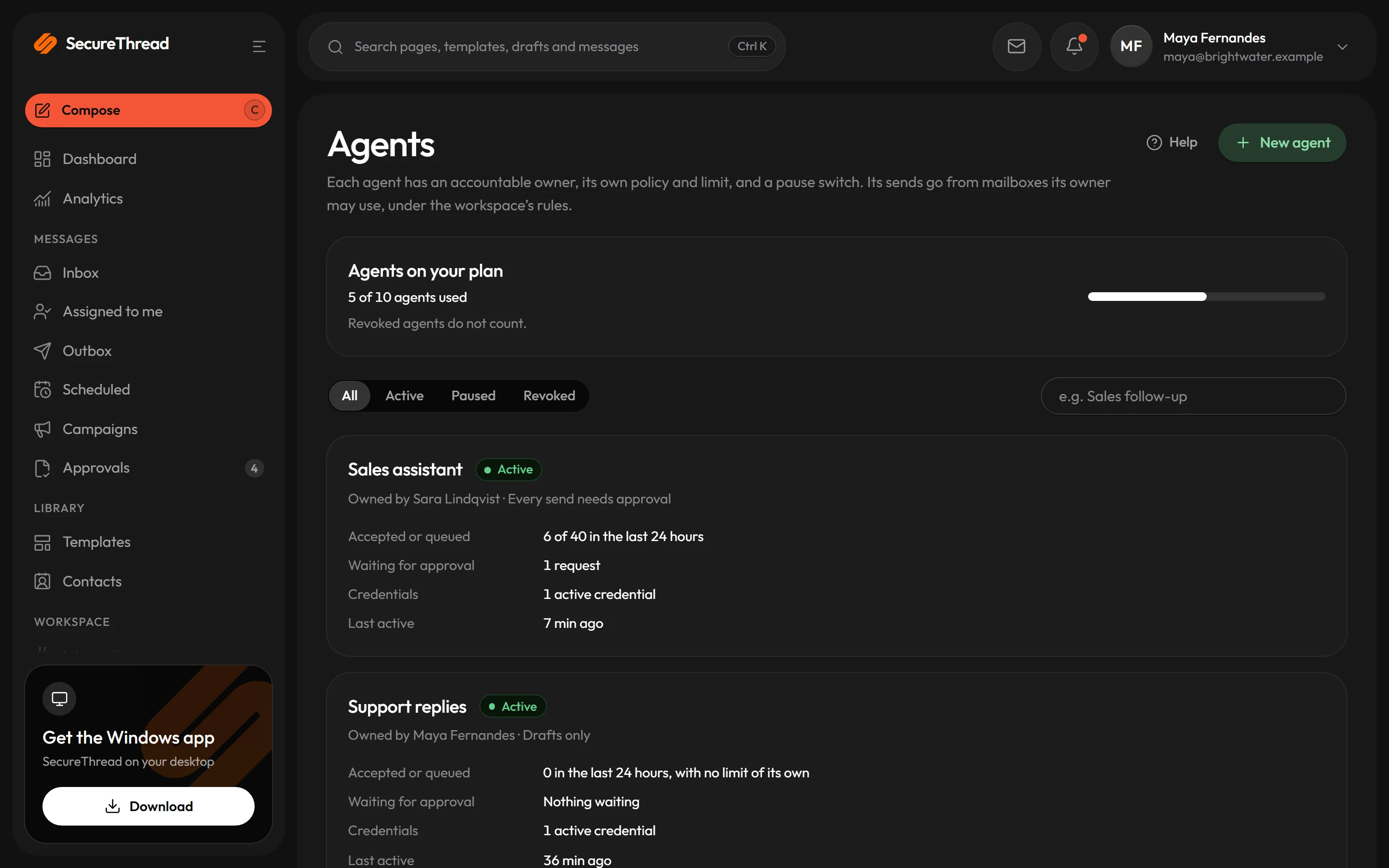
An owner for every agent
An agent is a named identity for an assistant, with a person accountable for it. Its sends go only from mailboxes its owner may use.
Four autonomy modes
Drafts only, every send needs approval, sends within policy and tells its owner, or sends within policy. A new agent starts with every send needing approval.
A policy that only narrows
Allowed recipients, a daily send limit, permitted mailboxes and templates, and a published-template requirement. An agent’s policy can never widen the organization’s rules.
Reasons on every held send
Outside recipients, contact groups, attachments, content the assistant wrote itself and links that hide where they go are each named on the approval page.
Pause or revoke at once
Pausing refuses every request until someone resumes the agent. Revoking is permanent: its credentials are revoked and it can never act again.
Activity you can read
Each agent’s activity list shows its send requests, whether automatic approval applied, what it queued and every refusal with a plain reason.
Connection
Assistants connect over MCP, as one signed-in person
SecureThread runs a Model Context Protocol server. An assistant acts as one employee, only within that person’s permissions at the moment it acts, so removing a permission takes effect on the next request.
- OAuth 2.1 sign-in, approved by the person in their own browser
- Access levels from View and Write drafts up to Send email, each shown in plain English
- A consent request expires after 10 minutes; a connection lasts at most 90 days
- Administrator-level access works only when approved from a session that passed two-step verification, for 14 days at most
Approval
Human in the loop by default, automatic only when narrow
Every email an assistant prepares waits for approval unless an administrator turns on automatic sending, which is off by default and covers only the narrowest case.
- Automatic sending requires the current published version of a reviewed shared template, filled in without any wording of the assistant’s own
- It must go from the person’s own mailbox, with no attachments and no contact groups
- Recipients per email can be capped from 1 to 50, with a default of 1, and by default only people in the organization
- A send request expires 24 hours after the assistant asked; scheduled sends and workflow runs an assistant starts always wait for a person
Integrations
Works with the mailboxes you have
Mail goes out from your own mailboxes and domains. SecureThread connects to them; it does not replace them.
All integrations Amazon SES
 SendGrid
 Postmark
Guides
Learn the practice
FAQ
Questions, answered
Which AI assistants can connect?
Any assistant that supports the Model Context Protocol with OAuth sign-in, such as Claude, ChatGPT, Cursor and VS Code. Each one connects as the person who approved it, within that person’s permissions.
Can an AI agent send email without a person approving it?
Only if an administrator turns on automatic sending, which is off by default, and only for an email built from a reviewed, published shared template that the assistant fills in without writing anything of its own, sent from the person’s own mailbox with no attachments. Everything else waits for a person.
What stops a prompt injection from making an assistant send email?
The decision is made on the server, not by the assistant. A send request still has to pass the agent’s policy and the organization’s rules, and by default a person approves it. The approval page lists risk reasons such as outside recipients, attachments and links that hide where they go.
Who is responsible for an agent?
Every agent has an owner, the person accountable for it. Its sends go from mailboxes the owner may use, and in the mode that tells its owner, the owner is told about each send it makes within policy.
How do we stop an agent quickly?
Pause it, and every request it makes is refused until someone resumes it. Revoking it is permanent: its credentials are revoked and it can never act again. Pausing and revoking each ask for a short reason, which is kept on record.
Send your first approved email today
Connect a mailbox, pick a template and send with the checks and approvals your organization needs. No new email address, no new habits.