Compliance & data
Records you can prove, and data you can take with you
Signed exports of the audit log and of mail, retention set per workspace, answers to data requests, and a closing period that ends in a clean deletion. Every export and download is in the audit log.
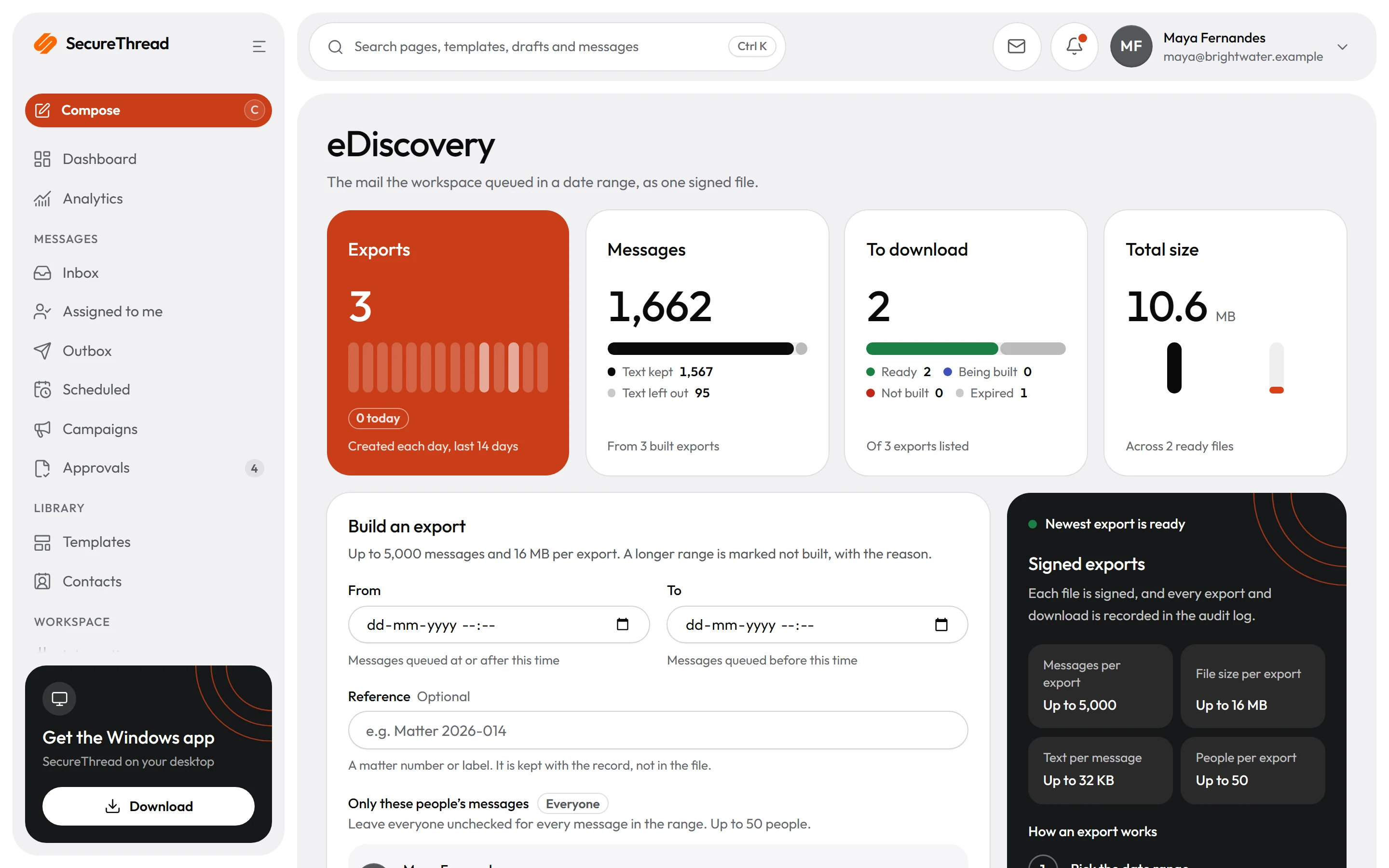
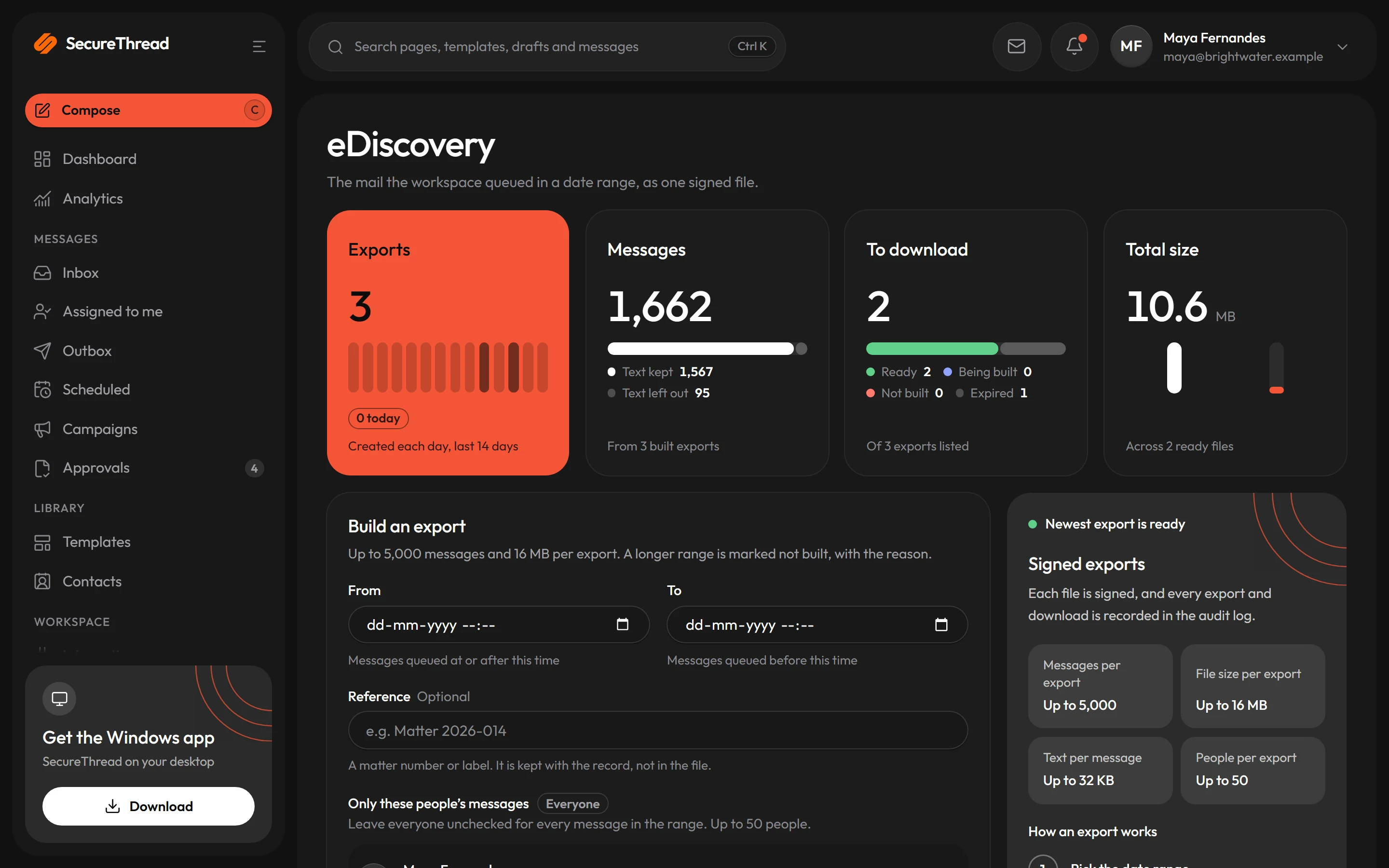
eDiscovery exports
The mail a workspace queued in a date range, up to 5,000 messages, as one file of JSON lines. Its last line is a manifest with an Ed25519 signature.
Legal holds
SecureThread places a hold on a workspace or a person when one is needed. While it lasts, retention purges, erasure and deletion of what it covers are refused.
Retention you set
Message content, message details, drafts, the audit log, delivery events and AI history each have their own window, set per workspace.
Data requests
Export or erase what the workspace keeps about a person or an email address. The audit log names an erased address only by a hash.
A copy of everything
One JSON file of the whole workspace. Every table is either in the copy or left out for a stated reason, and a test fails for a new table that is neither.
Streamed to your SIEM
Up to five destinations: a Splunk HTTP Event Collector, Datadog logs or a signed HTTPS webhook. Events leave as they are stored, already redacted.
eDiscovery
The mail for a matter, in one signed file
An administrator who may read the whole audit log and manage people exports the mail queued in a date range, for everyone or for up to 50 people. Each file is signed, and every export and download is recorded in the audit log.
- One JSON line per message, with the first 32 KB of its plain-text body
- The last line is a manifest: a SHA-256 for each record line and for all of them together, and an Ed25519 signature over that digest
- A matter number or label is kept with the record, not in the file
- Each file is removed seven days after it is ready; its record stays
Data requests
Answer a request about a person or an address
Administrators who hold the workspace export’s permissions use Administration › Data requests. Anyone can download their own data under Settings › Your data.
- A person’s export holds their profile and roles, mailboxes, the messages and drafts they wrote, their contacts and templates, AI memory and conversations, approvals and the audit events about them
- A person is erased only once their account is deactivated, and never by themselves
- An address erasure deletes its contacts, replaces it in every recipient record and removes those messages’ content
- Suppression entries, message records and audit events stay, and each answer says why
- A legal hold refuses an erasure, which then says only that the data cannot be erased right now
Closing an organization
Fourteen days to take your data, then a clean deletion
When an organization closes, nobody can send from it and its plan stops renewing. For 14 days the people who hold every export permission can still sign in, to download the data, see the deletion date and, with the billing permission, open their invoices and receipts.
- An administrator asks to close the organization by typing its name, and SecureThread confirms it
- The download holds people and roles, shared contacts and templates, sent messages, mailboxes, settings and the audit log, and never passwords, two-step secrets, tokens or mailbox credentials
- Ask SecureThread to reopen it before the 14 days end; after that, nothing can be restored
- Deletion waits while anything is left to charge, and access to Google mailboxes is revoked at Google
- A deletion certificate is emailed afterwards: when it ran, how many records went, the revoked mailboxes, stopped subscriptions and what remains
Offline checks
Check an export without SecureThread
Audit exports are sealed with a SHA-256 hash and an Ed25519 signature when they are written. A short script checks a file against its manifest with Node.js 22 or later.
- Exit 0 when the digest and the signature both check, 1 when either does not, 2 on bad arguments
- Older keys keep verifying older manifests after a key rotation
- Newer manifests also sign who made the export and with which filters
- Administration › Audit log › Verify an export hashes the file in your browser and never uploads it
# The export, its manifest and the public key the manifest namesnode verify-audit-export.mjs audit-export.csv manifest.json public-key.pem # Each check is named in the outputfile sha256: <the file's digest>manifest sha256: <the digest sealed in the manifest>digest: matchessignature: valid (key st-ed25519-<key id>)What’s included
Every feature, with its status
What is built today, what is in beta, and what is on the roadmap.
All features- Available
Signed audit export
Export the audit log as signed CSV or JSON for a date range, verifiable offline.
- Available
SIEM audit streaming
Stream the audit log to Splunk’s HTTP Event Collector, Datadog logs or a signed HTTPS webhook, up to five destinations.
- Available
eDiscovery exports and legal holds
The mail queued in a date range as one signed file of JSON lines; legal holds placed by SecureThread stop retention and deletion.
- Available
Retention and workspace export
Retention periods per workspace, and one JSON copy of everything the workspace holds, without passwords, secrets or credentials.
- Available
Data requests
Export or erase what the workspace keeps about a person or an email address; everyone can download their own data.
- Available
Closing an organization
A 14-day closing period in which administrators download the data and billing managers reach invoices, then everything is deleted.
- Available
Deletion certificate
After deletion, an email naming when it ran, how many records went, the revoked mailboxes and stopped subscriptions, and what remains.
- Coming soon
Signed deletion certificate
The certificate as a signed file a short script checks offline against the key SecureThread publishes for it.
Specifications
The details
- eDiscovery export
- Up to 5,000 messages as JSON lines, kept seven days
- Audit export
- CSV or JSON, SHA-256 and Ed25519, checked offline
- Workspace export
- One JSON document, format version 5
- Retention windows
- Set per workspace, up to 3,650 days each
- Closing period
- 14 days, then everything in the workspace is deleted
- SIEM destinations
- Up to five: Splunk HEC, Datadog logs, signed webhook
- Never exported
- Passwords, two-step secrets, tokens, mailbox credentials, AI and webhook keys
FAQ
Questions, answered
Can we get a copy of everything before we leave?
Yes. Administrators who hold the export permissions can download one JSON file of the workspace at any time, and during the 14-day closing period the closing page offers the same download, as often as needed.
What is left after a workspace is deleted?
The workspace’s id and dates, SecureThread’s record of the deletion, billing payment records (amounts, dates and Razorpay references), records of SecureThread’s own emails, and database backups taken before the deletion, which hold the data until they expire: 14 days on the server by default.
Who places a legal hold?
SecureThread staff place and release holds, each with a reason in SecureThread’s own log. While a hold is active, retention, erasure and deletion of what it covers are refused, both by the service and again by the database.
Is the deletion certificate signed?
Not yet. Today it is an email with the counts. A signed certificate that a script checks offline is built, and it is released once SecureThread publishes the key that checks it.
How quickly do audit events reach our SIEM?
An event is sent once it is 60 seconds old, in batches of up to 100 in the order they were written. A stream that fails 10 batches in a row is switched off. Check that events arrive in your SIEM before you rely on the stream.
Send your first approved email today
Connect a mailbox, pick a template and send with the checks and approvals your organization needs. No new email address, no new habits.