Organizations & access
Your organization, its workspaces, and who gets in
Prove your domain once, and people who sign up with it find your organization and ask to join. Group people into workspaces, sign them in through your identity provider, and review who holds which access.
Domains proved by DNS
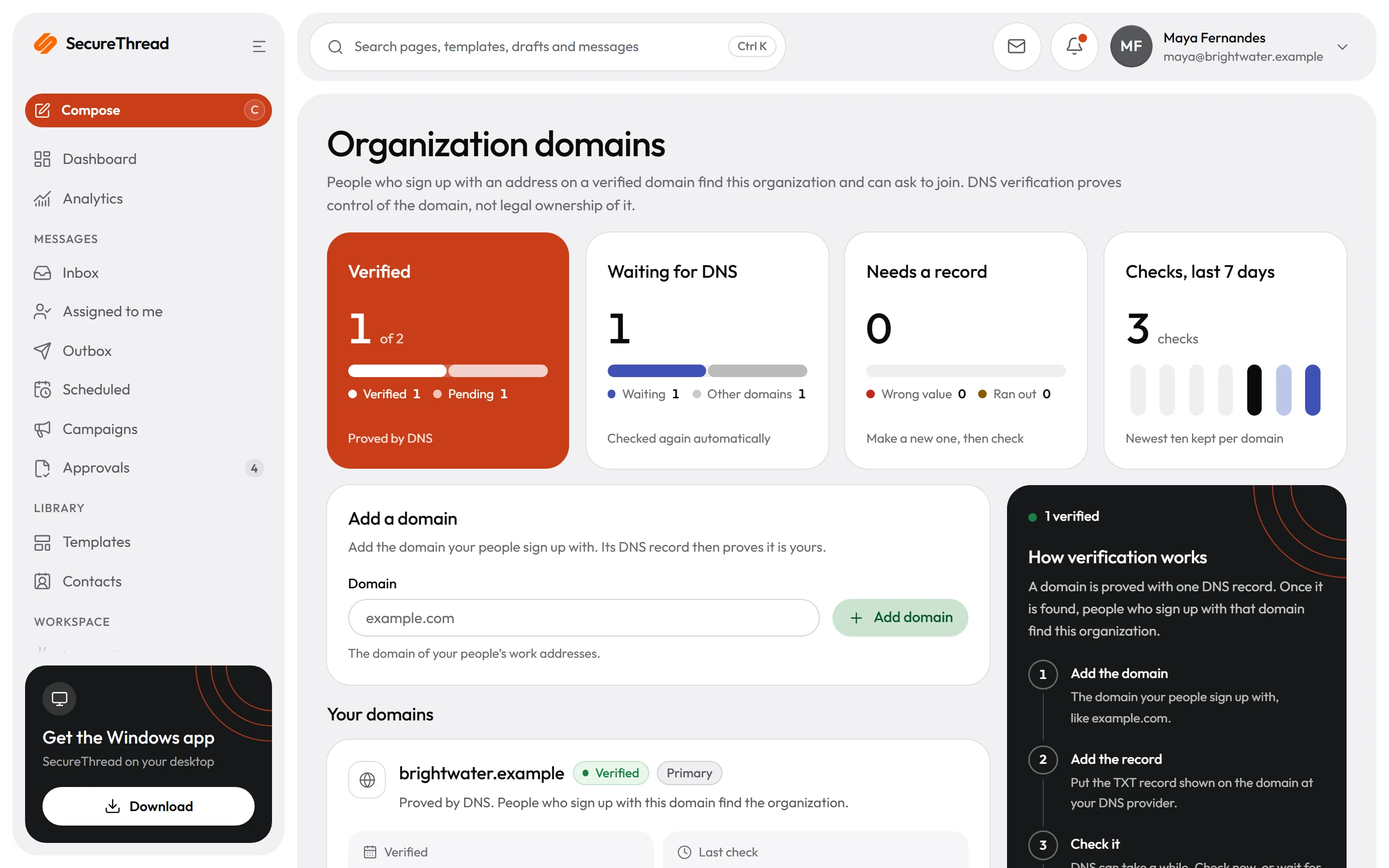
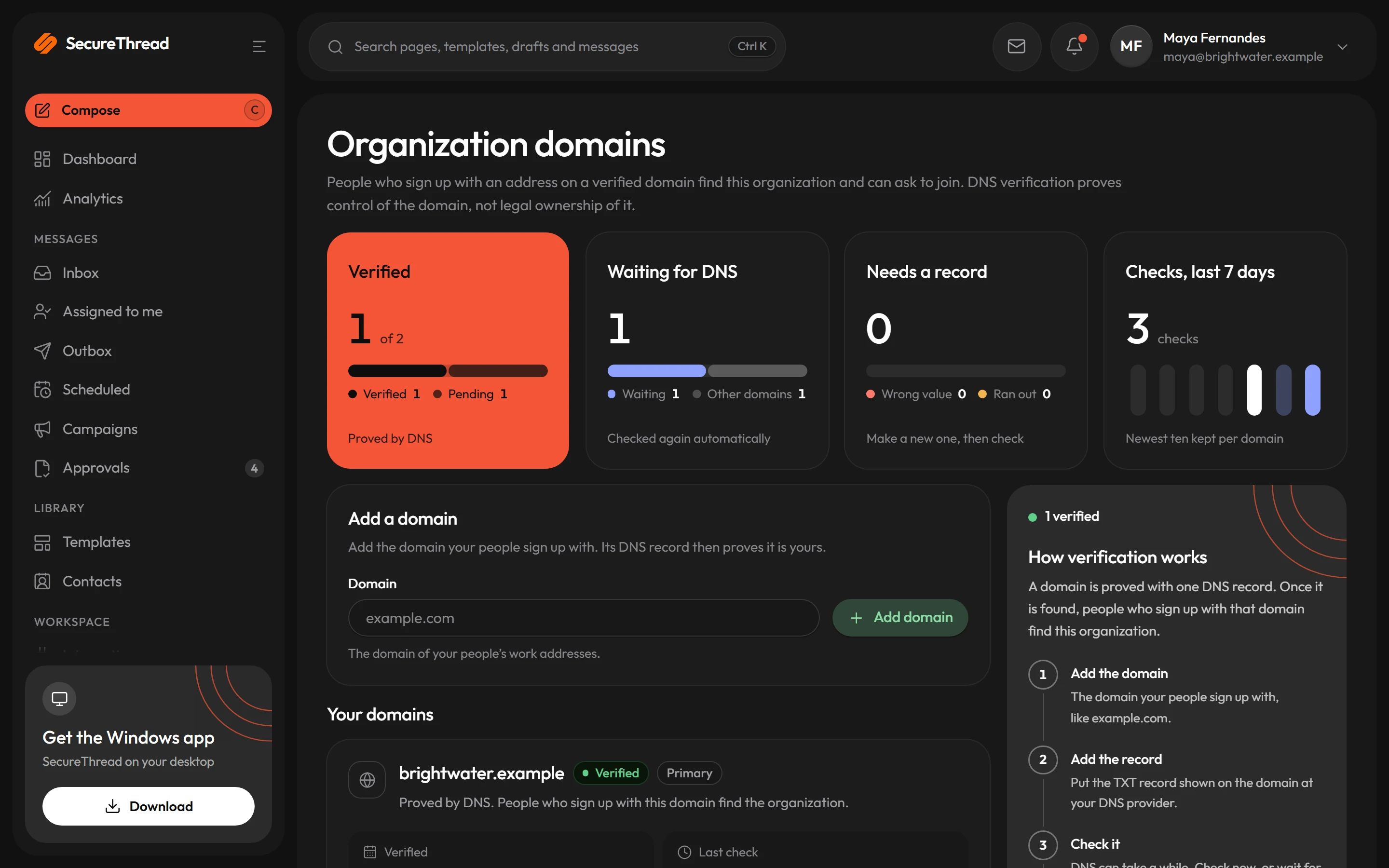
One TXT record proves your organization’s domain. A verified domain belongs to one organization, and verifying it is what makes the founder an administrator.
People find your organization
Someone who signs up on your verified domain sees your organization’s name and logo, never its people or plan, and asks to join instead of starting another.
Access requests you decide
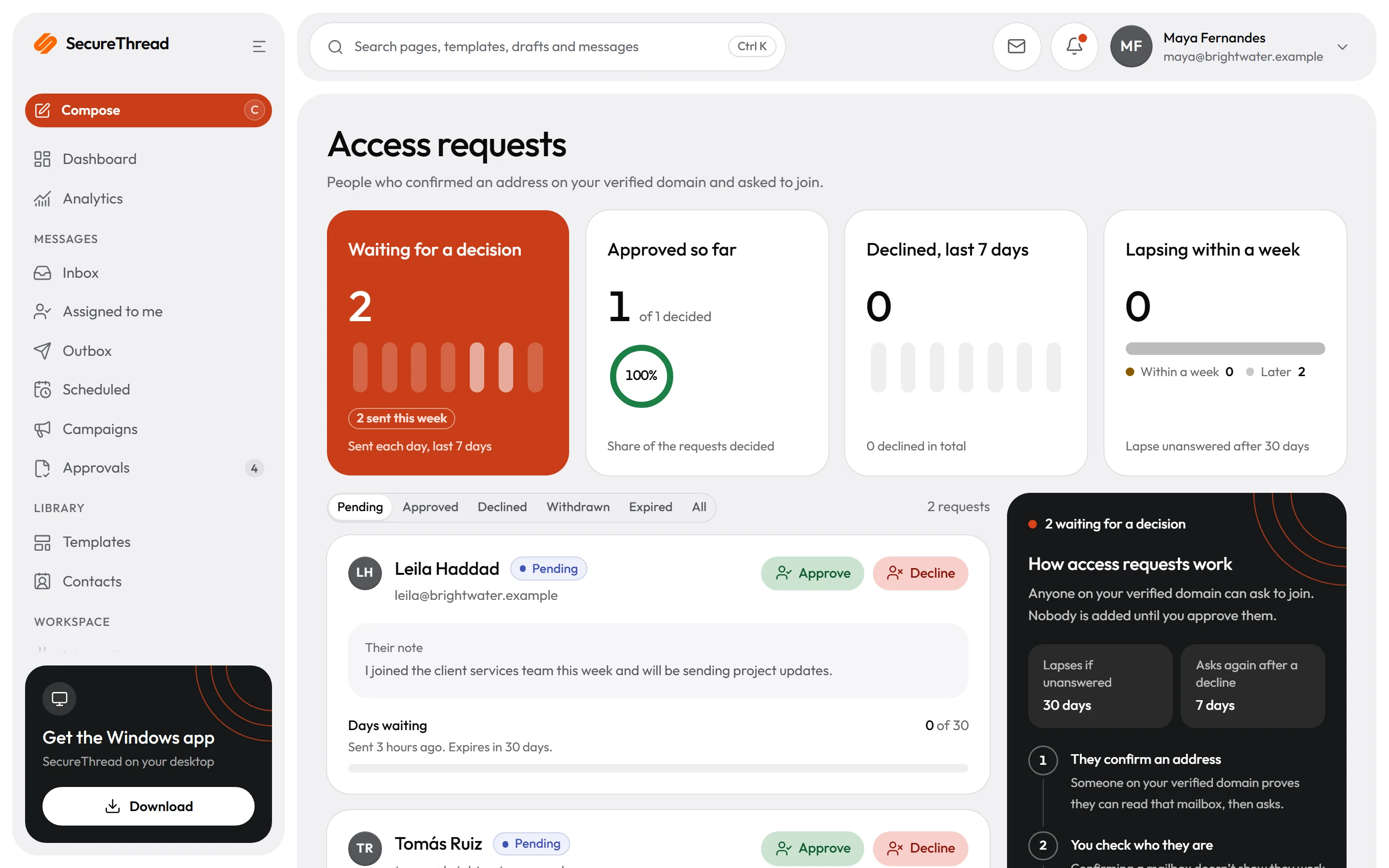
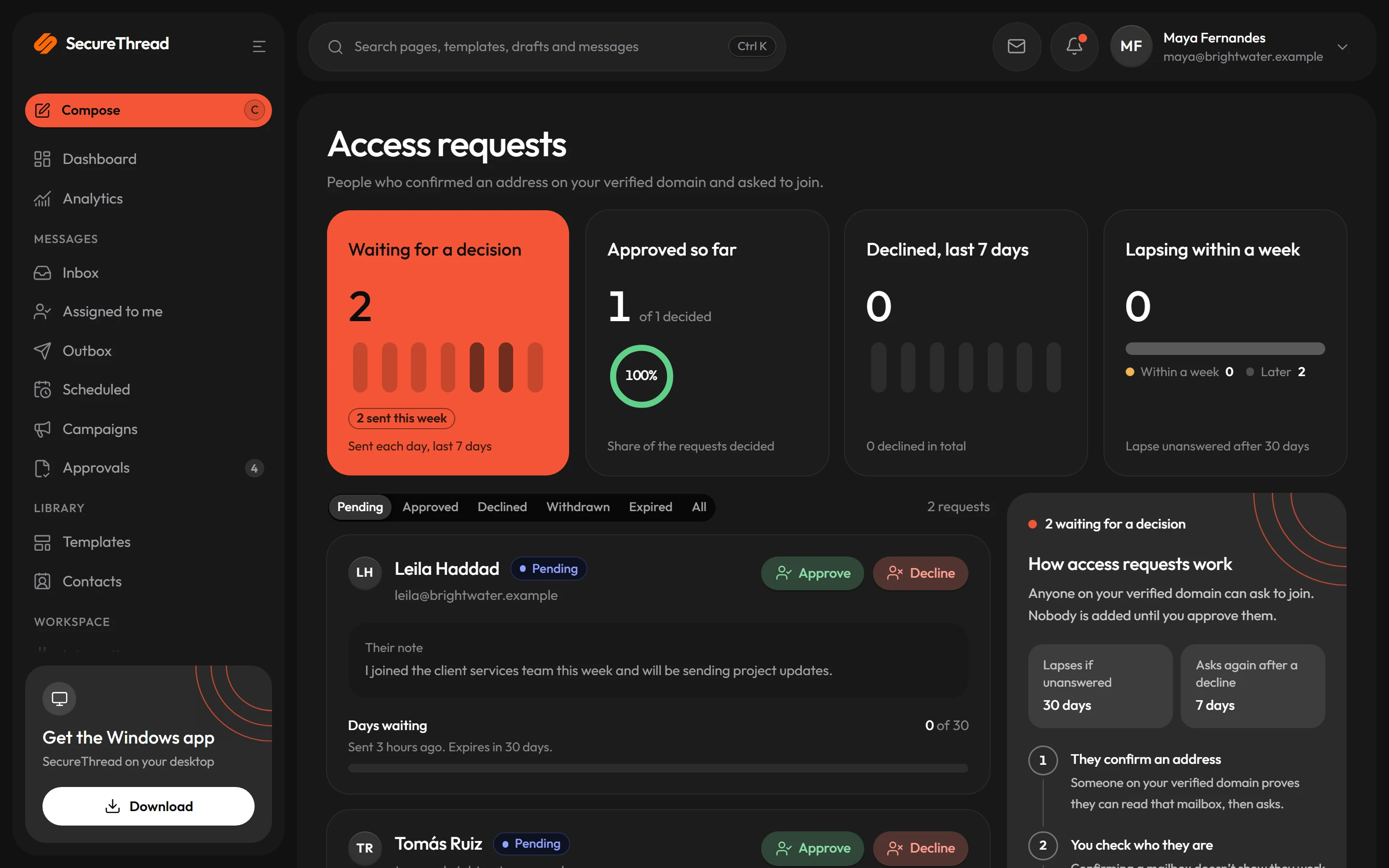
Administrators approve a request with roles and workspaces, or decline it. A request nobody answers lapses after 30 days.
Workspaces inside the organization
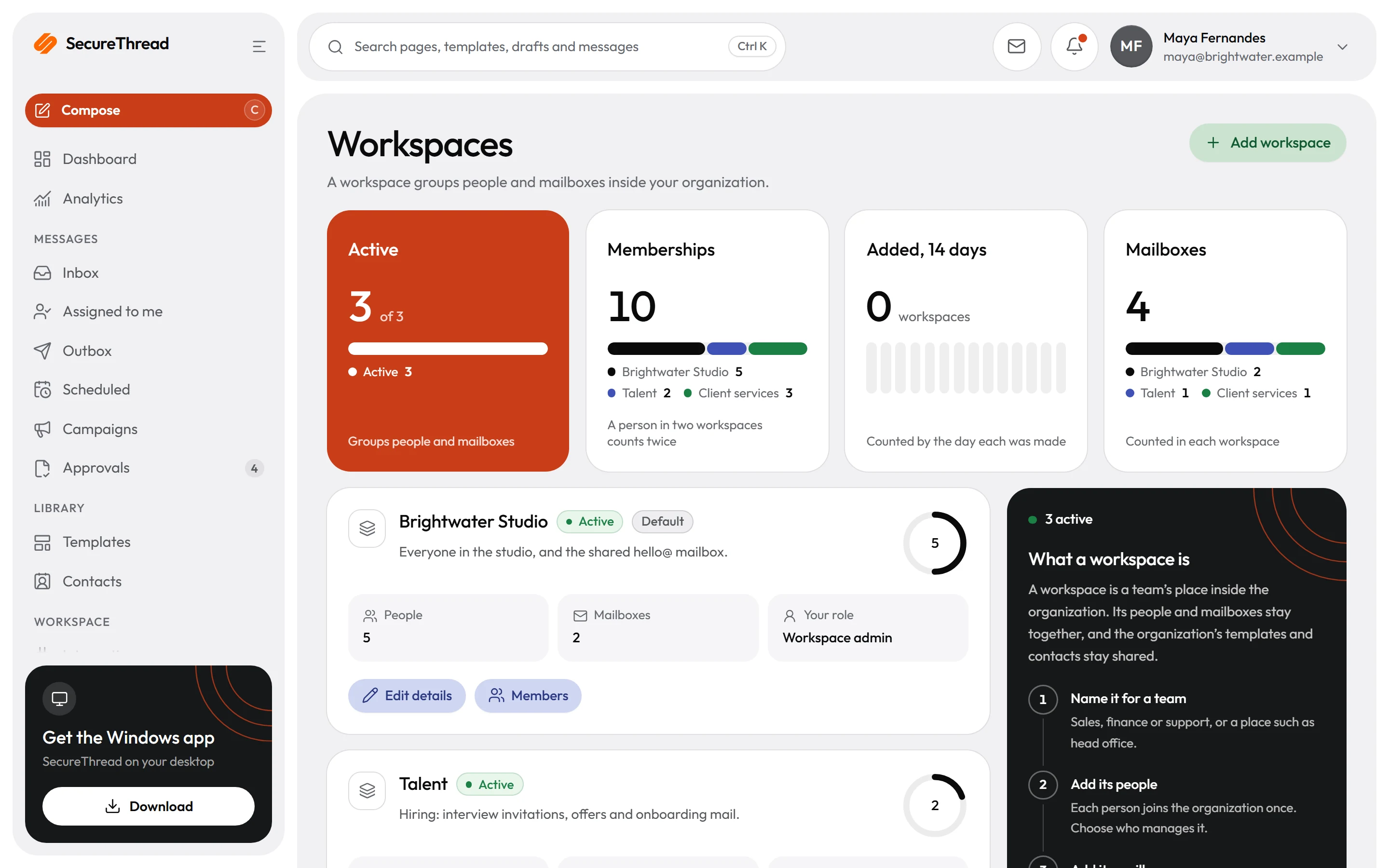
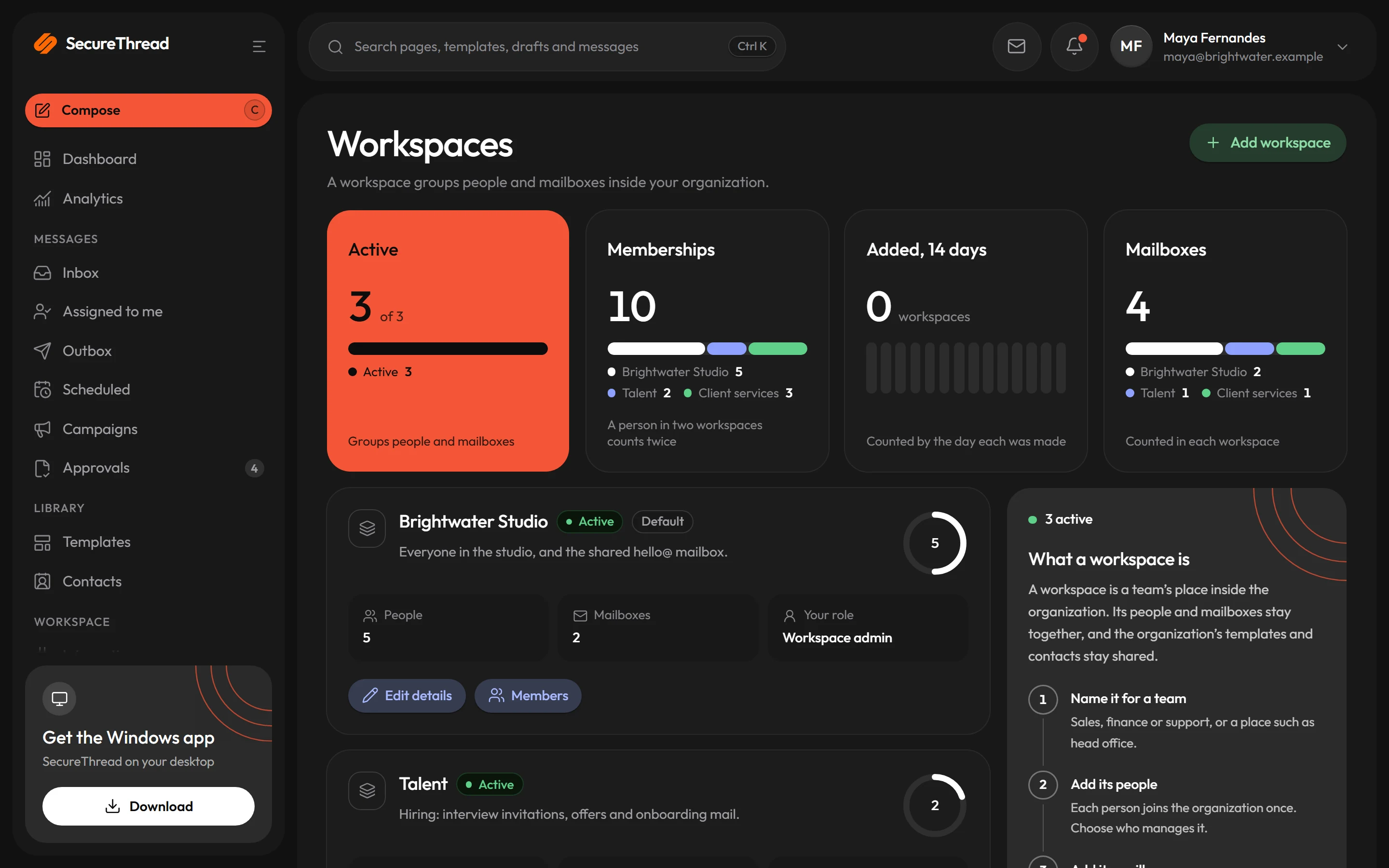
A person belongs to the organization once and to any number of its workspaces. Plans count people once, however many workspaces they are in.
Sign in your way
Google Workspace, Microsoft 365 or your own OpenID Connect provider, each switched on per workspace. SAML is on the roadmap.
Access reviews
Confirm person by person who holds which access. A workspace with no completed review in 90 days is reminded to start one.
Organization domains
Administrator rights come from DNS, not from payment
When an organization signs up, its founder holds no role until the organization’s domain is verified. Verifying it grants the administrator role, which then asks for two-step verification where the organization requires it.
- Publish a TXT record at _securethread-verification on your domain, with the exact value the app shows
- A token is good for seven days, and a new one can be made at any time
- Verified domains are checked again automatically, and the newest ten checks are kept for each domain
- Up to ten organization domains on every plan; personal and disposable email domains are refused
- DNS proves control of a domain, not legal ownership of it, and the app says so
Access requests
People ask to join, and an administrator decides
Anyone who confirms an address on your verified domain can ask to join. Nobody is added until an administrator approves them, with the roles and workspaces they should have.
- The person proves they can read the mailbox first, then asks, with an optional note
- Approving can take a seat at its shown price when every seat is taken
- A declined person can ask again after seven days, and a request lapses after 30
- The applicant can follow the request and withdraw it
Sign-in and provisioning
Your identity provider, your rules
Administrators choose how people sign in to each workspace. Accounts can be made just in time at first sign-in, or provisioned ahead from your identity provider over SCIM.
- Google Workspace accounts on an allowed domain, and Microsoft 365 accounts from the tenants you list
- OpenID Connect with PKCE, the ID token checked and bound by issuer and subject
- SCIM 2.0 creates, updates and deactivates people from Okta, Microsoft Entra ID or another provider
- Password sign-in is refused for an account on a domain another organization has captured
- Administrators can be required to use two-step verification, or a passkey
What’s included
Every feature, with its status
What is built today, what is in beta, and what is on the roadmap.
All features- Available
Organization domains
Prove your organization’s domain with one DNS TXT record. Verifying it is what makes the founder an administrator, and a domain belongs to one organization.
- Available
Find your organization and request access
Someone signing up on a verified domain is shown your organization and asks to join; an administrator approves with roles and workspaces, or declines.
- Available
Workspaces inside an organization
People belong to the organization once and to any number of its workspaces, each with its own members and the mailboxes associated with it.
- Available
Invitations with a priced seat
Invite one person or many; when every seat is taken, the invitation shows the seat’s price before it buys one.
- Available
Google and Microsoft work-account sign-in
Sign in with a Google Workspace or Microsoft 365 account where an administrator turns it on.
- Available
OpenID Connect single sign-on
Sign in through your own OpenID Connect identity provider, set up per workspace, with accounts made just in time.
- Coming soon
SAML single sign-on
Sign in through any SAML identity provider.
- Available
SCIM provisioning
People created, updated and deactivated from Okta, Microsoft Entra ID or another identity provider.
- Available
Access reviews
Confirm person by person who holds which access: keep, change or remove. A workspace with no completed review in 90 days is reminded.
Specifications
The details
- Domain proof
- One TXT record at _securethread-verification.<domain>
- Organization domains
- Up to ten, on every plan
- Access requests
- Lapse after 30 days; ask again 7 days after a decline
- Workspaces
- Set by the plan; extra workspaces as an add-on
- Single sign-on
- Google Workspace, Microsoft 365, OpenID Connect
- Provisioning
- SCIM 2.0, RFC 7643 and RFC 7644
- Access reviews
- Keep, change or remove per person; reminded after 90 days
FAQ
Questions, answered
What does a workspace keep separate today?
Its members and the mailboxes associated with it. Templates, contacts, history and settings stay shared across the organization, and who may send from a mailbox still follows that mailbox’s sharing settings.
Can two organizations claim the same domain?
No. A verified domain belongs to one organization. While another sign-up is still verifying a domain, it is shown as being verified elsewhere, without a name, and whoever verifies first claims it.
What does someone signing up on our domain see about us?
Only your organization’s name, its uploaded logo and that the domain is verified. Never its people, how many there are or its plan.
Do we need SAML?
SAML is not available yet. Sign-in through any identity provider that supports OpenID Connect is, and Google Workspace and Microsoft 365 work accounts sign in directly.
Does an access review change anyone’s access?
No. A review records keep, change or remove for each person, and changes are made on the person’s own page. The completed review is the record an auditor samples.
Send your first approved email today
Connect a mailbox, pick a template and send with the checks and approvals your organization needs. No new email address, no new habits.