Outbound email security
Control what leaves your company’s mailboxes
Most email security filters what comes in. SecureThread governs what goes out: who may send from which mailbox, what is checked before a message is queued, which messages wait for a person, and a record of every step.
The problem
The risk in outgoing mail is usually a person or a process, not an attacker
A shared password to the sales mailbox, a campaign sent to the wrong list, an invoice with a card number pasted into it, a script that sends from an executive’s account, an AI assistant that was only meant to draft. None of these is caught by a gateway that scans inbound mail for phishing, because nothing malicious arrived.
Outbound email security is the set of controls on the sending side: who can send from each mailbox, what a message may contain, which messages need a second pair of eyes, how much can go out, and a record you can show an auditor afterwards.
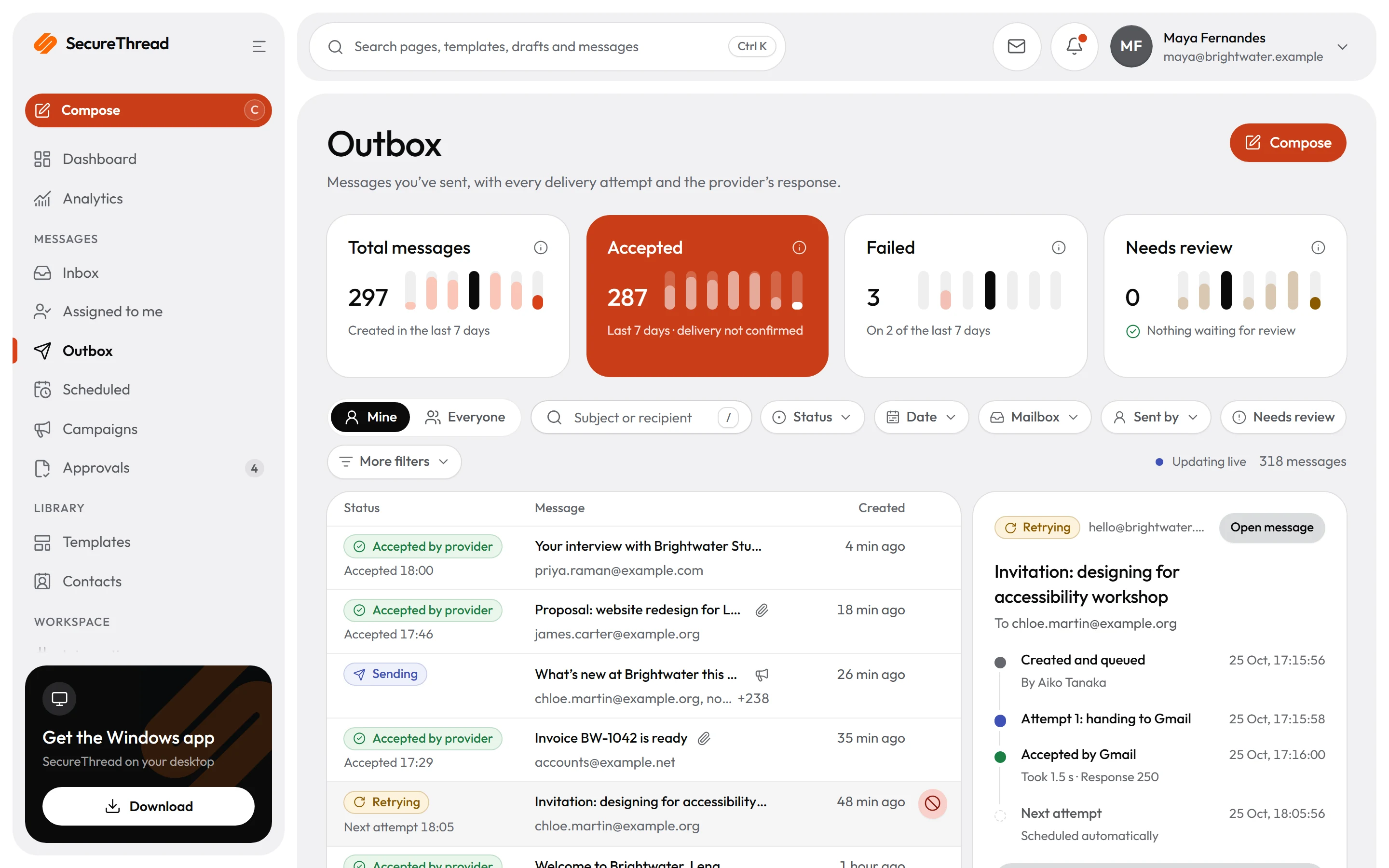
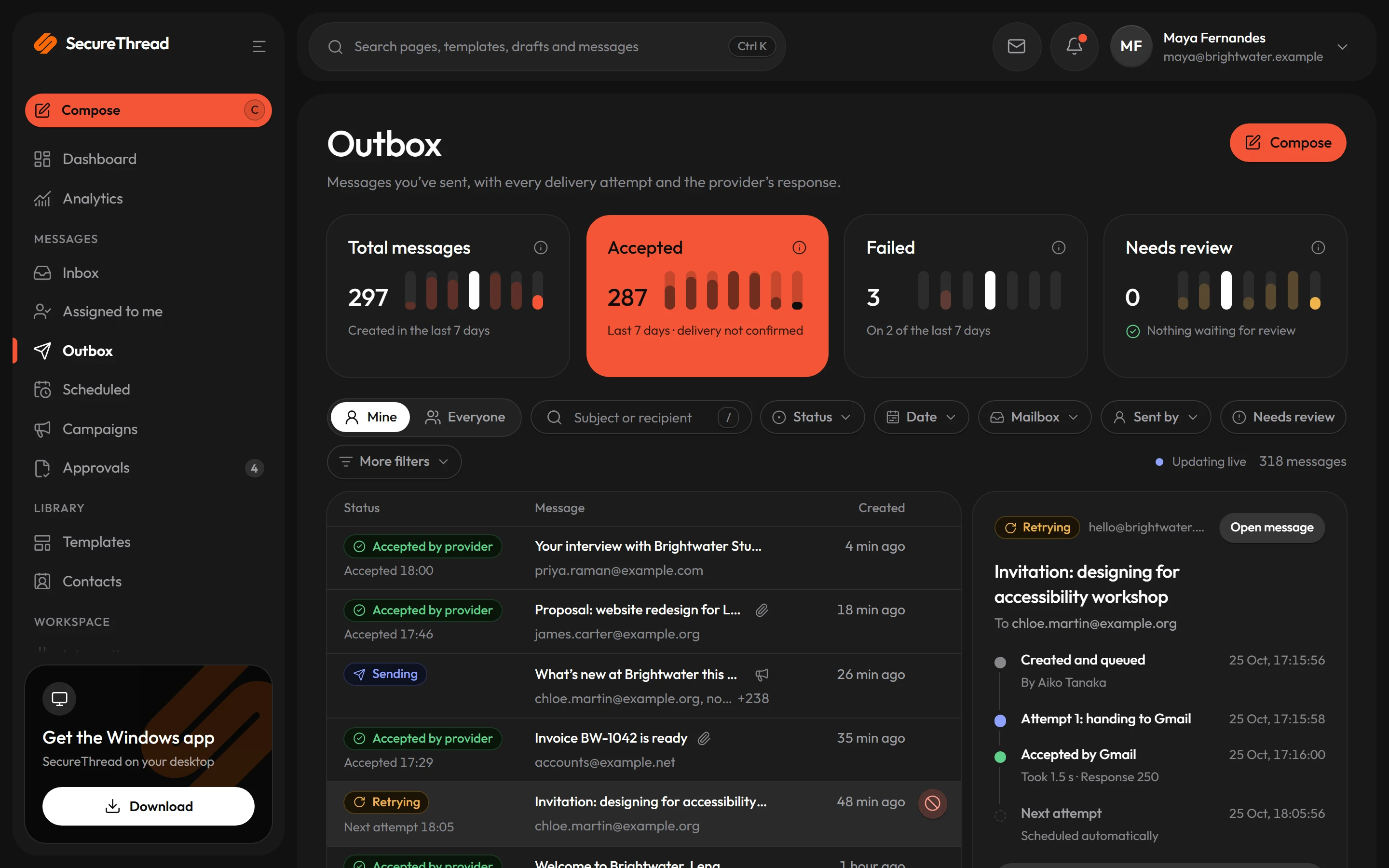
SecureThread sits between your people (and their AI assistants) and the mailboxes your organization already uses. Every path that sends, from the composer to the API, goes through the same checks.
Who it is for
Made for these teams
Teams that share mailboxes
Sales, support and finance teams that send from shared or role addresses, and need each person to sign in as themselves rather than share one password.
Organizations adopting AI assistants
Companies that want assistants such as Claude or ChatGPT to prepare email without being able to send on their own, with a named person accountable for each one.
Administrators who answer to auditors
IT and operations leads who need sending limits, separation of duties and an audit log with exports anyone can check offline.
How it works
Four steps, in order
- 1
Connect the mailboxes you have
Google Workspace and Microsoft 365 connect with OAuth, other providers over SMTP to servers an administrator approves. Credentials are encrypted with AES-256-GCM.
- 2
Set who may send, and how much
Roles decide who may use each mailbox and template. Daily and hourly sending limits sit below the provider’s own, and an emergency switch stops sending at once.
- 3
Check every message before it is queued
Email HTML is cleaned on the server, the content policy runs on every path that sends, and guardrails catch card numbers, Aadhaar and PAN numbers, passwords and access keys.
- 4
Hold what needs a person, record everything
Scheduled sends, campaigns, workflow runs and assistant sends can wait for approval. Security-relevant actions go into an append-only audit log.
Capabilities
What SecureThread does
Each person signs in as themselves
People send from mailboxes their role allows, without anyone sharing the mailbox password. Two-step verification is required for administrators by default.
Approvals tied to the exact draft
An approval belongs to one version of a message. If it changes, the pending request is cancelled, and nobody can approve their own work by default.
Sensitive-data guardrails
Messages carrying a payment card number, an Aadhaar or PAN number, or a password or access key are caught before they are queued, as your organization sets.
Sending limits and an emergency stop
Quotas limit how much mail can go out, and an emergency send switch lets administrators stop sending when a situation calls for it.
Sending domains checked
Each sending domain is checked for an ownership record, SPF, DKIM and DMARC before mail goes out, and again every 12 hours.
An audit log you can verify
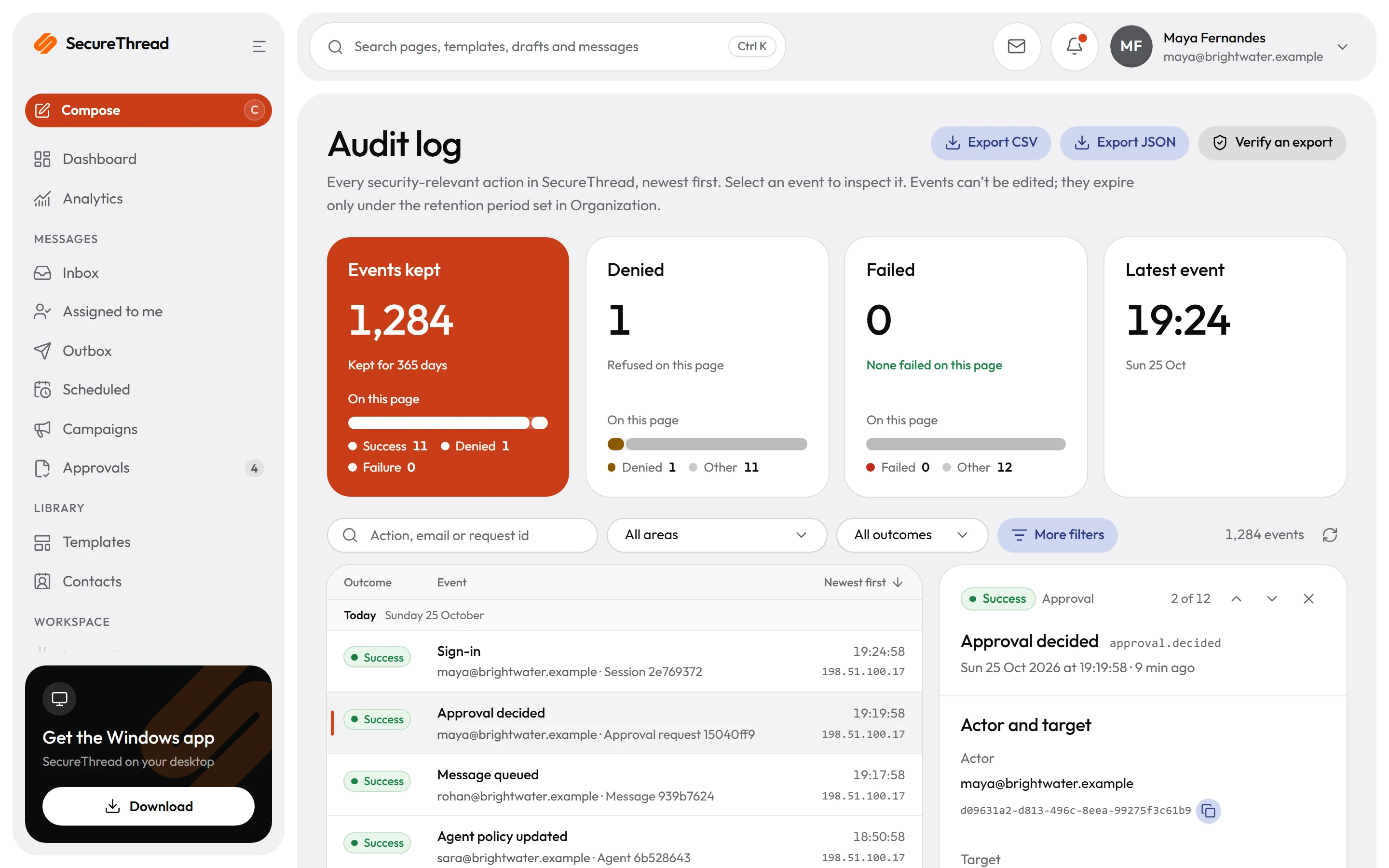
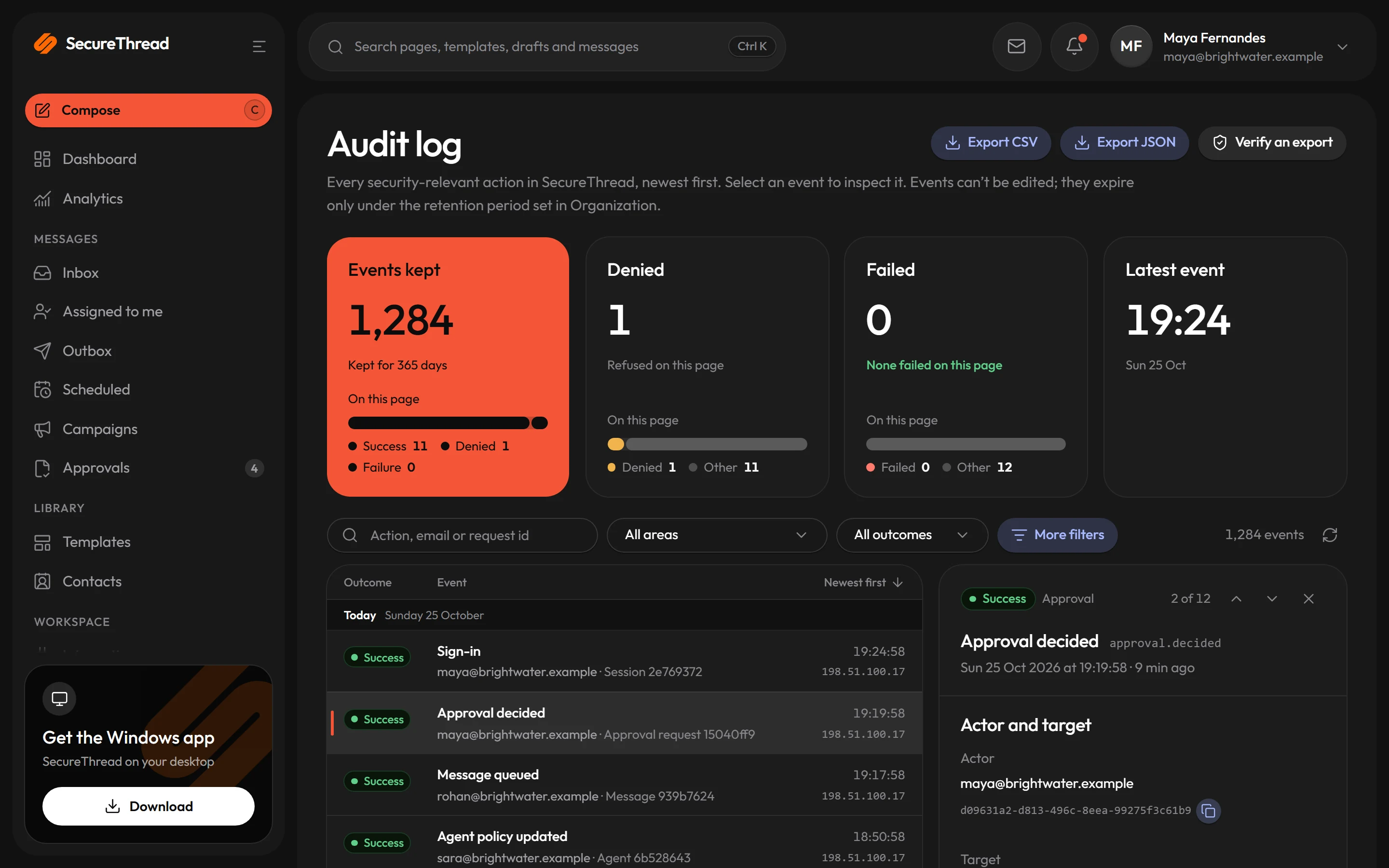
The audit log is append-only. Each export is sealed with a SHA-256 hash and an Ed25519 signature, so anyone can check it offline.
Before it leaves
One set of checks on every path that sends
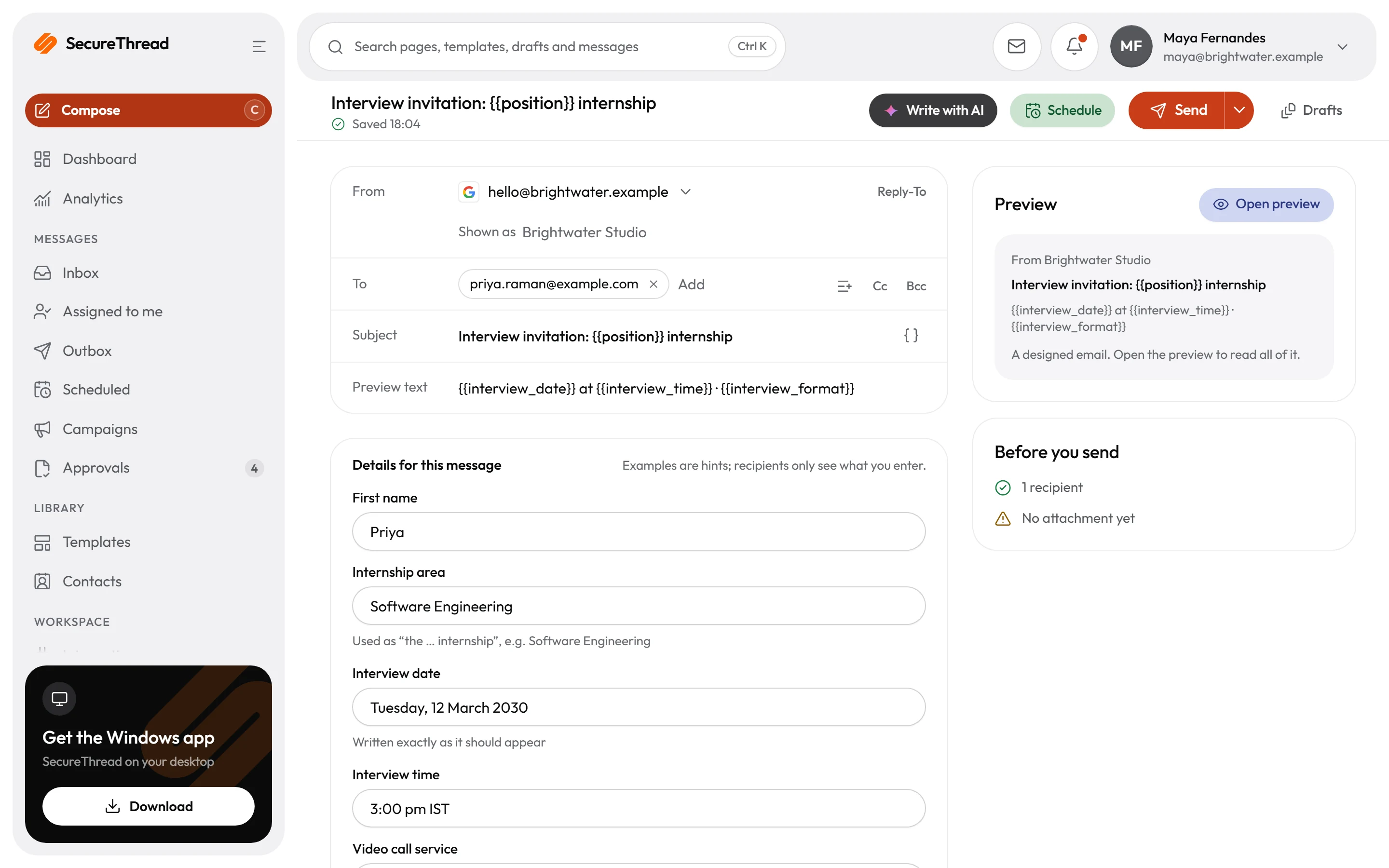
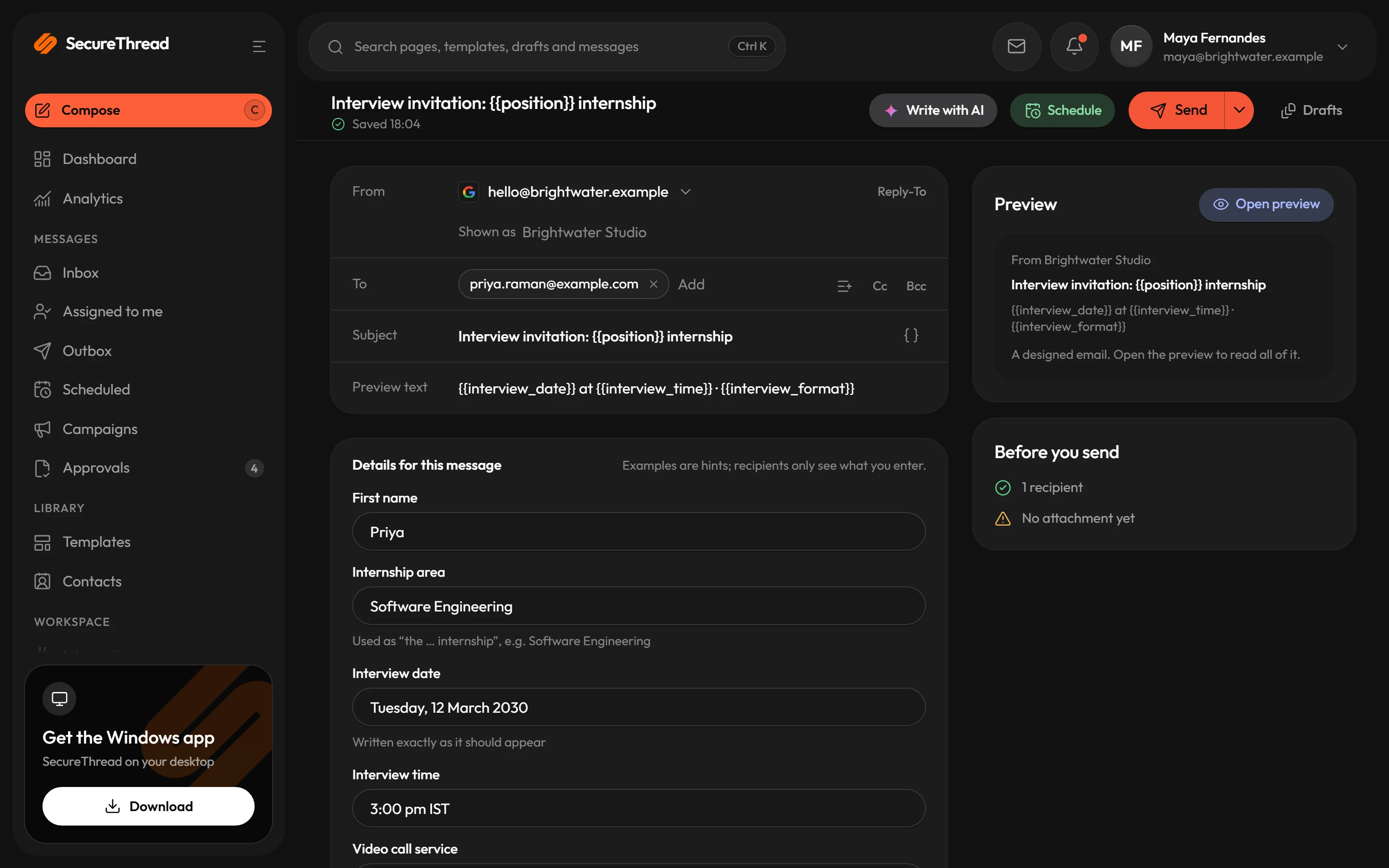
The composer, test sends, schedules, campaigns, workflows, AI assistants and the API all submit through the same pipeline, so a rule set once applies everywhere.
- Scripts, forms, frames and remote fonts are removed from email HTML before it is stored, previewed or sent
- The content policy refuses messages with profanity, insults, harassment, threats, hate speech or sexual content
- Guardrails find card numbers (Luhn-checked), Aadhaar numbers (check-digit verified), PAN numbers and secrets such as private keys and access tokens
- SMTP connections go only to servers an administrator approved, on public addresses, with certificate checks always on
A second pair of eyes
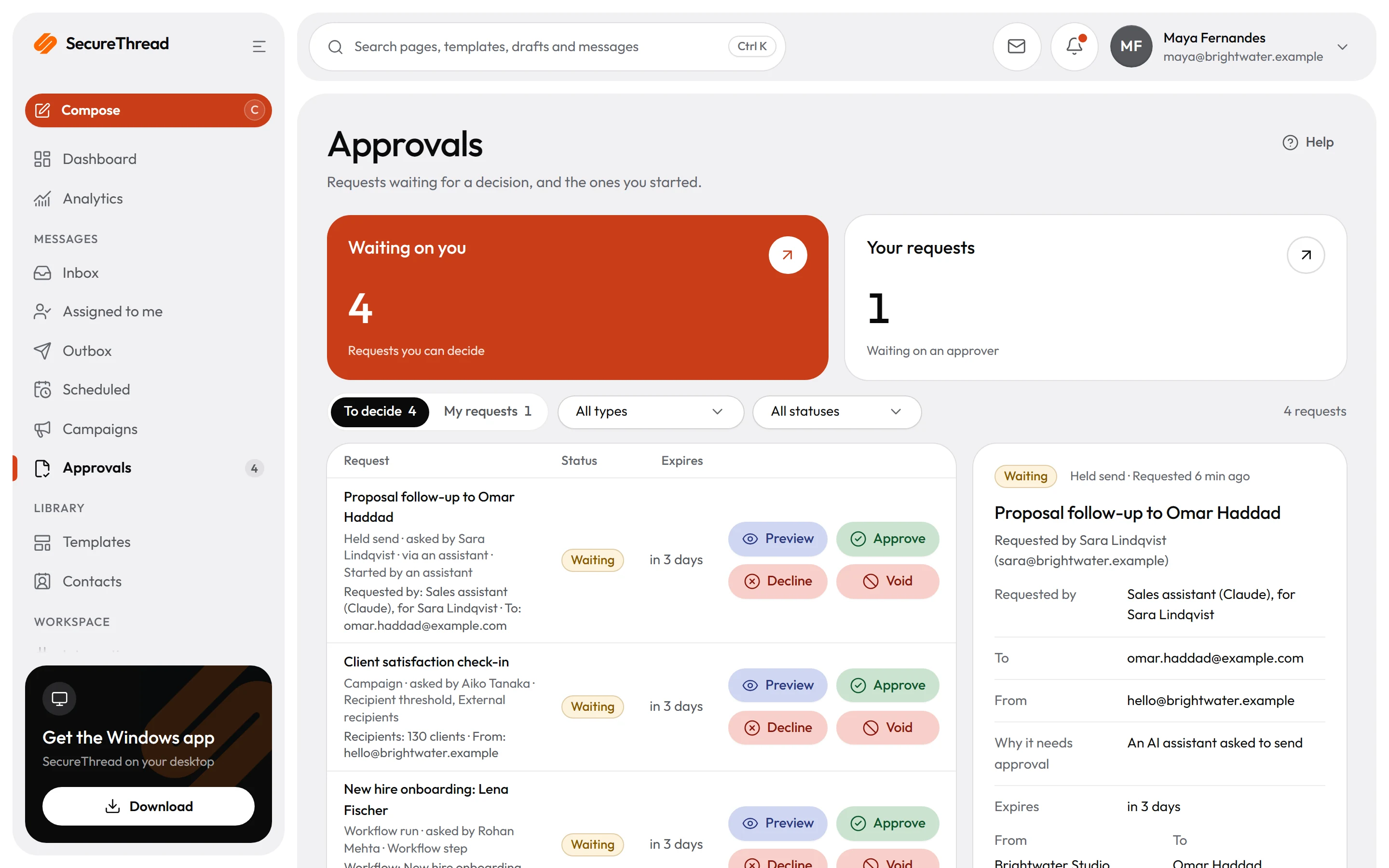
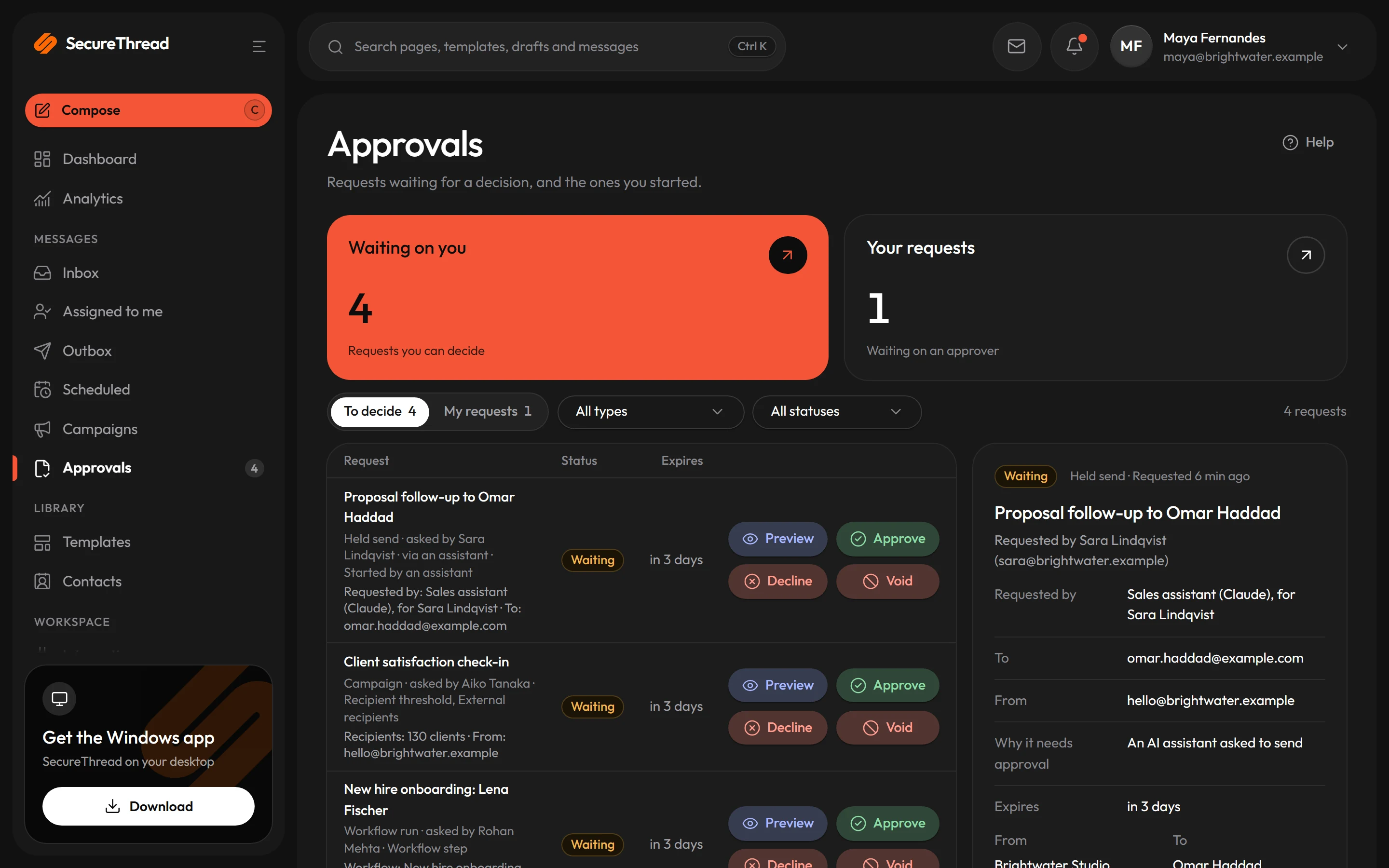
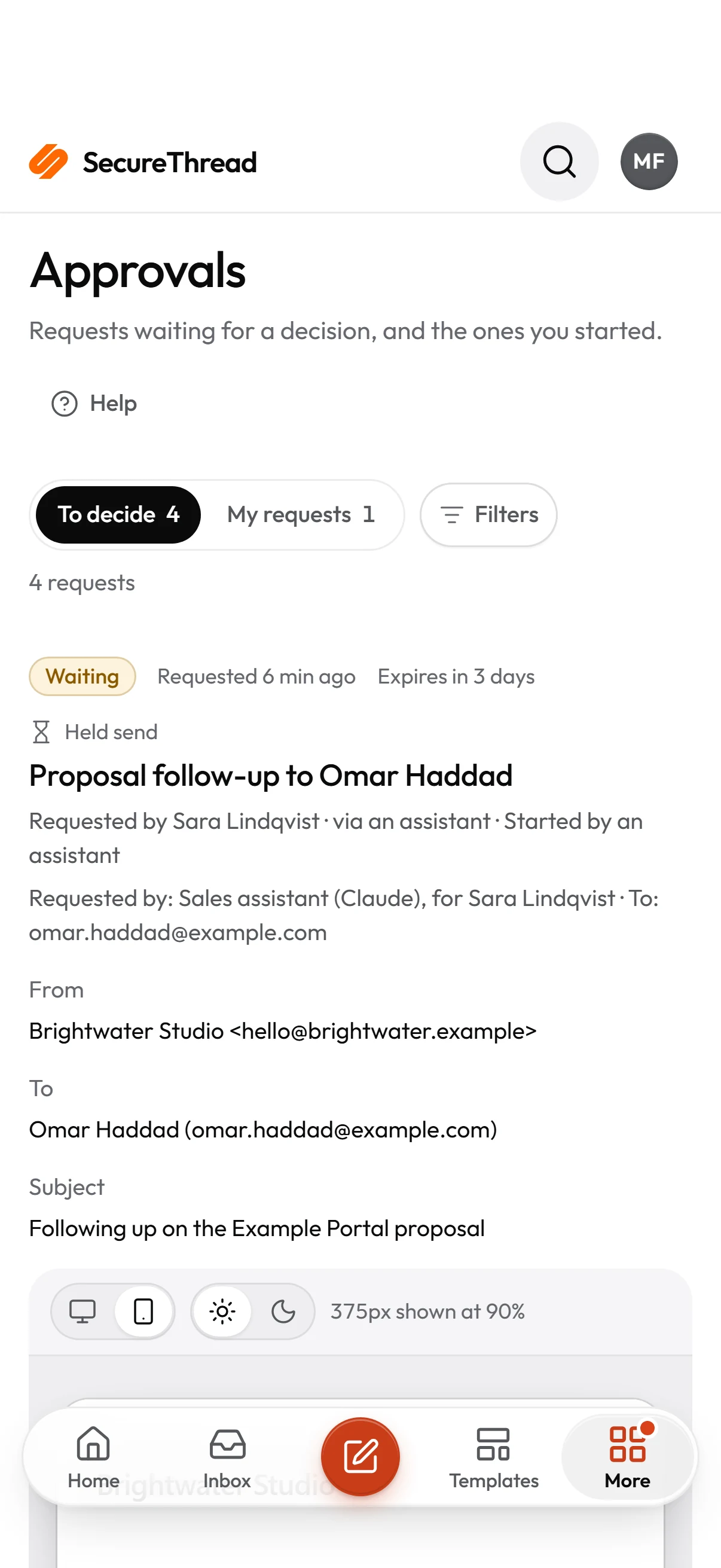
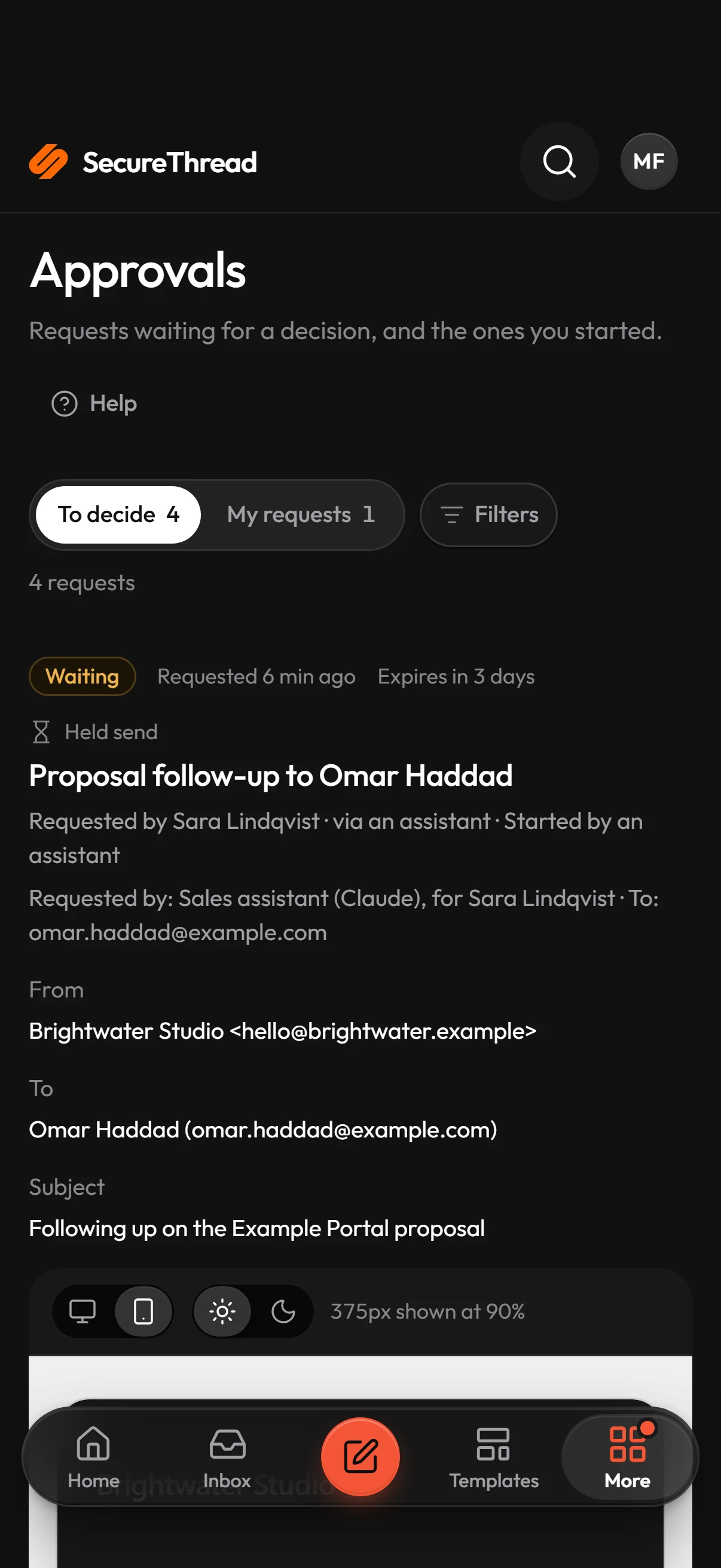
The messages that matter wait for a person
Approvals hold scheduled sends, campaigns, workflow runs and AI-assistant sends until someone with the approval permission decides.
- One to three approvals per request, set under Administration › Sending policy
- Requests expire after 72 hours by default, up to 720 hours
- Voiding cancels whatever the approval was holding; a voided approval can never be approved
- Waiting approvals can be announced in Slack, Microsoft Teams and by email
After it leaves
A record you can hand to an auditor
Security-relevant actions are recorded with the IP address and browser user agent, kept for 365 days by default, and exported in a form that shows whether anyone changed it.
- Direct CSV or JSON exports of up to 100,000 matching events
- Every export is sealed and its manifest recorded in the audit log
- Audit events can be streamed to your SIEM’s HTTPS collector
- Sending history says accepted where a provider accepted a message, never delivered
Integrations
Works with the mailboxes you have
Mail goes out from your own mailboxes and domains. SecureThread connects to them; it does not replace them.
All integrations Amazon SES
 SendGrid
 Postmark
Guides
Learn the practice
FAQ
Questions, answered
Is SecureThread a replacement for our email security gateway?
No. A gateway, or the protection built into Google Workspace and Microsoft 365, filters inbound mail for phishing, malware and spam. SecureThread governs outbound mail sent through it: who may send, what is checked, what needs approval, and the record of it. Most organizations need both.
Does it work with our existing mailboxes?
Yes. Google Workspace and Microsoft 365 mailboxes connect with OAuth, and other providers connect over SMTP to servers an administrator approves. Mail goes out from your own mailboxes and domains.
What does SecureThread check before a message is sent?
Email HTML is cleaned on the server, the content policy runs on every path that sends, the sending domain must pass its DNS checks, and outbound guardrails look for payment card numbers, Aadhaar and PAN numbers, passwords and access keys. What happens on a finding depends on the organization’s settings.
Is this data loss prevention?
Not in full. The guardrails catch the specific kinds of data listed above, and approvals put a person in front of the messages you choose. They do not inspect every possible kind of confidential content, so an authorized person can still send the wrong message.
Can we prove what was sent and who approved it?
Yes. Sends, approvals and administrative actions are recorded in an append-only audit log, kept for 365 days by default. Exports are sealed with a SHA-256 hash and an Ed25519 signature that anyone can check offline.
Send your first approved email today
Connect a mailbox, pick a template and send with the checks and approvals your organization needs. No new email address, no new habits.