
Your domain. Our sending. One call.
Send receipts, sign-in links, alerts and company mail from addresses on your own verified domain, without connecting Google, Microsoft 365 or an SMTP server. Write in the app, or POST your own HTML from your code with a Relay API key.
- DKIM on your domain
- Keys made for apps
- Credits never expire
What it is
Sending, without a mail provider of your own
Relay sends your mail through SecureThread’s own Amazon SES account, from a domain you verify. Everything else in SecureThread works the same: templates, approvals, the content policy and the audit log.
Your own domain
Mail goes out from addresses on your domain, signed with DKIM keys published under it. Recipients see your name, never a shared sending domain.
No provider to connect
No Google Workspace, Microsoft 365, SMTP server or sending account of your own. SecureThread sends through its own Amazon SES account.
An API for your apps
POST your HTML or text to one endpoint with a Relay key. No template, no connection id, any From address on a verified domain.
Keys made for apps
Relay keys send through Relay and nothing else: they cannot read your inbox, templates or contacts. Each can be held to one domain and to address ranges.
Its own dashboard
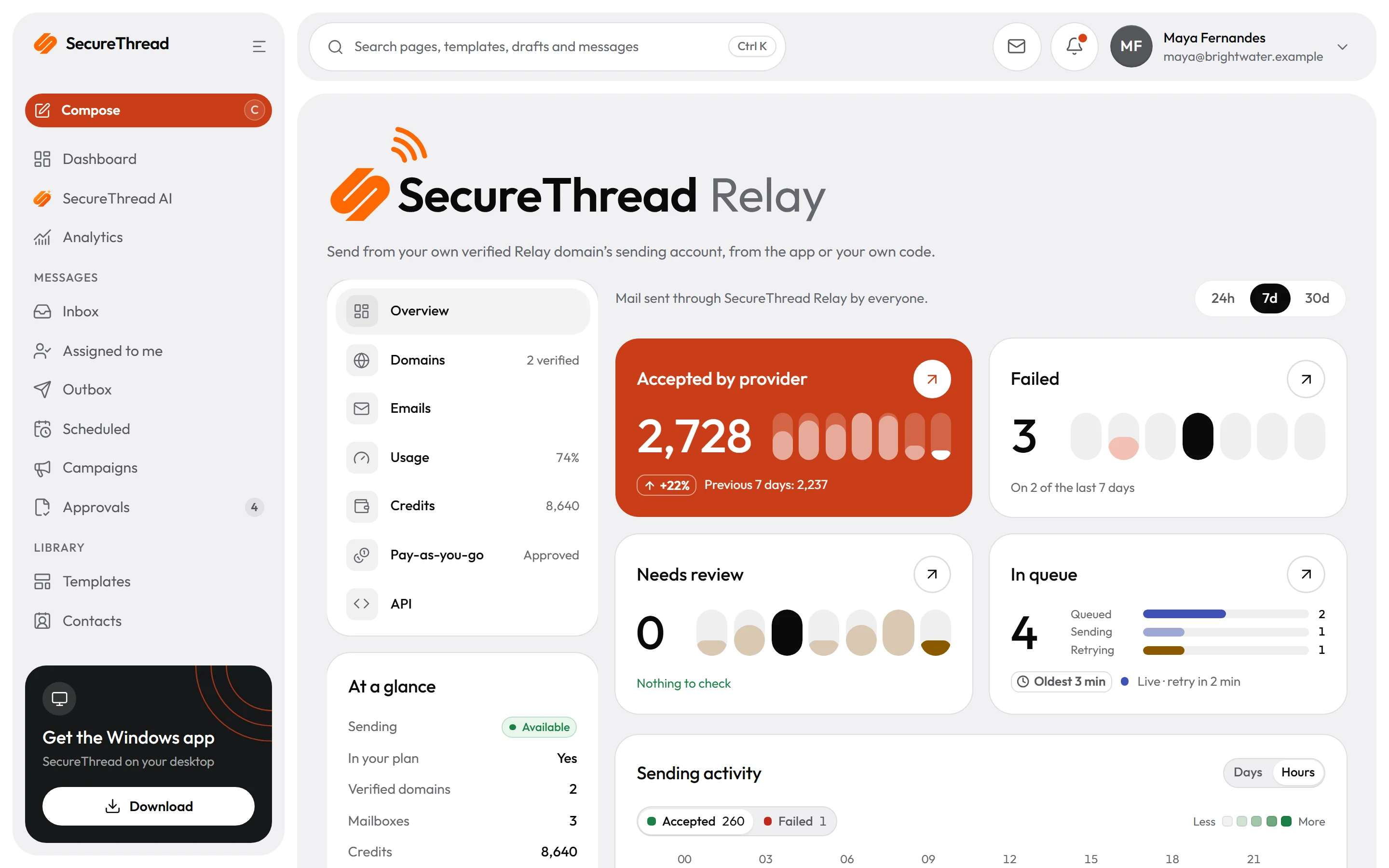
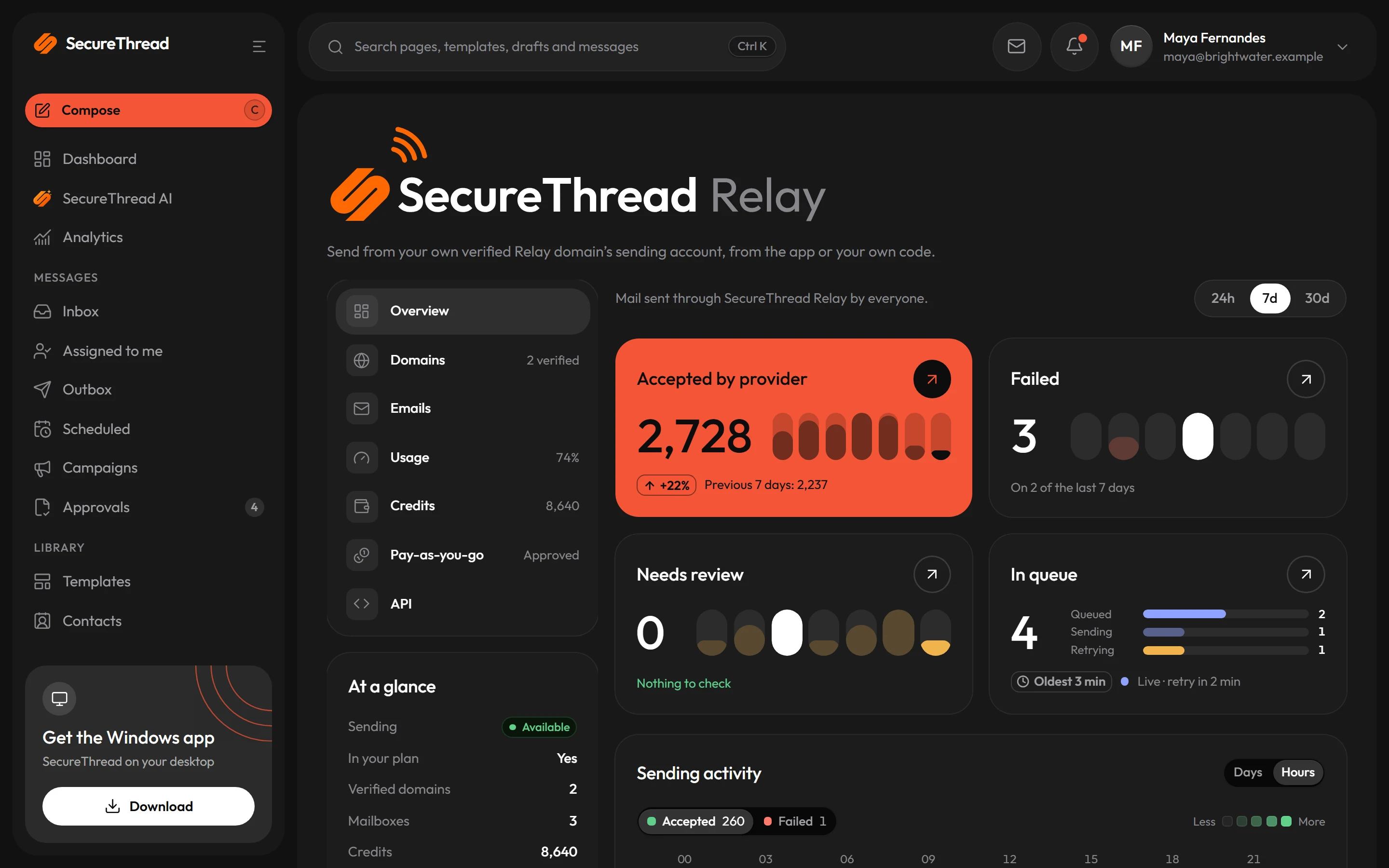
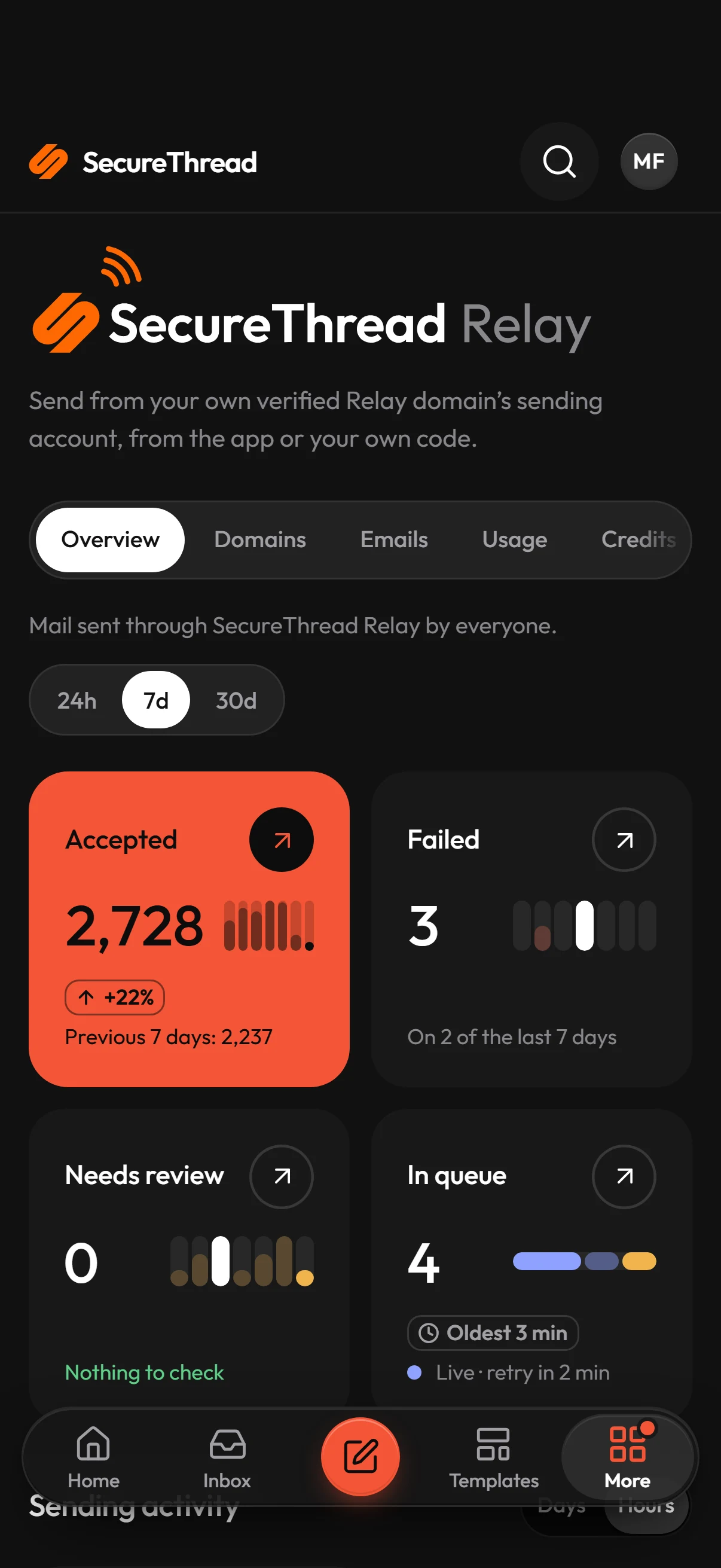
Accepted, failed, waiting for review and in the queue, by hour or day, for Relay alone. The Emails list shows every message, from the app or from a key.
Plan, credits or pay-as-you-go
Your plan includes recipients each 30 days. Past that, prepaid credits are spent first, then pay-as-you-go if SecureThread approved it for you.
How it works
From a domain to a first send in four steps
Each step is a section of the Relay page in the app, under Administration › SecureThread Relay. Ticks appear as your workspace finishes each one.
- 01
Verify your domain
Add a domain your organization already verified. SecureThread asks Amazon SES for three DKIM records; publish them at your DNS host and Relay checks them for you for a week.
app.securethread.co/admin/managed-sending#domains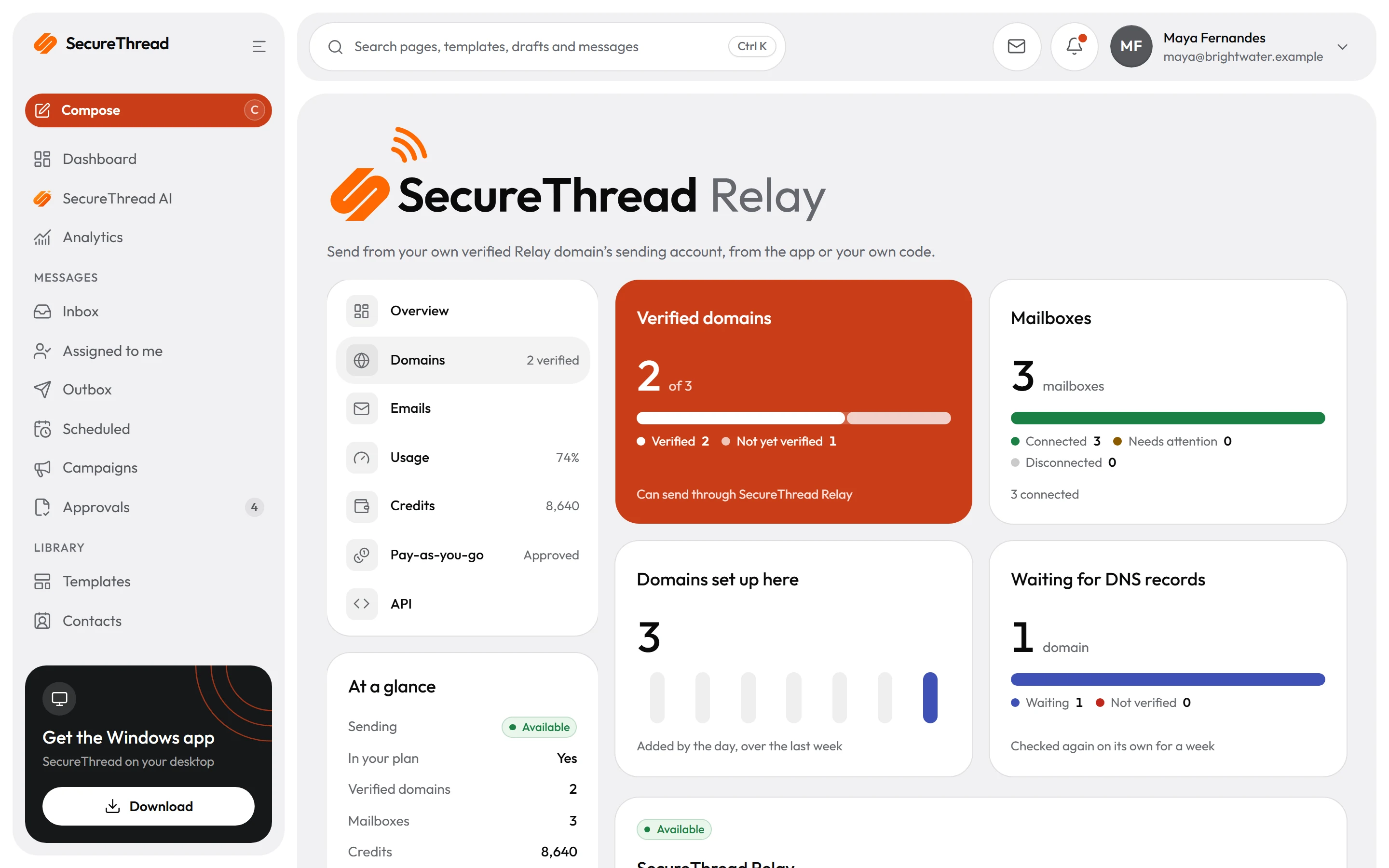
- 02
Create mailboxes on it
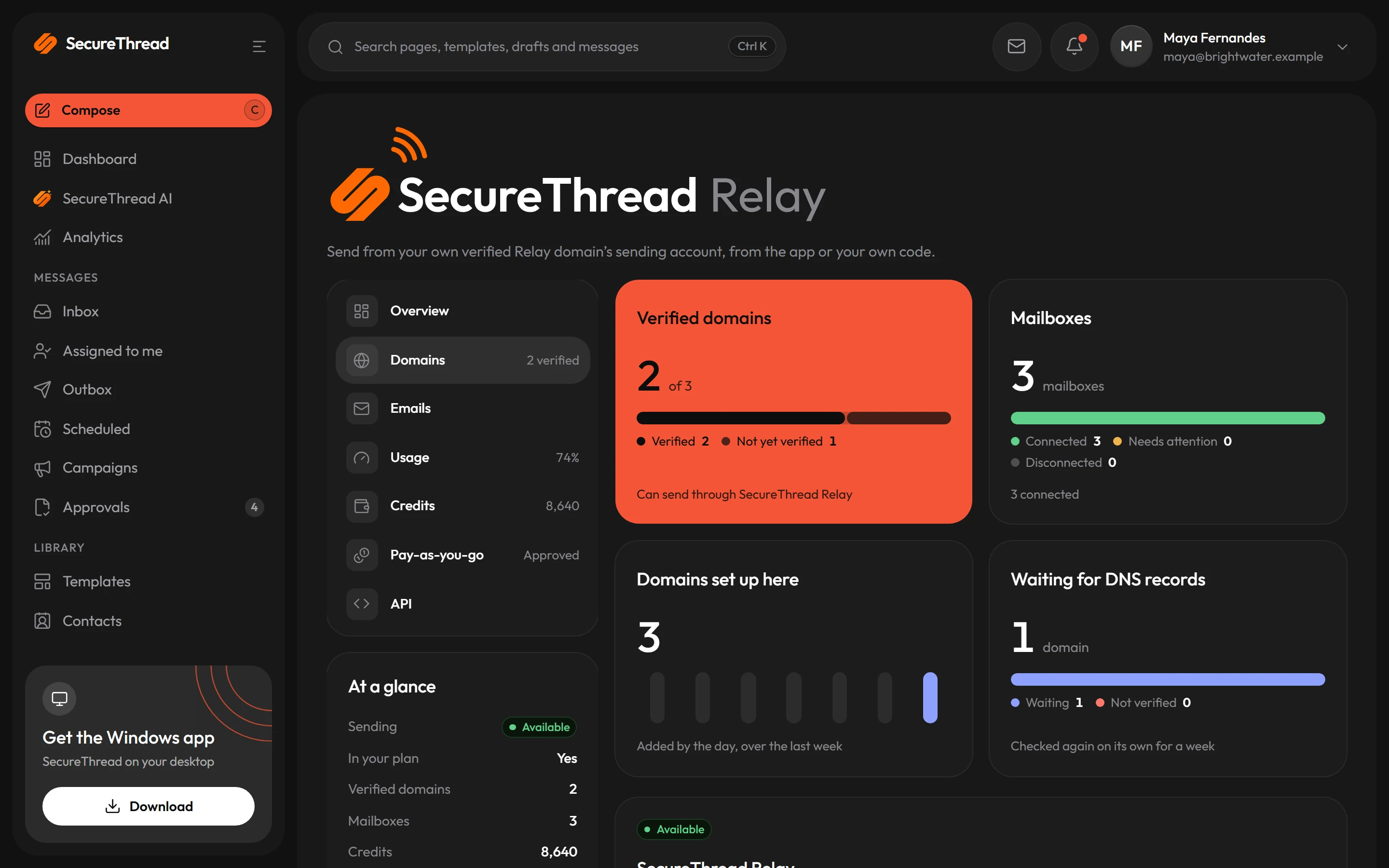
billing@, hello@, alerts@: any address on a verified domain. A Relay mailbox holds no password or token of its own, so there is nothing to leak or rotate.
app.securethread.co/admin/managed-sending#domains - 03
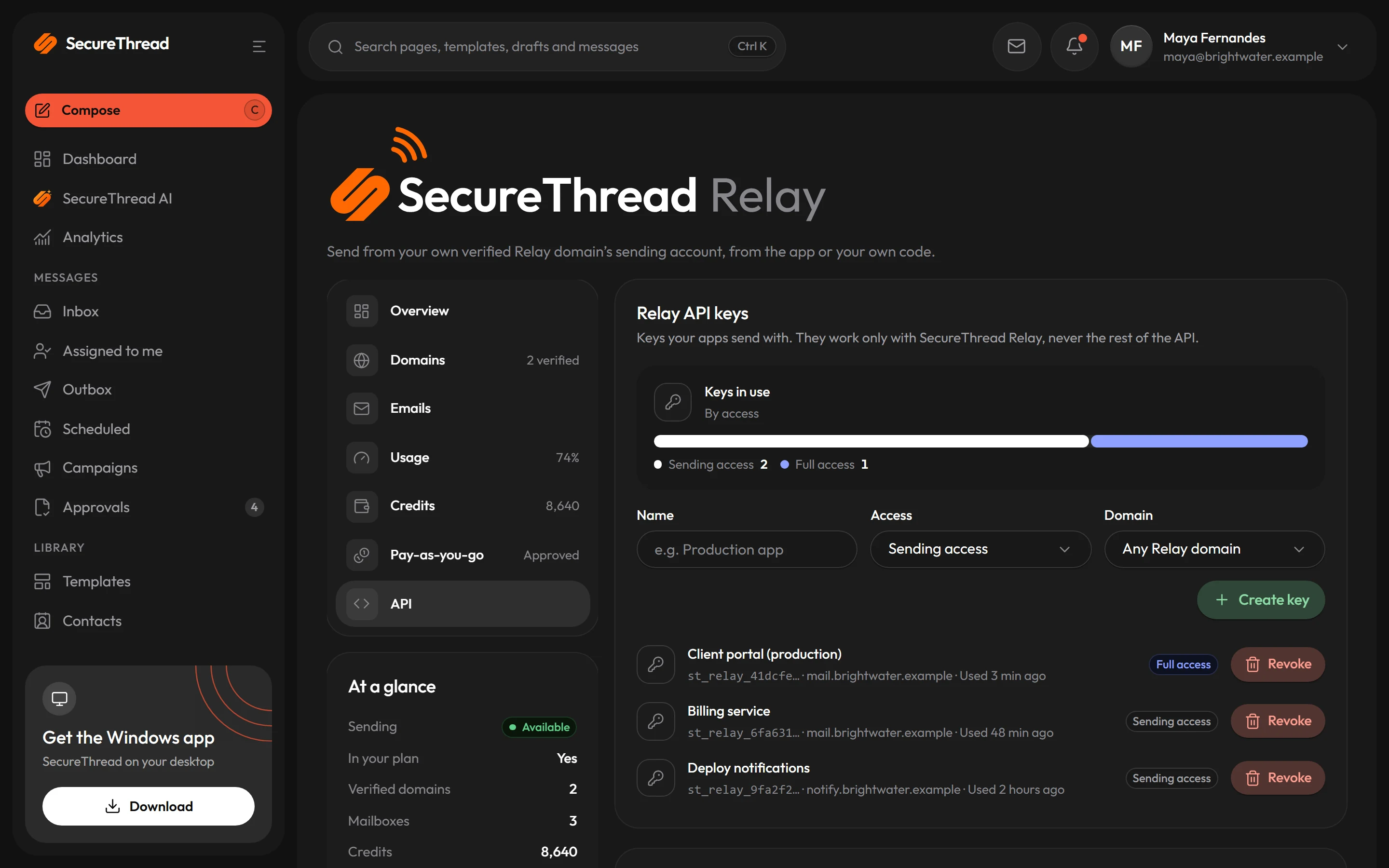
Make a Relay API key
Sending access, or full access that can also read a message’s status. Limit a key to one domain or to your servers’ addresses. The key is shown once.
app.securethread.co/admin/managed-sending#api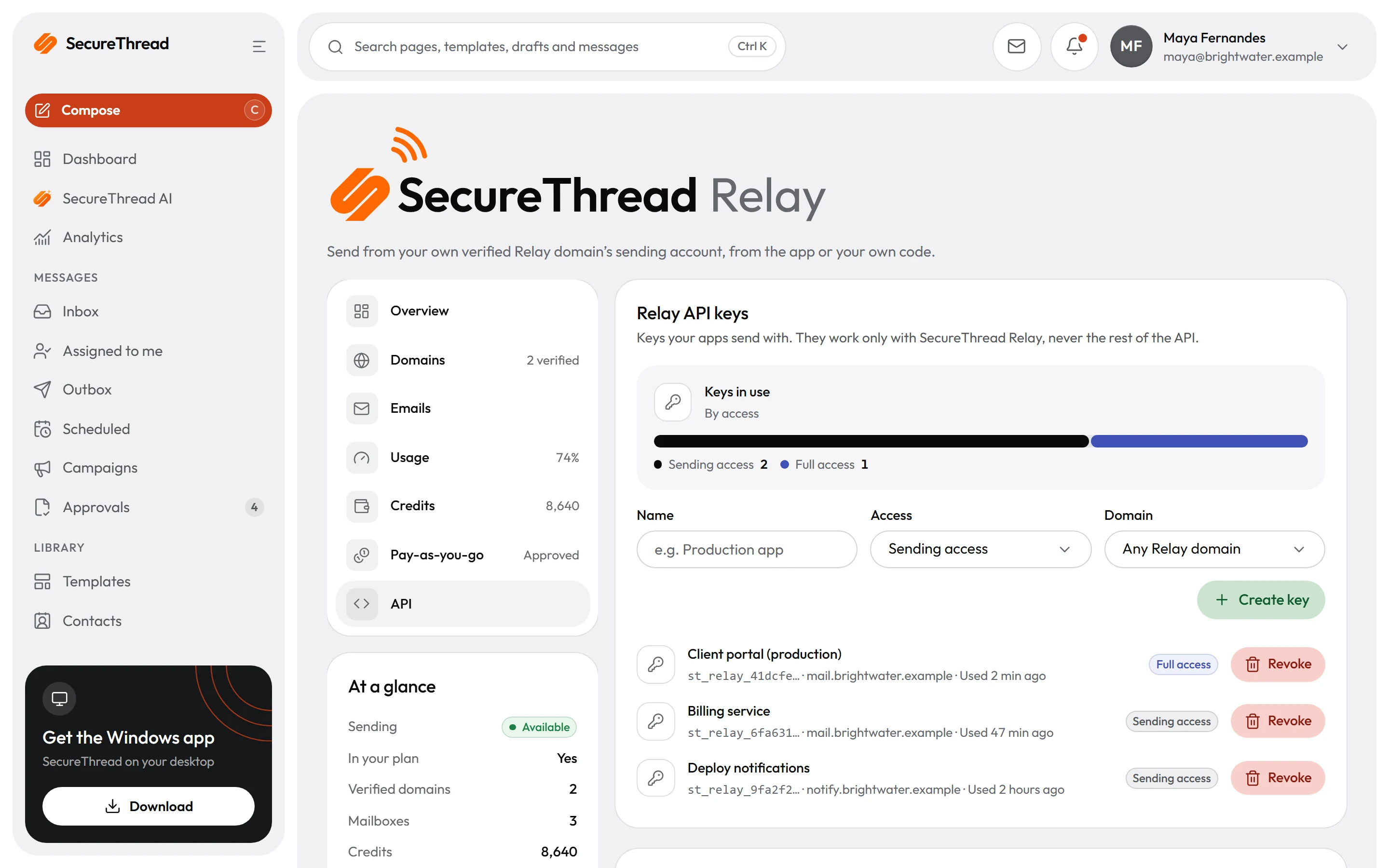
- 04
Send
From the composer like any mailbox, or from your code with one HTTPS call to the Relay endpoint. Every send goes through the same checks as the app.
app.securethread.co/admin/managed-sending#emails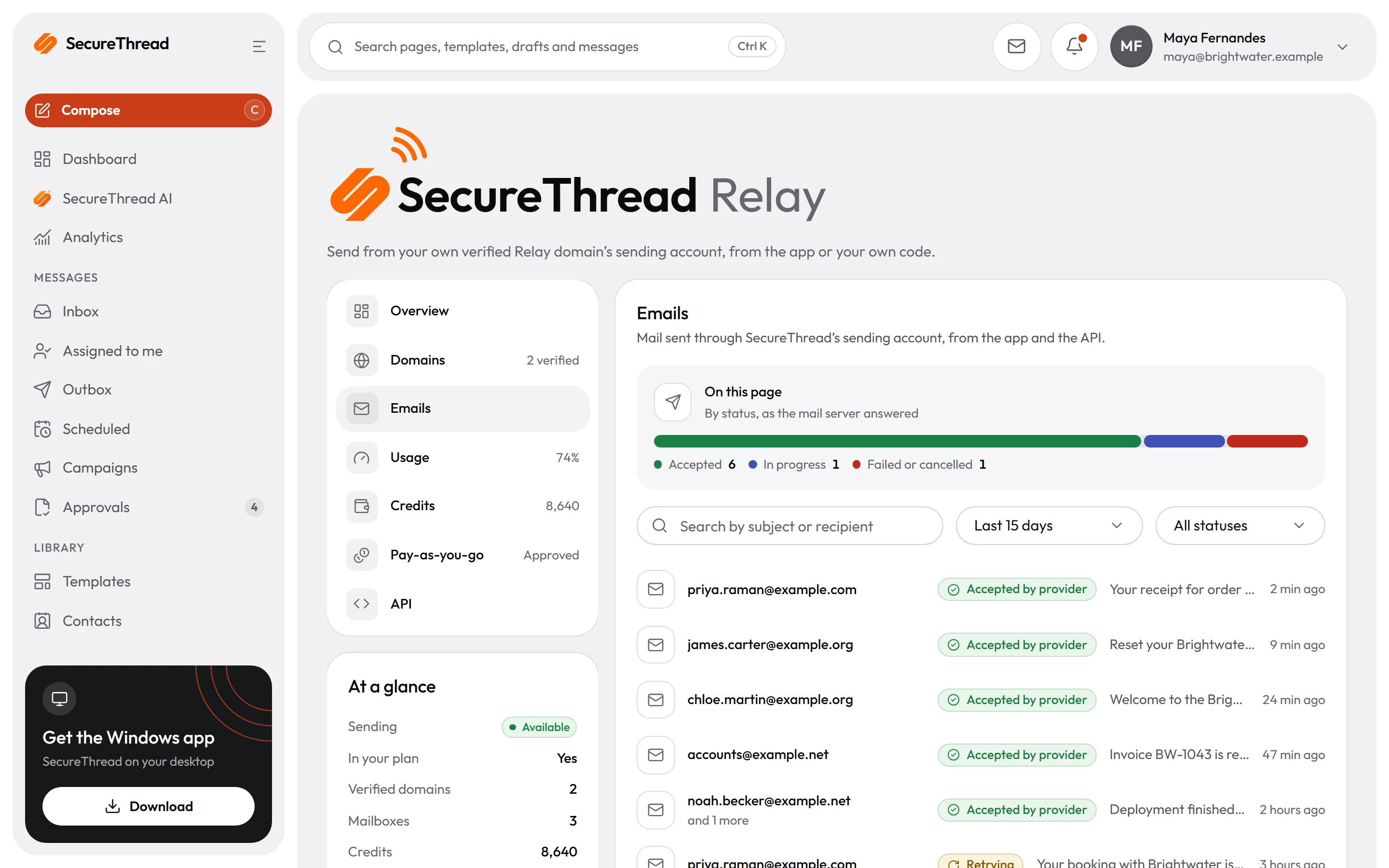
From your code
One HTTPS call, your own HTML
Relay has its own host, so your apps never call the app’s address. Send your HTML or text with any From address on a verified domain: no template, no mailbox id.
POST https://relay.securethread.co/api/v1/public/emails- Authorization: Bearer with a Relay API key
- Idempotency-Key makes a retry return the first answer instead of sending twice
- GET /api/v1/public/messages/{id} follows a message, with a full-access key
curl -X POST https://relay.securethread.co/api/v1/public/emails \ -H "Authorization: Bearer $SECURETHREAD_RELAY_KEY" \ -H "Content-Type: application/json" \ -H "Idempotency-Key: order-1042-receipt" \ -d '{ "from": "Billing <[email protected]>", "to": ["[email protected]"], "subject": "Your receipt for order 1042", "html": "<p>Thanks for your order, Alex.</p>" }'What you send
from
Need
Notes
to
Need
Notes
cc, bcc
Need
Notes
replyTo
Need
Notes
subject
Need
Notes
html
Need
Notes
text
Need
Notes
What comes back
201
Meaning
202
Meaning
402
Meaning
403
Meaning
409
Meaning
422
Meaning
429
Meaning
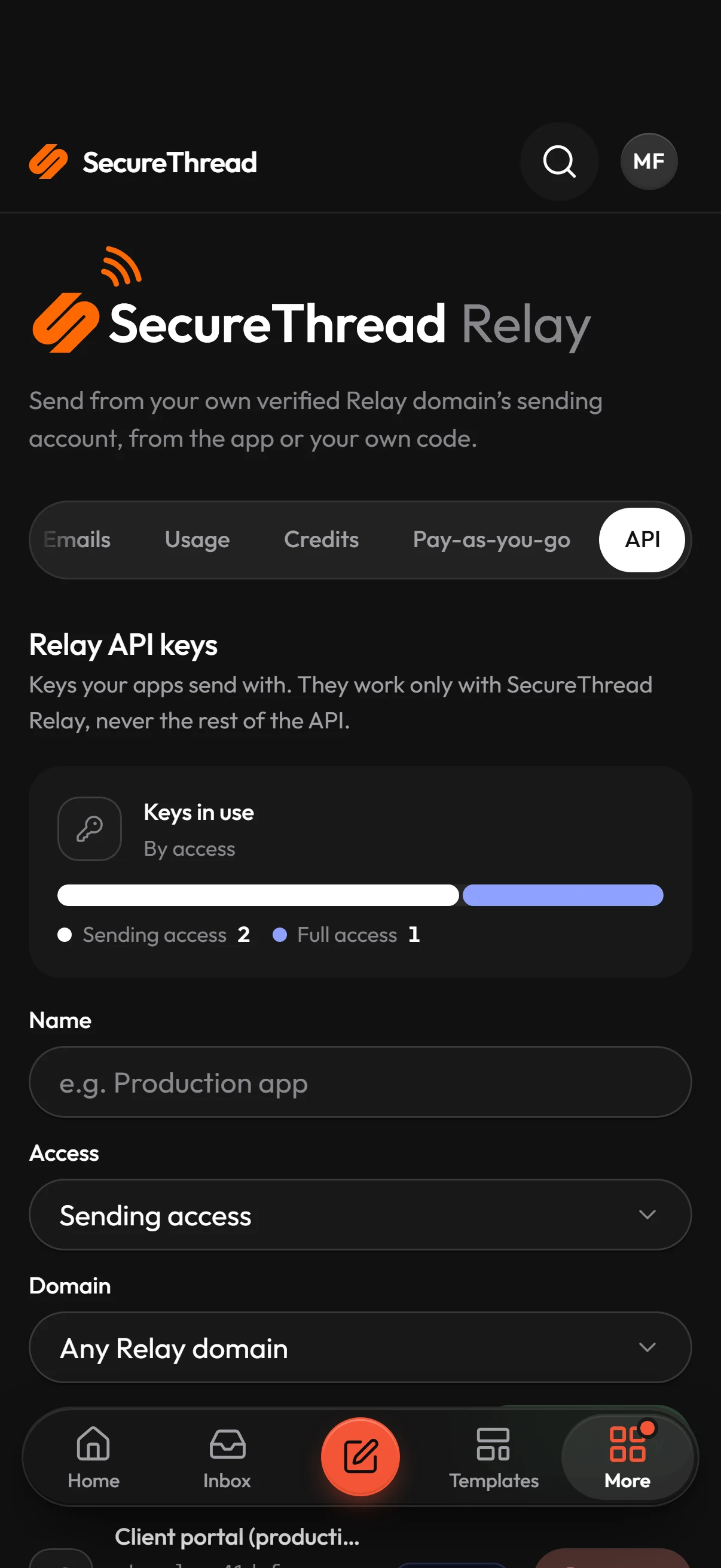
Relay API keys
Keys that can only send
Relay keys are separate from SecureThread’s API keys. A Relay key works on the Relay endpoint and on the status of what it sent, and is refused everywhere else, so a key in your app’s settings can never read your inbox.
- Sending accessSends through Relay and nothing else
- Full accessAlso reads the status of the messages it sent
- One domainOptional: the key sends only from addresses on it
- Address rangesOptional: calls from anywhere else are refused
- Shown onceStored as a hash; revoke it and its next call fails
Its own dashboard
See Relay on its own
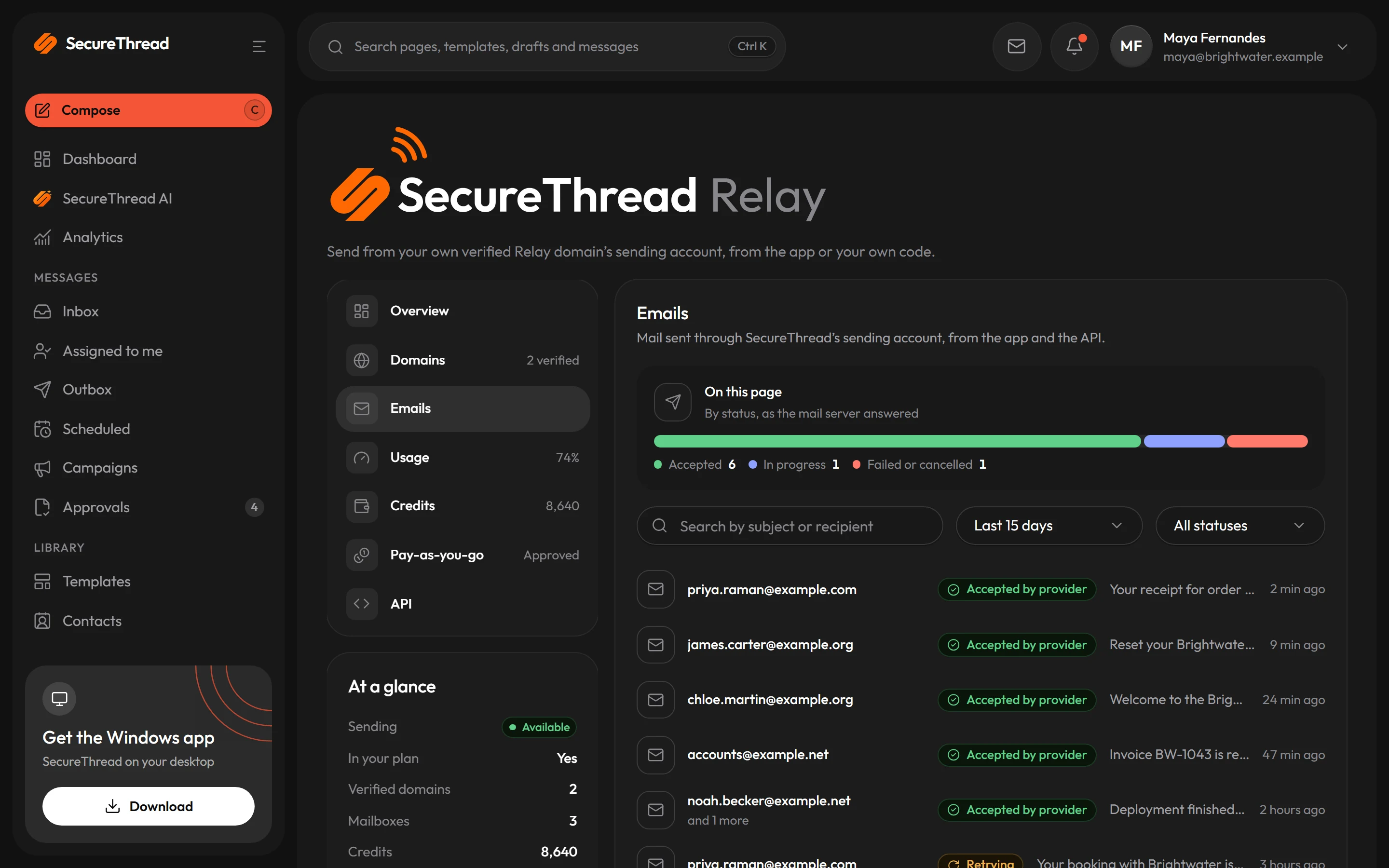
Relay has a dashboard of its own: mail accepted by Amazon SES, failures, messages waiting for review and the queue, over 24 hours, 7 or 30 days, with sending activity by hour or day. Emails lists every message sent through Relay, from the composer or a key, with its status.
Accepted means Amazon SES took responsibility for a message. It is not proof the message reached anyone, and the app never says it is.
Usage and billing
Your plan first, then credits, then pay-as-you-go
Every plan that includes Relay allows recipients over a rolling 30 days. What a send past that costs is settled in this order, before anything is sent.
- 01
Your plan
Each plan that includes Relay allows a number of recipients over a rolling 30 days, and a number of Relay domains.
- 02
Credits
Past the allowance, each recipient spends one credit. Credits are bought in packs, cost less in bigger packs, and never expire.
- 03
Pay-as-you-go
Ask for it on the Relay page. Once SecureThread approves it and you switch it on, recipients past the allowance are billed per started 1,000 with your next invoice, up to a cap.
- 04
Otherwise, refused whole
A send nothing covers is refused with 402 and nothing is sent. Part of a message is never sent.
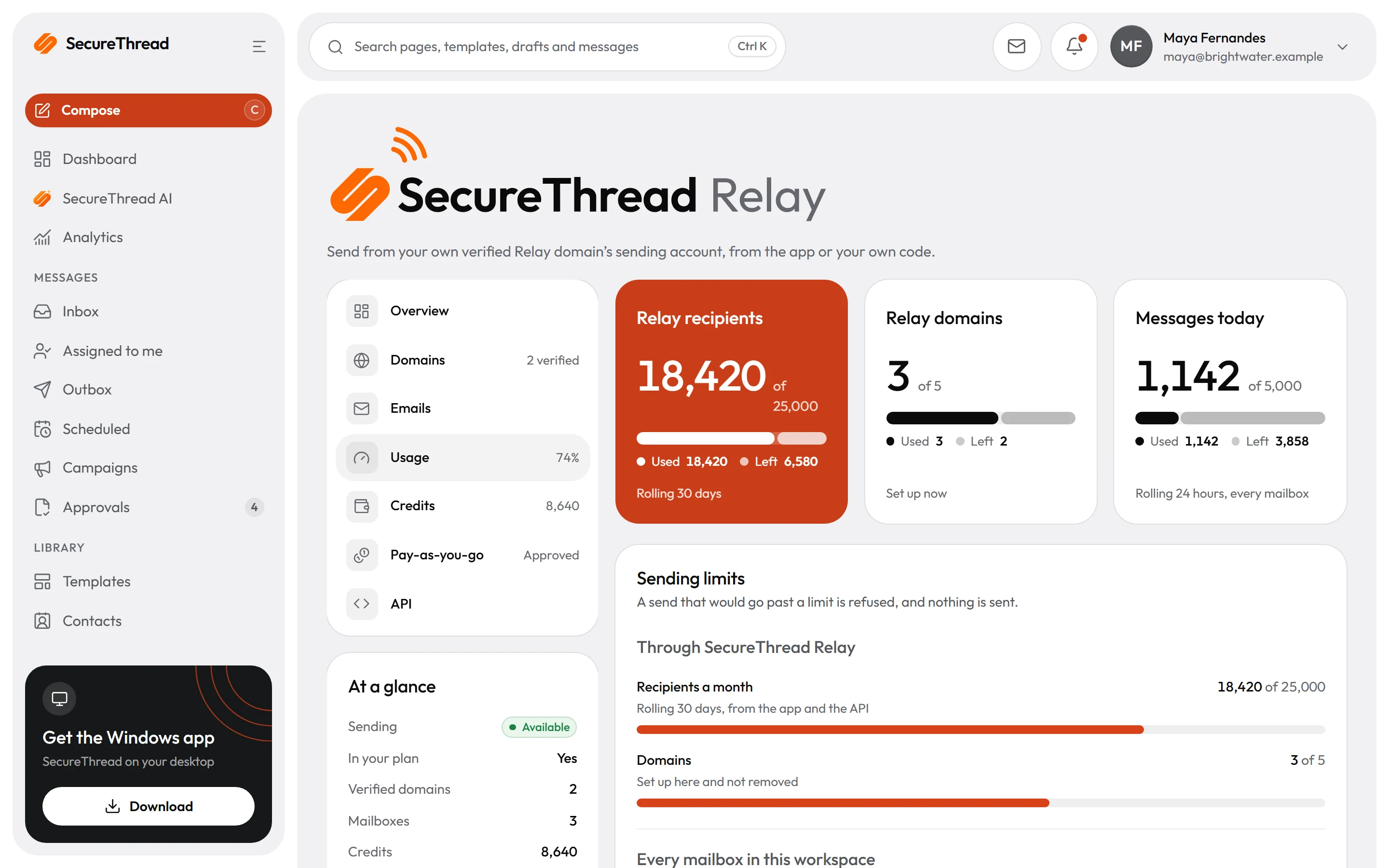
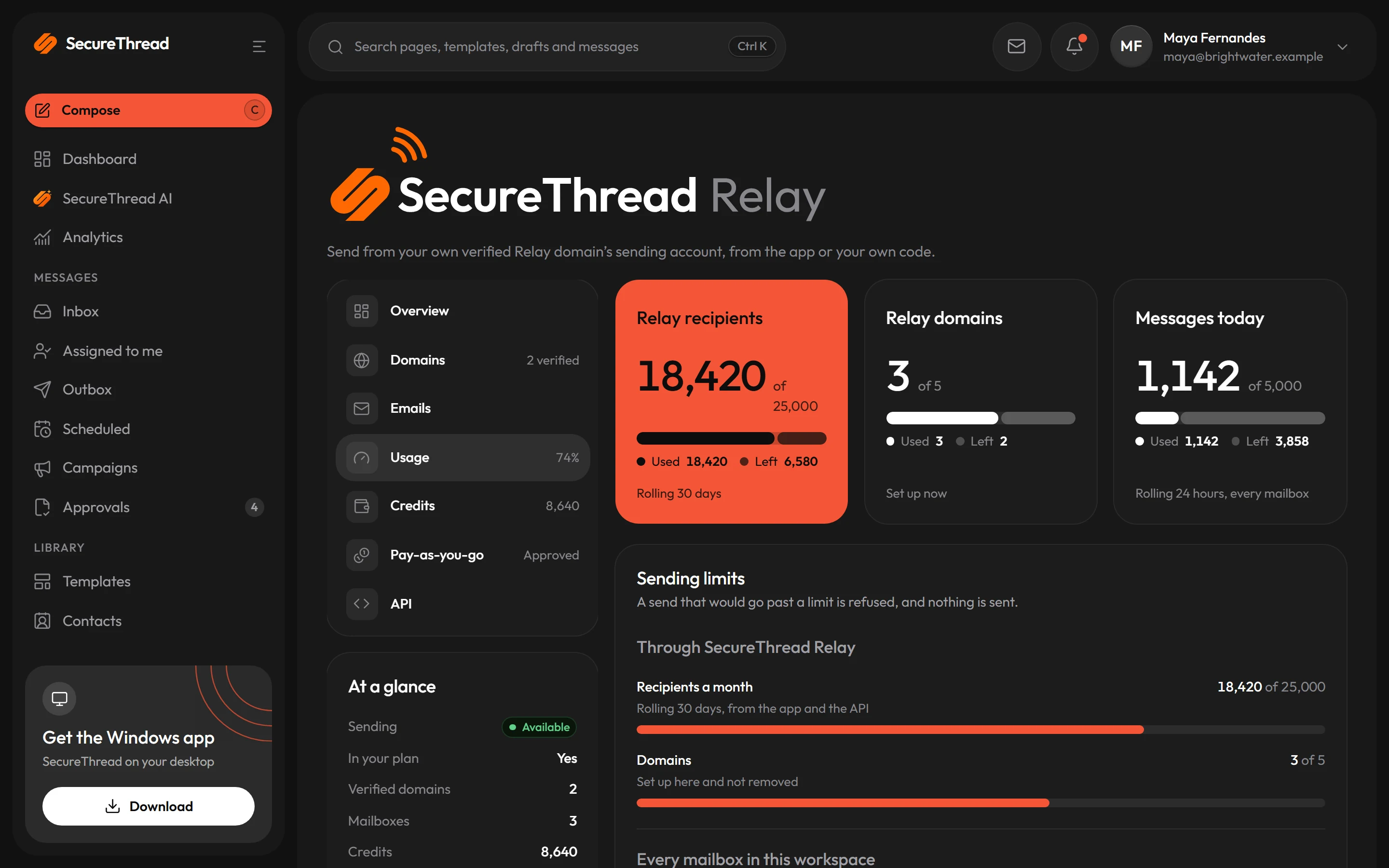
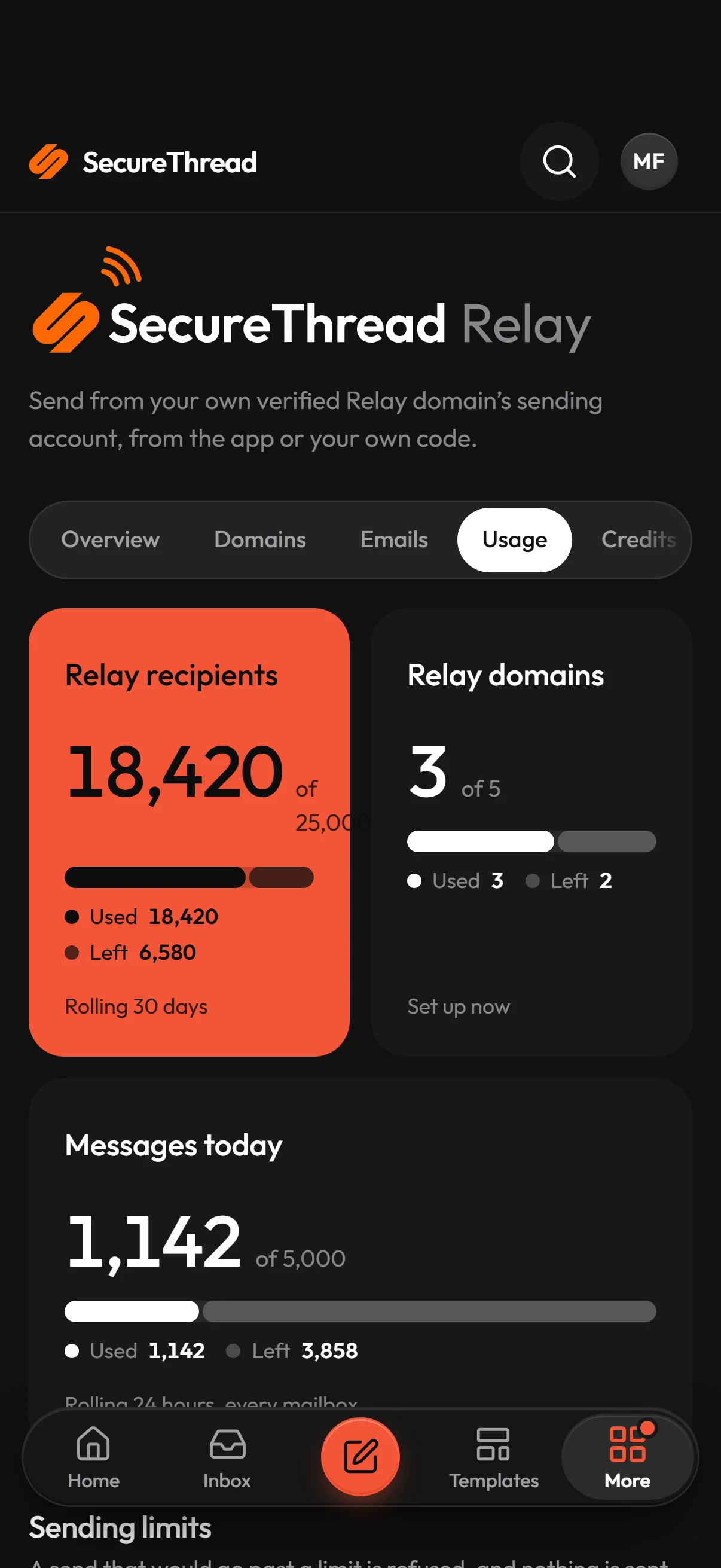
Usage, against your limits
Recipients through Relay in the last 30 days against the plan, the Relay domains you use, and every mailbox’s daily limits, on one page. A send that would go past a limit is refused, and nothing is sent.
Plans that include RelayCredits
Prepaid credits, cheaper in bigger packs
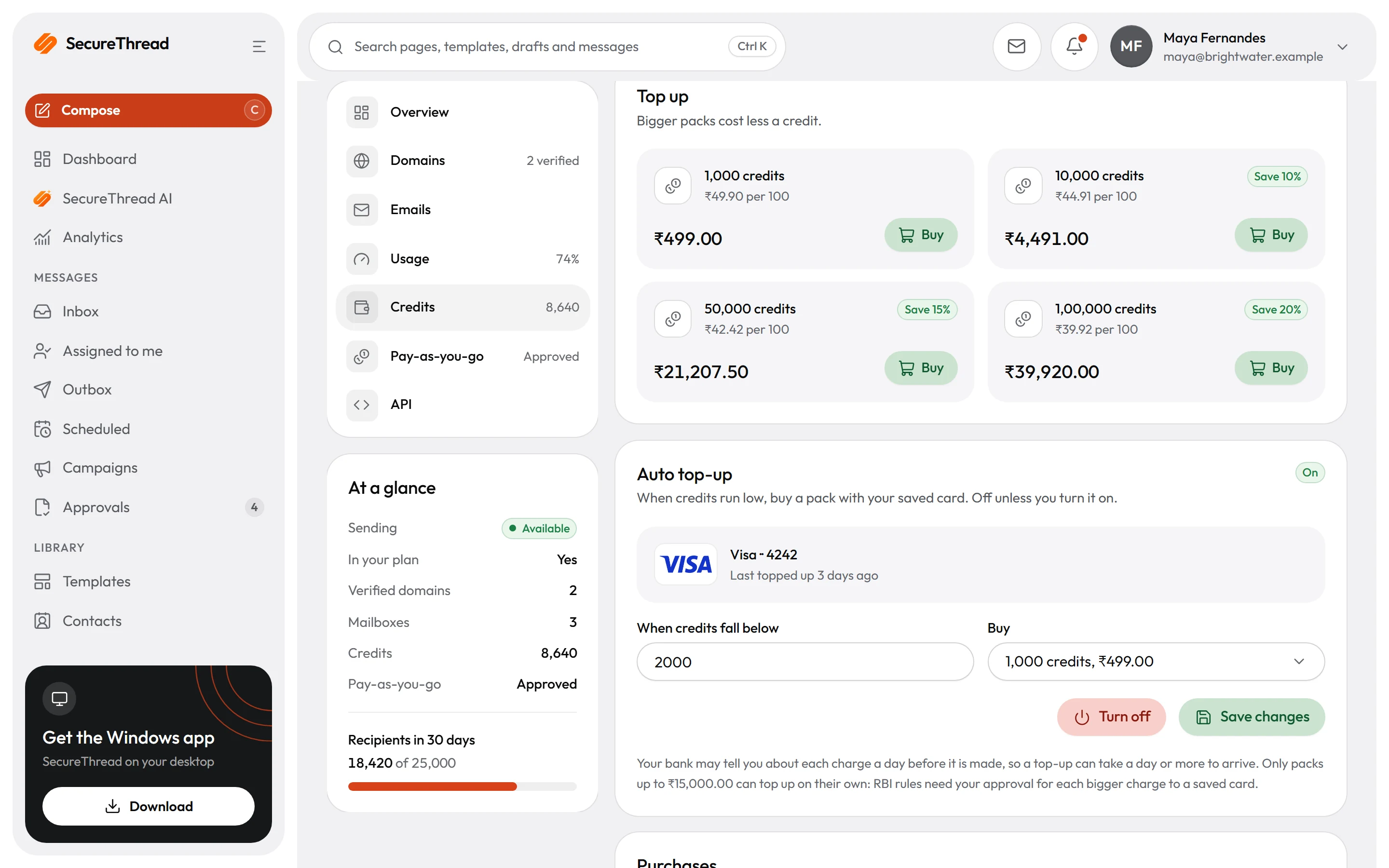
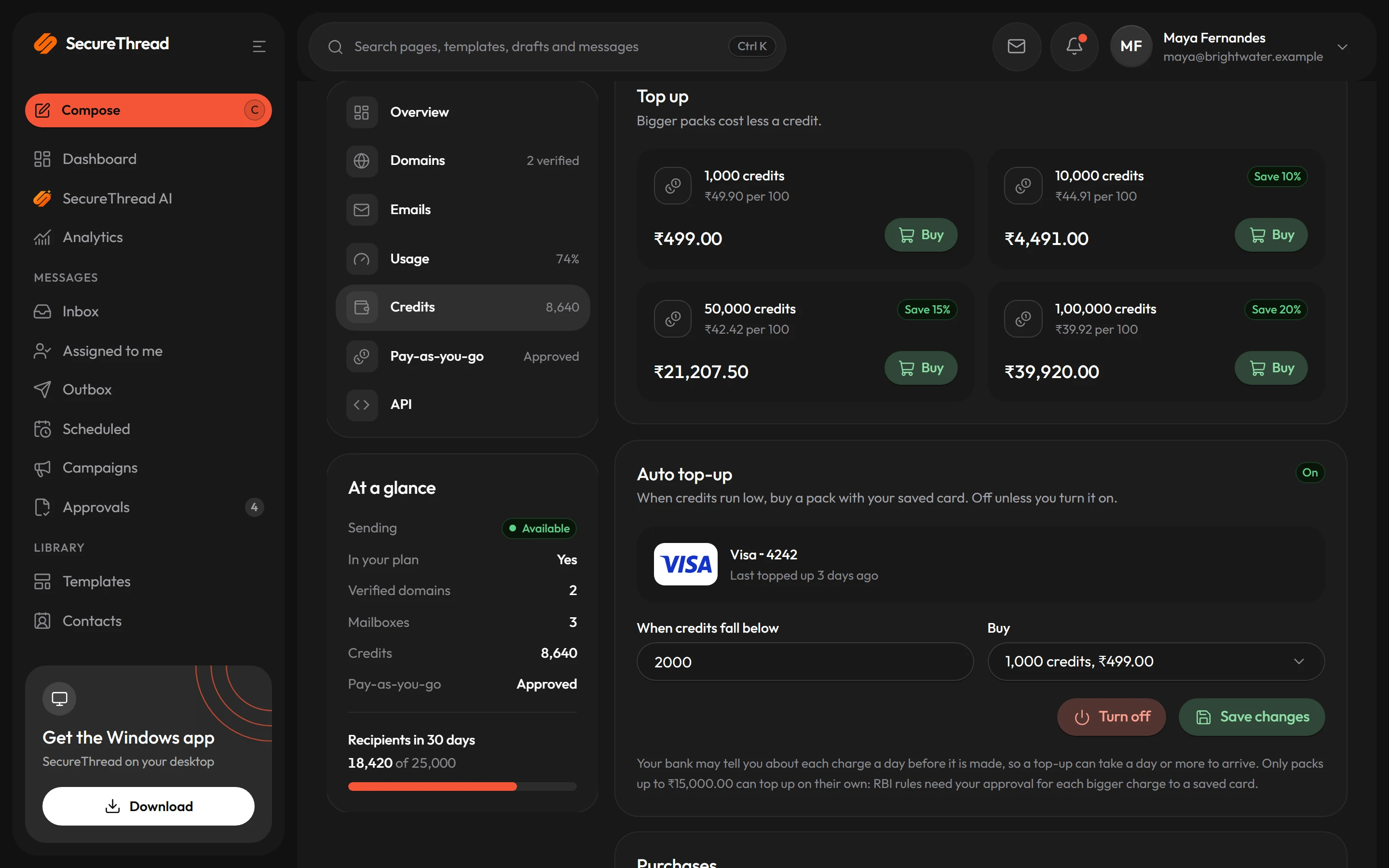
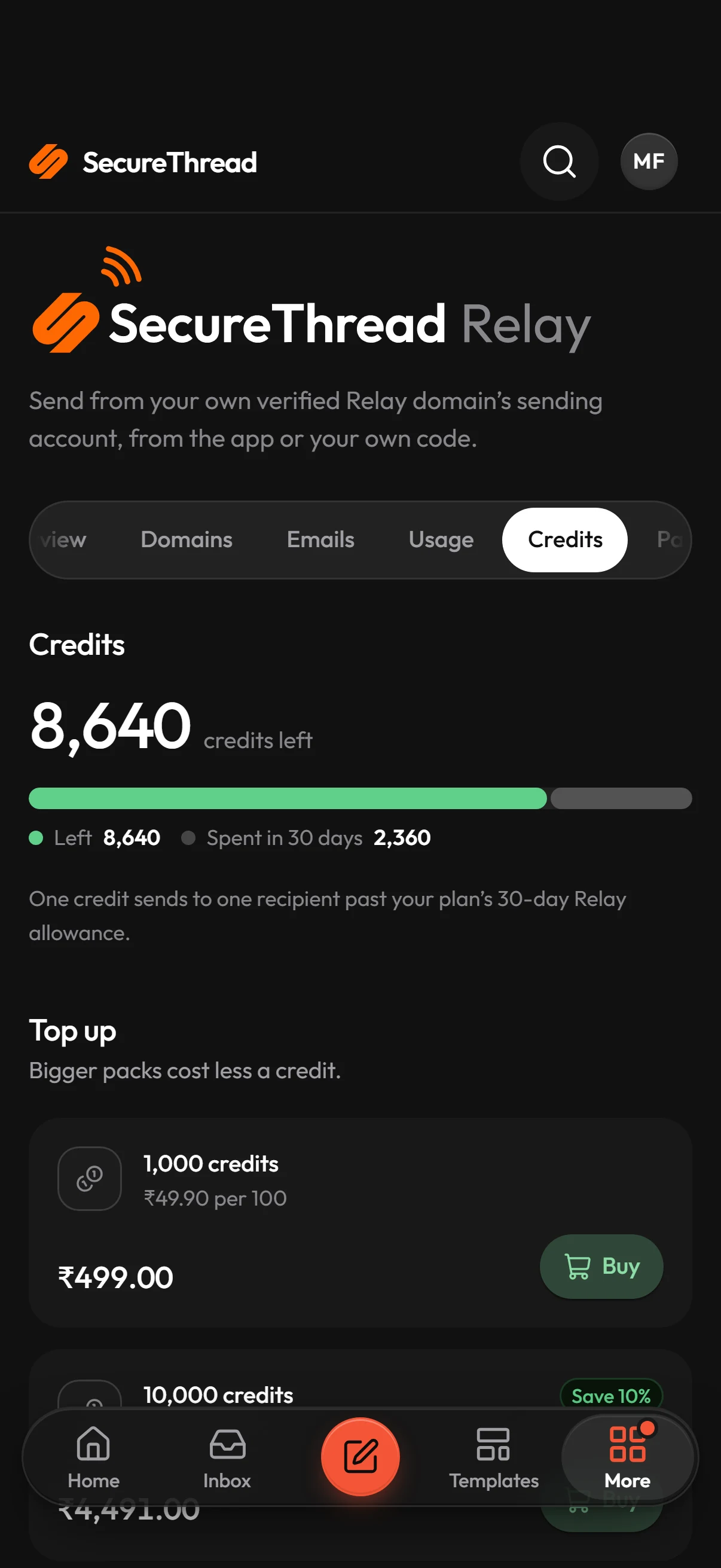
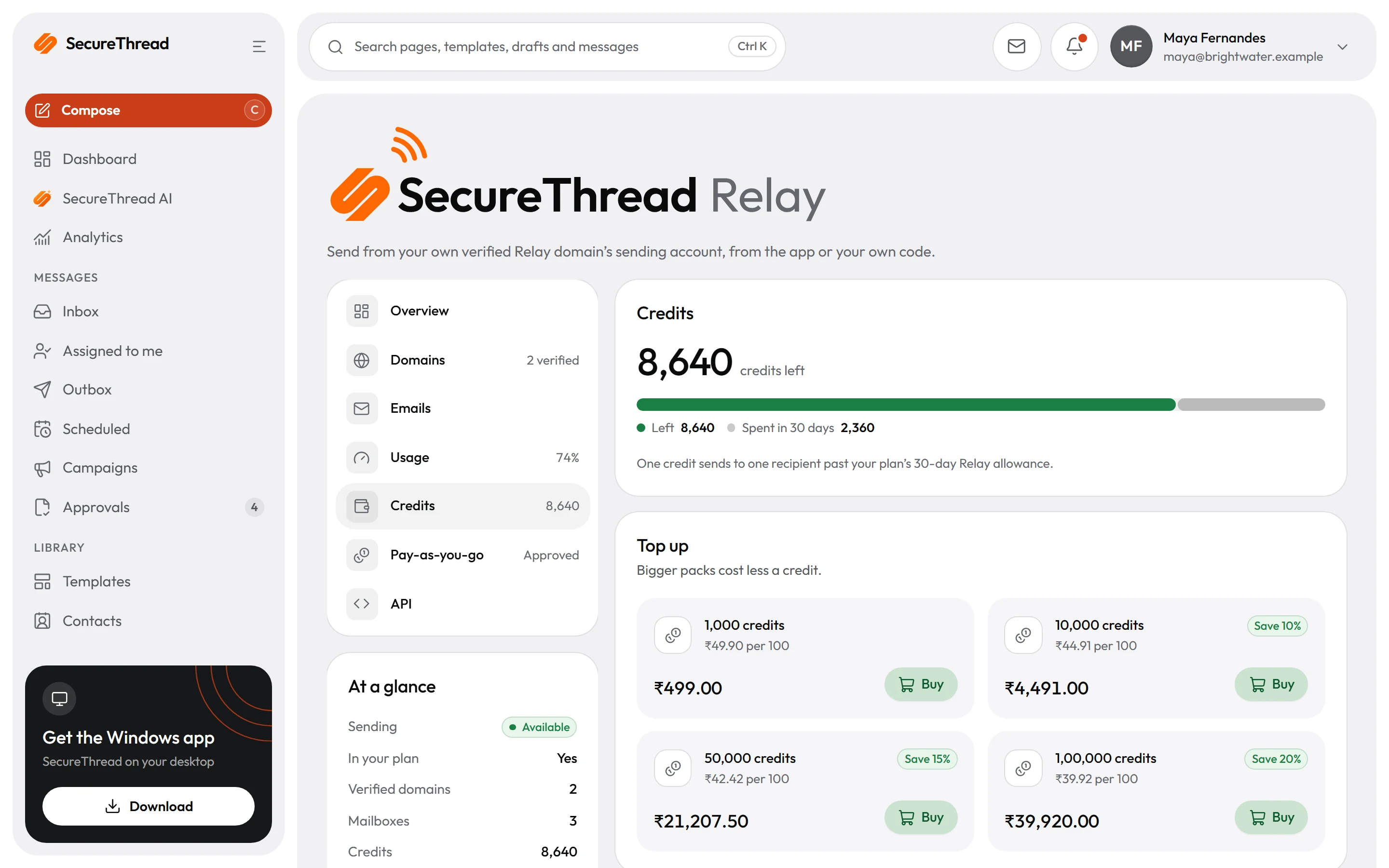
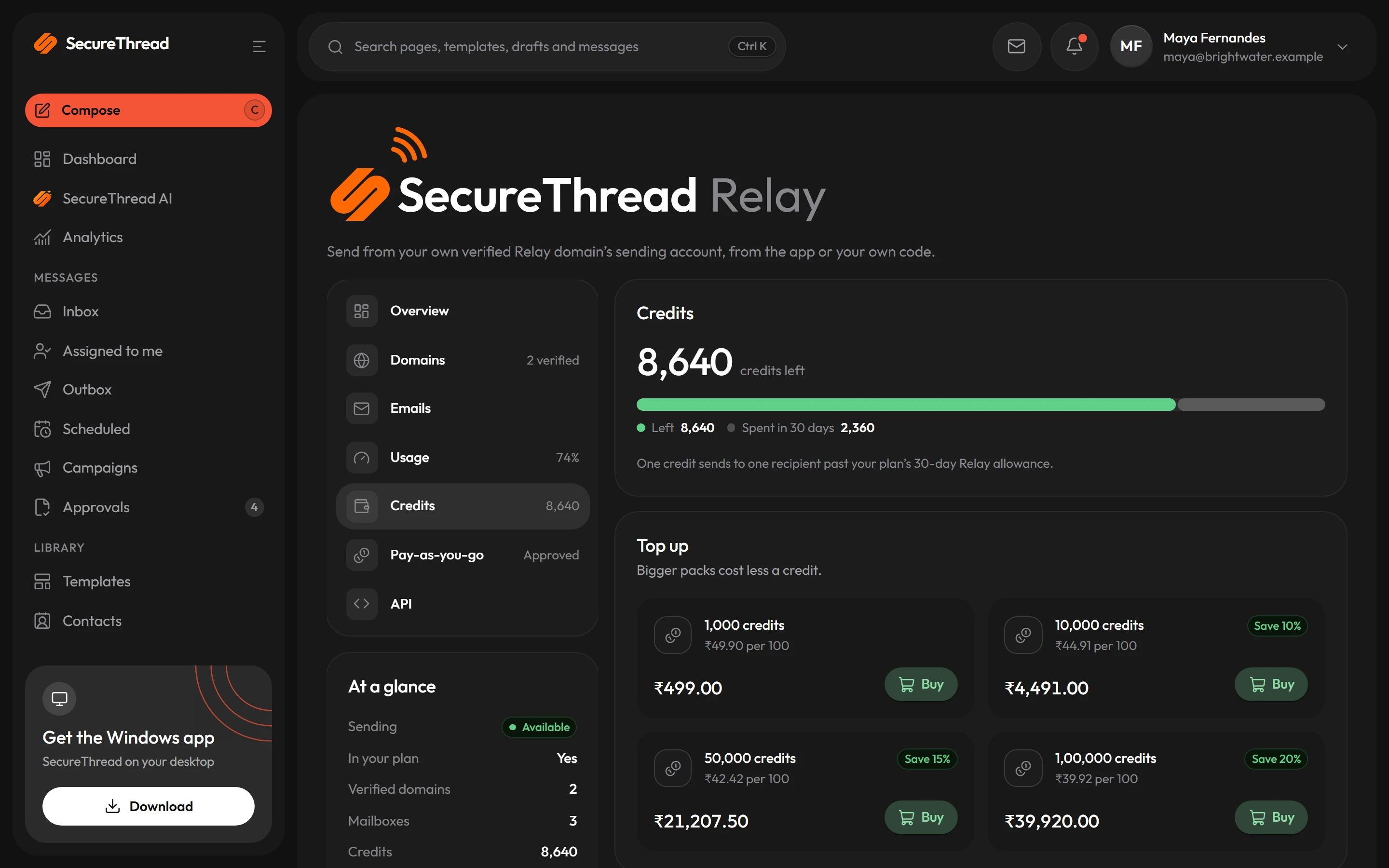
One credit sends to one recipient past your plan’s 30-day Relay allowance. Buy a pack with a card or UPI through Razorpay; credits never expire.
We couldn’t load the current credit packs just now. Prices on this page come straight from the app.
Auto top-up
Never run dry, only if you want
- Off until you turn it on, under Relay › Credits
- Choose a threshold and a pack; when credits fall below it, the pack is bought with your saved card
- Turning it on buys the pack once in Razorpay Checkout, which saves the card as a recurring mandate
- Your bank may tell you about each charge a day before it is made
- Packs up to ₹15,000 only: RBI rules need your approval for each bigger charge to a saved card
- After three failed charges in a row it pauses itself, and tells you why
- Turning it off stops charges at once and removes the saved card at Razorpay
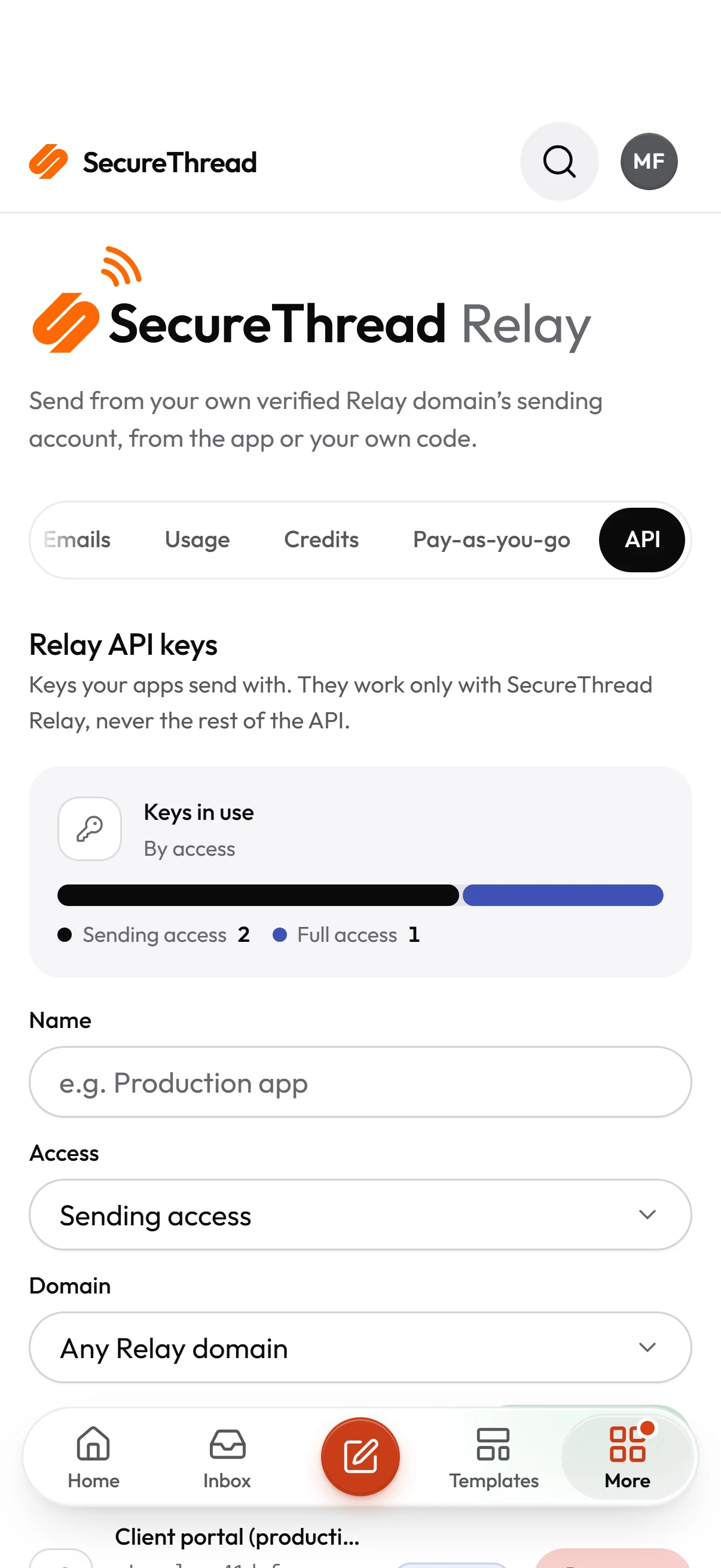
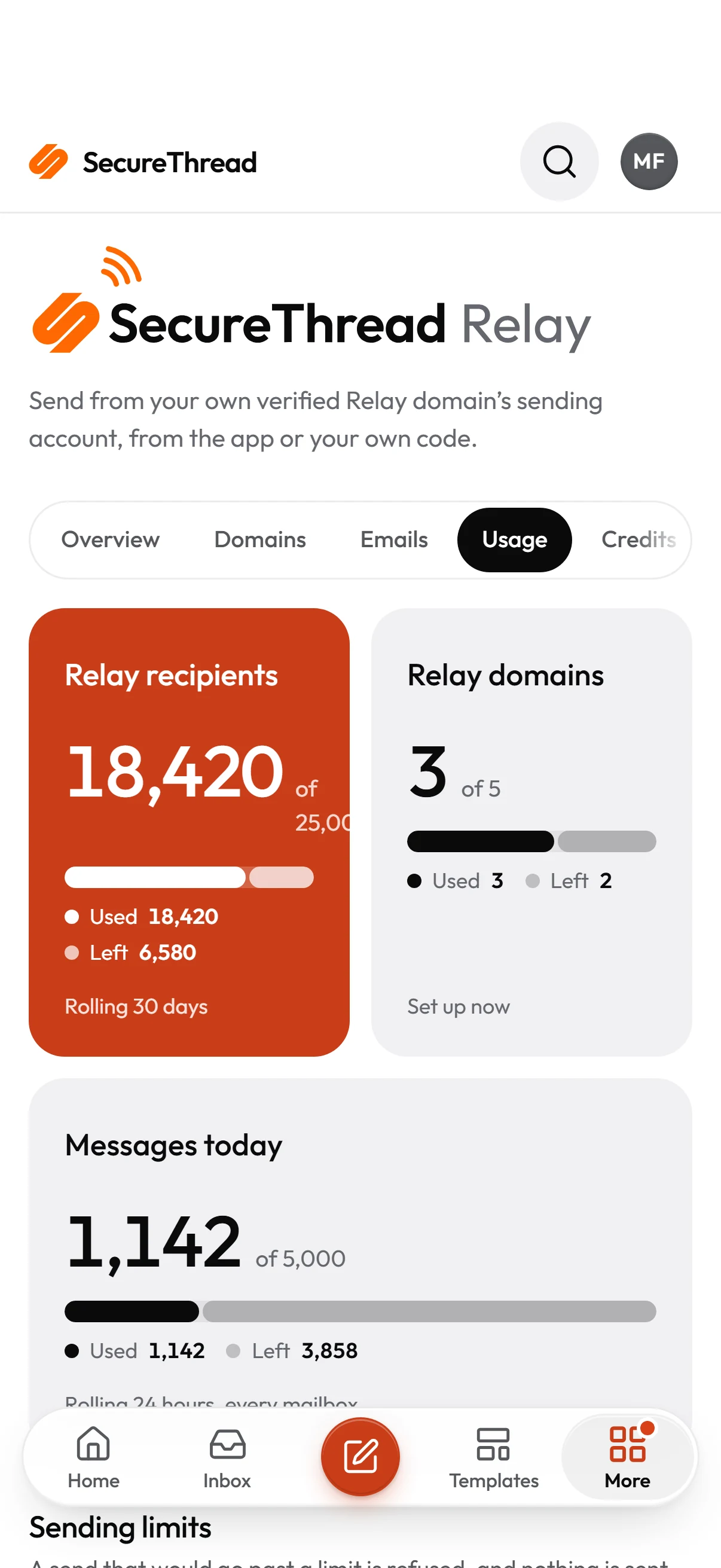
On your phone
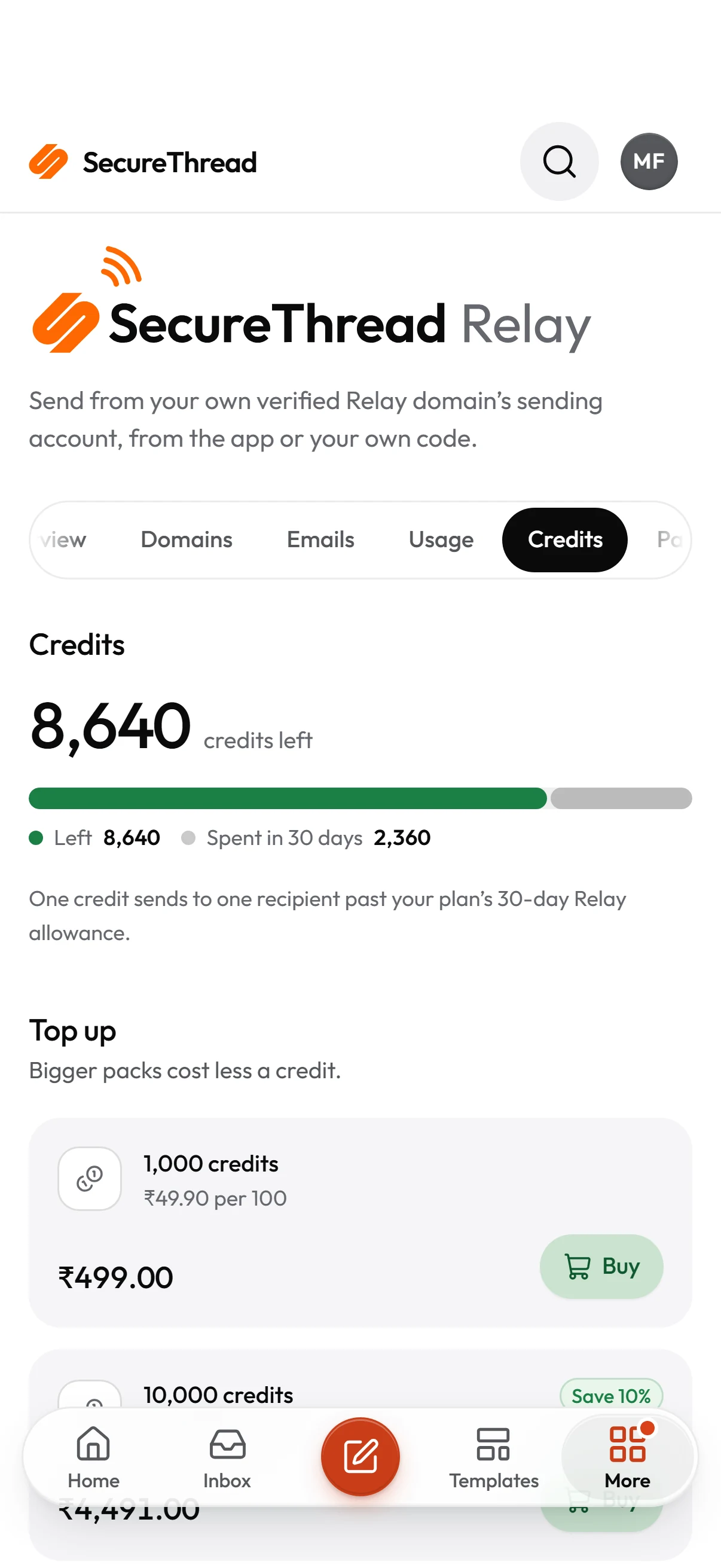
All of Relay, on a phone
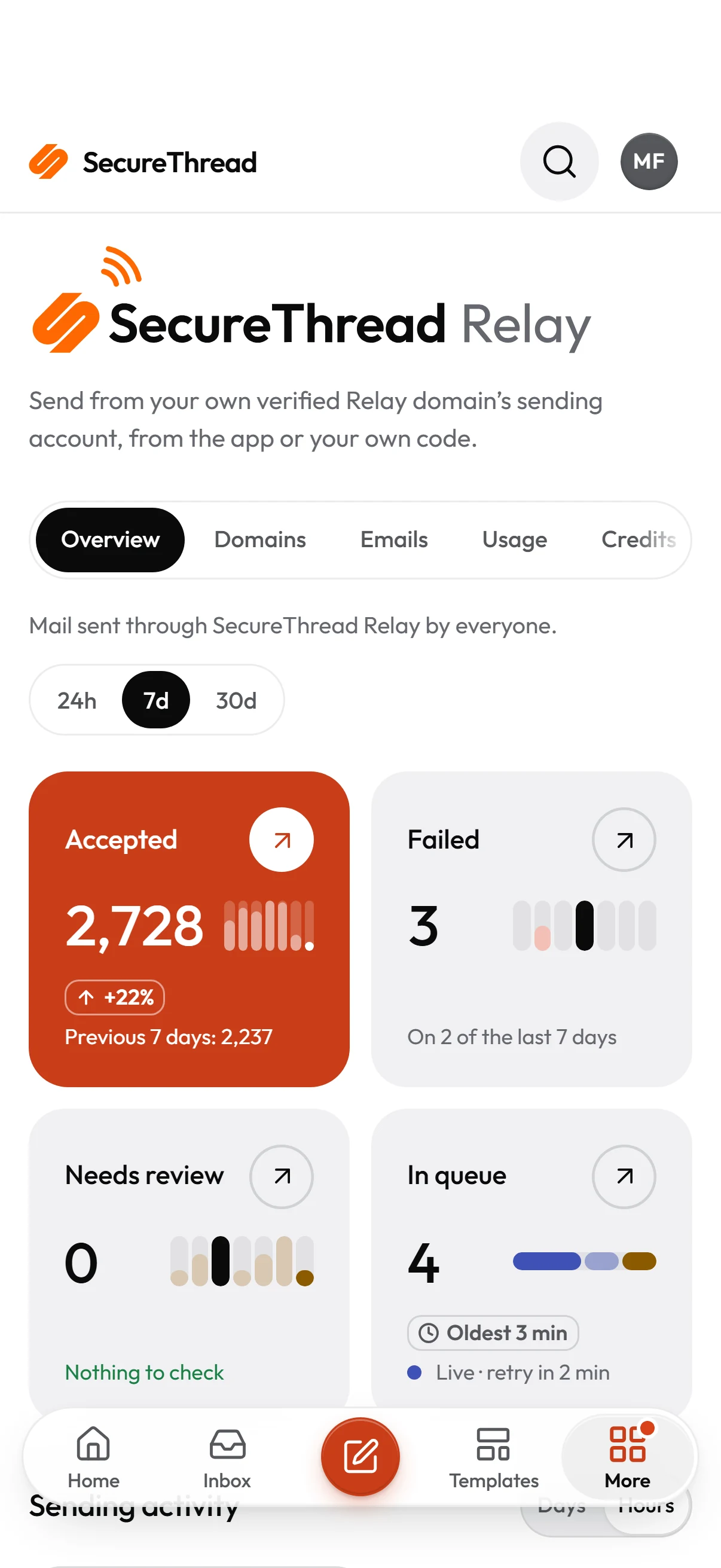
The same Relay page in the SecureThread app for Android, Windows and the web on a phone: the dashboard, usage, credits and keys, laid out for touch.
Use cases
What teams send through Relay
Examples of the mail Relay is made for. The settings in the grey boxes are examples.
Receipts and account email from your app
Order receipts, password resets and sign-in links from billing@ and hello@ on your own domain, sent by your backend with an Idempotency-Key so a retry never sends twice.
POST /api/v1/public/emails with Idempotency-Key: order-1042-receipt
Alerts from build and deploy tools
A key limited to notify.yourdomain sends deployment and monitoring mail. Limit it to your CI runners’ address range so a leaked key is useless anywhere else.
Sending access, domain notify.example.com, 203.0.113.0/24
Company mail without a mail provider
A studio or clinic with a domain but no Google Workspace or Microsoft 365 writes and sends from the composer, with templates, approvals and the audit log.
hello@ and billing@ on one verified domain
Trust
What Relay does, and what it doesn’t promise
- Each domain is signed with 2048-bit Easy DKIM keys that Amazon SES issues for it; mail leaves only from domains SES has verified.
- Relay mailboxes hold no secret, and the platform’s sending credentials never reach a workspace.
- HTML is cleaned of scripts and unsafe markup before it is stored or sent, as in the app.
- Every send passes the same checks as the app: approvals, the content policy and your plan’s limits.
- Relay shares one Amazon SES account. SecureThread pauses a workspace whose bounces or complaints run high, but Amazon can act on the account as a whole.
What you connect
SecureThread Relay
Your own provider
From address
SecureThread Relay
Your own provider
Secrets SecureThread stores
SecureThread Relay
Your own provider
Sending from code
SecureThread Relay
Your own provider
Who carries the mail
SecureThread Relay
Your own provider
Billing
SecureThread Relay
Your own provider
Questions
About SecureThread Relay
Integrating it? The Relay developer guide has every field, answer, limit and example.
Is SecureThread Relay available now?
Yes. An administrator sets it up under Administration › SecureThread Relay in any workspace whose plan includes it: verify a domain, create mailboxes, then send from the app or with a Relay API key.
Which domain does my mail come from?
Yours. You add a domain your organization verified, publish the three DKIM records Amazon SES issues for it, and send from any address on it. Relay never sends from a shared SecureThread domain.
What is the API endpoint?
POST https://relay.securethread.co/api/v1/public/emails with a Relay API key as a bearer token. The Relay page shows your workspace’s endpoint and examples in cURL, Node.js and Python with your own From address.
Can I use a normal SecureThread API key?
No. Relay keys are made on the Relay page and work only for sending through Relay and reading the status of what they sent. A workspace API key is refused on the Relay endpoint, and a Relay key is refused everywhere else.
Does Accepted mean the email arrived?
No. Accepted means Amazon SES took responsibility for the message. It does not mean the message reached anyone, and SecureThread never reports that it did.
What happens when we send past our plan?
Credits are spent first, one per recipient. Then pay-as-you-go, if SecureThread approved it and you switched it on. If neither covers the whole send, it is refused with 402 and nothing is sent.
Do credits expire?
No. Credits stay on the workspace until they are spent, and they are spent only on recipients past your plan’s 30-day Relay allowance.
Can another workspace’s sending affect ours?
SecureThread pauses a workspace whose bounces or complaints run high, so its mail stops before it harms others. Relay uses one shared Amazon SES account, though, and Amazon can act on that account as a whole. We say so rather than promise otherwise.
Are attachments supported?
Not from the Relay endpoint yet, nor custom headers, tags, scheduled sends or batches. The endpoint takes one message of HTML or text at a time.
Send from your own domain
Read the developer guide, then make a Relay key on the Relay page in SecureThread.
Send your first approved email today
Connect a mailbox, pick a template and send with the checks and approvals your organization needs. No new email address, no new habits.