72 templates
Client delivery
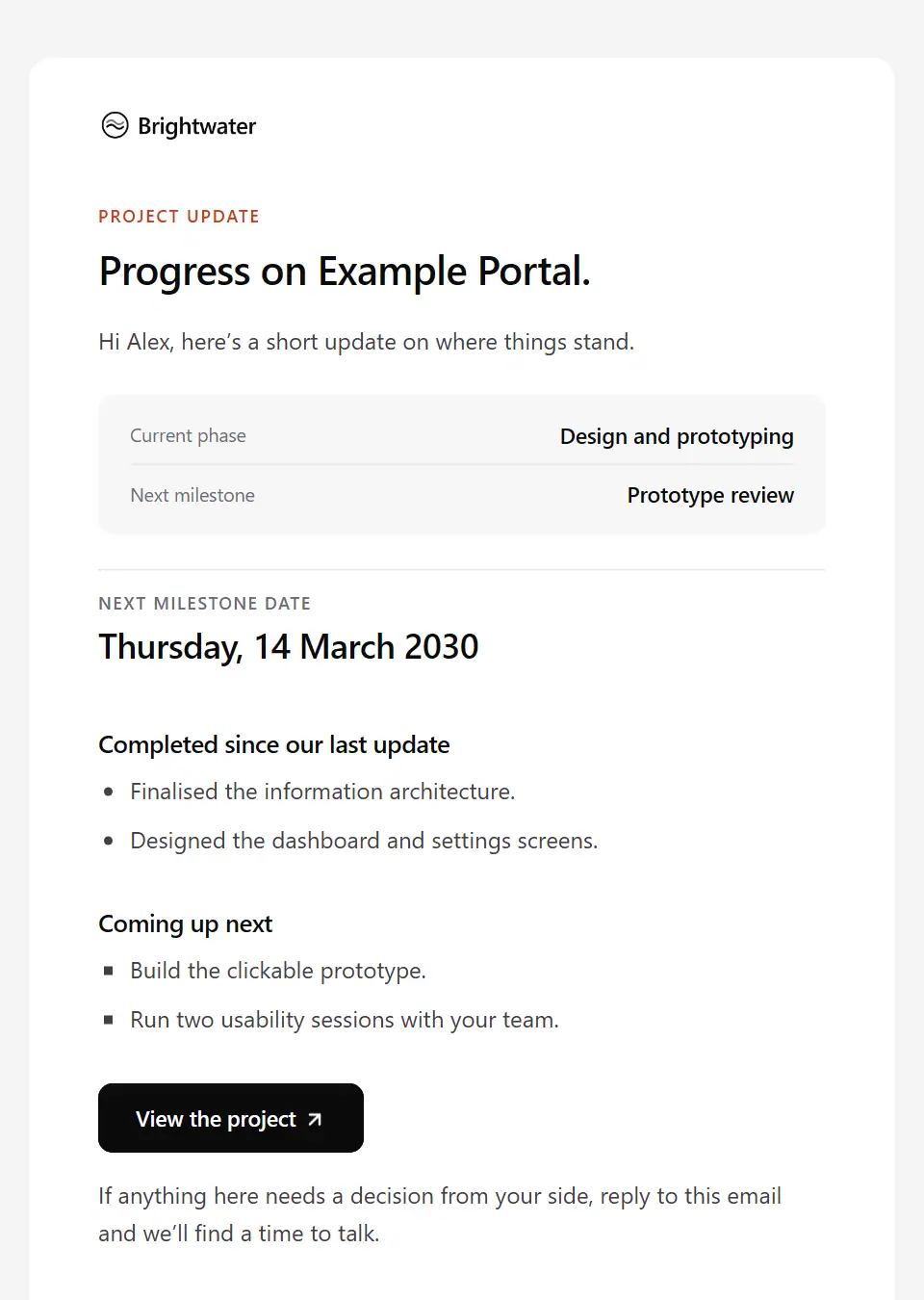
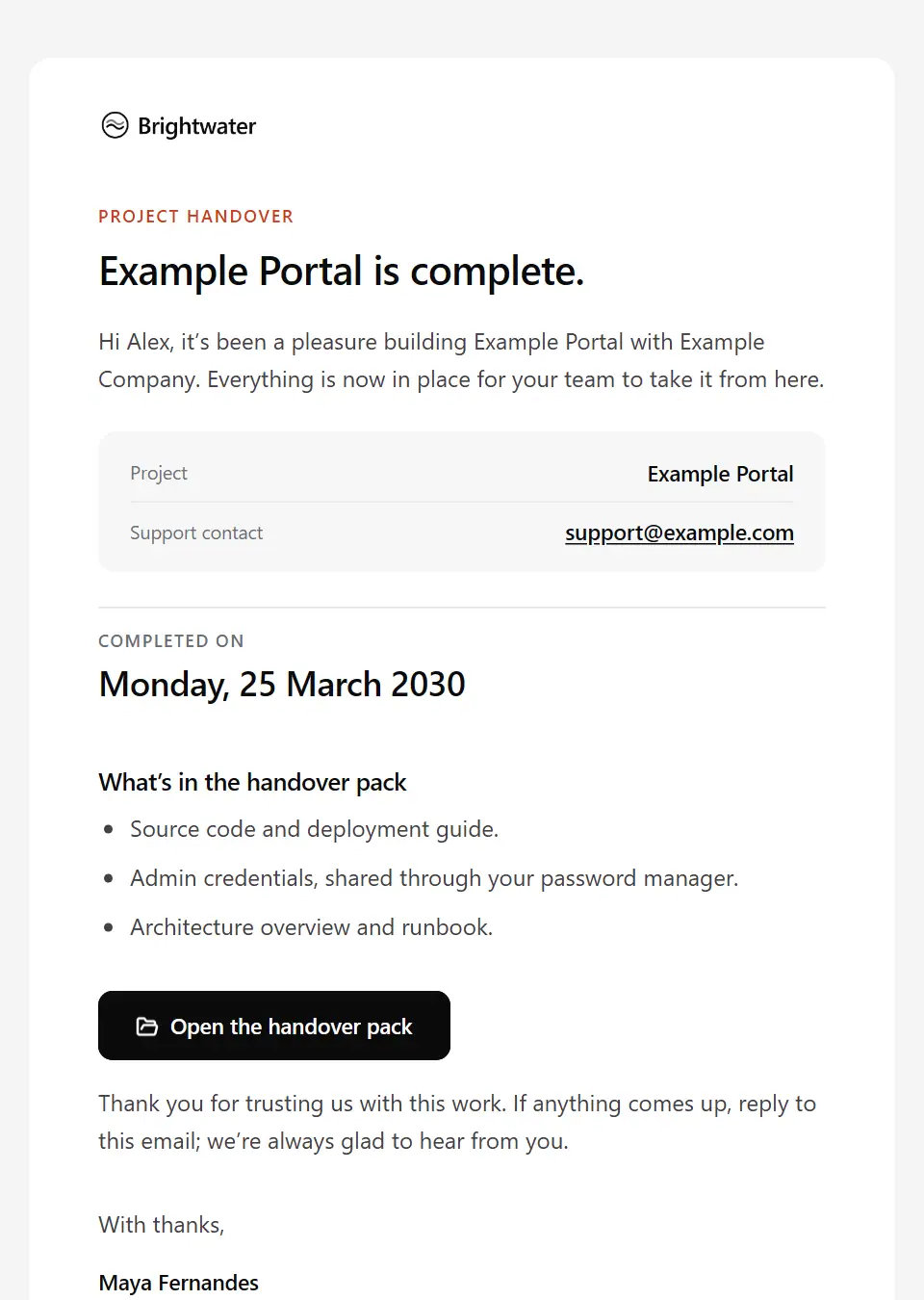
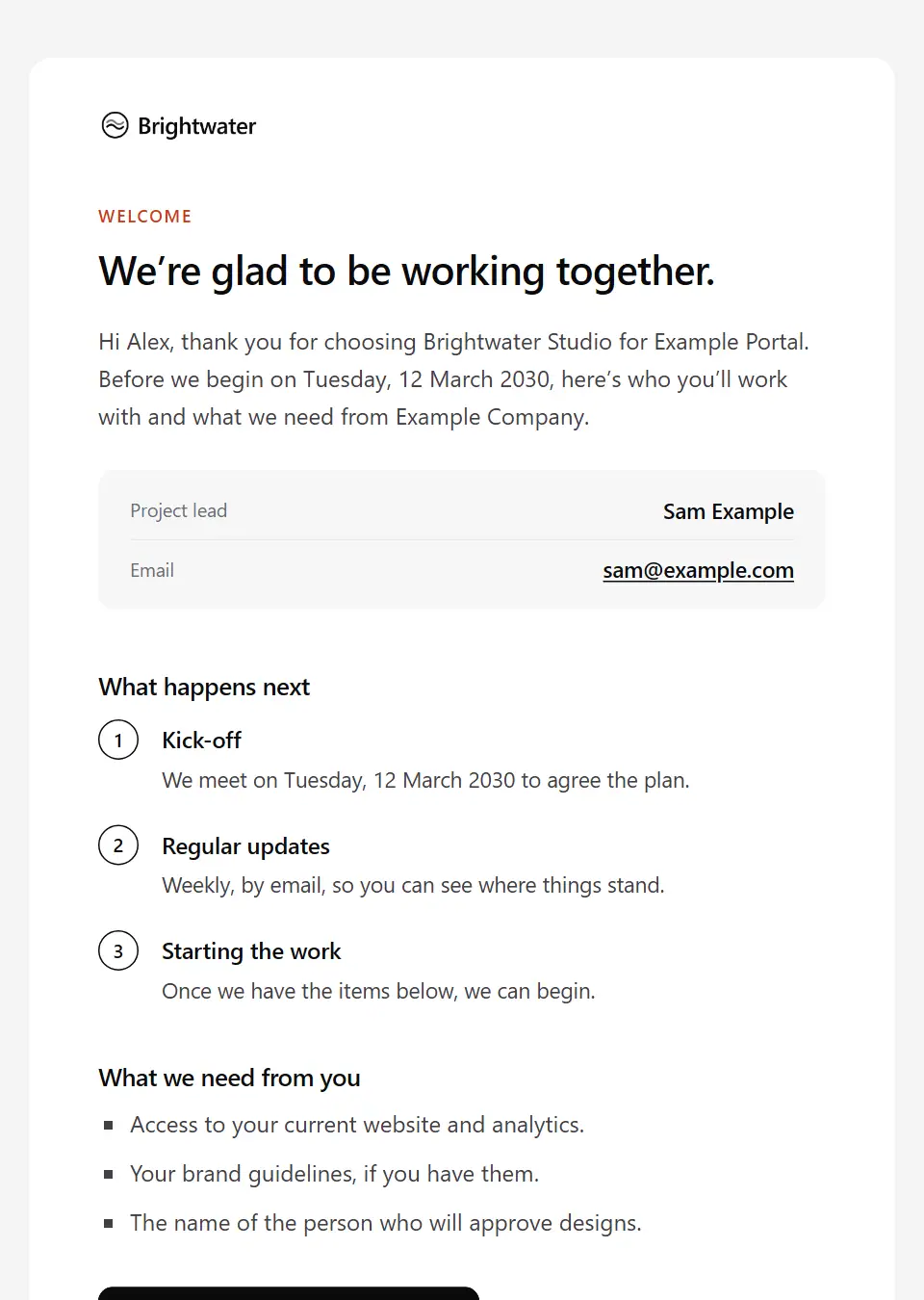
Starter templates for client delivery, as they appear in the composer. Subject lines show their variables in brackets.
As recipients see them
How these emails look
Rendered by SecureThread’s own email renderer with each template’s example details. Your logo, company details and the facts you fill in replace them when you send.
Client project update
A concise progress report: phase, next milestone, what is done and what comes next.
Subject: [project name]: progress update
Project completion and handover
Marks a project as complete and hands over everything the client team needs.
Subject: [project name] is complete: here’s your handover
Client onboarding welcome
From the delivery team as the work begins: who the client will work with, how progress will be shared and what you need from them to start.
Subject: Welcome to [company name]: starting [project name]
Project kick-off
Confirms the kick-off meeting and outlines the project’s phases, with a link to the plan.
Subject: [project name] kick-off: [meeting date]
Weekly status report
The week in brief: overall status, what was finished, what comes next and where the client’s input is needed.
Subject: [project name]: week ending [week ending]
Deliverable approval request
Asks the client to review and approve a piece of work by a date, with the questions that matter most.
Subject: For your approval: [deliverable name]
Milestone completed
Marks a completed milestone: what it produced, what comes next, and thanks to the client team.
Subject: [project name]: [milestone name] is complete
Change request acknowledgement
Confirms a change request with its reference, and explains how it will be assessed before anything changes.
Subject: Your change request for [project name]
Timeline update
Tells the client early that a milestone date has changed: why, and what it means for them.
Subject: A change to the [project name] timeline
Meeting recap
A short record of a client meeting: the decisions made, the actions and their owners, and the next meeting.
Subject: Notes from our [meeting topic] meeting
Quarterly business review
Invites a client to the quarterly review with the meeting details, an agenda and a pre-read.
Subject: Your quarterly review with [company name]
Contract renewal reminder
Reminds a client that their agreement is ending, and offers two ways forward: renew, or reshape the next term.
Subject: Your agreement with us ends on [end date]
Scope change quote
Follows a change request with what it would add to cost and timeline, and a clear way to approve or decline it.
Subject: Change request [reference number]: cost and timeline
Project on hold notice
Confirms that a project is paused: from when, why, what the pause means in practice and when you’ll be in touch about restarting.
Subject: [project name] is on hold from [effective date]
Project resumed
Restarts a paused project: the restart date, the next milestone, who leads it and what you need from the client to get going.
Subject: [project name] restarts on [start date]
User acceptance testing invitation
Invites the client’s testers to user acceptance testing: the testing window, what to test, how to report what they find and when sign-off is needed.
Subject: User acceptance testing for [project name]
Go-live announcement
Tells everyone on the client’s side that the project is live: what’s new, where to find it and who to contact if something isn’t right.
Subject: [project name] is live
Support period ending
Lets a client know their support period is ending: the date, how to raise anything outstanding and the two ways forward.
Subject: Support for [project name] ends on [end date]
Retainer proposal
Proposes an ongoing retainer to an existing client: what it would cover, the fee and term, and a link to the full proposal.
Subject: A retainer proposal for [client company]
Client offboarding
Closes a client engagement well: the final day, what is handed over, what happens to access and data, and a sincere thank-you.
Subject: Wrapping up our work with [client company]
Kick-off agenda and pre-read
Sends the client team the kick-off agenda a few days ahead: who should attend, the decisions to make in the room, the pre-read and anything to bring or set up beforehand.
Subject: Agenda for the [project name] kick-off
Conflict check information request
Asks a prospective or existing client for the names of everyone involved in a new matter (other parties, related companies, their lawyers) so the firm can check for conflicts before hearing any details.
Subject: Names we need before we can act for you, [first name]
Legal client due diligence request
Asks a new client to verify their identity and, where the matter needs it, the source of their funds, through the firm’s secure portal and never by email, before work starts or money is accepted.
Subject: Identity checks for matter [matter reference]
Legal consultation booking
Invites someone whose conflict check is clear to book a first consultation: who they’ll meet, how long it lasts, the fee basis as the firm sets it, what to bring and a link to choose a time.
Subject: Book your consultation with [lawyer name]
Legal engagement letter for signature
Sends a new client their engagement letter to sign electronically: the matter reference, who acts and supervises, the fee basis and any deposit as the letter sets them, and the date to sign by.
Subject: Your engagement letter for matter [matter reference]
Legal enquiry acknowledgement
Confirms a prospective client’s enquiry reached the firm: the reference, the conflict check that comes first, when they’ll hear back, and that the firm isn’t acting for them until it confirms in writing.
Subject: Your enquiry to [company name]: what happens next
Discovery questionnaire request
Sends the client the discovery questionnaire before workshops start: who should answer it, the time it takes, the date it’s needed by and how the answers shape the work.
Subject: Discovery questionnaire for [project name]
Requirements sign-off request
Asks the client to sign off the agreed requirements as the baseline for the work: the version, who signs, how later changes will be handled and the date sign-off is needed by.
Subject: Please sign off the [project name] requirements
Draft statement of work for review
Circulates a draft statement of work to the client’s project reviewers before signature: the version, the scope and deliverables it covers, the assumptions and exclusions to check, and the date comments are needed by.
Subject: Draft statement of work for [project name]
Creative brief for client sign-off
Plays a campaign brief back to the client for written sign-off before creative work starts: objective, audience, key message, mandatories, deliverables, budget and timeline.
Subject: Creative brief for [campaign name]: please sign off
Construction request for information
Raises one numbered technical query with the design team or client: the question, the drawings and location it concerns, a proposed answer, possible cost or time effects and the date a reply is needed.
Subject: RFI [rfi number]: [rfi subject]
Construction RFI response
Answers a contractor’s numbered RFI for the design team: the response, the drawings or details it revises, and its status as the sender states it, such as whether it is an instruction.
Subject: Answer to [rfi number]: [rfi subject]
Project team change
Tells the client someone is joining or leaving their project team: who, from when, how the handover was done and what stays the same for them.
Subject: A change to your [project name] team
Monthly construction progress report
Sends the client the monthly site report: programme status and forecast completion, work done and coming next, health and safety summary, valuation, risks, information needed and the photo record.
Subject: [project name] progress report: [reporting period]
Milestone acceptance certificate request
Asks the client to sign the acceptance certificate for a milestone once its criteria are met: the test evidence, any minor items carried forward, the signing link and what acceptance sets in motion.
Subject: Acceptance certificate for [milestone name]
Deliverable submitted for formal acceptance
Formally submits a contracted deliverable for acceptance: the version, the criteria it is submitted against, the review period the agreement sets and how to report anything that falls short.
Subject: Submitted for acceptance: [deliverable name]
Client feedback summary and revision plan
Plays a client’s feedback on a deliverable back as one numbered list, says how each point will be handled, flags conflicting comments for a decision, counts the revision round and gives the date of the revised version.
Subject: Your feedback on [deliverable name]: our plan
Accounts and tax return approval request
Asks an accounting client to review and approve the accounts or tax return prepared for them before it is filed: what’s ready, the figures to check in the portal, the date approval is needed and the filing date.
Subject: Please approve your [return name] for filing
Creative review invitation
Invites a client’s decision-makers to a creative presentation: when and where, what will be shown, who needs to attend and how feedback will be gathered afterwards.
Subject: Creative review for [campaign name]
Construction drawing submittal for approval
Submits contractor or fabrication drawings to the design team for a review status: the drawing numbers and revisions, the specification clause, any declared deviations and the date needed to hold the programme.
Subject: For approval: submittal [submittal number]
Design stage submission for client review
Submits a completed design stage to the client: the drawings, report and cost plan in the package, the decisions needed, the review date and what sign-off allows the team to start next.
Subject: [design stage] submission for [project name]
Drawing review comments and status
Returns a contractor’s drawing submittal with its review status, what the status allows, the marked-up comments and, where needed, the date to resubmit a revised set.
Subject: Review status for submittal [submittal number]
Energy audit report ready
Tells a client their energy audit report is ready: the main findings and recommendations as the assessor wrote them, the assumptions behind any estimates and a time to walk through it.
Subject: Your energy audit report for [site name]
Revision round feedback request
Shares a draft for a revision round and asks for one consolidated list of changes by a date, saying which round this is and how many the agreement includes.
Subject: [project name]: revision round [revision round] is ready
Sponsored content approval request
Sends an advertiser the sponsored article or advertorial to check for factual accuracy before it runs: placement, run date, how it is labelled, which changes are in scope and the deadline.
Subject: Sponsored content proof: [content title]
Project budget threshold reached
Tells the client a time-and-materials budget has reached an agreed threshold: spend so far, what remains, the forecast to finish and the decision needed before work goes past the budget.
Subject: [project name]: [budget used share] of the budget is used
Client change request approved
Confirms that a client’s change request is approved and part of the plan: who approved it and when, its effect on scope, cost and timeline, and where the updated baseline lives.
Subject: Approved: change request [reference number]
Client change request declined
Tells a client a change request can’t be taken on as raised: the reason, what stays as planned, and an alternative or a different way to reach the same goal.
Subject: Change request [reference number]: our decision
Out-of-scope request reply
Replies warmly to a client who has asked for something the agreement doesn’t cover: names it as extra, says why, and offers to quote it, swap it for planned work or keep it for a later phase.
Subject: About adding [requested item] to [project name]
Scope dispute response
Replies personally to a client who believes some work is already in scope: what the agreement says, how you read it, where you can meet them, and an offer to talk it through.
Subject: About [disputed item] and our agreed scope
Revision limit reached
Tells a client, plainly and without blame, that the revision rounds the agreement includes are used, and sets out the ways forward: approve this version, add a round at the agreed rate or talk it through.
Subject: [deliverable name]: the included revision rounds are used
Construction variation approval
Approves a variation and instructs the contractor to proceed: the instruction reference, agreed value, time adjustment, revised contract sum and completion date, any conditions and the signed instruction.
Subject: Approved: variation [variation number]
Construction variation request
Raises a variation to the building works with the client or contract administrator: the cause, the work involved, the quoted value and time effect, the clause relied on and the date a written instruction is needed.
Subject: Variation request [variation number]: [variation title]
Menu change notice for catering clients
Tells contract catering clients that the menu is changing: what is new and what is leaving, from when, where the updated allergen information is and any price changes as listed.
Subject: Our menu changes on [effective date]
Overdue client input reminder
Chases something the project needs from the client that is now overdue, such as feedback, content, data or access: what it is, what it holds up, and the date it’s needed by to keep the next milestone.
Subject: [project name] is waiting on [dependency name]
Delivery escalation to client sponsor
Escalates a client-side blocker or overdue decision to the client’s sponsor once reminders to the client’s team haven’t moved it: what is stuck, what has been tried, the effect on dates or budget and the decision needed.
Subject: [project name]: a decision we need your help with
Missed milestone recovery plan
Acknowledges a milestone your team has missed: what happened, the recovery plan and its new date, any effect on the client and how progress will be reported until the work is back on plan.
Subject: [milestone name] is late: our plan to recover
Project risk raised
Raises a new risk with the client before it becomes a problem: what could happen, how likely and serious it is, what you are doing about it and what you need from them.
Subject: A risk to flag on [project name]
Construction delay and extension of time notice
Gives the client or contract administrator the contractor’s formal notice of a delay event under the building contract: what happened, the clause, the activities affected, mitigation and the extension of time requested.
Subject: Notice of delay [notice reference]: [project name]
Freelance project paused after no response
After reminders go unanswered, tells a freelance client the project is paused and the time reserved for it will be released on a date, with the work done so far and how to restart.
Subject: [project name] is paused until I hear from you
Client project cancellation confirmation
Confirms that a client has cancelled a project part-way: the end date, the work completed, any cancellation fee and the final invoice as the agreement sets them, and what happens to files and work in progress.
Subject: Cancellation confirmed: [project name]
Knowledge transfer session invitation
Invites the client staff who will run a delivered system or process to knowledge transfer sessions before handover: the sessions, who should attend, what to prepare and what they’ll be able to do afterwards.
Subject: Knowledge transfer sessions for [project name]
Post-project satisfaction survey
Asks a client sponsor, from someone outside the project team, for candid feedback on a finished project: what it covers, the time it takes, who reads the answers and a call instead if they prefer.
Subject: How did [project name] go for you?
Project closure and lessons learned
Formally closes a project with the client: the closure report, outcomes against the original objectives, items passed to support, and an invitation to a joint lessons-learned session.
Subject: Closing [project name]: report and review session
Final files ready to download
Hands a client the final approved files for a creative or freelance project: what’s included and in which formats, where to download them and until when, and the usage rights that apply.
Subject: Your final files for [project name]
Construction defects list
Issues the snagging or defects schedule from an inspection to the contractor: how many items, which are priorities, the date to make good, access arrangements and how each item is closed and re-inspected.
Subject: Defects list [list reference]: [project name]
Practical completion and building handover
Hands a building over after practical completion is certified: the certificate date and reference, the handover meeting, keys and access, when insurance passes to the client, the defects period and the handover file.
Subject: [project name] handover on [handover date]
Practical completion inspection request
Tells the contract administrator the contractor considers the works complete and asks for the practical completion inspection: a proposed date, who should attend, known minor items and the documents ready for handover.
Subject: Practical completion inspection: [project name]
Hypercare and warranty period start
Opens the hypercare or warranty period after go-live: the dates, what counts as a defect rather than a change, how to report issues, the agreed response times and who is on hand.
Subject: Your hypercare period for [project name] has started
Project warranty issue assessment
Tells the client how an issue they reported during a project’s warranty period was assessed: a covered defect being fixed, or a change outside the warranty, with the reasons and the next step.
Subject: Issue [ticket number]: our warranty assessment
Retainer usage report
Sends a retainer client their summary for a period: hours used against the allowance, the work those hours covered, what carries over and what is planned next period.
Subject: Your retainer for [reporting period]: hours and work
Asset usage rights expiry notice
Tells a client that licensed usage of campaign assets such as talent, photography or music ends on a date, which assets it affects and that they need to renew or withdraw them by then.
Subject: Asset usage rights ending: [campaign name]
Send your first approved email today
Connect a mailbox, pick a template and send with the checks and approvals your organization needs. No new email address, no new habits.