39 templates
Engineering & IT
Starter templates for engineering & it, as they appear in the composer. Subject lines show their variables in brackets.
As recipients see them
How these emails look
Rendered by SecureThread’s own email renderer with each template’s example details. Your logo, company details and the facts you fill in replace them when you send.
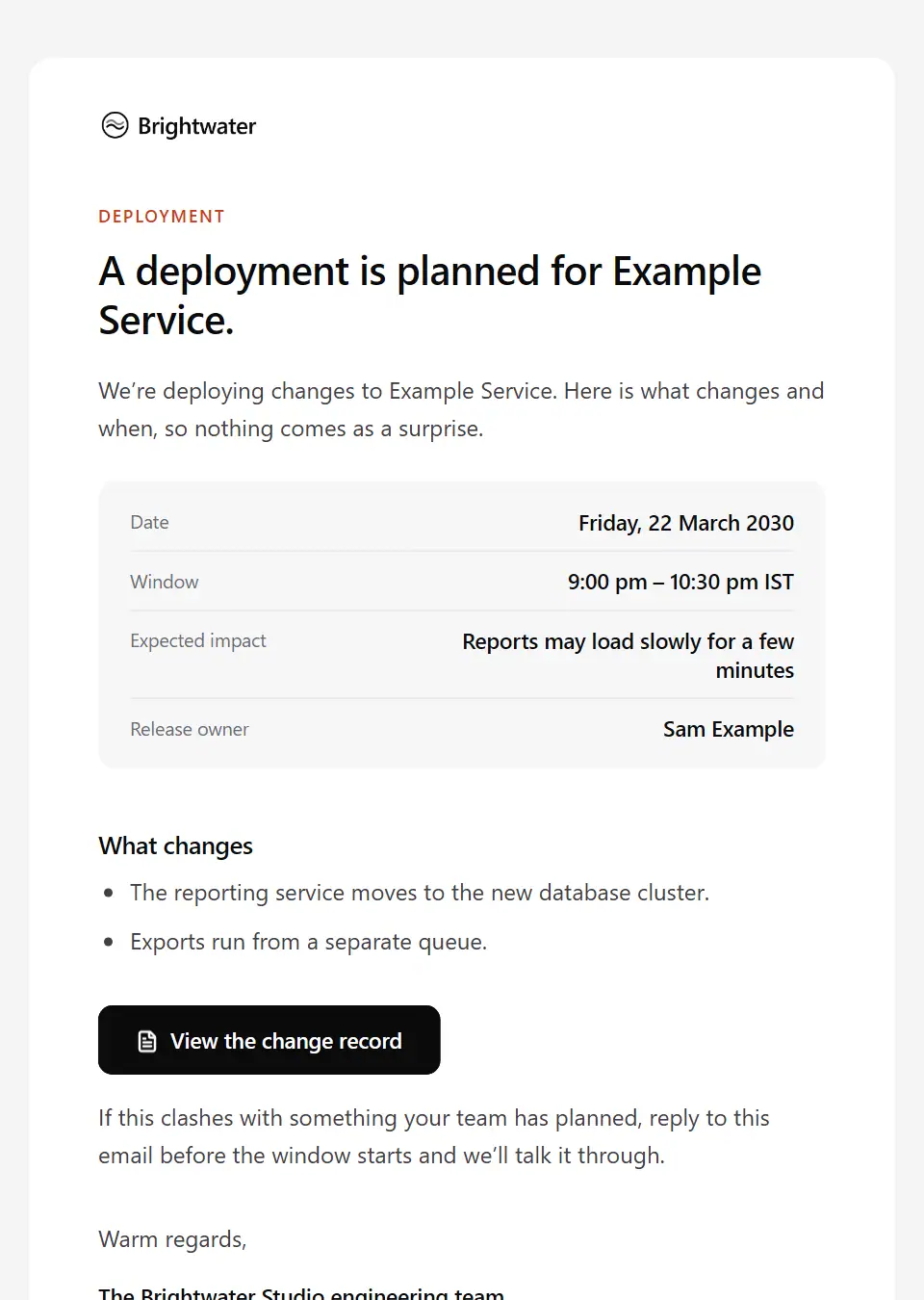
Deployment notice
Tells internal teams about a planned deployment: what changes, when, the expected impact and who owns it.
Subject: Deployment planned: [service name] on [deadline date]
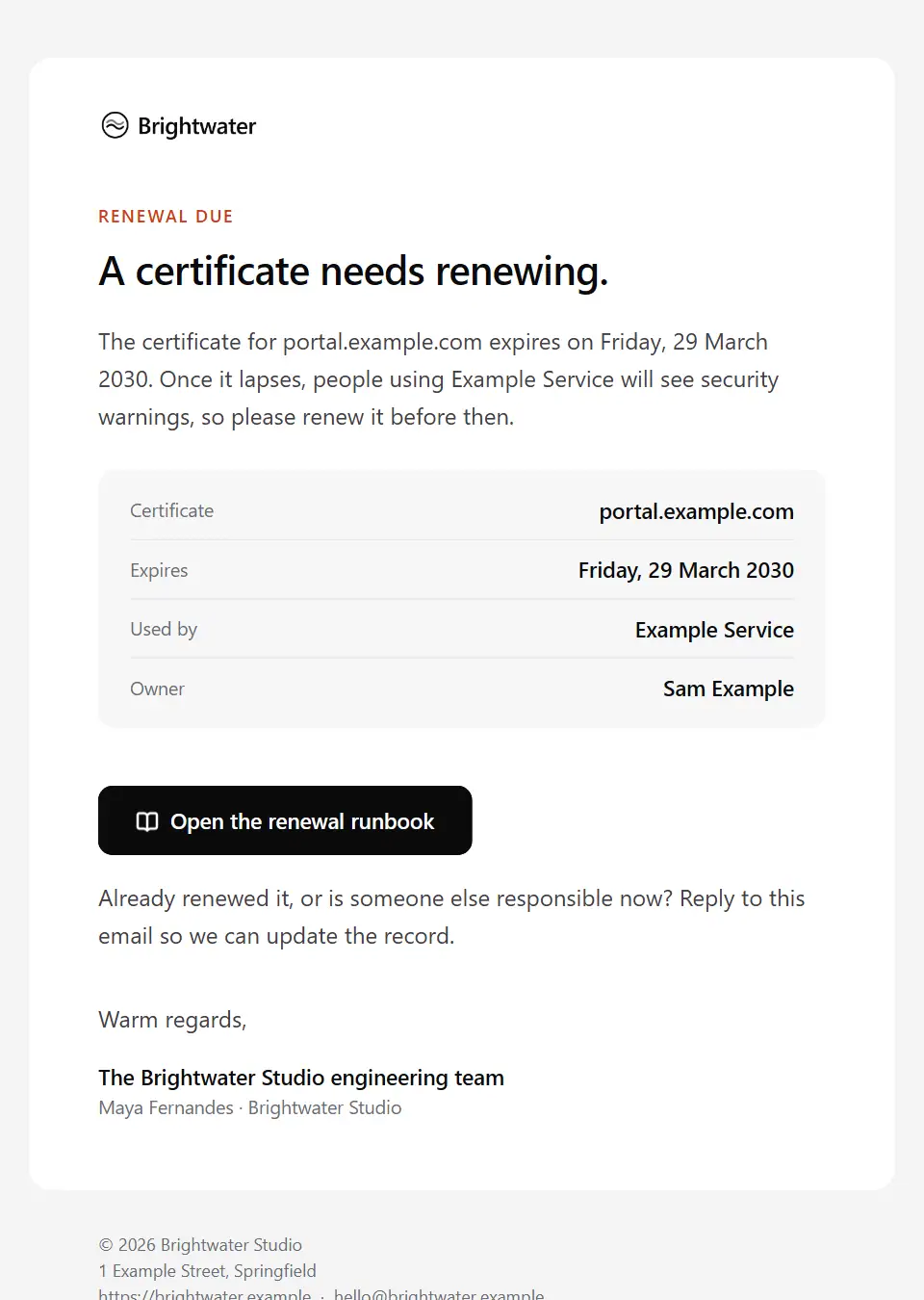
Certificate expiry reminder
Reminds the owner that a TLS certificate or domain registration expires soon, with the renewal runbook.
Subject: Renew before [end date]: [certificate name]
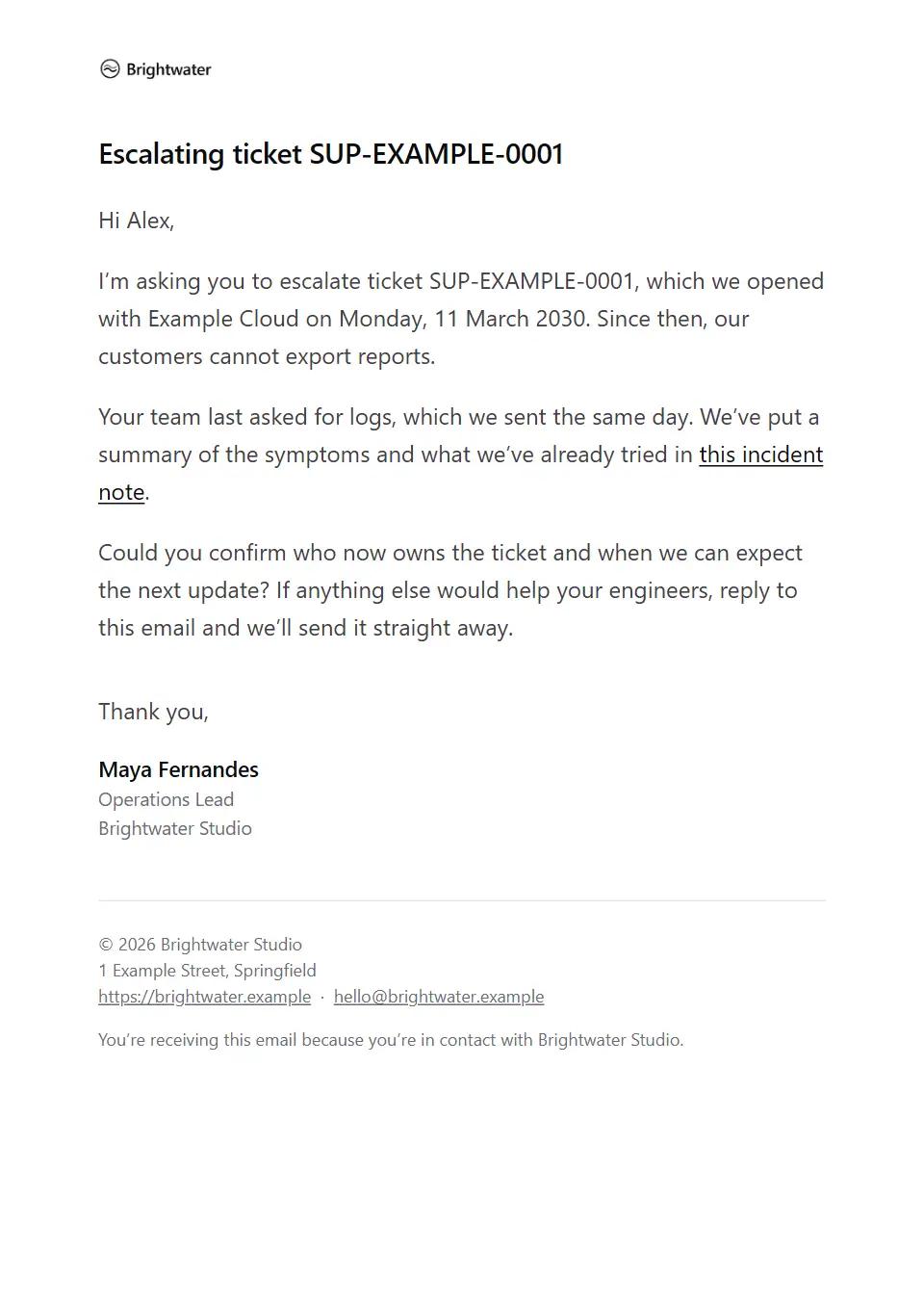
Vendor support escalation
A firm, courteous note asking a supplier’s support team to escalate an open ticket that is affecting your service.
Subject: Escalation request: ticket [vendor ticket]
Deployment completed
Tells internal teams a deployment has finished: what went out, the version, how it was checked and who to tell if something looks wrong.
Subject: Deployed: [service name] [release version]
Deployment rollback notice
Tells internal teams a deployment was rolled back: what was reverted and why, the version now running, the impact seen and when the next attempt is planned.
Subject: Rolled back: [service name] [release version]
Maintenance overrun notice
Tells customers during a maintenance window that the work is taking longer than planned: what is still affected, the new expected end and when the next update comes.
Subject: [product name] maintenance is taking longer than planned
Planned maintenance rescheduled
Tells customers that announced maintenance has moved: the original window no longer applies, the new date and window, why it moved and whether the expected impact has changed.
Subject: [product name] maintenance has moved to a new date
Managed IT maintenance approval request
Asks a managed IT client to approve planned maintenance on their own systems: the window, what will be updated, expected downtime, what staff should do beforehand and the date to approve by.
Subject: Please approve maintenance on [maintenance date]
Incident war room opened
Calls responders into a declared incident: the severity, what is affected, who is incident commander, the roles, the bridge link, the updates channel and the next checkpoint.
Subject: Incident [incident reference] declared: [service name]
Incident briefing for customer-facing teams
Keeps support, account and leadership teams aligned during a customer-facing incident: current status, customer impact, the approved wording to use with customers and when the next briefing comes.
Subject: Incident [incident reference] briefing: [incident status]
On-call handover
Hands the on-call rota from one engineer to the next: open incidents, issues to watch, changes scheduled during the shift and who to escalate to.
Subject: On-call handover: [rotation name]
Post-incident action required
Tells affected customers after an incident what it meant for their account specifically, such as failed jobs or unsent webhooks, and the steps they need to take, by when and who to ask.
Subject: Action needed after incident [incident reference]
Post-incident review report
Shares the blameless internal review of an incident: impact, duration, timeline, root cause, what went well and what didn’t, and the action items with owners and dates.
Subject: Post-incident review: [incident title]
Root cause analysis summary
Sends affected customers the outcome of a completed incident investigation: the root cause, contributing factors, corrective actions with target dates and the full report, with an offer of a review call.
Subject: Root cause analysis: incident [incident reference]
Service reliability report
A periodic report for service owners on what monitoring recorded: availability against target, alerts fired, out-of-hours pages, the noisiest alerts and agreed follow-ups.
Subject: [service name] reliability: [reporting period]
Access approval request
Asks a manager or system owner to approve or decline someone’s request for access: who, which system, what level, why, for how long and the date to decide by.
Subject: Approval needed: access to [system name]
Access request declined
Tells someone their access request was not approved: the approver’s reason, any alternative and how to ask again.
Subject: Access request not approved: [system name]
Access request received
Confirms that a request for access to a system has been logged: the reference, the level requested, who approves it and when to expect a decision.
Subject: Access request received: [system name]
Account deprovisioning request
Asks system owners to remove a leaver’s or contractor’s accounts by a set date, pass on anything they own and confirm when it’s done.
Subject: Remove access for [leaver name] by [removal deadline]
Temporary access expiry reminder
Reminds someone that time-limited access, such as admin rights or a contractor account, ends on a set date, and how to ask for an extension if they still need it.
Subject: Your temporary access to [system name] is ending
Customer environment ready
Tells a customer’s administrator their dedicated environment or tenant is provisioned: its address, data region, the first admin account and how to sign in, with no password in the email.
Subject: Your [product name] environment is ready
Change approved by the advisory board
Confirms to a change owner that the change advisory board approved their change: the approved window, any conditions attached, who approved it and what to do before and after it runs.
Subject: Change approved: [change title]
Change not approved by the advisory board
Tells a change owner the change advisory board rejected or deferred their change: the reason, what needs to change before resubmitting and when the board next meets.
Subject: Change not approved: [change title]
Change advisory board approval request
Asks the change advisory board to approve a planned change: what and why, the window, risk and affected services, the test and rollback plans, and the date to decide by.
Subject: CAB approval needed: [change title]
Change freeze notice
Announces a change freeze to engineering and IT teams: the dates, why, what is frozen, what is still allowed and how to ask for an exception.
Subject: Change freeze: [freeze period]
Emergency change notice
Records an emergency change made outside the normal approval cycle to restore or protect a service: what changed, why it couldn’t wait, who authorised it and when it will be reviewed.
Subject: Emergency change made: [change title]
Backup failure alert
Alerts a system owner that a scheduled backup did not complete: which system and job, when it failed, the error reported, the last good backup and the date to investigate by.
Subject: Backup failed: [system name]
Backup restore test results
Reports a backup restore test to the system owner, internal or a managed client: what was restored, the outcome, recovery time against target, issues found, follow-ups and the next test date.
Subject: Restore test for [system name]: [test outcome]
End-of-support upgrade request
Asks a system owner to upgrade software, an operating system or a runtime that is reaching the end of vendor support: what is affected, the end-of-support date, the risk, the target version and the deadline.
Subject: Upgrade needed: [component name] on [system name]
Infrastructure migration completed
Tells customers’ technical contacts the move to new infrastructure is finished: when it completed, what changed, when the old addresses stop working and how to check their set-up.
Subject: [product name] has moved to its new infrastructure
Infrastructure migration notice
Tells customers’ technical contacts about a move to new infrastructure that needs action from them, such as new IP addresses or endpoints: the date, the changes, the steps and the deadline.
Subject: [product name] infrastructure move: action needed
System decommissioning notice
Tells users and dependent teams a system is being retired: when it becomes read-only, when it shuts down, where its data goes, what replaces it and what to do first.
Subject: [system name] retires on [shutdown date]
Managed IT monthly service report
Sends a managed IT client the month’s service report, every figure taken from the report itself: availability, alerts handled, tickets resolved, patching, backups and decisions needed from them.
Subject: [client company] IT service report: [reporting period]
API deprecation notice
Tells developers an API version or endpoints are deprecated: what is affected, when it stops working, what happens to calls after that, what replaces it and the migration guide.
Subject: [api name] [api version] will be retired on [sunset date]
API integration error notice
Tells a customer’s or partner’s developers their integration is failing on their side: the error pattern seen, since when, the likely cause, whether any data was lost and what to change.
Subject: Errors from your [app name] integration
API key rotation reminder
Reminds the owner of an API key that it is due for rotation: which key, when it was created, the date to rotate by and how to do it safely by signing in as usual, never sending the key itself.
Subject: API key [key label] is due for rotation
API sunset final reminder
A final reminder, shortly before switch-off, to developers whose apps still call a deprecated API version: the date, what will fail, the recent usage seen and the migration guide.
Subject: Final reminder: [api name] [api version] ends [sunset date]
Production API access approved
Tells a developer or partner their app is approved for live API access: what is enabled, the rate limits, how to create live keys by signing in as usual and the checks to run before go-live.
Subject: Live API access approved for [app name]
Vendor incident report request
Asks a supplier for a formal incident report after their outage or fault affected your service: what you saw, the impact on you, the questions you need answered and the date you need it by.
Subject: Incident report request: [vendor incident reference]
Send your first approved email today
Connect a mailbox, pick a template and send with the checks and approvals your organization needs. No new email address, no new habits.