31 templates
Facilities & administration
Starter templates for facilities & administration, as they appear in the composer. Subject lines show their variables in brackets.
As recipients see them
How these emails look
Rendered by SecureThread’s own email renderer with each template’s example details. Your logo, company details and the facts you fill in replace them when you send.
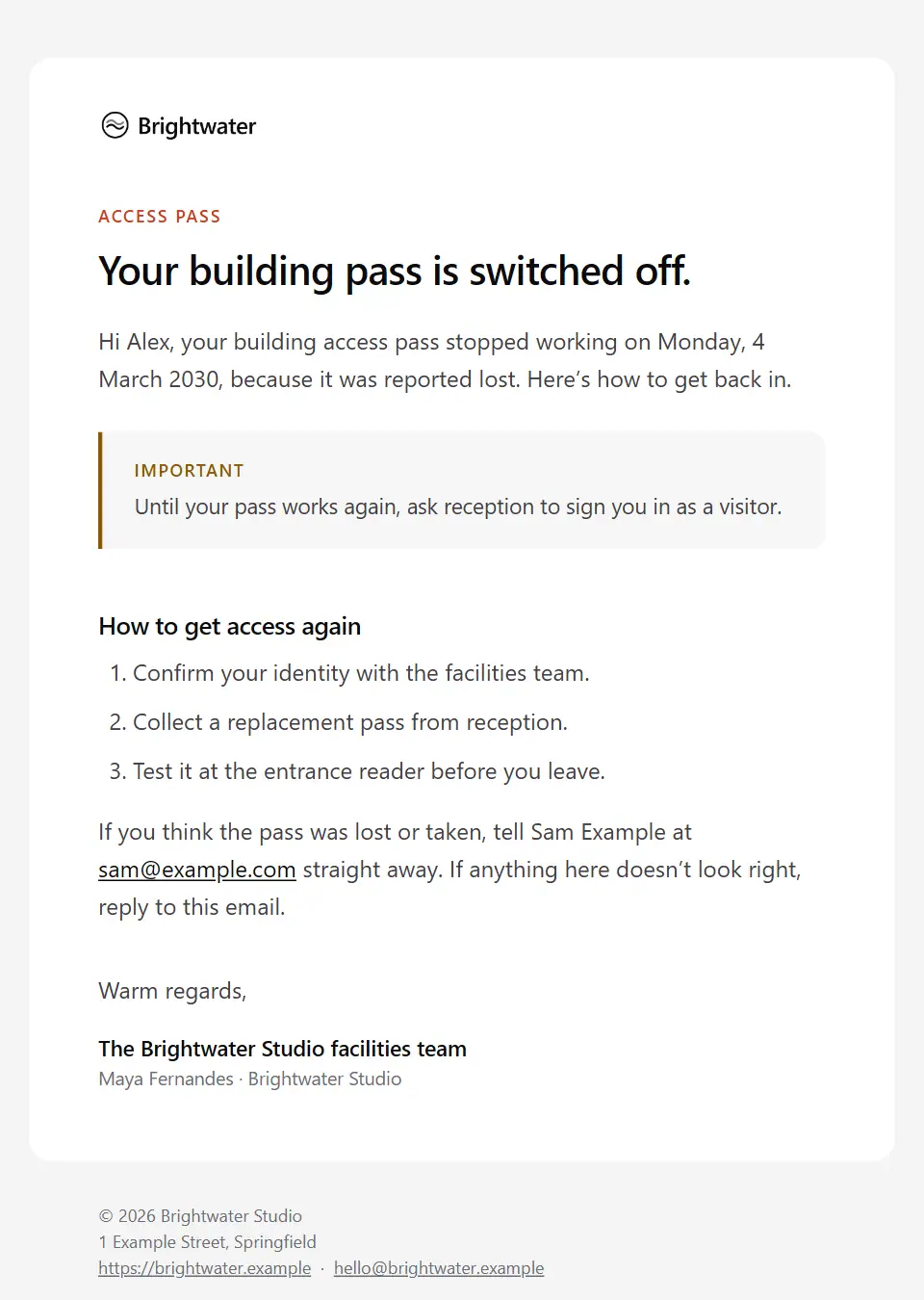
Access pass deactivated
Tells someone who is staying that their building pass has stopped working, such as when it was reported lost or an induction lapsed: from when, why, how to get access again and what to do meanwhile.
Subject: Your access pass has been deactivated
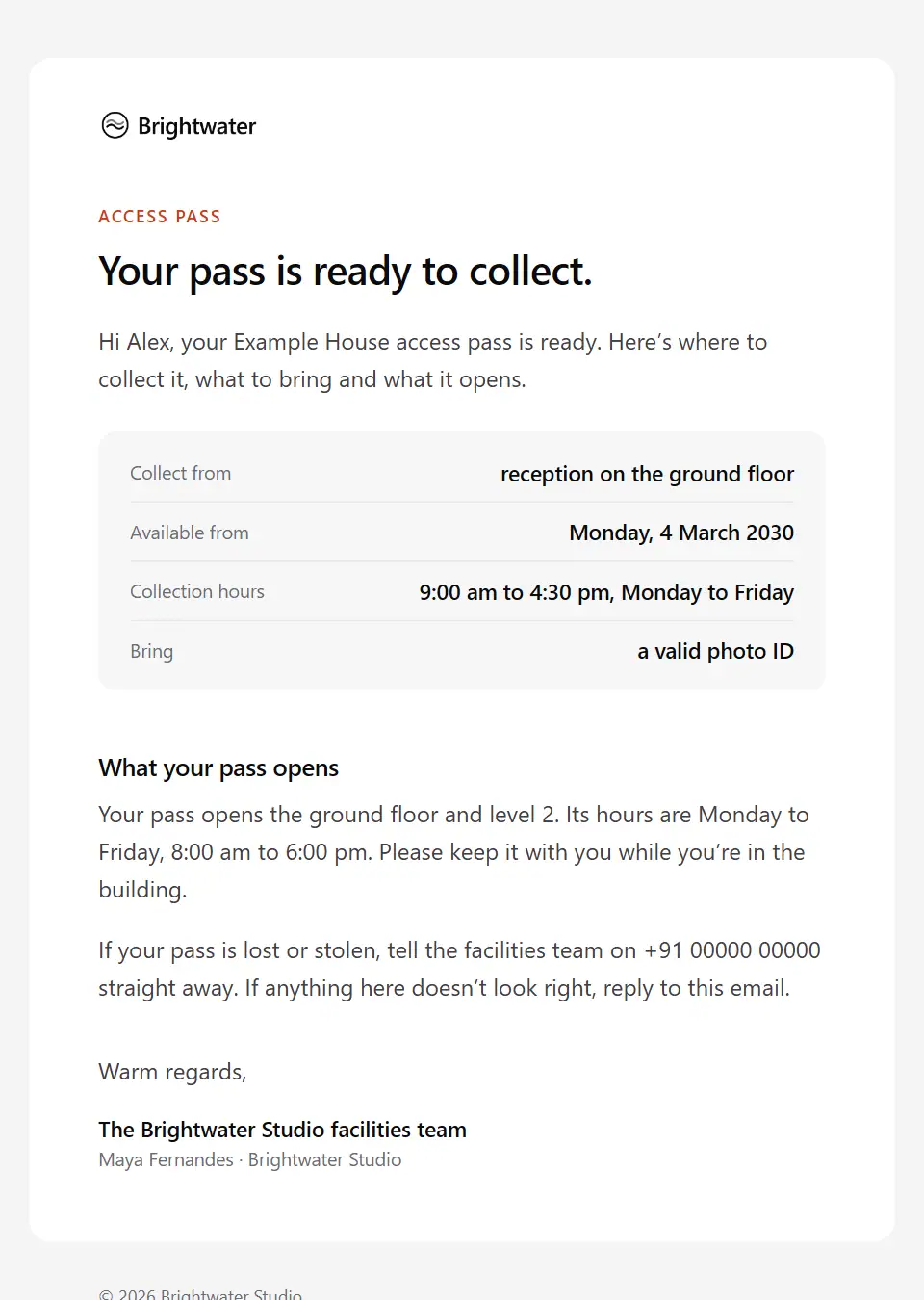
Access pass ready for collection
Tells a new joiner, colleague or contractor their building pass is ready: where and when to collect it, what ID to bring, which areas and hours it opens, and who to tell if it is lost.
Subject: Your [building name] access pass is ready
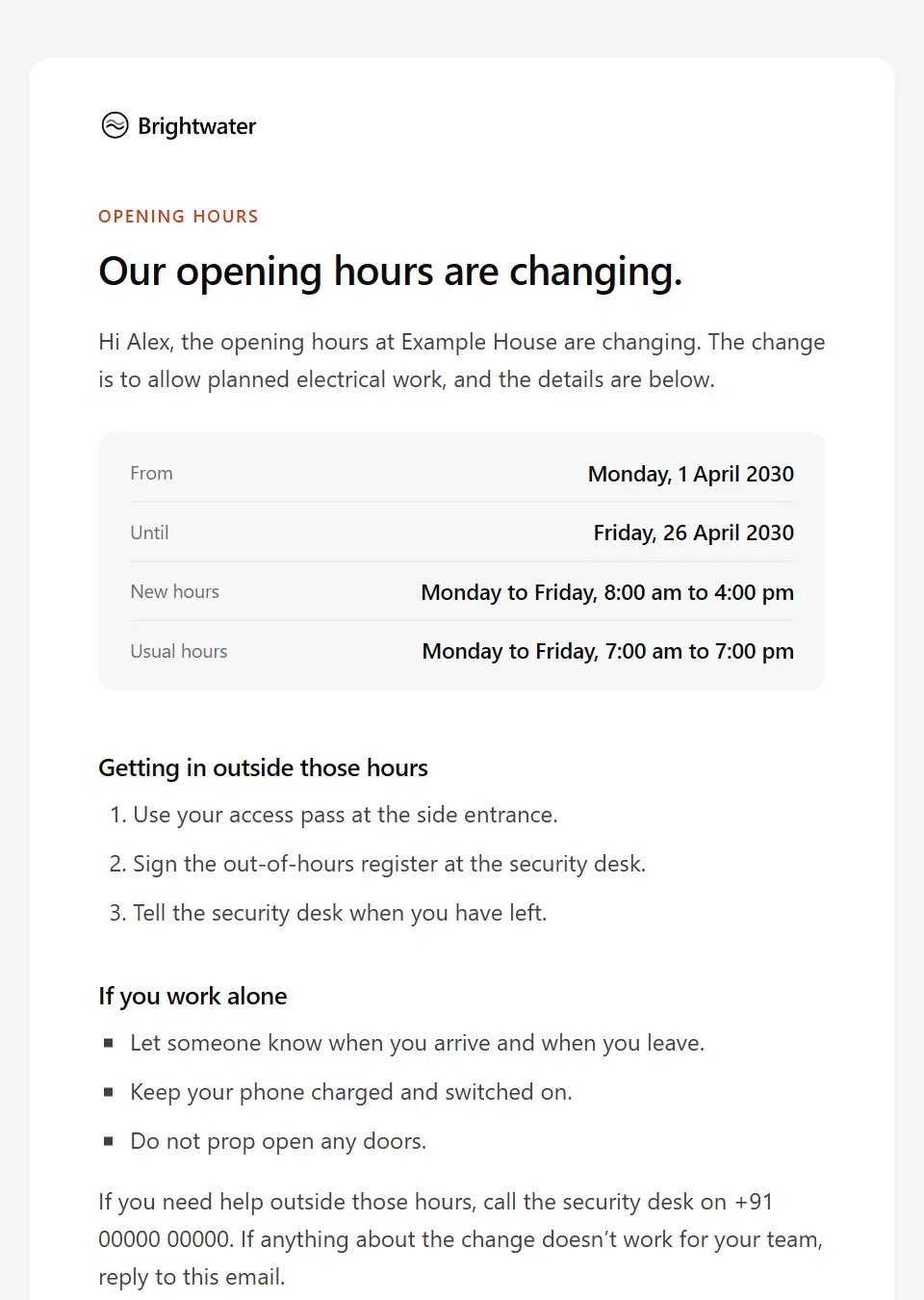
Building opening hours change
Tells people who use a site that its opening or staffed hours are changing, for a holiday period or for good: the new hours, from and until when, out-of-hours access and who to call.
Subject: [site name] opening hours from [effective date]
Restricted area access approved
Confirms a colleague or contractor may now enter a restricted area such as a lab, server room or secure store: which area, from and until when, entry conditions, escort rules and who approved it.
Subject: Your access to [restricted area] is approved
Visitor host confirmation
Confirms to the colleague hosting a visitor that the visit is registered and sets out what reception needs from them on the day: meeting the visitor, escorting them and signing them out.
Subject: [visitor name] is registered for [visit date]
Visitor registration confirmation
Confirms to an external visitor that their visit is registered: date, time, address, who will meet them, where to arrive, what ID to bring, parking and who to call about access needs.
Subject: Your visit to [company name] on [visit date]
Desk move notice
Tells colleagues their desk or team area is moving within the workplace: the new location, the move date, what to pack and by when, what the movers and IT handle, and where to see the seating plan.
Subject: Your new desk from [move date]
Equipment allocation confirmation
Records equipment issued to an existing colleague, such as a replacement, upgrade or ergonomic request: what it is, its asset tag, how it reaches them and a request to confirm receipt.
Subject: Equipment allocated to you: [equipment name]
Facilities request acknowledgement
Confirms an internal facilities or administrative request has been logged: its reference, what was asked, who is handling it, the priority, when to expect a reply and anything still needed.
Subject: We’ve logged your request [request reference]
Hot-desk booking reminder
Reminds someone of a desk they booked for an office day: where it is, how and by when to check in, and how to cancel so a colleague can use it if plans change.
Subject: Your desk on [booking date]: [desk name]
Loan equipment return reminder
Reminds a colleague that equipment borrowed from the workplace pool, such as a loan laptop, AV kit or test device, is due back: what, by when, where to return it and how to ask for longer.
Subject: Please return [equipment name] by [return by]
Lost property found
Tells a colleague or visitor that an item handed in at the workplace may be theirs: what it is, where and when it was found, where to collect it, how ownership is checked and how long it is held.
Subject: We may have found your [item description]
Mailroom parcel waiting
Tells a colleague that post or a parcel has arrived for them on site: who it is from, where and when to collect it, what to bring and what happens to items left uncollected.
Subject: A parcel is waiting for you at [collection point]
Meeting room change
Tells a meeting’s organiser and attendees that the time is unchanged but the room has moved: the new room, how to find it, why it changed and any difference in equipment or capacity.
Subject: [meeting topic] has moved to [new room]
Office relocation briefing for staff
Tells colleagues the workplace is moving to a new building: the move date, the new address and how to get there, the last day at the old site, packing, passes, parking and where to ask questions.
Subject: We’re moving to [new site name] on [move date]
Parking space allocation
Confirms a parking space or permit for a colleague: the space and car park, the dates it is valid, the registered vehicle, how to display the permit, the rules and how to give the space back.
Subject: Your parking space from [valid from]
Lab equipment service booking request
Asks an equipment supplier to book an engineer’s visit to a lab instrument: model, serial and contract, the service needed, proposed dates, site access and the decontamination declaration.
Subject: Service visit request: [instrument name]
Business travel booking change
Tells a traveller that a booked business trip has changed, at their request or because a carrier or hotel changed or cancelled: what changed, why, any cost impact and anything they must do.
Subject: Change to your [destination] trip
Business travel booking confirmation
Sent by the travel desk once a business trip is booked: each journey and stay, the booking reference, the cost centre charged, what the traveller still arranges and who to call while away.
Subject: Your trip to [destination] is booked
Travel policy reminder
Reminds colleagues of the essentials of the business travel policy before a busy travel period: where to book, what needs approval, class and expense rules, and duty-of-care steps while away.
Subject: Before you book: our [policy name] essentials
Travel request on hold
Tells a traveller that nothing is booked yet because details or approval are missing or the trip is outside policy: what is needed, by when and how to add it in the booking tool rather than by email.
Subject: Before we book your trip to [destination]
Building service disruption
Tells people on site about an unplanned, non-emergency failure of heating, water, lifts or power: what is affected, what to do for now, where things stand and when the next update comes.
Subject: [affected service] disruption at [site name]
Contractor site access requirements
Tells a contractor or supplier, before they work on site, what facilities needs first (method statements, insurance, permits, induction) and by when, plus sign-in, working hours, restricted areas and the site contact.
Subject: Site requirements for your work at [site name]
Facility maintenance notice
Gives people working on site notice of planned building works: what is being done, where and when, which areas, lifts or routes are affected, who the contractors are and who to ask.
Subject: Planned works at [site name]: [works start]
Call for fire wardens and first aiders
Asks colleagues to volunteer as fire wardens or first aiders on a site: what the role involves, the training, the time it takes, how manager agreement works and how to put your name forward.
Subject: Could you be a fire warden or first aider?
Safety drill debrief
Shares how a fire or evacuation drill went with everyone on site: the headline result, what worked, what will change, and anything people need to do before the next one.
Subject: What we learned from the [drill type]
Safety drill notice
Gives people on site notice of a fire, evacuation or shelter drill: the date and time window, the assembly point, what to do when the alarm sounds and who to contact if they need help evacuating.
Subject: Planned [drill type]: [drill date]
Utilities shutdown notice
Warns people on site that power, water, gas or heating will be switched off: when, which floors and services are affected, what to shut down or move beforehand and whether the building stays open.
Subject: [utility type] off at [site name] on [shutdown date]
Workplace incident report acknowledgement
Confirms an accident, near-miss or health and safety report was received, with its reference, reviewer, next steps and support, and keeps injury details out of email.
Subject: We’ve received your incident report [report reference]
Workstation assessment request
Asks a colleague to complete a workstation or display screen self-assessment for their office or home set-up by a date, and explains how reported problems lead to a follow-up or equipment.
Subject: Your workstation assessment, due [complete by]
Laboratory safety reminder
Reminds lab users of a specific safety topic: the points the lab safety team sets, training that falls due, an upcoming inspection and how to report a spill, exposure or near miss.
Subject: Lab safety reminder: [safety topic]
Send your first approved email today
Connect a mailbox, pick a template and send with the checks and approvals your organization needs. No new email address, no new habits.