35 templates
Service & maintenance
Starter templates for service & maintenance, as they appear in the composer. Subject lines show their variables in brackets.
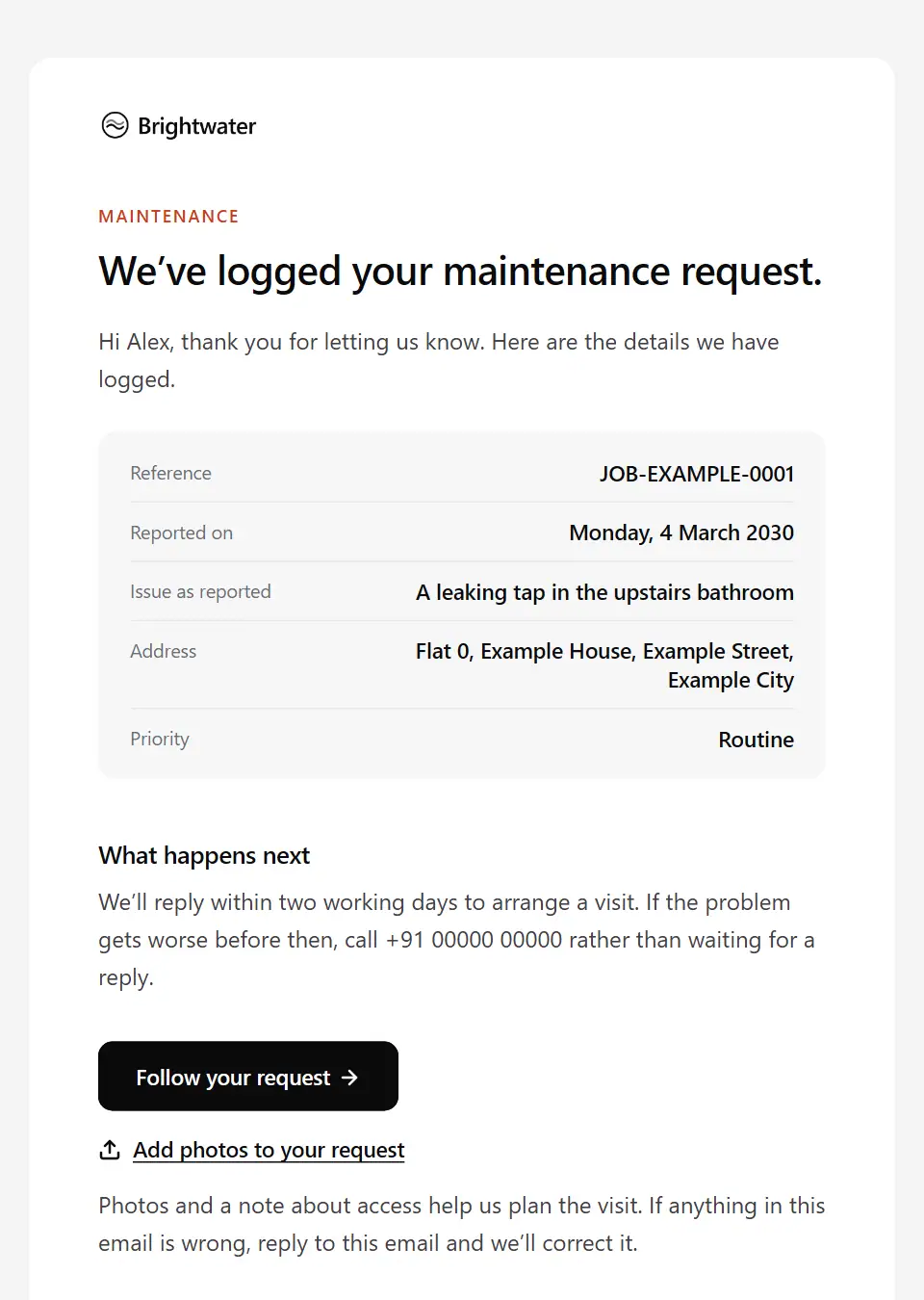
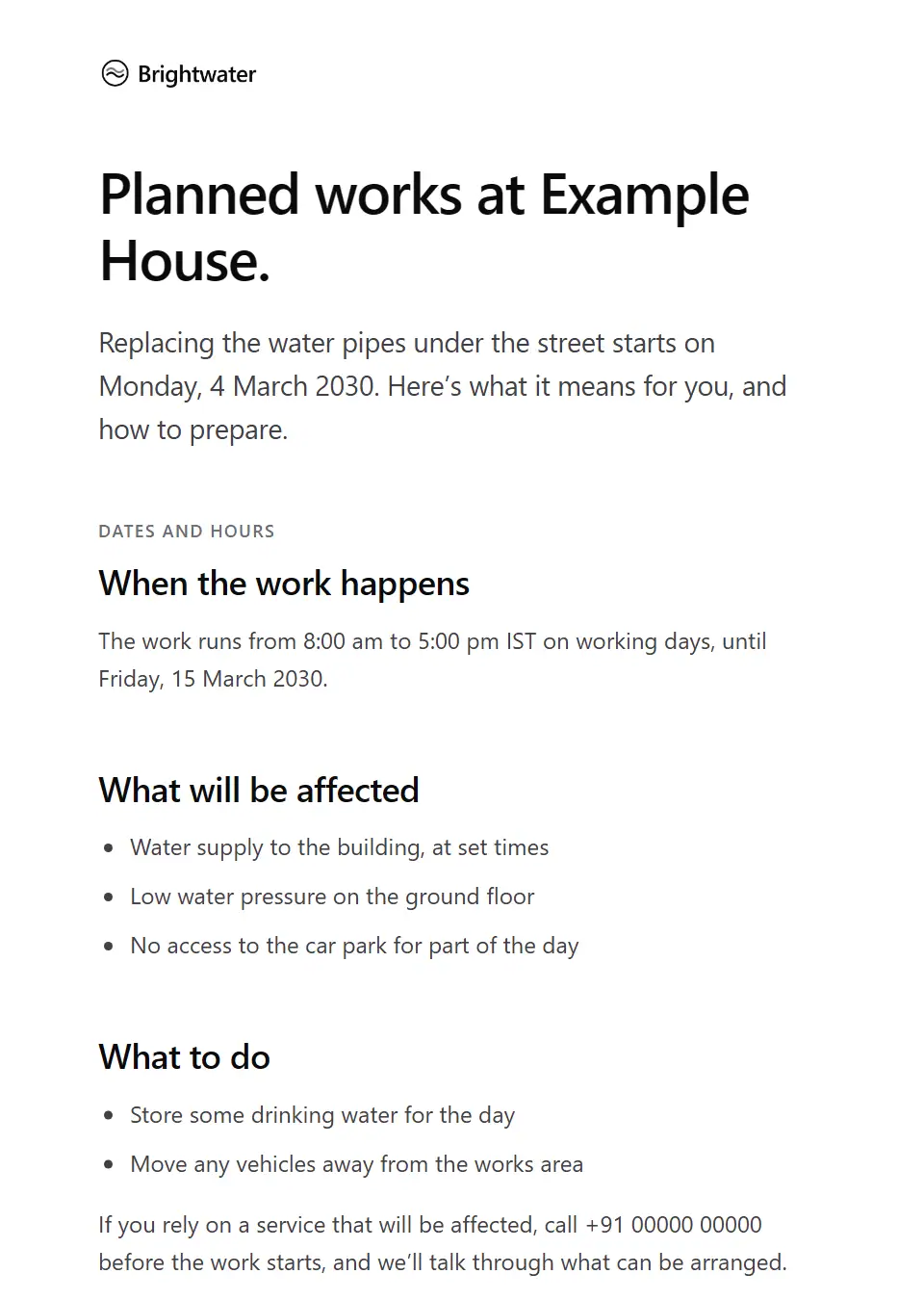
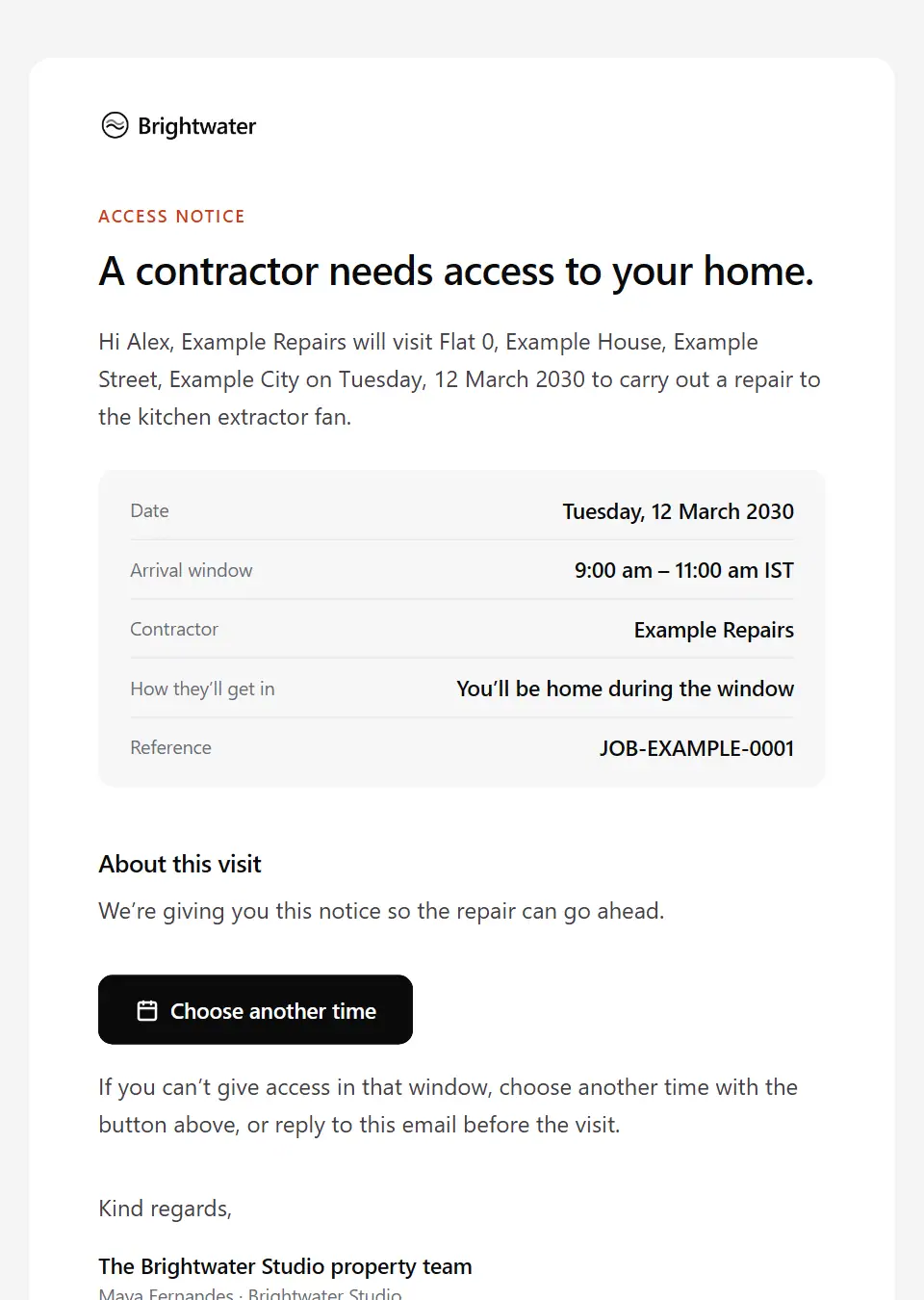
As recipients see them
How these emails look
Rendered by SecureThread’s own email renderer with each template’s example details. Your logo, company details and the facts you fill in replace them when you send.
Maintenance request received
Logs a repair or maintenance problem that a customer or tenant has reported: the reference, the issue as they described it, its priority, when a visit will be arranged and who to call if it becomes urgent.
Subject: Your maintenance request [job reference]
Planned works in your area or building
Tells residents or customers in a building or area about planned works that will affect a service: when, what is off or reduced, what to do and who to call for priority support.
Subject: Works at [affected area] from [works start date]
Contractor access notice
Gives a tenant notice that a named contractor needs access to their home: the date and time window, the work, how they’ll get in and how to rearrange.
Subject: Contractor visit on [appointment date]
Contractor work order
Instructs a contractor on a repair at a managed property: the issue, priority, spend limit, access and tenant contact, and what to send on completion.
Subject: Work order [work order number]: [property short address]
Field technician on the way
Tells a customer their technician or engineer is on the way: the arrival window, who is coming, how to recognise them and check their identity on a number they already know, and what to have ready.
Subject: Your technician [technician name] is on the way
Job completed
Records a finished repair or service job: what was done, parts used, any recommendations, the job report and how to tell you if something isn’t right.
Subject: Job [job reference] is complete
Missed technician visit: no access
Tells a customer the technician called at the booked time but couldn’t get access, what was tried, any call-out charge under your terms and how to book again.
Subject: We couldn’t get access on [appointment date]
Technician visit rescheduled
Moves a technician’s visit to a new date and arrival window, with the old and new side by side, the reason and whether access arrangements still stand.
Subject: Your visit has moved to [appointment date]
Technician visit scheduled
Confirms a technician’s visit to the customer’s address: the date and arrival window, who is coming, how to check their identity and what access is needed.
Subject: Booked: technician visit on [appointment date]
Construction inspection booking request
Asks a building control body, clerk of works or third-party inspector to inspect a stage of work: the stage and exact location, when it is ready, proposed times, access and site safety arrangements.
Subject: Inspection request: [inspection stage]
Energy installation schedule confirmation
Confirms the installation dates for a solar, battery, heat pump or similar system: the crew, working hours, when power will be off, scaffolding or access needs and what to prepare.
Subject: Your installation starts on [installation start date]
Energy system commissioning and handover
Confirms that an installed energy system has been commissioned: the date, the handover pack with certificates and warranties as issued, how to register warranties and how to follow its performance.
Subject: Handover pack for your [system type]
Additional work approval request
Asks a customer to approve or decline extra work found during a job, with what was found, why it matters, the added cost and time, and the date to decide by.
Subject: Approval needed: further work on [item description]
Repair delay notice
Tells a customer, with an apology, that their repair is held up, by what, the new expected completion date and any interim option you offer.
Subject: Your repair [job reference] is delayed
Repair estimate for approval
Sends a repair estimate after diagnosis: what was found, the itemised cost, how long it stands and how to approve or decline before any repair begins.
Subject: Repair estimate for approval: [item description]
Declined vehicle repair advisory
Puts in writing, after a customer chose not to go ahead with recommended work, which items they declined and the technician’s advice on each, so they have it on record and know how to book it later.
Subject: Our advice on the work declined for [vehicle registration]
Uncollected vehicle notice
Formal notice to collect a finished vehicle, with the balance, storage charges under the agreed terms and the collect-by date; review with legal before sending, and send individually.
Subject: Please collect [vehicle registration] by [collection deadline]
Vehicle check-in confirmation
Records what was agreed when a vehicle was handed over at the workshop: the job number, mileage and fuel level, any existing damage noted, the work authorised so far and when the next update comes.
Subject: [vehicle registration] is checked in: job [job number]
Vehicle diagnostic findings
Tells the customer what the technician has found so far, in plain words from their notes: whether more diagnostic time is needed and at what cost, and when the repair estimate will follow.
Subject: What we’ve found on [vehicle registration] so far
Vehicle parts delay notice
Tells a customer a part for their vehicle is delayed: what is held up, the new date the supplier gave, whether the technician says it can be driven meanwhile, and the choices open to them.
Subject: A parts delay on [vehicle registration]
Vehicle ready for collection
Tells a customer their vehicle is ready: the work completed, the amount due and how to pay, where and when to collect it, and any advisories the technician noted for later.
Subject: [vehicle registration] is ready to collect
Vehicle repair authorisation confirmation
Confirms in writing which repairs the customer approved, how and when, the approved amount and anything they declined, so both sides hold the same record before work starts.
Subject: Approved repairs for [vehicle registration]: your record
Vehicle repair estimate for approval
Sends the repair estimate for a vehicle in the workshop, split into work needed now and work that can wait as the technician advised, with the total, how long it stands and how to approve each item.
Subject: Your repair estimate for [vehicle registration]
Energy system performance alert
Tells a monitored customer that their system has stopped reporting or is generating less than expected: what the monitoring shows, checks your technical team has approved and how to book a visit.
Subject: We’ve noticed a change in your [system type]
Landlord repair approval request
Asks a landlord to approve a repair quote above their agreed spending limit: the issue, the quote, the urgency and when you need their answer.
Subject: Approval needed: repair at [property short address]
Network or supply outage notice
Tells customers in an area about an unplanned loss of broadband, phone, power, gas or water using only confirmed details: what is affected, the restoration estimate, safety advice and the next update.
Subject: [service type] outage in [affected area]: what we know
Network or supply restoration notice
Tells customers in an area that service is back: when it was restored, the cause if confirmed, what to do if theirs still isn’t working and how any compensation under the provider’s standards is handled.
Subject: [service type] restored in [affected area]
Warranty claim decision
Gives the outcome of a warranty claim, taking the decision and its reasons from the sender, with what happens next and how to ask for it to be looked at again.
Subject: Our decision on warranty claim [claim number]
Warranty claim received
Registers a warranty claim: the reference, the item and fault reported, any evidence still needed, what to do with the item and when to expect an assessment.
Subject: Your warranty claim [claim number]
Product warranty registration confirmed
Confirms that a customer has registered a product for warranty cover: the product and serial number, the purchase date, the cover dates from your records and how to make a claim.
Subject: [product name] is registered for warranty cover
Defects liability period ending
Tells the client a building’s defects liability period is ending: the end date, the last date to report defects, the proposed final inspection, open items and what the contract says follows.
Subject: Your defects period ends on [defects period end]
Service due reminder
Reminds a customer that equipment or an asset you look after is due its routine service, with the last service date, what the service covers and a booking link.
Subject: Your [asset name] is due for a service
Vehicle maintenance due reminder
Reminds a customer that their vehicle’s next service or periodic inspection is due, by the date or mileage on record, with what it covers and how to book.
Subject: [vehicle registration]: [due item] due by [due date]
Vehicle safety recall notice
Tells a vehicle keeper about a manufacturer safety recall affecting their vehicle, quoting the manufacturer’s notice: the reference, the remedy, any interim advice and how to book the work.
Subject: Safety recall for your [vehicle name], [vehicle registration]
Renewable system annual service due
Reminds a customer that their solar, battery or heat pump system is due its annual service: what the visit checks, any warranty condition as the warranty states it and how to book.
Subject: Your [system type] is due for its annual service
Send your first approved email today
Connect a mailbox, pick a template and send with the checks and approvals your organization needs. No new email address, no new habits.