19 templates
Crisis & continuity
Starter templates for crisis & continuity, as they appear in the composer. Subject lines show their variables in brackets.
As recipients see them
How these emails look
Rendered by SecureThread’s own email renderer with each template’s example details. Your logo, company details and the facts you fill in replace them when you send.
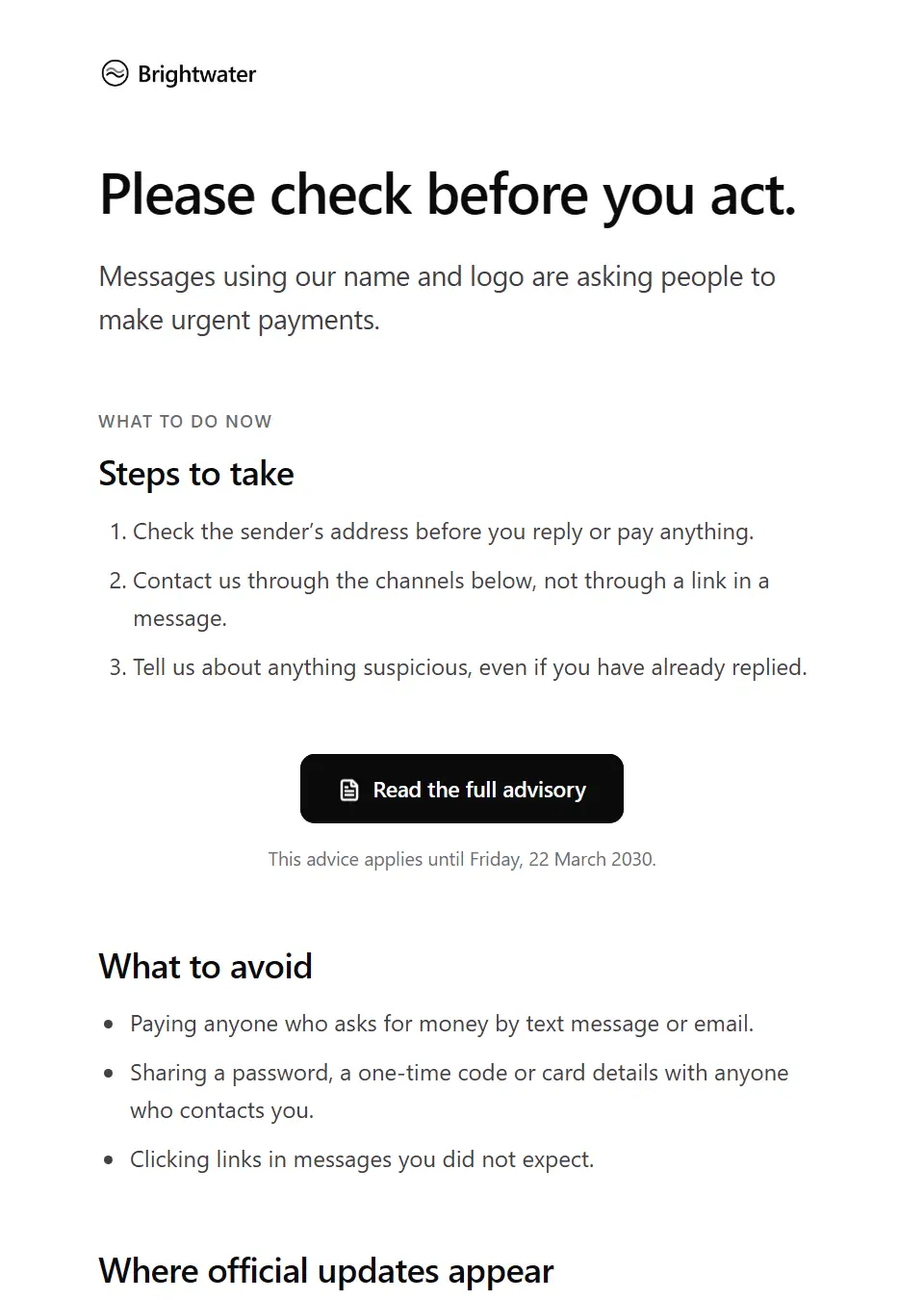
Customer advisory notice
A leadership-approved advisory telling customers what to do and what to avoid during a developing situation, such as messages impersonating you, with the official channels to trust.
Subject: Important advice about [advisory topic]
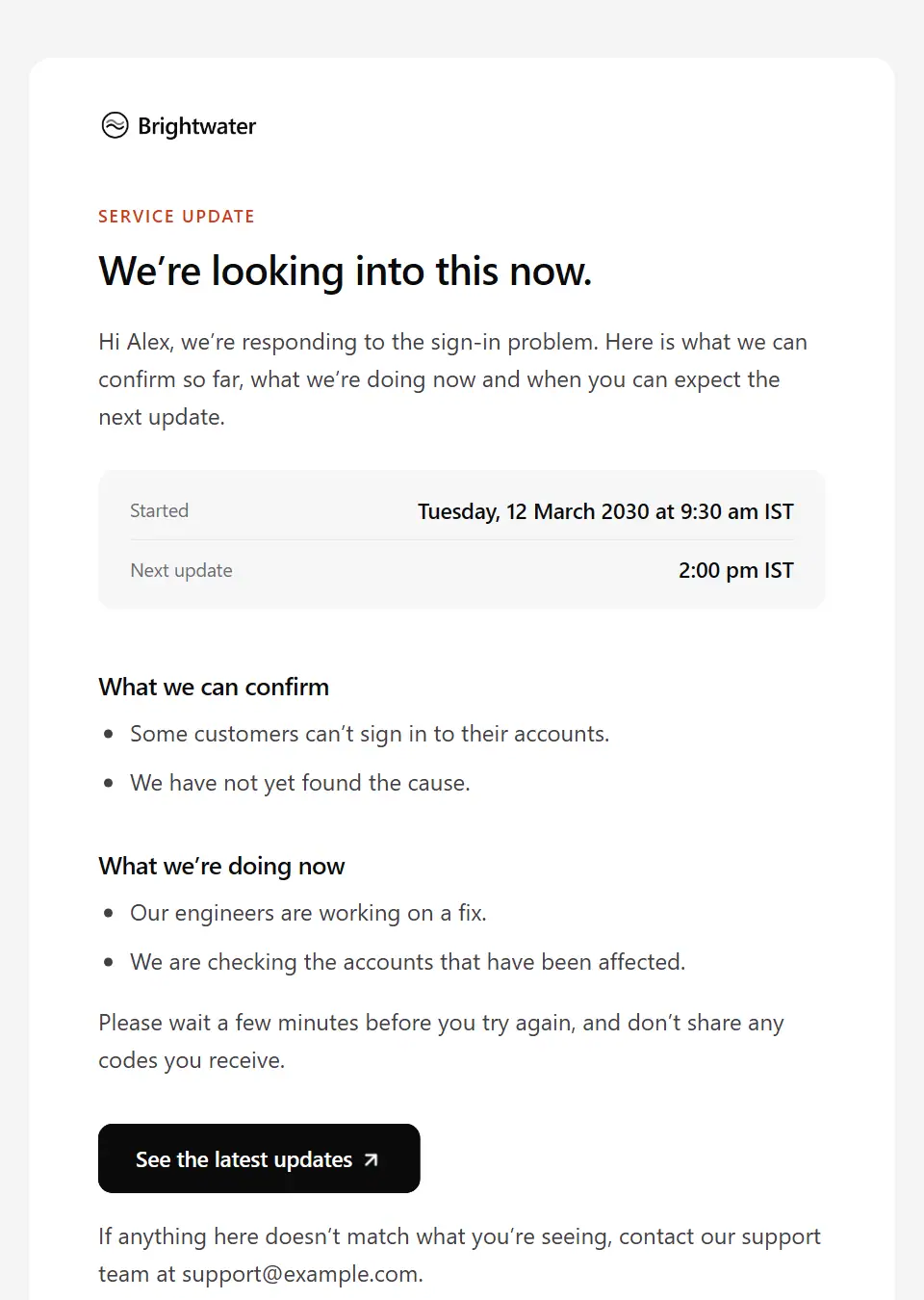
Customer holding statement
The first approved message to customers when a serious situation is developing: only what you can confirm, what you’re doing now, and when and where the next update will appear.
Subject: We’re responding to [situation name]
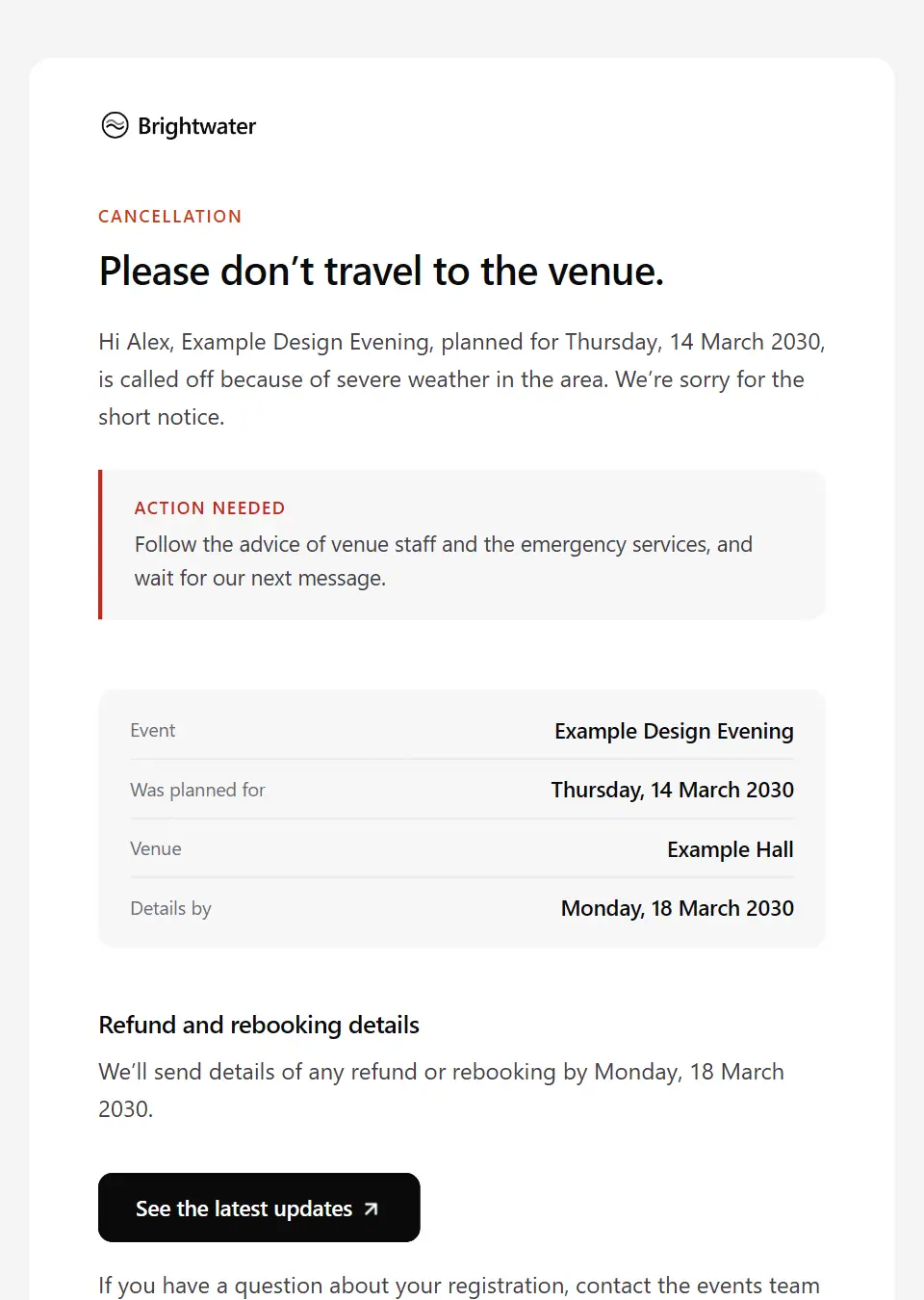
Emergency event cancellation
Tells registered attendees at short notice that an event is called off because of an emergency, asks them not to travel to the venue, and says when refund or rebooking details will follow.
Subject: Please don’t travel: [event name] is called off
All-staff crisis briefing
Briefs all staff on a developing crisis: what is known and not yet known, the approved line if customers ask, where to send media enquiries, and where to find support.
Subject: What we know about [incident name]
Board notification of a serious incident
Notifies board members promptly of a serious incident: what is known, the potential impact, actions taken, the decisions the board may need to make and when the emergency call is.
Subject: Board notification: [incident name]
Crisis stakeholder update
A timed situation report to key clients, partners and investors during an incident: what has changed since the last update, what it means for them, decisions taken and the next update.
Subject: Update on [incident name] as of [update time]
Crisis management team activation
Mobilises the crisis management team for a live incident: what has happened, each member’s role, the first meeting and how to join, the decision log and what deputies do.
Subject: Crisis team activated: [incident name]
Operational disruption notice
Tells customers how a confirmed disruption, such as a site closure, severe weather or a supplier failure, affects them: what goes ahead, what is paused and what they need to do by when.
Subject: How [situation name] affects your service
Supplier and partner crisis notification
Tells suppliers and partners how a crisis affects your work together: changes to deliveries, site access, payments and contacts, what you need from them and when you’ll update them.
Subject: Working together during [incident name]
Disruption recovery update
Tells customers which services are back after a disruption, what is still affected, how any backlog will be handled and whether they need to do anything.
Subject: Recovery update on [situation name]
Emergency all-clear notice
Tells staff an emergency is over and the site is safe to use again: from when, which areas or services are still restricted, and where to report damage or get support.
Subject: All clear: when to return to [site name]
Leadership apology after a crisis
A senior leader’s apology to customers after a crisis: what happened in plain words, how it affected them, what is changing and how to get help, with any remedy only as approved.
Subject: We’re sorry about [situation name]
Emergency safety check-in
Asks employees in an affected area to confirm they are safe during an emergency, with how to ask for help and the emergency numbers to call.
Subject: Please confirm you’re safe: [emergency name]
Emergency site closure
Tells staff a site is closed at short notice because of an emergency: don’t travel in, how to work in the meantime, what it means for attendance and pay, and when the next update comes.
Subject: [site name] is closed: please don’t travel in
Safety check-in follow-up
Follows up with employees who haven’t yet confirmed they’re safe: the simplest way to respond, who will try to reach them next and how to get help now.
Subject: Are you safe, [first name]? We haven’t heard from you
Crisis media briefing notice
Invites the media list to an on-the-record briefing during a developing situation: when and where, how to watch online, who will speak and how to register or be accredited.
Subject: Media briefing on [situation name] at [briefing time]
Crisis public statement
Sends the organisation’s approved statement on a developing situation to the media list exactly as signed off: the statement, who it is attributed to, when the next one is due and the press contact.
Subject: Statement from [company name] on [statement topic]
Response to inaccurate reports
Responds to inaccurate claims circulating about the organisation by setting out the verified facts, when they were confirmed, where official updates appear and who answers questions.
Subject: The facts about [report topic]
Media enquiry holding response
Replies to a journalist’s enquiry during a developing situation with the approved holding line, how to attribute it and when the press office expects to say more.
Subject: Your enquiry about [enquiry topic]
Send your first approved email today
Connect a mailbox, pick a template and send with the checks and approvals your organization needs. No new email address, no new habits.