45 templates
Security & privacy
Starter templates for security & privacy, as they appear in the composer. Subject lines show their variables in brackets.
As recipients see them
How these emails look
Rendered by SecureThread’s own email renderer with each template’s example details. Your logo, company details and the facts you fill in replace them when you send.
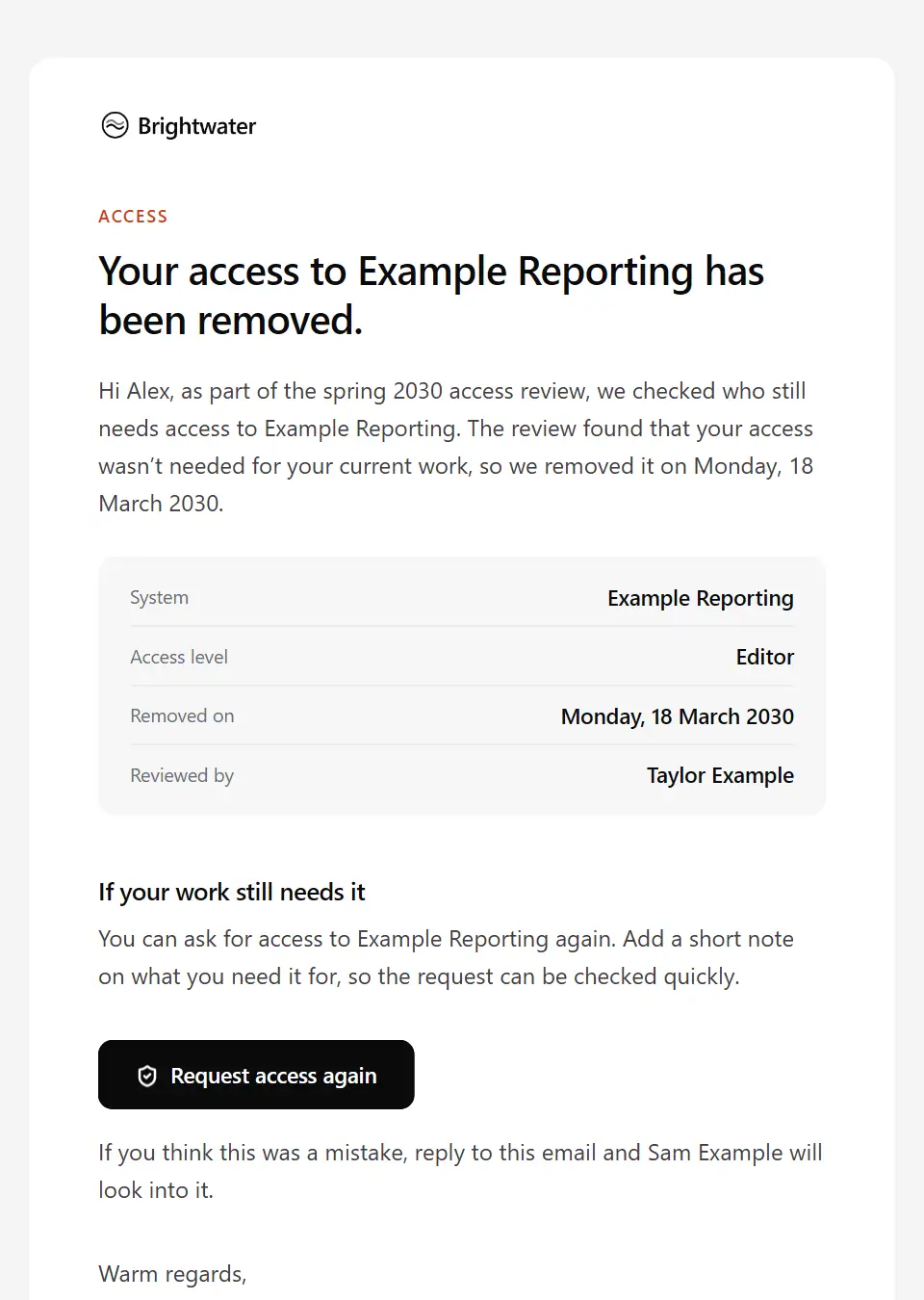
Access removed after access review
Tells someone their access to a system was removed after an access review found it was no longer needed, and how to request it again if their work still requires it.
Subject: Your [system name] access was removed after review
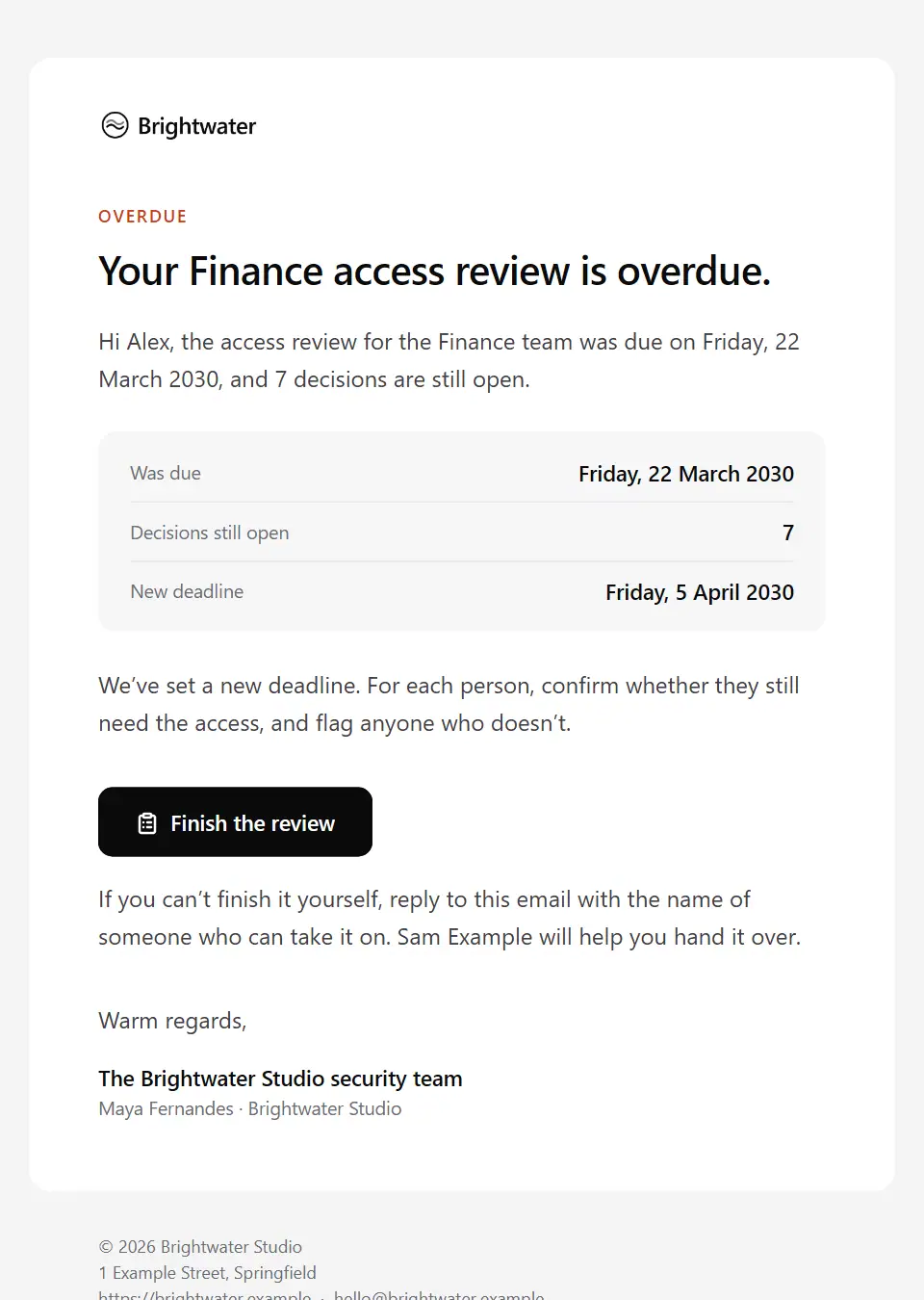
Access review overdue reminder
Chases a manager whose access review is past due: how many decisions are still open, the new date, and how to hand the review to a delegate if they can’t finish it.
Subject: Overdue: the [team name] access review
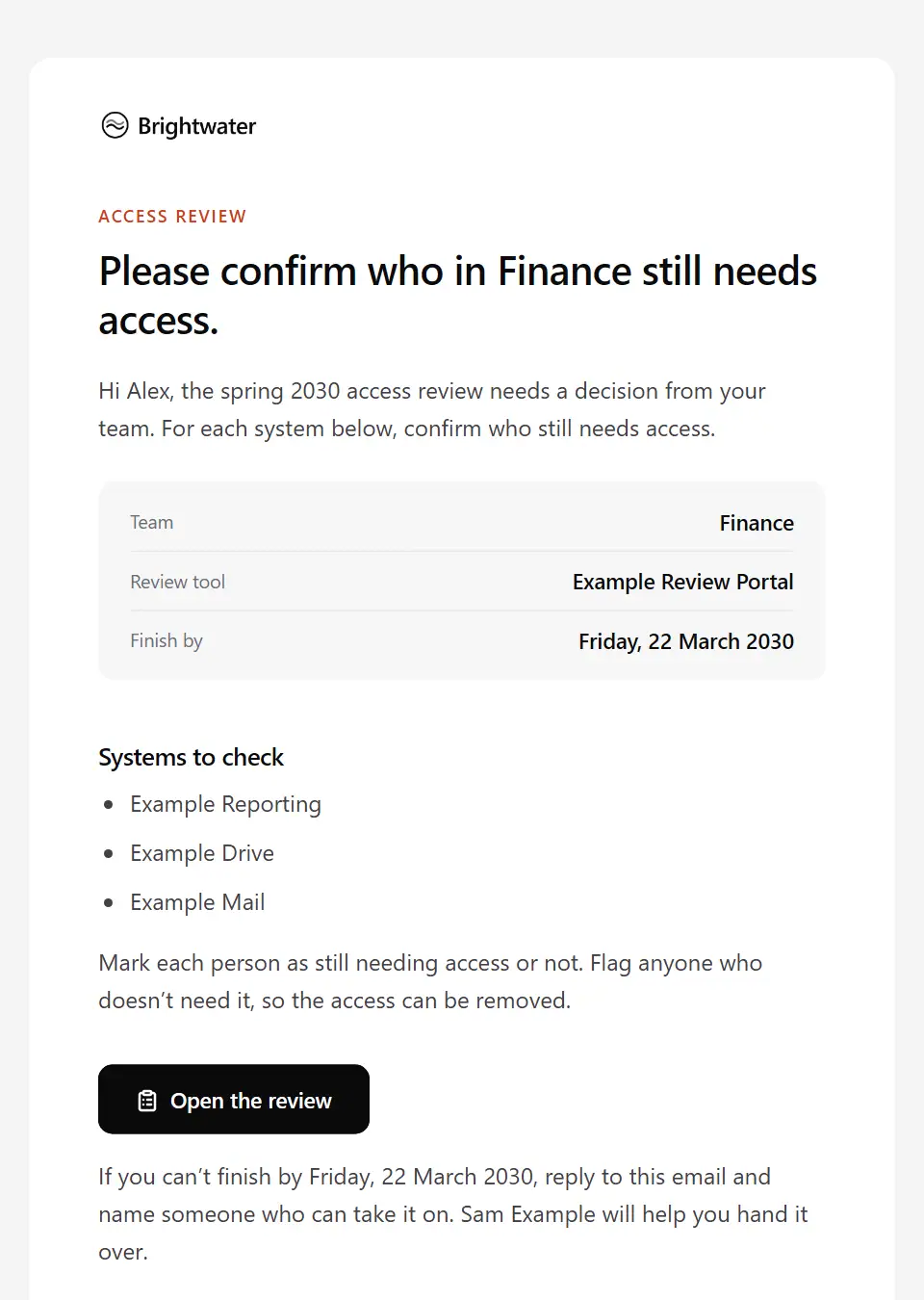
Access review request
Asks a manager to confirm who in their team still needs access to each listed system, and to flag anyone who doesn’t, in the review tool by a set date.
Subject: Access review: [team name] by [deadline date]
Workspace admin role granted
Tells a customer user they now hold an admin role in a workspace: who granted it and when, what it lets them do, and what to do if they didn’t expect it.
Subject: You’re now an admin of [workspace name]
Account secured after unusual activity
Tells a customer their account was secured after unusual activity, what was done and how to regain access by typing the known address; it has no links and never asks for a password or code.
Subject: We’ve secured your [service name] account
MFA enrolment final reminder
A final reminder to someone who still hasn’t set up multi-factor sign-in, saying exactly what changes on the enforcement date and how to get help before then.
Subject: Multi-factor sign-in starts [enforcement date]
MFA enrolment required
Tells staff they must set up multi-factor sign-in for a system by a date: the methods allowed, where to go by typing the known address, how long it takes and who can help.
Subject: Set up multi-factor sign-in by [deadline date]
Password reset guidance
Helps someone who can’t sign in reset their password safely by typing the address they already know; it carries no links and never asks for a password or code.
Subject: Resetting your [service name] password safely
Sign-in method reset confirmation
Confirms to someone that the helpdesk reset their password or multi-factor method, so they can spot any change they didn’t ask for. It has no links and never asks for a code.
Subject: Your [service name] sign-in details were reset
Single sign-on setup guide
Gives a workspace administrator the values and steps to connect their identity provider for single sign-on, and how to test sign-in before enforcing it.
Subject: Setting up single sign-on for [workspace name]
Active phishing campaign alert
Warns staff about a live phishing campaign aimed at the organisation: how to recognise the messages, what not to do, and exactly what to do if they’ve already clicked or replied.
Subject: Phishing alert: fake [impersonated sender] emails
Customer scam warning
Warns customers about a scam currently using the organisation’s name: the signs to look for, what it will never ask for, and how to check a message through the number or website they already know.
Subject: How to protect yourself from [scam type]
Phishing simulation follow-up
A kind, private note to someone who clicked or replied in a phishing simulation: nothing was at risk, it isn’t a mark against them, what gave the message away and a short refresher.
Subject: That [simulation theme] email was a practice test
Suspicious activity report acknowledgement
Thanks someone for reporting a suspicious email or message to the security team, gives a reference and says what to avoid while it’s being checked.
Subject: Thanks for your report: [report reference]
Suspicious activity report outcome
Tells the person who reported a suspicious email or message what the security team found, what was done about it, and exactly what to do with it now.
Subject: Your report [report reference]: what we found
Security incident notice to affected individuals
Tells people, once authorised, that their information was involved in a security incident: what happened, what data, what’s been done, what they can do and who to contact. The body has no links.
Subject: Important: a security incident involving your information
Security incident notice to business customers
Tells business customers, as their service provider, that data we process for them was involved in a security incident: what happened, which data, what we’ve done and what they may need to do.
Subject: Security incident notice for [client company]
Security incident coordination brief
Briefs the people pulled into a security incident response: their role, the incident lead, where the team meets, confidentiality and evidence rules, and the next check-in.
Subject: Confidential: security incident [incident reference]
Security incident staff advisory
Tells all staff during a live security incident what is known, which systems to avoid, how to spot follow-on phishing, and where to route customer and media questions, without speculating.
Subject: Security incident: what we need from everyone
Suspicious transaction alert
Asks a bank or payments customer to check specific unusual activity through the app or the number on their card, says what protective step was taken, and has no links in its body.
Subject: Unusual activity on your [product name]
Client security incident coordination
Coordinates a live security incident with one client: current status, actions taken, the decisions and contacts needed, evidence to preserve and when the next update comes. Facts only, no speculation.
Subject: Incident [incident reference]: what we need from you
Overdue security remediation escalation
Escalates an overdue security finding to the owning manager or leader: what’s open, why it’s stuck, and a decision needed on a new date or a recorded risk acceptance.
Subject: Decision needed: overdue fix for [finding title]
Security exception decision
Tells the person who asked for a security exception that it was approved, with the conditions, compensating controls and end date that apply.
Subject: Security exception [exception reference]: our decision
Security remediation request
Asks a system’s owner to fix a security finding by the date policy sets: the finding, its severity, the affected system, the suggested fix and how to ask for an exception.
Subject: Remediation needed: [finding title]
Vulnerability disclosure acknowledgement
Acknowledges an external security researcher’s vulnerability report: the reference, when to expect a first assessment, the disclosure policy and a secure channel for details.
Subject: We’ve received your security report [report reference]
Vulnerability report resolution
Tells an external security researcher that their confirmed vulnerability report has been fixed: the fix date, the planned disclosure date and how we’d like to credit them.
Subject: Update on your security report [report reference]
Assessment findings remediation request
Asks a client to fix specific security assessment findings by agreed dates: finding references and owners, how to book a retest and how to record a risk they accept.
Subject: Findings to fix by [remediation deadline]
Client vulnerability advisory
Alerts one managed client to a newly disclosed vulnerability in their systems: what’s exposed, what has been done so far, what we recommend and the decision needed by a date.
Subject: Security advisory: [vulnerability name]
Security assessment kick-off
Confirms the start of a security assessment with a client: the testing window, what’s in scope, source addresses, the signed authorisation and emergency contacts on both sides.
Subject: [assessment name] starts on [testing start date]
Security assessment report ready
Tells a client their security assessment report is ready in the secure portal, never attached, with a findings summary by severity and the date of the debrief.
Subject: Your [assessment name] report is ready to view
Security assessment scoping questionnaire
Asks a prospective or existing client to complete a scoping questionnaire before a security assessment is quoted, with the time it takes and the date it’s needed by. Never asks for credentials.
Subject: A few questions to scope your [assessment type]
Security retest results
Reports the outcome of a retest to a client: which findings are confirmed fixed, which remain open, and where the updated report is.
Subject: Retest complete: [assessment name]
Supplier security incident enquiry
Asks a supplier whether a reported security incident or vulnerability affects the service and data they handle for us, what they’ve done and who to contact, by a set date.
Subject: Is [service name] affected by [incident name]?
Vendor security assessment outcome
Tells a supplier our security assessment decision on their service, approved or approved with conditions, with the conditions due by set dates and when we’ll reassess.
Subject: Security assessment outcome: [service name]
Vendor security assessment request
Asks a supplier to complete a security questionnaire and share supporting evidence by a date, explaining why it’s needed and the agreement it’s shared under.
Subject: Security assessment request: [service name]
Data classification review request
Asks data owners to classify the information assets they own using the organisation’s levels, by a date, and to flag anything they don’t recognise.
Subject: Classify the data you own by [deadline date]
Data incident report acknowledgement
Acknowledges a report of a possible personal data incident, such as an email or file sent to the wrong person, and asks for the facts the privacy team needs by a set date.
Subject: Data incident [report reference]: what we need from you
Device non-compliance notice
Tells someone that a named work device fails specific security checks, how to fix each one, and the date by which the checks must be fixed.
Subject: [device name] doesn’t meet our security requirements
Device security requirements change
Tells staff about new security requirements for their work devices: what must be in place by when, how to check, and what changes for devices that fall short.
Subject: New device security requirements from [effective date]
Externally shared file review request
Asks a file owner to check a file shared outside the organisation or by public link, and either narrow the sharing or explain why it’s needed, by a date.
Subject: Please check who can see [file name]
Lost or stolen device report acknowledgement
Acknowledges a report of a lost or stolen work device: the reference, what has been done so far, what’s needed and how they’ll keep working.
Subject: Your device report [report reference]: next steps
Project data-handling instructions
Sets out how a team must handle a named dataset on a project: its classification, where it’s stored, who may access and share it, and how it’s disposed of at the end.
Subject: How we handle [dataset name] on [project name]
Travel device security advisory
Gives a traveller device and data security guidance for a specific trip: what to take, how to connect, and who to call if a device is lost, inspected or behaves oddly.
Subject: Device and data security for your trip to [destination]
Unapproved app connection notice
Asks someone to remove an app connected to their work account that isn’t approved, or to request a review if they need it, by a set date.
Subject: [app name] is connected to your work account
Sub-processor change notice
Notifies business customers under a data processing agreement of a new or changed sub-processor: who, for what and where, from when, and how to object by a date.
Subject: Changes to the [product name] sub-processor list
Send your first approved email today
Connect a mailbox, pick a template and send with the checks and approvals your organization needs. No new email address, no new habits.