39 templates
Documents & signatures
Starter templates for documents & signatures, as they appear in the composer. Subject lines show their variables in brackets.
As recipients see them
How these emails look
Rendered by SecureThread’s own email renderer with each template’s example details. Your logo, company details and the facts you fill in replace them when you send.
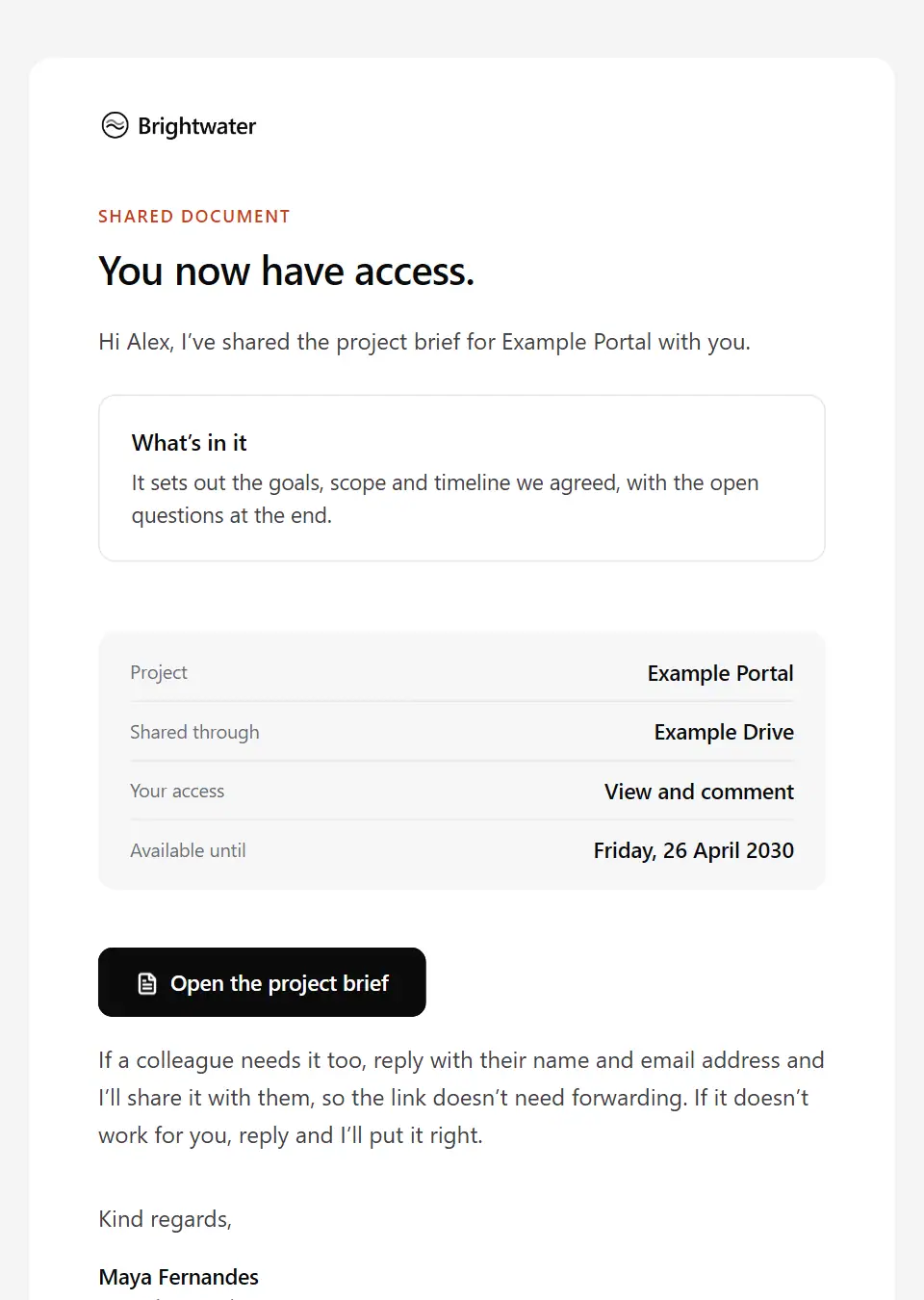
Document shared with you
Tells someone a document has been shared with them: what it covers, where it lives, what they can do with it and until when.
Subject: The [document name] has been shared with you
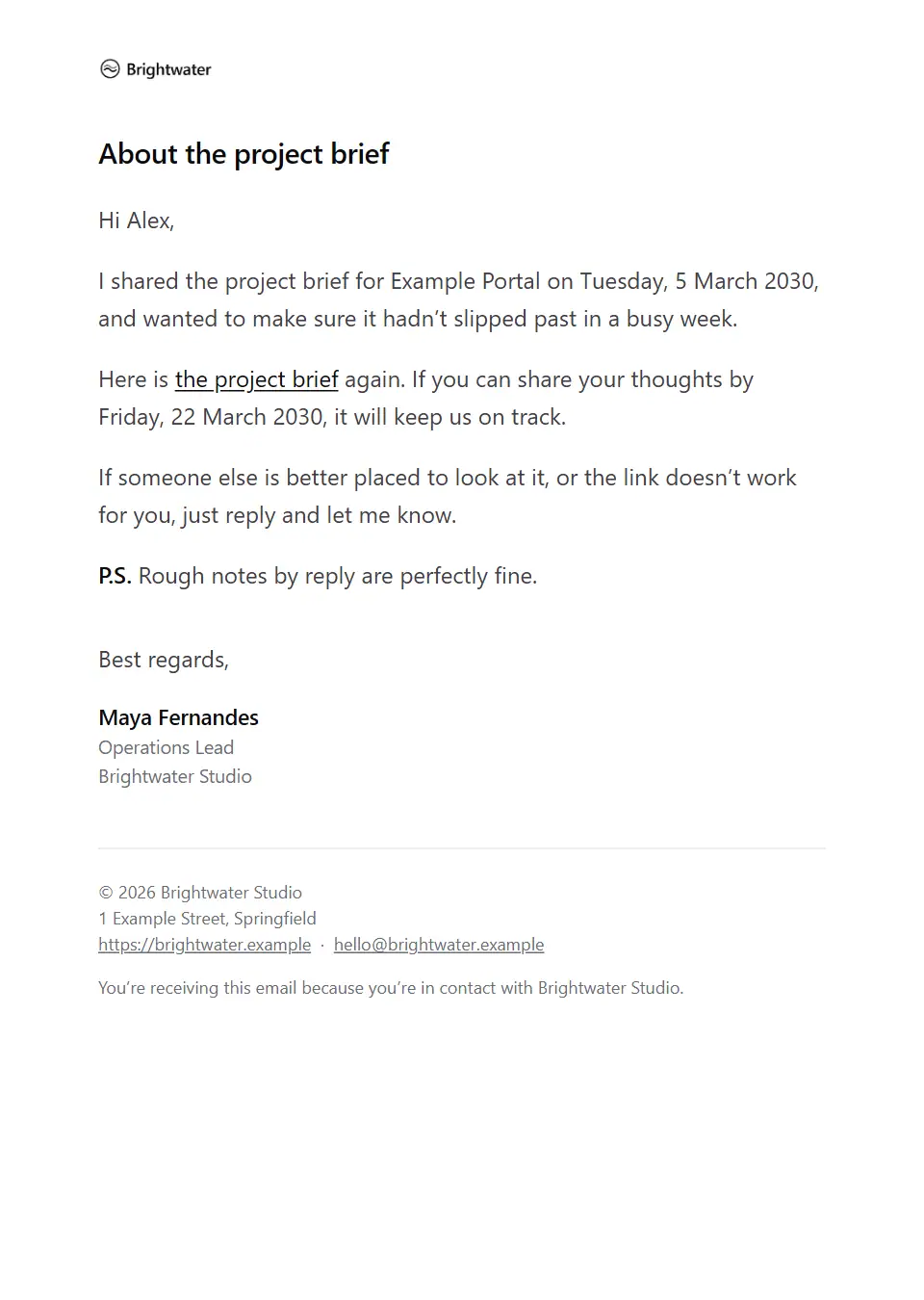
Shared document reminder
A gentle, personal reminder about a document you shared, with the link again and the date feedback is needed by.
Subject: A reminder about the [document name]
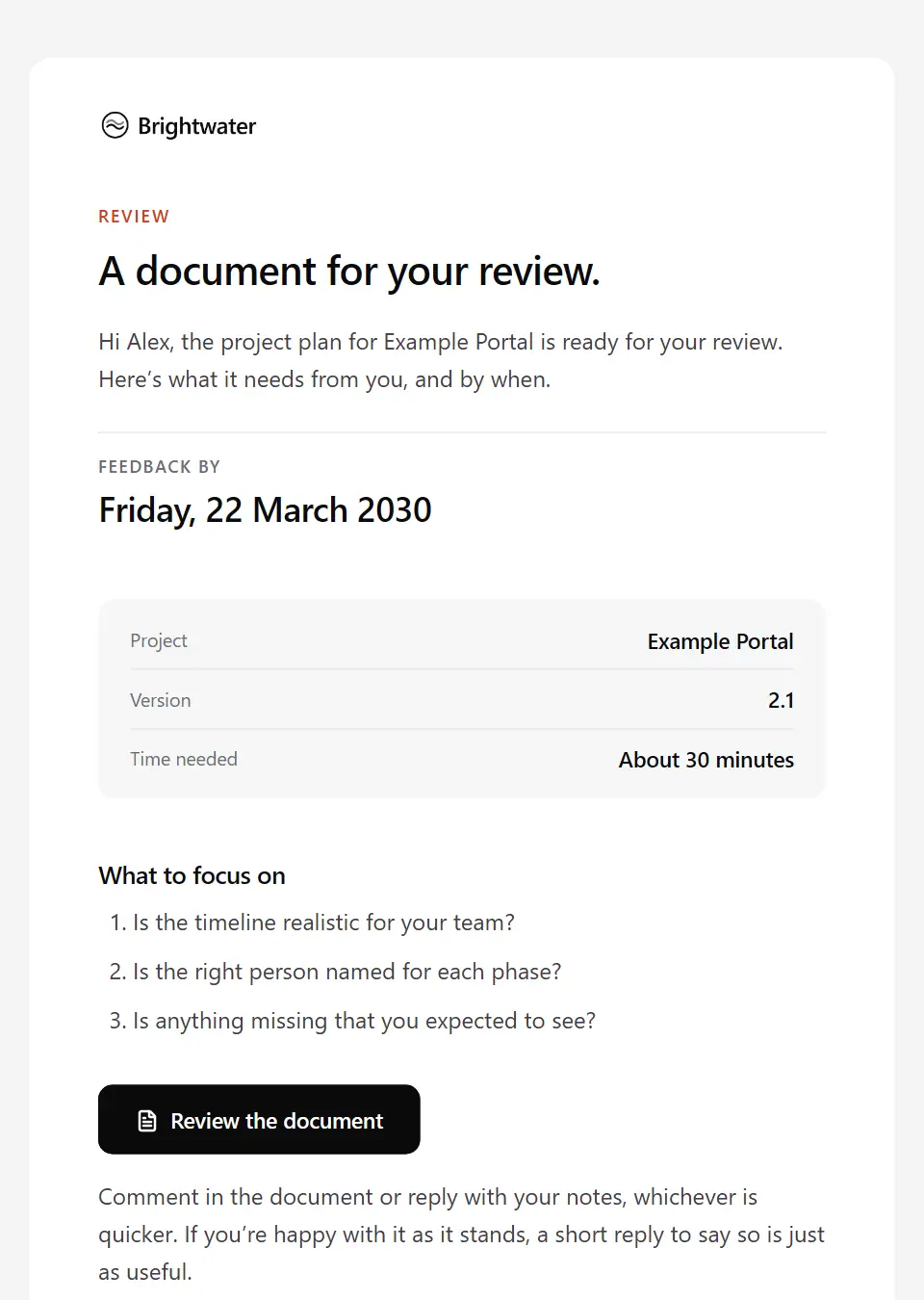
Document review request
Asks someone to review a document by a date: the version, the time it needs, what to focus on and how to give feedback.
Subject: Review requested: the [document name]
Document approved
Confirms that a document has been approved (which version, by whom and when), what happens next and where the approved copy lives.
Subject: Approved: the [document name] for [project name]
Document changes requested
Returns a document with the changes it needs before approval, listed clearly, with the date for the updated version.
Subject: Changes requested: the [document name]
Signature request
Asks someone to review and sign a document in an e-signature service: the reference, who else signs, the date to sign by and what to do if the request looks unusual.
Subject: Please sign: the [document name]
Signature reminder
A courteous reminder that a document is still waiting for a signature, with the date it’s needed by and an easy way to raise anything holding it up.
Subject: Still to sign: the [document name]
Signature completed
Confirms that everyone has signed a document, with who signed and when, and a link to download the completed copy.
Subject: Fully signed: the [document name]
Document access expiring
Lets someone know their access to a shared document or folder ends on a set date, so they can save what they need or ask for more time.
Subject: Access to the [document name] ends on [access until]
Request for documents
Asks a client, candidate or supplier for the documents a process needs: a checklist, the date, the accepted formats and one upload link.
Subject: Documents needed for [request purpose]
Documents received
Confirms which documents have arrived, when the review will be done and what happens next, with room to note anything still to come.
Subject: We have your documents for [request purpose]
Secure file transfer instructions
Explains how to reach a shared folder safely: the service, how to check the link, how to confirm it’s you, and why a password never travels by email.
Subject: Accessing the [folder name] folder securely
Document version updated
Tells people a document has a new version: what changed, which version to use from now on and where to find it.
Subject: The [document name] has been updated
Document access removed
Tells someone, plainly and courteously, that their access to a document or folder has ended: from when, why, and what to do with any copies.
Subject: Your access to the [document name] has ended
Patient test results ready to view
Tells a patient that a new result is ready in the patient portal, without including the result, and explains how the clinic follows up results that need discussing. Send individually.
Subject: Your result is in your patient portal
Insurance policy documents available
Tells a policyholder that the schedule, certificate and policy wording for a new or renewed policy are ready in the portal, and asks them to check that the details they gave are correct.
Subject: Your documents for policy [policy number]
Move-in inventory for review
Shares the move-in inventory and asks the tenant to check it and send comments or photos by a date, because it will be used when the deposit is settled.
Subject: Your move-in inventory for [property short address]
Co-author manuscript review request
Asks a co-author to review a manuscript before journal submission and, by a date, to approve that version and confirm their contribution, the author order and any competing interests.
Subject: Co-author review: [manuscript short title]
Authorised signatory request
Asks a counterparty, before a signature request goes out, who will sign for their organisation: each signatory’s name, role and email, any internal approval they need first and any signing requirements.
Subject: Who will sign the [document name]?
Signature request withdrawn
Tells signers not to sign a cancelled request, explains why it was cancelled and what replaces it, and how to recognise the genuine new one.
Subject: Signing cancelled: the [document name]
Tenancy agreement for signature
Sends a tenancy agreement for every tenant to sign electronically, with the date to sign by, who must sign and the documents that come with it.
Subject: Ready to sign: your tenancy for [property short address]
Research consent form reminder
Gently reminds someone who said they’d like to take part that their consent form is still open, points to the current information sheet and invites questions, without pressure to sign.
Subject: Your consent form for [study name] is still open
Research consent request
Sends someone interested in a study the approved information sheet and consent form, with time to read and ask questions before deciding, and a plain statement that taking part is their choice.
Subject: Information and consent form for [study name]
Incomplete documents received
Tells someone that documents they sent are incomplete or unusable (missing pages, unsigned, unreadable or out of date) and how, and by when, to send replacements through the upload link.
Subject: Documents to resend for [request purpose]
Outstanding documents reminder
Follows up when requested documents haven’t arrived by the expected date: what is still needed, what has arrived, the deadline, the same upload link and what waits on them, with an easy way to say if something is hard to get.
Subject: Still needed: documents for [request purpose]
Customer information review final notice
Final notice that a periodic information review is overdue: what is still needed, the date from which some services may be restricted, and how to respond through the secure portal or by phone.
Subject: Your account review is still outstanding
Customer information review request
Asks an existing account holder to update the information and documents held for periodic due-diligence (KYC) checks, through the secure portal and by a set date.
Subject: We’re reviewing the details we hold for your account
Account opening identity documents request
Asks a new applicant or customer for the identity and address documents needed for anti-money-laundering checks: which types and formats are accepted, why, and that uploads go only through the secure portal.
Subject: Identity documents for your [product name] application
Construction closeout documents request
Asks a subcontractor for their closeout set for the handover file: as-built drawings, O&M content, test and commissioning certificates and warranties, in the required format, by a date, and what depends on it.
Subject: Closeout documents needed: [works package]
New patient registration forms
Sends a new patient the secure link to their registration and health questionnaire forms, the date to finish them by, how long they take and the documents to have ready.
Subject: Your registration forms for [company name]
Legal matter document request
Asks a client for the documents their matter needs: a checklist, what has already arrived, the date and a secure upload, with a request to keep originals unaltered and the firm’s emails private.
Subject: Documents we need for matter [matter reference]
Tenancy guarantor request
Asks someone a tenant has named to act as their guarantor: what the guarantee involves, the checks it needs, the date to respond by and an easy way to say no.
Subject: [tenant name] has named you as their guarantor
Tenant referencing request
Starts tenant referencing: the documents and references needed, the referencing service that carries out the checks, the consent involved and a secure upload link.
Subject: References for [property short address]: what we need
Original documents ready for return
Tells a client that original documents held for them are ready to return: which ones, how to collect them, what to bring, the date to arrange it by and who to contact.
Subject: Your original documents are ready to return
Records disposal review
Asks a records owner to review records at the end of their retention period before the disposal date: approve disposal, extend retention with a reason, or flag a legal hold.
Subject: Records due for disposal on [disposal date]
Records retrieval request
Asks a records custodian or department to find and provide specific records for a stated purpose: which records, the date range, the secure route to send them and keeping the originals unchanged.
Subject: Records request [reference number]: [records purpose]
Medical records copy ready
Tells the person who asked for health records that their copy is ready: how to get it securely through the portal or in person, what to bring to collect it and when access ends. Send individually.
Subject: Your copy of your records is ready
Medical records request acknowledgement
Acknowledges a request for a copy of health records: the reference, which records and dates were asked for, the date to expect a response, any identity or authority checks still needed and any fee. Send individually.
Subject: Your request [reference number] for a copy of your records
Closed matter file retention notice
Tells a former client that their closed matter file is at the end of its retention period: when it will be securely destroyed, any originals held, and how to ask for the file first, with an identity check.
Subject: About your closed file for matter [matter reference]
Send your first approved email today
Connect a mailbox, pick a template and send with the checks and approvals your organization needs. No new email address, no new habits.