79 templates
Support & customer success
Starter templates for support & customer success, as they appear in the composer. Subject lines show their variables in brackets.
As recipients see them
How these emails look
Rendered by SecureThread’s own email renderer with each template’s example details. Your logo, company details and the facts you fill in replace them when you send.
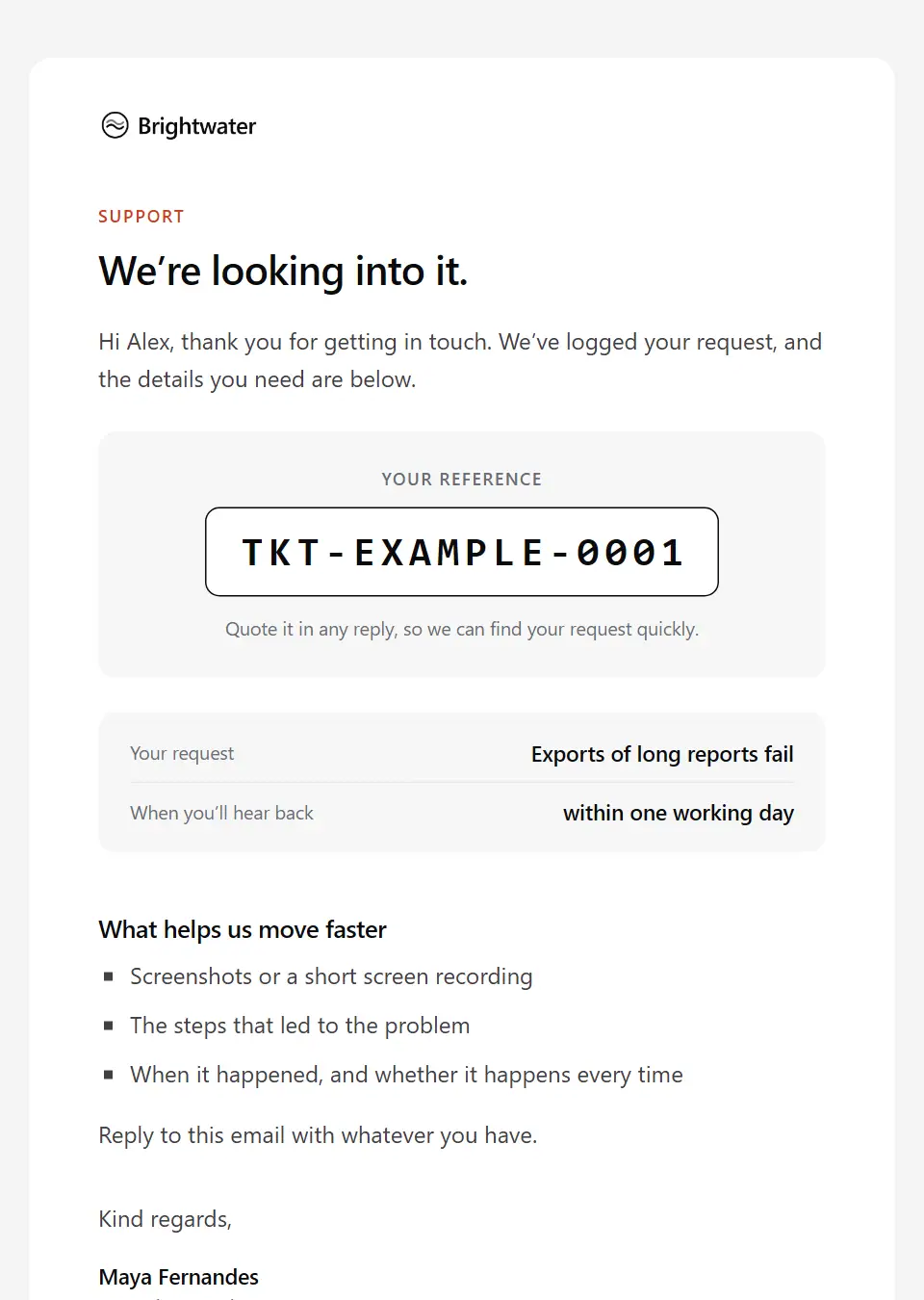
Support request acknowledgement
Acknowledges a support request with its reference and when to expect a reply, and asks for anything that helps.
Subject: Your support request [ticket number]
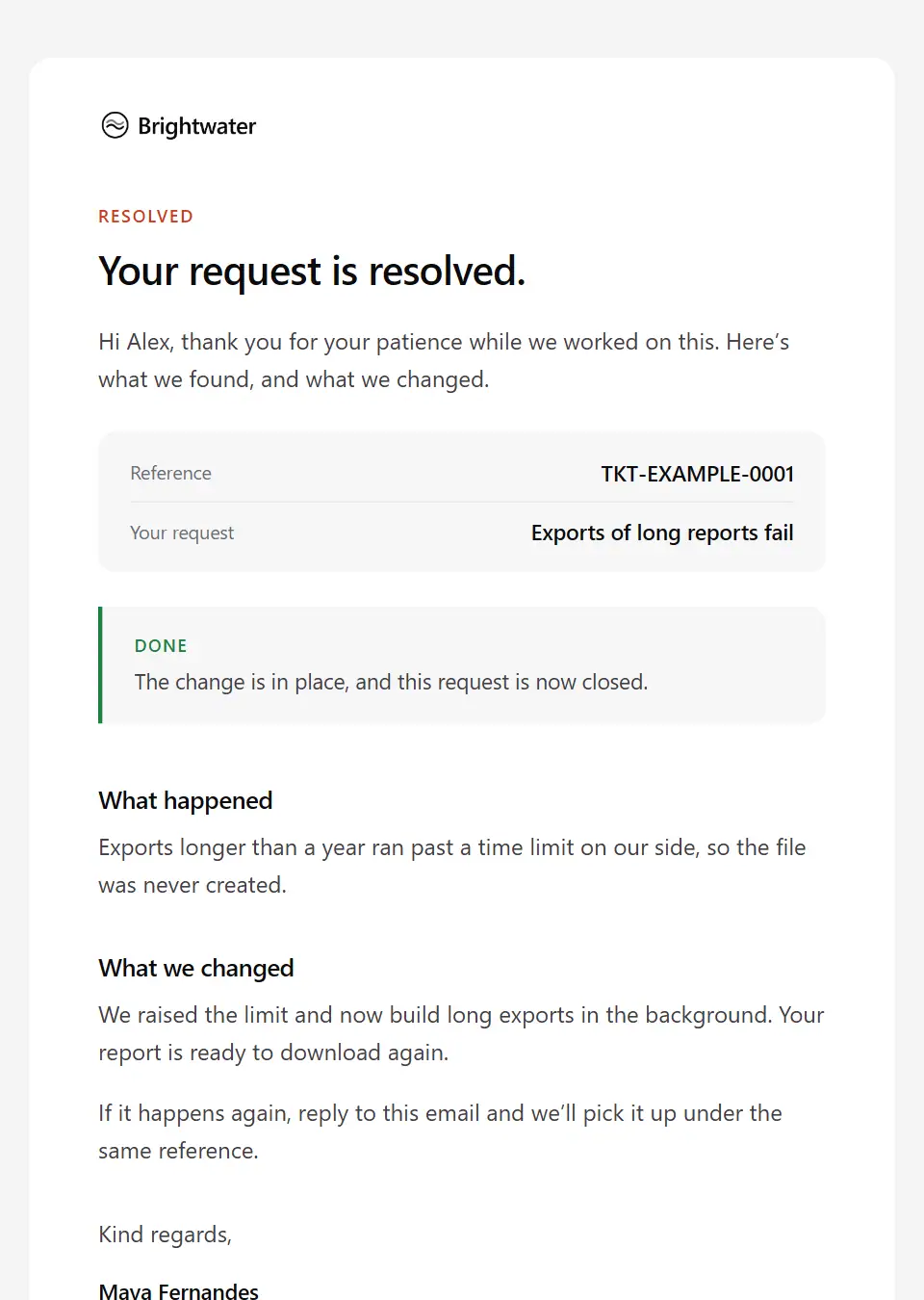
Support request resolved
Closes a support request in plain words: what caused the problem, what changed, and what to do if it returns.
Subject: Resolved: your support request [ticket number]
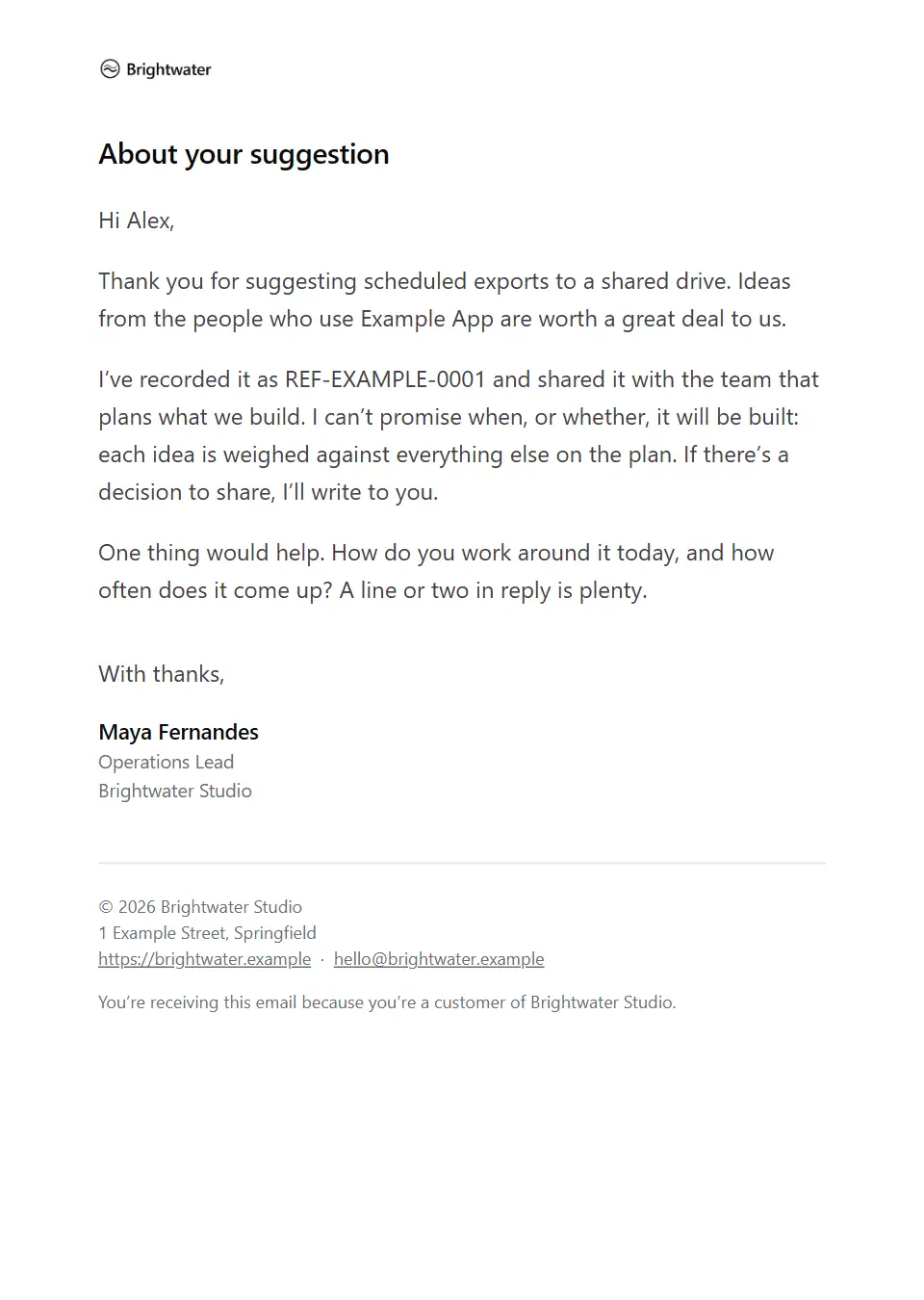
Feature request acknowledged
Thanks a customer for a product suggestion, says honestly what happens next, and asks one useful question.
Subject: Your suggestion for [product name]
Account check-in
A personal note from an account lead asking how things are going, with an easy way to talk.
Subject: A quick check-in on [product name]
Satisfaction survey
Asks a customer for candid feedback through a survey, with the time it takes and when it closes.
Subject: Your view on [survey topic]
Escalation acknowledgement
Acknowledges an escalated issue: who now owns it, what happens next and when the customer will next hear from you.
Subject: Your escalated request [ticket number]
Service credit confirmation
Confirms a service credit: the amount, what it is for and the invoice it appears on, without restating the agreement’s terms.
Subject: A service credit of [amount] for your account
Requested feature shipped
Closes the loop with a customer whose suggestion is now in the product: what shipped, how it works, and a request for their honest view.
Subject: Your suggestion is now part of [product name]
Cancellation confirmation
Confirms a cancellation plainly: what was cancelled, when access ends, what happens to their data and what to do if it was a mistake.
Subject: Your [product name] cancellation is confirmed
Plan downgrade confirmation
Confirms a move to a smaller plan: the previous and new plan, when it takes effect, the new price and what changes for the team.
Subject: Your [product name] plan change is confirmed
Low survey score follow-up
A personal reply to a customer who gave a low survey score: thanks them for their candour, asks to understand, and never argues the point.
Subject: I read your feedback on [survey topic]
Onboarding milestone reached
Marks a customer’s onboarding milestone: what their team has set up, the next step and who can help.
Subject: [recipient company] has completed [onboarding milestone]
Account change request needs authorisation
Tells someone who asked for an account change that only an authorised contact can approve it, which role that is and how they confirm, without disclosing account details or asking for credentials.
Subject: Your change to [recipient company]’s account needs approval
Known issue and workaround
Tells affected customers about a confirmed product issue that isn’t an outage: what it affects, a workaround to use meanwhile, where the fix stands and how they’ll hear when it’s fixed.
Subject: A known issue with [feature name], and a workaround
Missed callback apology
Apologises for a promised call or reply that didn’t happen, confirms the support request is still open and offers new times or a booking link.
Subject: Sorry we didn’t call you back, [first name]
Refund request acknowledgement
Confirms a refund request has arrived, what it covers, the reference and when the customer will hear the decision, without promising an outcome or asking for card details.
Subject: Your refund request [refund reference]
Refund request declined
Tells a customer with care that a refund request was not approved: the reason as recorded, the policy it rests on, any alternative on offer and how to ask for the decision to be reviewed.
Subject: Our decision on your refund request [refund reference]
Support request awaiting your reply
Reminds a customer that their support request is waiting on them: what was asked for, and the date it will close if there’s no reply, with an easy way to keep it open.
Subject: Still waiting to hear back on request [ticket number]
Support request closed after no reply
Closes a support request that has had no reply since a set date, without blame, and explains how to pick it up again under the same reference.
Subject: Closed for now: your support request [ticket number]
Support request: information needed
Pauses a support request until the customer sends specific details: what is needed and why, where to send them, when you’ll check back, and that passwords and card details stay out.
Subject: More details needed for request [ticket number]
Support request outside scope
Explains that a request falls outside what support covers, why, and the routes that can help instead, such as a paid service, a partner or the documentation.
Subject: Request [ticket number]: where to get help with this
Support request reopened
Confirms that a closed support request is open again because the problem came back or wasn’t fixed: same reference, who owns it and when the customer will hear next.
Subject: Reopened: your support request [ticket number]
Support resolution delay update
Tells a customer a fix is taking longer than expected: what has been done, what is holding it up, any interim workaround and the date of the next update.
Subject: Update on request [ticket number]: it’s taking longer
Troubleshooting steps to try
Gives a customer a short set of steps to try on an open support request, what each should show, and exactly what to send back if the problem continues.
Subject: Steps to try for request [ticket number]
Guest lost property notice
Tells a guest that staff found an item that may be theirs: where and when it was found, how they can confirm it is theirs, how to collect it and how long it is kept.
Subject: An item found at [property name] may be yours
Workspace data export ready
Tells an administrator their workspace export is ready to download after signing in, with what it contains, its format and the last day the download is available.
Subject: Your [workspace name] export is ready to download
Workspace data export request received
Acknowledges an administrator’s request to export a workspace’s data: what’s included, the format, when it should be ready and what to do if nobody asked for it.
Subject: We’re preparing your [workspace name] export
Executive reply to a customer escalation
A senior leader’s personal reply to a customer who wrote to them directly: thanks them, names who now leads the response and when they’ll hear back, with no promises the team hasn’t agreed.
Subject: Your message to me about [issue summary]
Service level target missed
Owns up to a missed response or resolution target on a support request: the target, what went wrong, what is happening now and where agreed service credits are handled.
Subject: We missed our target on request [ticket number]
Account error apology
Tells a customer, often before they notice, about an error your team found on their account, with what happened, how it affected them, what has been put right and what to check, but not for security incidents.
Subject: About an error on your [product name] account
Formal complaint acknowledgement
Acknowledges a complaint under your complaints procedure: the reference, the complaint as you understand it, who is handling it, the response date and where the procedure and independent route are explained.
Subject: We’ve received your complaint [complaint reference]
Formal complaint investigation update
Tells a complainant their complaint needs more time: what has been done, why it’s taking longer, the new response date and, where your procedure gives one, their right to take it further now.
Subject: An update on your complaint [complaint reference]
Formal complaint outcome
Gives the outcome of a formal complaint: what was looked into, what was found, the decision as recorded, what you’ll do to put things right and how to take it to the next stage or an ombudsman if they disagree.
Subject: The outcome of your complaint [complaint reference]
Reply to a frustrated customer
A calm, personal reply to an upset customer: acknowledges what they’ve been through, restates the problem in their words, names one owner and commits only to the next step you can keep.
Subject: About your message, [first name]
Financial services complaint final response
Sends the final response to a financial services complaint: the decision and findings from the approved letter, any redress and how to accept it, and the right to refer it to the named ombudsman within the time limit.
Subject: Our final response to your complaint [complaint reference]
Patient complaint acknowledgement
Acknowledges a patient’s complaint: the reference, who is handling it, the date to expect a response, any consent needed when it’s raised for someone else, and the independent route if they remain unhappy.
Subject: About your complaint [case reference]
Correction request outcome
Tells someone who reported an error in published content what was decided after review (corrected, clarified or unchanged), with the wording, a link and how to take it further.
Subject: Your correction request [case reference]: our decision
Damaged item report received
Acknowledges a report that an item arrived damaged or faulty, asks for photos of the item and packaging by a date, and explains the possible outcomes your policy allows.
Subject: Your damaged item report for order [order number]
Wrong or missing item resolution
Apologises when an order arrived with a wrong or missing item and confirms the fix: what went wrong, the replacement or refund, and what to do with anything that isn’t theirs.
Subject: Putting your order [order number] right
Customer onboarding kick-off
Opens onboarding for a new customer from their success manager: the kick-off meeting, the onboarding plan and goals, who should join from their side and what to have ready.
Subject: Kick-off for your [product name] onboarding
New customer welcome
Welcomes a new customer once their account is ready: the first steps to take, where to find help and who to contact, with one link to get started.
Subject: Welcome to [product name], [first name]
New bank account welcome
Welcomes a new account holder: what arrives separately, how to sign in through the website they already know, and what the bank will never ask for.
Subject: Welcome, [first name]: your [product name] is open
Managed IT client onboarding
Welcomes a new managed service client: the service desk, go-live date, the information needed to start and how admin access will be handed over safely, never by email.
Subject: Onboarding [client company]: what we need first
New patient welcome
Welcomes a newly registered patient once registration is complete: how to book, how to use the patient portal, the opening hours and where to get help when the clinic is closed.
Subject: You’re registered with [company name]
Tenant move-in instructions
Tells a new tenant how moving day works: collecting keys, meter readings, setting up utilities, the welcome pack and who to call.
Subject: Your move-in day at [property short address]
Domain verification request
Asks a workspace administrator to prove they own a domain by adding a DNS record by a date, and says which features stay switched off until they do.
Subject: Verify [domain name] for [workspace name]
Software trial welcome
Welcomes someone who has just started a self-serve trial: where their workspace is, the first steps worth taking, who to ask for help and the date the trial ends.
Subject: Your [product name] trial is ready
Workspace invitation
Invites someone to join a customer workspace: who invited them, the role they’ll have, when the invitation expires and how to accept it. No password in the email.
Subject: [inviter name] invited you to [workspace name]
Number transfer not completed
Tells a customer their number transfer couldn’t go ahead: the reason the other provider gave, which details to check, how to resubmit through their account (never by email) and their service meanwhile.
Subject: Your number transfer didn’t go through
Number transfer scheduled
Confirms that a customer’s existing phone number is moving to their new account: the transfer date, any short break in service on the day, what to do with the old SIM or line and who to contact.
Subject: Your number moves to us on [port date]
Telecom service activation confirmation
Confirms that a broadband, phone or mobile service is live: what is active, the plan and account, how to set up equipment, when the first bill comes and when the cooling-off period ends.
Subject: [service name] is now active on your account
Utility supply start confirmation
Confirms when a customer’s energy or water account starts, after a switch or a move: the start date, tariff and account reference, with a request for the opening meter reading so the first bill is accurate.
Subject: Your [supply type] account starts on [supply start date]
Adoption recommendations
A personal note from an account’s success manager with a few specific ways to get more from the product, based on how the team uses it today, and an offer of a short session.
Subject: Getting more from [product name] at [recipient company]
Inactive user nudge
A short personal note to a user on a customer account who hasn’t signed in for a while: asks whether something is in the way, points to where to start and offers a quick walkthrough.
Subject: Anything getting in the way with [product name]?
Trial midpoint check-in
A personal note halfway through a trial from the person looking after it: how it’s going, one feature worth trying before the end date and an offer of a short call.
Subject: Halfway through your [product name] trial
At-risk account outreach
A candid, personal note to a customer whose account shows signs of trouble: what you’ve noticed, an honest question about how things stand and one specific offer of help.
Subject: An honest question about [product name], [first name]
New customer contact welcome
Welcomes the person who has taken over an account on the customer’s side: what the account covers, where things stand, what is open and an offer of an orientation call.
Subject: Getting you up to speed on [product name]
Wider rollout conversation
Suggests a conversation about bringing another team or site onto the product, grounded in interest the customer has shown, and asks who to speak to, with an easy way to say no.
Subject: Bringing [product name] to [target team]?
Dormant account notice
Tells an account holder their account has had no activity, what dormancy means under their terms from a set date, and how to keep or reactivate it through channels they already know.
Subject: Your [product name] has been inactive
Managed service review invitation
Invites a managed client to their periodic service review: service levels against the agreement, open risks, equipment reaching end of life, decisions needed and the report to read first.
Subject: Your service review on [meeting date]
Insurance policy change confirmation
Confirms a mid-term change to an insurance policy: what changed and from when, any additional or returned premium, and a link to the updated schedule.
Subject: We’ve updated policy [policy number]
Insurance policy renewal notice
Gives notice of an insurance renewal: the date, the renewal premium and any change in cover, whether it renews automatically and the details to check are still accurate.
Subject: Your [policy type] renews on [renewal date]
Tenancy renewal offer
Offers a tenant a new term before their tenancy ends, with the proposed rent and changes as you set them, their options and a date to reply.
Subject: Your tenancy at [property short address]: renewal offer
Account reactivated
Confirms that a suspended or lapsed account is active again: when access was restored, what is back, anything that didn’t carry over and the next billing date.
Subject: Your [product name] account is active again
Customer reference call briefing
Thanks a customer who agreed to be a reference and prepares them for the call: who they’ll speak to and when, what the prospect wants to know and what they needn’t share.
Subject: Your reference call with [prospect company]
Feature request not planned
Closes the loop on a customer’s suggestion you’ve decided not to build for now: the decision, the honest reason, any workaround and whether it may be looked at again.
Subject: Our decision on your [feature name] suggestion
Online review request
A personal note asking a customer for an honest public review on a named review site: why it helps, how long it takes, and that every view is welcome. Offers nothing in return for a rating.
Subject: Would you review [product name] on [review site]?
Vehicle post-repair check-in
A personal note a few days after a repair or service: is the vehicle running as it should, how to bring it back under the workmanship warranty if not, and an optional short survey.
Subject: How is [vehicle registration] running after its [work type]?
Patient feedback survey
Invites a patient to a short survey about a recent visit: how long it takes, how answers are used, and where to go with clinical concerns or complaints instead of the survey.
Subject: How was your recent visit?
Guest feedback request
Asks a guest about one recent stay, trip or meal: the visit it refers to, how long it takes and how answers are used, with an optional invitation to post an honest public review that earns no reward.
Subject: How was your [experience name]?
Post-stay thank-you
A short personal note from the general manager or host after a stay: a specific thank-you in their own words, a line on anything raised during the stay and a direct contact for next time.
Subject: Thank you for staying with us, [first name]
Customer exit conversation request
Asks a customer who has cancelled or not renewed for a short conversation about why, makes clear it isn’t a sales call and that a one-line reply is just as welcome.
Subject: Could we learn from your decision, [first name]?
Bank account closure confirmation
Confirms a bank account is closed: the closing date, where any remaining balance was paid, when the final statement follows and which regular payments to move elsewhere.
Subject: Your [product name] is closed
Managed IT provider handover
Sets out the handover of a managed client to their incoming provider: dates, what transfers and how, when our access and agents are removed, and the last day of support.
Subject: Your IT handover to [incoming provider]
Move-out notice acknowledgement
Acknowledges a tenant’s notice to leave, states the end date as you’ve confirmed it, and sets out check-out, viewings, keys and the deposit.
Subject: We’ve received your notice for [property short address]
Shop account closure confirmation
Confirms that a customer’s online shop account is closed: from when, what happens to open orders, loyalty points, store credit and gift card balances, and what data is kept and why.
Subject: Your [company name] account is closed
Account suspension notice
Tells an account holder their account is suspended, with the date, reason, term relied on, what still works and how to restore access, for individual sending after review.
Subject: Your [product name] account has been suspended
Post-cancellation data deletion notice
Reminds a former customer, before the retention period ends, that their workspace data will be permanently deleted on a date, what is kept and why, and how to export first.
Subject: Before we delete your [product name] data
Telecom cancellation and equipment return
Confirms a broadband, TV or phone cancellation: when service ends, any early termination charge, how to return the router or other equipment by the deadline, and what happens to the number.
Subject: Cancellation confirmed: service ends [service end date]
Send your first approved email today
Connect a mailbox, pick a template and send with the checks and approvals your organization needs. No new email address, no new habits.