46 templates
Events
Starter templates for events, as they appear in the composer. Subject lines show their variables in brackets.
As recipients see them
How these emails look
Rendered by SecureThread’s own email renderer with each template’s example details. Your logo, company details and the facts you fill in replace them when you send.
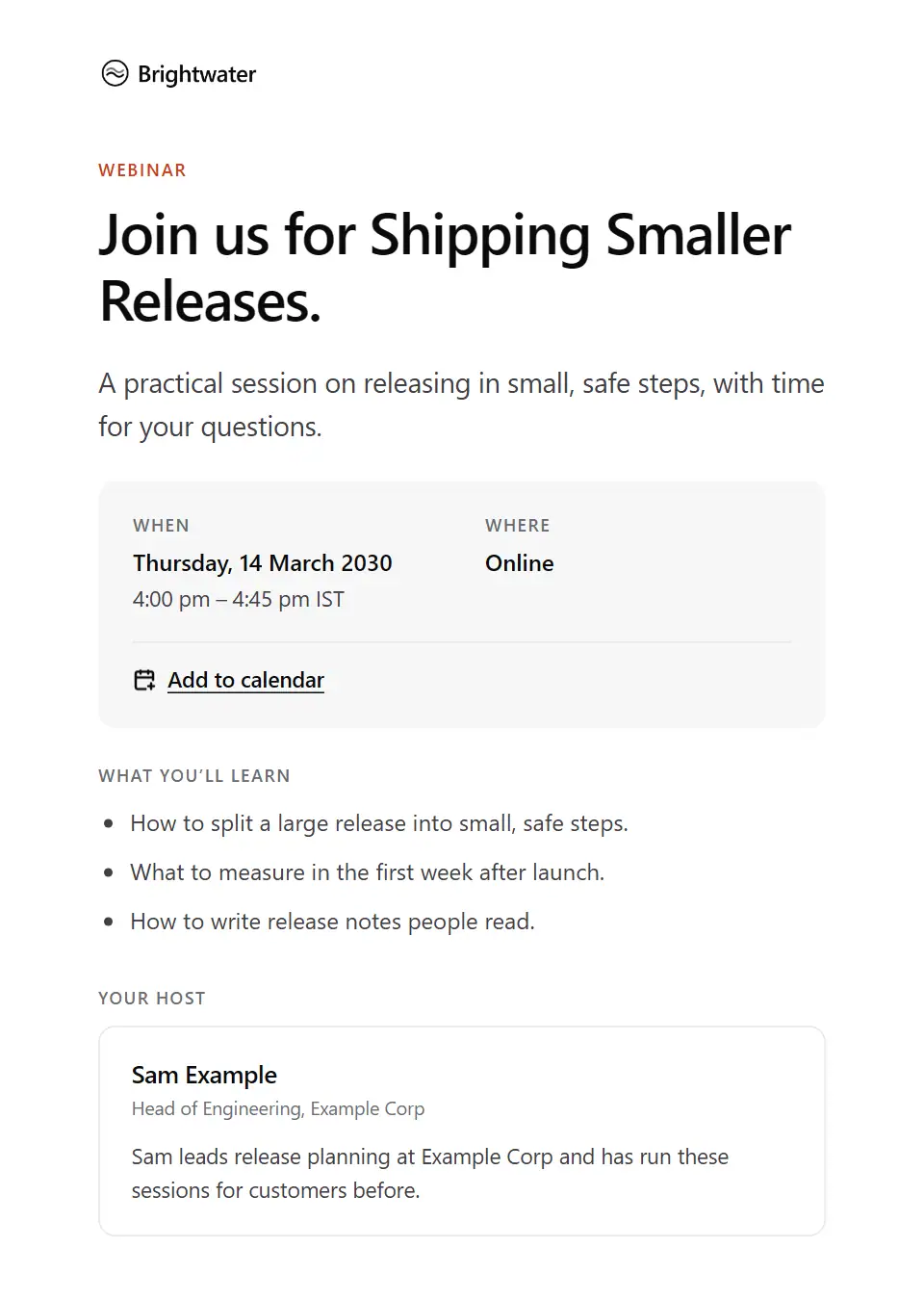
Webinar invitation
Invites a list to an online session: when it is, what people will learn, who is hosting and how to register.
Subject: Join us online: [event name]
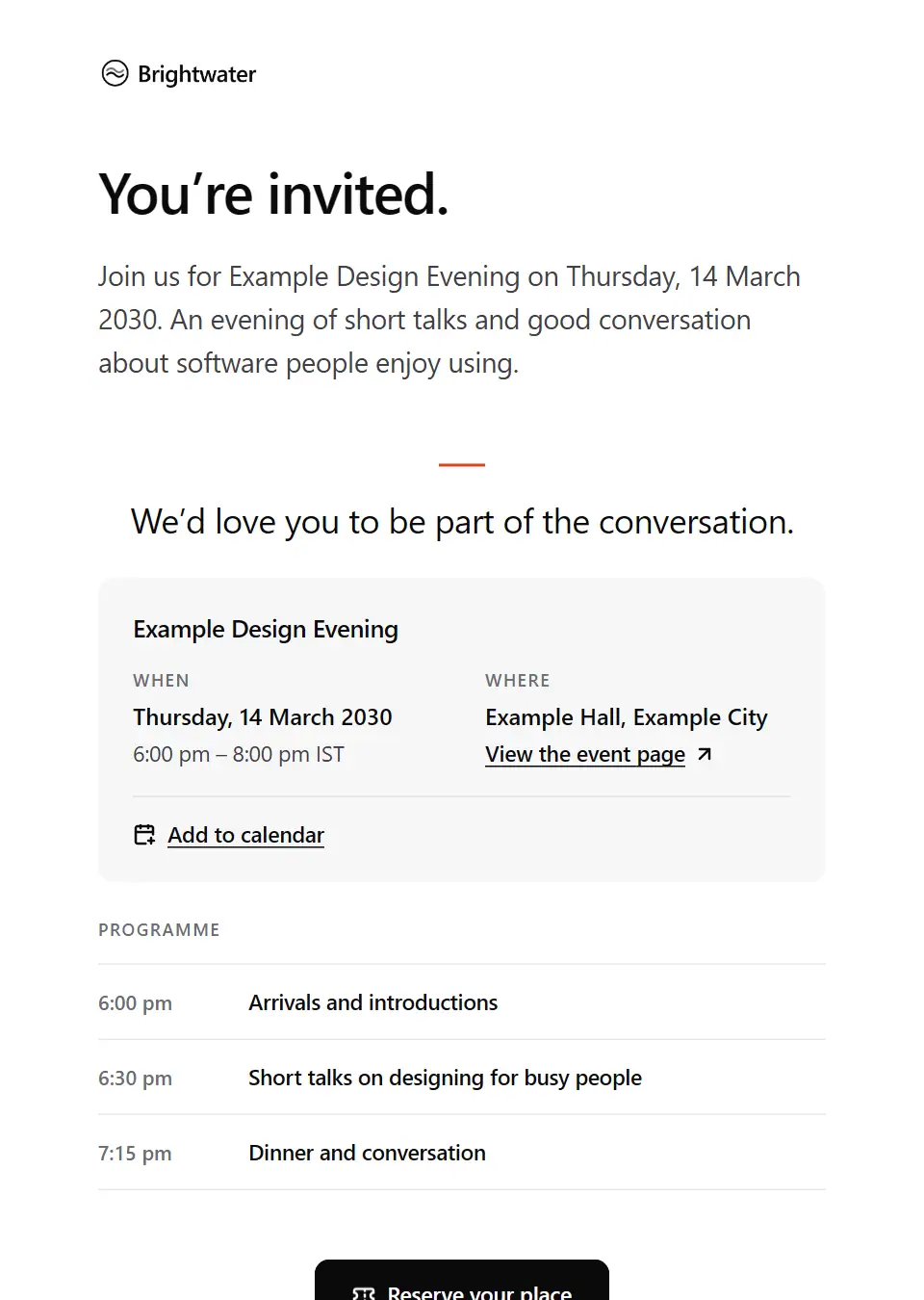
Event invitation
Invites people to an in-person event: when and where, the programme, and a date to reply by.
Subject: You’re invited: [event name]
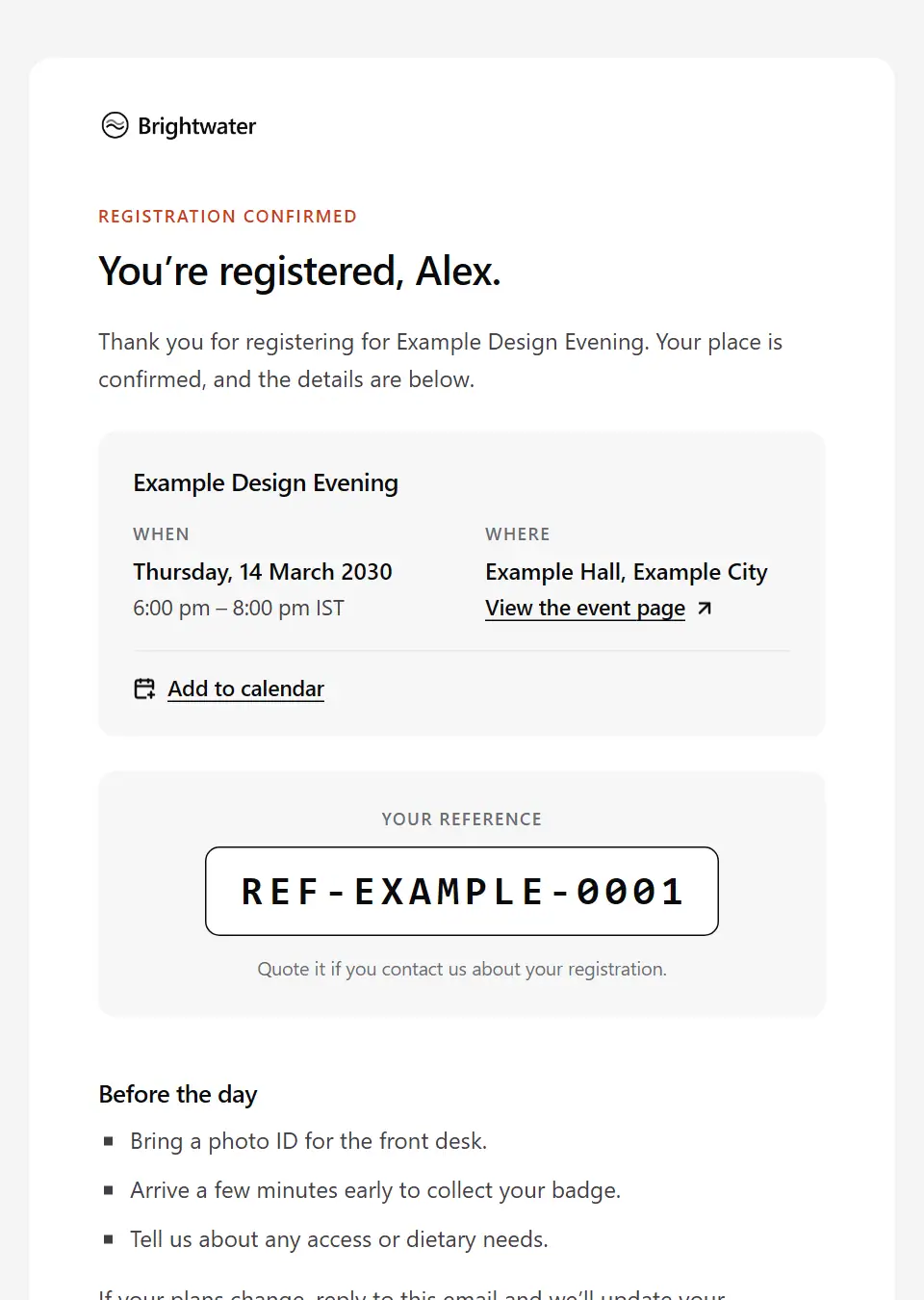
Event registration confirmation
Confirms a registration with the event details, an add-to-calendar link, a reference and what to bring.
Subject: You’re registered for [event name]
Event reminder
Reminds a registered guest of an upcoming event: the essentials at a glance and how to get there.
Subject: Reminder: [event name] is coming up
Event thank-you with recording
Thanks attendees after an event and shares the recording, the slides, the key points and a way to give feedback.
Subject: The recording from [event name]
Workshop invitation
Invites people to a hands-on workshop: what they will learn, who it is for, what to bring and how to reserve a place.
Subject: A hands-on workshop on [workshop skill]
All-hands invitation
Invites everyone to an internal all-hands: when and where, how to join online, the agenda and where to send questions.
Subject: All-hands on [event date]
Speaker invitation
Invites one person to speak at an event: why them, the date, place and format, what you can offer and when to reply by.
Subject: An invitation to speak at [event name]
Speaker confirmation
Confirms a speaker’s slot with the talk title, date, time and place, what you need from them by when, and who to contact.
Subject: Your talk at [event name] is confirmed
Event waitlist confirmation
Confirms that someone is on the waitlist for a full event, what happens if a place opens up, and when they’ll hear either way.
Subject: You’re on the waitlist for [event name]
Event postponement
Tells registered guests an event has a new date: the new details, an add-to-calendar link, and what to do if the new date doesn’t suit.
Subject: [event name] has a new date
Event cancellation
Tells registered guests that an event will not go ahead: why, what happens to any payment, and where to find other events.
Subject: [event name] is cancelled
Call for volunteers
Asks a community list for volunteers to help run an event: the roles, the time involved, what volunteers get and how to sign up.
Subject: Volunteers wanted for [event name]
Venue booking confirmation
Confirms an event booking with a venue: the space, date, access times and numbers, what’s included and what you need from them.
Subject: Confirming our booking for [event date]
Event registration closing reminder
One reminder to people on your event list who haven’t registered that registration closes on a set date, with the essentials and a link to register. Send it as a campaign.
Subject: [event name]: registration closes [deadline date]
Save the date
Tells people the date and place of an upcoming event before registration opens, so they can hold it in their calendar, and says the full programme and registration details will follow.
Subject: Save the date: [event name]
Staff social event invitation
Invites colleagues to a social event such as an end-of-year party or summer celebration: when and where, whether guests are welcome, food and drink, accessibility, getting home and how to reply.
Subject: Join us for [event name] on [event date]
Trade show meeting invitation
Invites a client or prospect to meet your team at a conference or trade show you’re exhibiting at: where to find you, who will be there, what you can show them and how to book a time.
Subject: Will you be at [event name]?
Demo day investor invitation
Invites investors to the programme’s demo day: when and where, the cohort companies presenting, how to request introductions to founders afterwards and the date to reply by.
Subject: You’re invited: [programme name] demo day
Public meeting invitation
Invites the public to a meeting held in public, such as a council or committee meeting: when and where, the agenda, how to watch online and how to ask a question or register to speak.
Subject: Public meeting: [meeting title]
Abandoned event registration reminder
A single reminder to someone who started registering for an event but didn’t finish: what’s still needed, a link back to where they left off and when registration closes. Send it as a campaign.
Subject: Your [event name] registration isn’t finished
Attendee access requirements request
Asks registered attendees what they need to take part fully, such as step-free access, seating, captions, a companion place or dietary needs, by a date, and says who will see their answers.
Subject: Tell us your access needs for [event name]
Event attendance reconfirmation request
Asks people registered for a free or limited-capacity event to confirm they’re still coming, or release their place if they can no longer come, by a set date.
Subject: Are you still coming to [event name]?
Event registration cancellation confirmation
Confirms that an attendee’s own registration is cancelled at their request: the event and reference, any refund and when to expect it under the event’s terms, and that the place has been released.
Subject: Your place at [event name] is cancelled
Event registration not approved
Tells someone who registered for an invitation-only or eligibility-limited event that their registration can’t be confirmed: the organiser’s stated reason, any refund and other ways to take part.
Subject: About your registration for [event name]
Event ticket transfer confirmation
Confirms that a registered place has moved to a colleague or another named person: who now holds it, what the new attendee receives, what happens to the original ticket and any change to the booking.
Subject: Your [event name] place has been transferred
Livestream joining instructions
Tells online attendees of a hybrid or virtual event how to join: the platform, their personal link, start times in their time zone, how to ask questions, captions, a tech check and who to contact if it won’t load.
Subject: How to join [event name] online
Event ticket and entry instructions
Sends a registered attendee their ticket or badge and how to get in: the entrance, doors and badge collection times, the ID to bring, bag and security rules, and what to do if the ticket won’t scan.
Subject: Your [event name] ticket and how to get in
Event waitlist place available
Offers a released place at a full event to someone on the waitlist: how to claim it and the date it is held until.
Subject: A place has opened up at [event name]
Call for papers
Invites a community list to propose talks for an event: the themes and session formats wanted, who should apply, how proposals are judged, what speakers receive and the closing date. Send it as a campaign.
Subject: Call for papers: speak at [event name]
Session proposal accepted
Tells a submitter their proposal was selected for the programme and asks them to confirm by a date, accept the speaker terms and send the bio, headshot and details the programme needs.
Subject: Your [event name] proposal is accepted
Session proposal declined
Tells a submitter, plainly and kindly, that their proposal wasn’t selected for the programme, with room for the committee’s feedback and any other way they can still take part.
Subject: An update on your [event name] proposal
Session proposal received
Acknowledges a talk, paper, poster or abstract submitted to a call for papers: the title and reference, how review works, when decisions go out and how to edit it until the call closes.
Subject: Proposal received for [event name]
Speaker logistics briefing
Gives a confirmed speaker everything for the day: arrival and check-in, the room and AV check, slide format and deadline, the travel and accommodation arranged, recording details and who to call.
Subject: Your speaker briefing for [event name]
Speaker materials overdue
Follows up with a speaker whose bio, headshot, slides or forms are past their due date: exactly what is still missing, the latest date it can be used and where to upload it.
Subject: Still needed for your [event name] session
Speaker thank-you and session feedback
Thanks a speaker personally after the event: what their session added, what attendees said about it, when the recording and slides go live, and how to claim any agreed expenses.
Subject: Thank you for speaking at [event name]
Event day contact sheet
Sends the event team, crew and suppliers the contacts for the day: who leads each area, phone numbers and radio channels, the escalation route, first aid and the emergency procedure.
Subject: Who to call on the day: [event name]
Event volunteer briefing
Briefs a confirmed event volunteer: their role and shift, where and when to check in, who they report to, what to wear and bring, training to complete and who to tell if they can’t make it.
Subject: Your volunteer briefing for [event name]
Exhibitor documents outstanding
Tells an exhibitor which required documents, such as insurance, risk assessments or stand plans, are missing or incomplete, the new date they’re needed by, how to submit them and the organiser’s stated consequence.
Subject: Your [event name] stand: documents still needed
Exhibitor move-in and breakdown schedule
Gives an exhibitor their build-up and breakdown arrangements: the move-in slot, loading bay and vehicle booking, freight and deliveries, contractor passes, site rules and when stands may come down.
Subject: Move-in and breakdown times for [event name]
Exhibitor stand confirmation
Confirms an exhibitor’s or sponsor’s stand: the stand number, size and type, where it sits on the floor plan, what the package includes, the exhibitor manual and the dates forms are due.
Subject: Your stand at [event name] is confirmed
Event agenda update
Tells registered attendees what has changed in an event’s programme, such as a moved session, a replacement speaker or a cancelled talk, why if known, and links to the current agenda.
Subject: Changes to the [event name] agenda
Event venue change
Tells registered guests an event is moving to a new venue on the same date: the new address and how to get there, access details, anything else that changes, and what to do if the new place doesn’t work for them.
Subject: [event name] has a new venue
Livestream interruption notice
Tells online attendees the event stream has stopped or failed: which sessions are affected, the backup link to join, when they will next hear from you and how they can catch up on what they missed.
Subject: The [event name] livestream is interrupted
Certificate of attendance
Sends an attendee their certificate of attendance or CPD record for an event: the sessions or hours it records, how to download it, and how to correct a wrong name or a missing session.
Subject: Your [event name] attendance certificate
Post-event attendee survey
Asks people who attended an event to rate it in a short survey: how long it takes, what it covers, when it closes, whether answers are anonymous and how they will be used.
Subject: How was [event name]?
Send your first approved email today
Connect a mailbox, pick a template and send with the checks and approvals your organization needs. No new email address, no new habits.